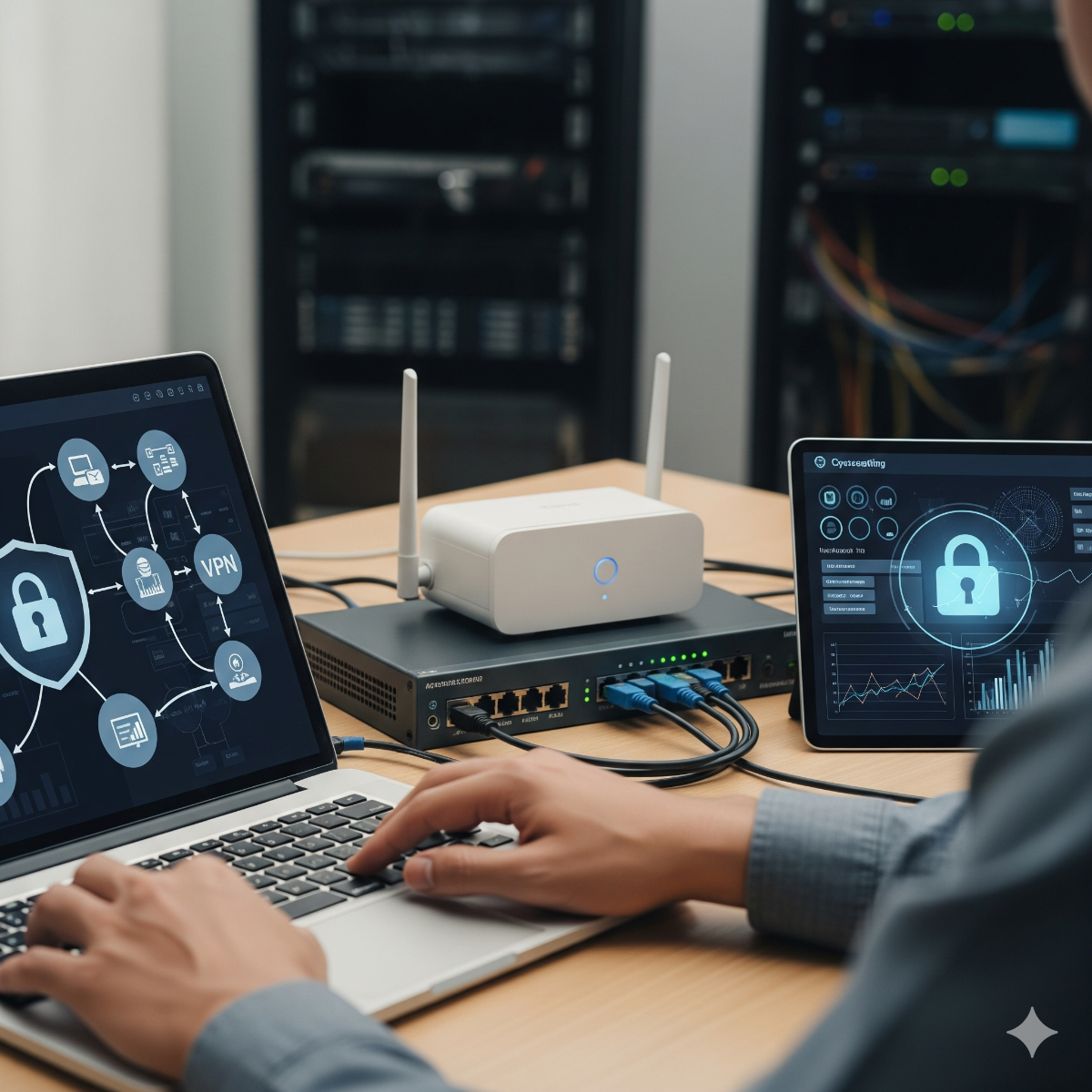



Introduction to Network Security
Network security involves protecting IT infrastructure from unauthorized access, attacks, and disruptions to ensure data integrity, confidentiality, and availability.
Key Network Security Components
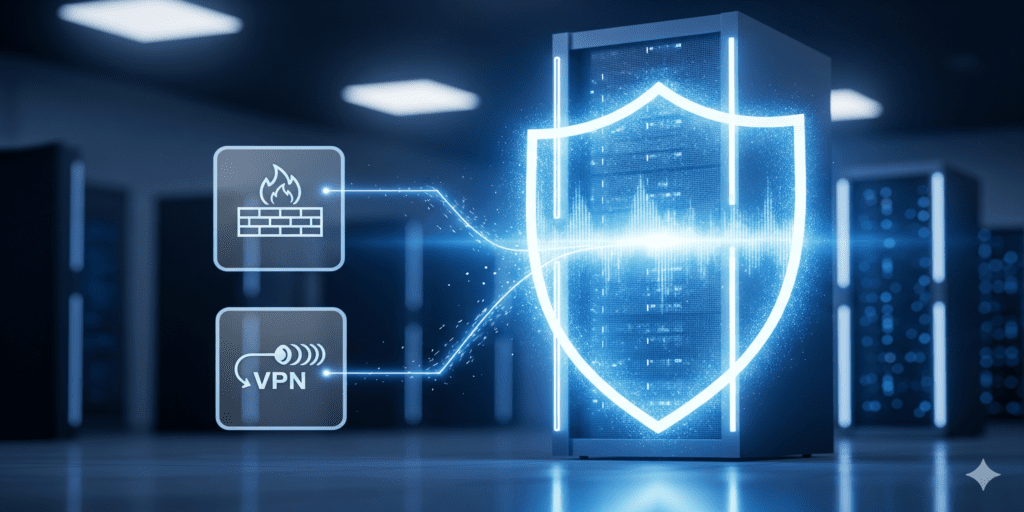
- Firewalls – Control incoming and outgoing network traffic
- VPNs – Secure remote access for employees
- Intrusion Detection & Prevention Systems – Monitor and block suspicious activity
- Anti-malware & endpoint protection – Safeguard devices and servers
- Network segmentation – Isolate critical systems for added security
Best Practices for Network Security
- Regularly update hardware and software
- Enforce strong authentication and password policies
- Monitor logs and network traffic for anomalies
- Implement encryption for sensitive data in transit
- Perform periodic security audits and penetration testing
Tools for Effective Network Management
- Network monitoring tools: Nagios, Zabbix, PRTG
- Security information and event management (SIEM) systems
- Vulnerability scanning tools like OpenVAS or Nessus
- Firewall and router management dashboards
Proactive Security Tips
- Educate staff on phishing and social engineering attacks
- Maintain an incident response plan
- Backup network configurations and critical data
- Regularly test firewalls, VPNs, and intrusion detection systems
Pro tip: Combine network monitoring with proactive security practices to prevent downtime and breaches before they happen.
Conclusion: network security
Network and security management are essential to protect IT infrastructure and data. Following best practices and using the right tools ensures resilience, safety, and continuous business operations.
A small business network security checklist
- Segment the network. Put guests, cameras, printers and smart devices on separate VLANs or SSIDs so a compromised gadget cannot reach accounting PCs or the file server.
- Configure firewalls to deny by default. Allow only the inbound services you need, keep remote desktop and management ports off the internet, and review rules whenever a vendor asks for a "temporary" opening.
- Require multi-factor authentication for email, VPN, cloud apps and the firewall's own admin login.
- Retire unsupported systems. Microsoft ended Windows 10 support on October 14, 2025; PCs without Extended Security Updates, and routers without firmware updates, should be upgraded or replaced.
- Protect email. Publish SPF, DKIM and DMARC records so others cannot easily send mail in your name, and filter attachments and links.
- Keep offline backups that ransomware on the network cannot reach.
- Write down the response plan: who to call, how to isolate a machine, and where backups and passwords are kept.
Intrusion detection and network monitoring
A firewall decides what may pass; intrusion detection examines what actually passes and flags known attack patterns and odd behavior. An IDS raises alerts, while an intrusion prevention system can also block. Many business firewalls include this feature, and open-source engines such as Suricata can run on a dedicated sensor. Network monitoring completes the picture: keep firewall, VPN and DNS logs long enough to investigate an incident, and alert on unknown devices joining the network, logins from unexpected countries and unusual outbound traffic at night.
Frequently asked questions: network security
Is a router's built-in firewall enough for a business?
For a home office it can be. A business with staff, remote access or customer data benefits from a business-grade firewall with VLAN support, VPN, logging and regular security updates from the vendor.
How do I secure the office Wi-Fi?
Use WPA3, or at least WPA2 with AES, give staff and guests separate networks, change the passphrase when people leave, and keep access point firmware updated.
What is the first step in improving IT security?
An inventory. You cannot protect devices and accounts you do not know about, so list every device, user account and internet-facing service before choosing tools. A secure network is built on that list.
Need help with this? Our small business network and firewall setup builds segmentation and VPN access, a business PC refresh replaces machines that no longer receive security updates, and business phone and tablet recycling makes sure retired devices leave without company data or access. Request a quote.