


Introduction to Web Hosting
Web hosting is the foundation of any website. Choosing the right hosting solution and managing it effectively ensures your website runs smoothly and securely.
Types of Web Hosting
- Shared Hosting – Cost-effective solution for small websites
- VPS Hosting – More control and resources for growing websites
- Dedicated Hosting – Full server resources for high-traffic sites
- Cloud Hosting – Scalable and flexible hosting solution
Control Panels Overview
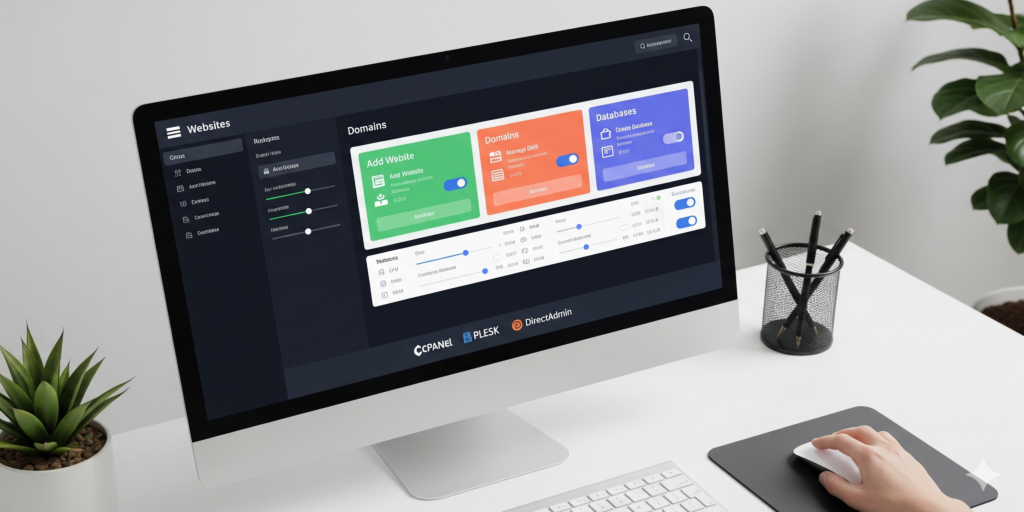
Control panels simplify server and website management. Popular options include:
- cPanel – User-friendly interface for website management
- Plesk – Flexible panel for both Linux and Windows hosting
- DirectAdmin – Lightweight cPanel alternative for basic hosting needs
Best Practices for Hosting Management
- Regularly update server software and control panels
- Monitor website performance and uptime
- Secure hosting with SSL, firewalls, and backups
- Optimize resources to prevent overload and downtime
- Document hosting configurations and procedures
Tips for Efficient Web Hosting
- Automate backups and maintenance tasks
- Use monitoring tools to detect performance issues
- Choose scalable hosting solutions as your traffic grows
- Ensure compatibility between hosting environment and website software
Pro tip: Regularly test backups and recovery procedures to prevent data loss and downtime.
Conclusion: web hosting
Web hosting and control panels are essential for efficient website management. Following best practices and using reliable tools ensures smooth operation, security, and scalability for your online presence.
Hosting control panels compared
- cPanel and WHM. The interface many resellers and web designers already know. Since 2019 its licenses have been tiered by the number of hosted accounts, which matters as a server grows. Linux only.
- Plesk. A commercial panel for both Linux and Windows Server, with extensions for WordPress and Git deployment; the natural choice when some sites need IIS or .NET.
- DirectAdmin. A commercial, lightweight panel that runs well on smaller servers and covers web, mail and DNS with little overhead.
- ISPConfig. Open source under the BSD license and able to manage several servers (web, mail, DNS, database) from one interface. It rewards Linux knowledge and suits teams that run their own infrastructure.
Do you need a panel at all?
A single application looked after by a developer, such as one online store deployed with scripts, often runs better without a panel. A panel pays off when you host many sites, mailboxes or clients and want non-technical staff to handle routine website management.
Hosting best practices for any panel
- Run each site under its own system user and PHP-FPM pool, so one compromised site cannot read another's files.
- Restrict the panel login to known IP addresses or a VPN and turn on two-factor authentication.
- Keep backups off the server, and test restoring a complete site, including its database and email.
- Update the panel and the packages it manages on a schedule, and read the release notes before major upgrades.
- Publish SPF, DKIM and DMARC records for every mail domain on the server.
Frequently asked questions: web hosting
Which control panel is best for a VPS?
For a small VPS with a few sites, DirectAdmin or ISPConfig keeps memory use low. If staff or clients already know cPanel, or you need Windows sites under Plesk, familiarity may outweigh the resource and license difference.
Can I switch control panels without downtime?
Usually, yes. Build the new server first, copy sites, databases and mailboxes, test through a hosts-file entry, lower DNS TTLs in advance, then switch DNS and run a final mail sync.
Is server hosting with a panel less secure?
Not inherently. A panel adds an admin interface that must be protected, but it also applies settings consistently. Trouble usually starts with outdated software, weak passwords or an exposed login page.
Need help with this? Our hosting control panel installation service sets up cPanel, Plesk, DirectAdmin or ISPConfig; ISPConfig installation and configuration covers multi-server setups; and hosting and database migration moves sites between panels. Request a quote.