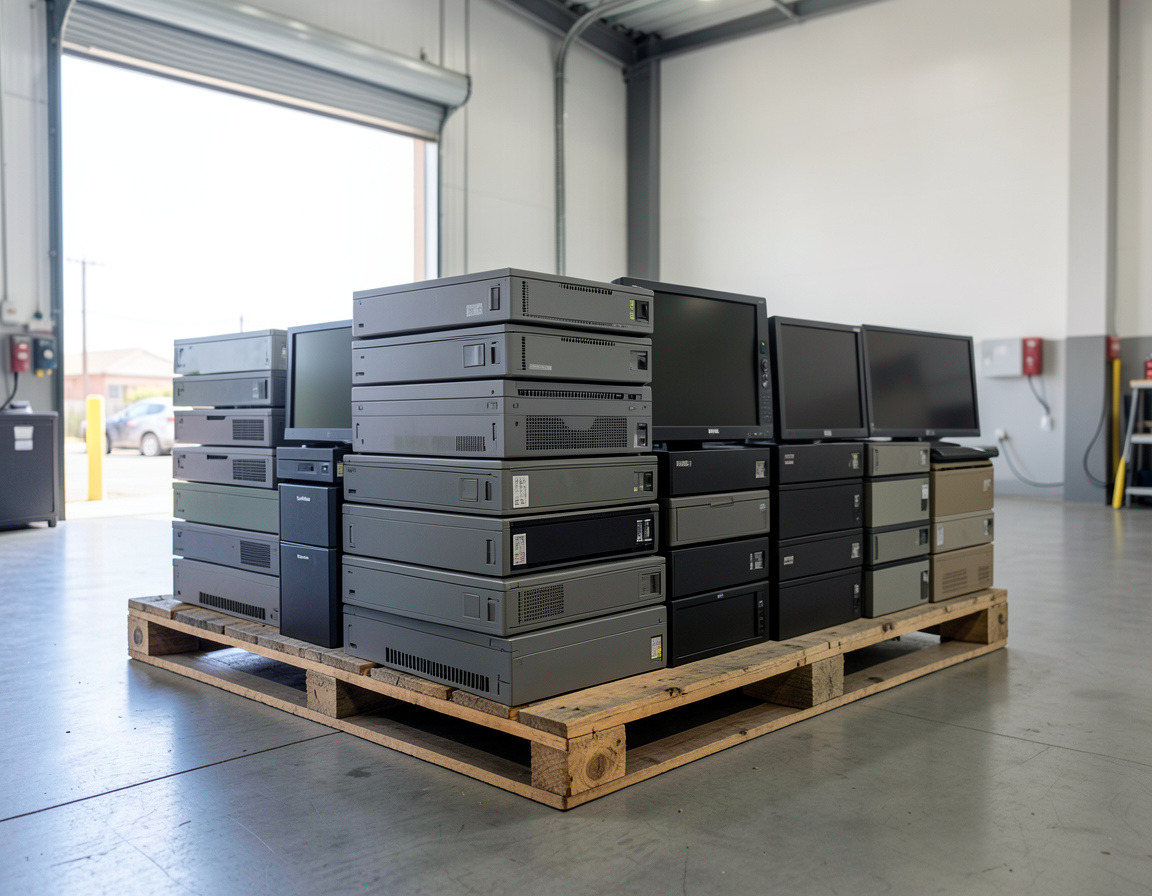


Most small businesses can tell you roughly how many laptops they own, but not which ones left last year, who signed for them, or where the drives went. That gap is the real risk in disposal. A short IT asset inventory and a simple IT asset disposal checklist close it. It does not need special software: a spreadsheet, a few labels and a habit of writing things down are enough. This guide shows how to set up asset tags, keep a chain of custody and store the records that prove what happened to each device.
Start with an IT asset inventory
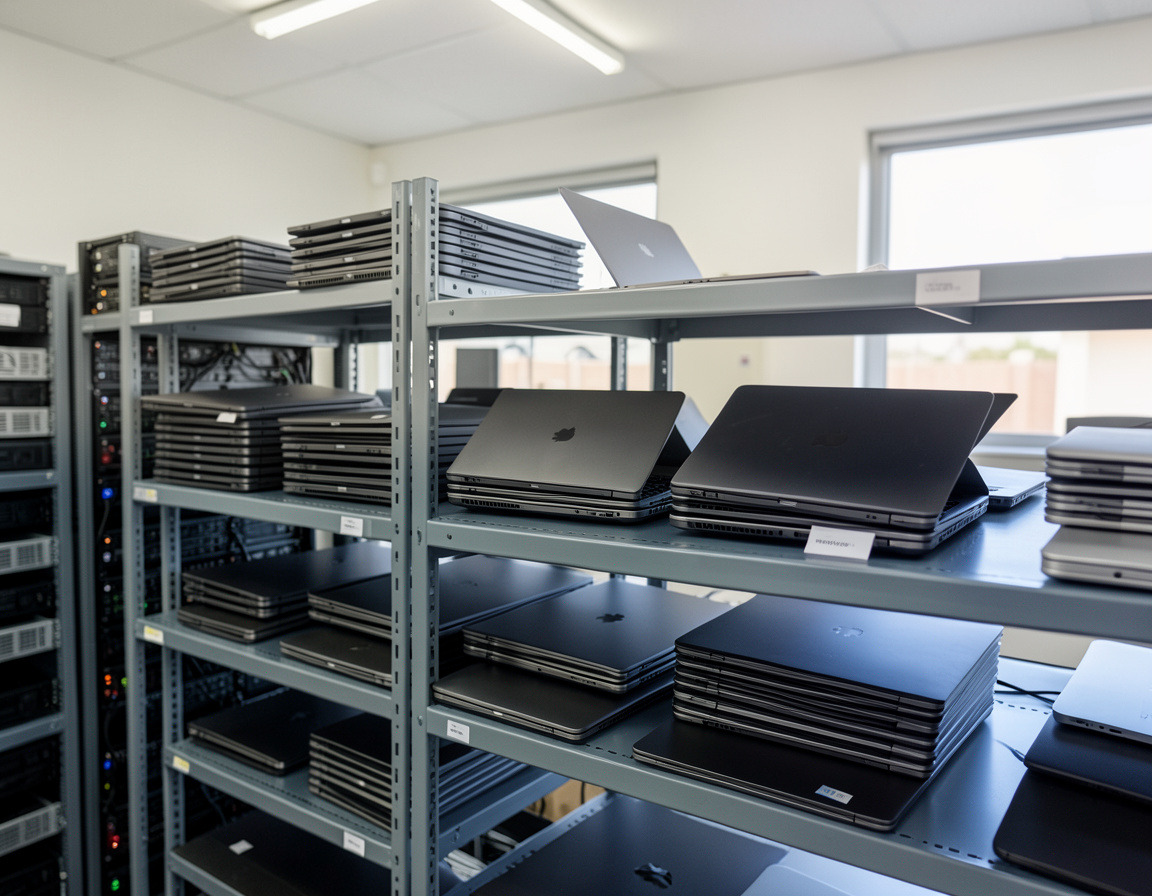
You cannot dispose of what you have not counted. A basic IT asset inventory for a small business needs one row per device and a handful of columns:
- Asset tag: a unique number you assign.
- Type and model: laptop, desktop, server, switch, printer, phone, tablet.
- Serial number: copy it from the device, not from memory.
- Assigned to and location.
- Purchase date, which helps judge age and resale value.
- Stores data? yes or no, with the drive type if known.
- Status: in use, spare, retired, disposed.
Update it whenever equipment is bought, reassigned or retired. Once a year, walk the office and check the sheet against what is physically there.
Asset tags that survive
Asset tags make the sheet and the device match each other. Use durable adhesive labels with a short sequential number, and put the tag in the same place on every device, such as the bottom of a laptop or the front corner of a desktop. A barcode or QR code is optional but speeds up counting. Never use the owner's name as the tag, since people change roles. Also record the manufacturer's serial number next to the tag, because tags can peel off but serial numbers do not.
Decide the end of life of each device
When a device reaches the end of its useful life, assign it one outcome before anything moves:
- Reuse within the company.
- Resell or trade in, if it is recent enough. Our article on selling or recycling used business laptops explains how value is judged.
- Recycle, once the data has been dealt with.
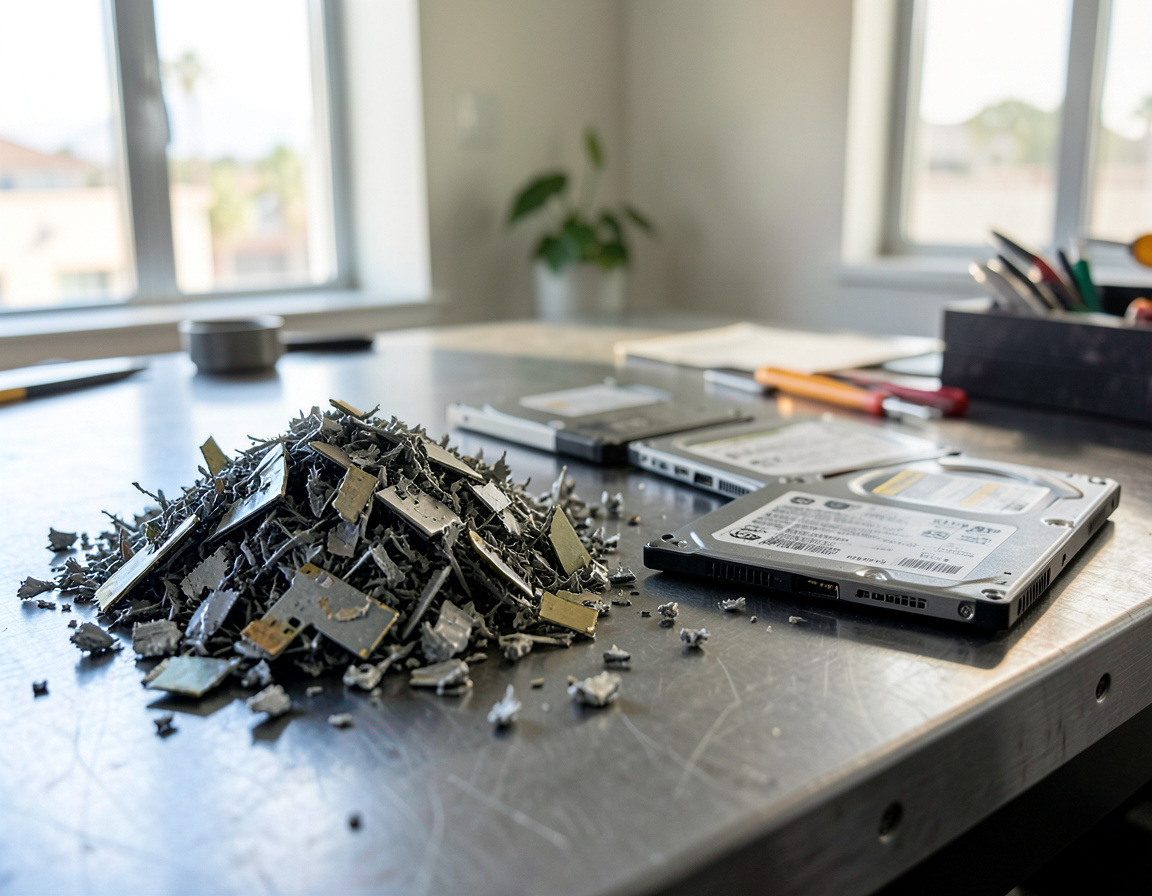
- Destroy, for drives that are failing or that held sensitive data.
Write the choice in the Status column and note who approved it. This is the step many businesses skip, and it is the one that stops a laptop from leaving "just to be thrown out".
Handle the data first
Before a device is released, deal with its storage. Back up whatever the business still needs, sign out of cloud accounts and management tools, then wipe or remove the drive. The methods are described in how to wipe data before recycling business computers and phones, and phones get separate treatment in do I need to wipe my phone before recycling it. Record the method and date against the asset tag. If the drive cannot be wiped, mark it for destruction.
Chain of custody in plain terms
Chain of custody is a written trail showing who held each device from the moment it was retired until it was recycled, resold or destroyed. For a small business, it can be three short documents:
- Internal release form: lists the tags and serial numbers leaving storage, signed by the person releasing them.
- Pickup sheet: signed by you and the carrier or recycler at handover, with counts that match the release form.
- Completion record: from the provider, confirming recycling, resale or destruction and listing what was processed.
Between handover and processing, ask how the equipment is stored and whether drives travel in a locked or sealed container. A gap in the story is where equipment tends to go missing.
Records worth keeping
Keep your equipment disposal records in one folder, paper or digital:
- the updated inventory with disposal dates;
- wipe or destruction records by serial number;
- pickup sheets and receipts;
- any recycling or destruction certificate you received, which should match your pickup counts;
- sale paperwork, if equipment was resold.
How long to hold on to them depends on your industry and contracts, so check with your accountant or compliance contact. These are the documents that answer a client's security questionnaire or an insurer's question about retired equipment. For the kinds of paperwork a processor should give you in return, see what happens to old office computers when recycled, and for state requirements, California e-waste rules for businesses.
A one-page disposal checklist
For small business IT equipment disposal, work through these steps in order:
- Update the inventory and confirm every retired item has a tag and serial number.
- Assign an outcome: reuse, resell, recycle or destroy.
- Back up needed data and sign out of accounts.
- Wipe or remove drives and log the method and date.
- Prepare a signed internal release listing tags and serials.
- Count the items with the carrier present and sign the pickup sheet.
- Ask what records will follow and when.
- Match the completion record to your pickup count.
- Mark each asset as disposed in the register and file the documents.
Frequently asked questions: IT asset inventory and disposal
Do I need special software for asset tracking?
No. For a small office, a spreadsheet with asset tags and serial numbers works well. Switch to software only if the list grows hard to manage.
What is chain of custody for e-waste?
A signed record of who handled your equipment at each stage, from internal release to final processing, so you can account for every device.
What if the recycler's count does not match mine?
Compare the completion record with your signed pickup sheet and release form. Raise it right away, in writing, and ask for serial-number detail.
Should we tag servers and network gear too?
Yes. Anything that stores data or configuration belongs in the inventory, including switches, firewalls and printers with drives.
If you want help with the physical side, our IT asset disposition service covers assessment and resale of newer equipment, and computer recycling and e-waste pickup handles e-waste Los Angeles and Long Beach offices have left over. Request a quote with your inventory sheet and ask us which records come with each option.