


Hard Drive Shredding & Data Destruction in Los Angeles & Long Beach
Deleting files does not remove them. We wipe or destroy hard drives, SSDs and other storage for businesses in Los Angeles, Long Beach and the South Bay, and document every drive by serial number.
- Wiping for drives that will be reused, resold or returned
- Physical destruction for failed or highly sensitive drives
- SSDs, tapes, USB drives and drives from copiers and recorders
- Certificate of destruction with date, method and serial numbers
Deleting files, emptying the recycle bin or reformatting a drive removes the index, not the data, and widely available recovery tools can often bring it back. When a computer, server or copier leaves your office, the storage inside it has to be sanitized or destroyed, and you need a record that proves it. We wipe and destroy hard drives, SSDs and other media for businesses in Los Angeles, Long Beach and the South Bay, and we document each drive by serial number.
What's included
- Wiping for reuse — drives that will be reused, resold or returned at the end of a lease are sanitized with a method that suits the drive: overwriting for hard drives, the drive's built-in sanitize or cryptographic erase for SSDs, followed by verification.
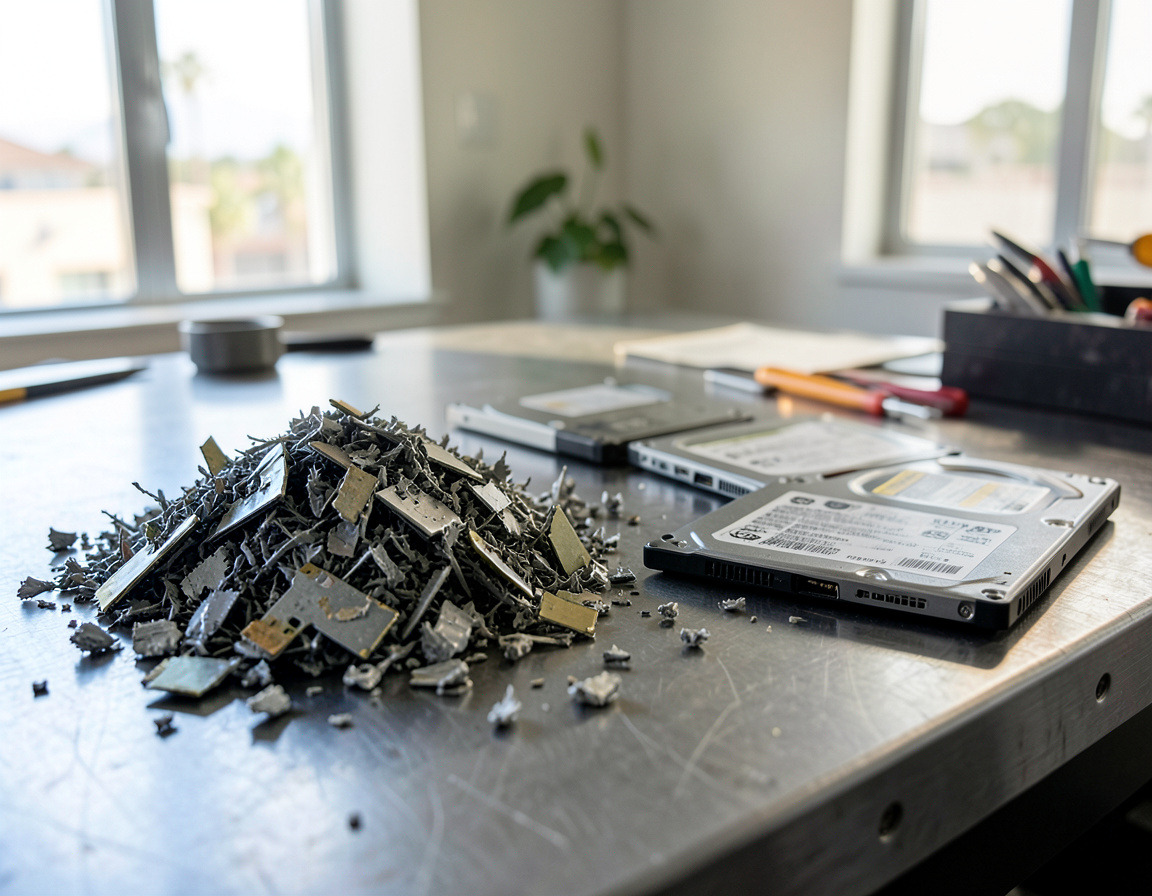
- Physical destruction — shredding or crushing for drives that have failed, cannot be wiped or held data too sensitive to risk.
- More than hard drives — SSDs and NVMe modules, USB flash drives, memory cards, backup tapes, and drives from copiers, NAS units and camera recorders.
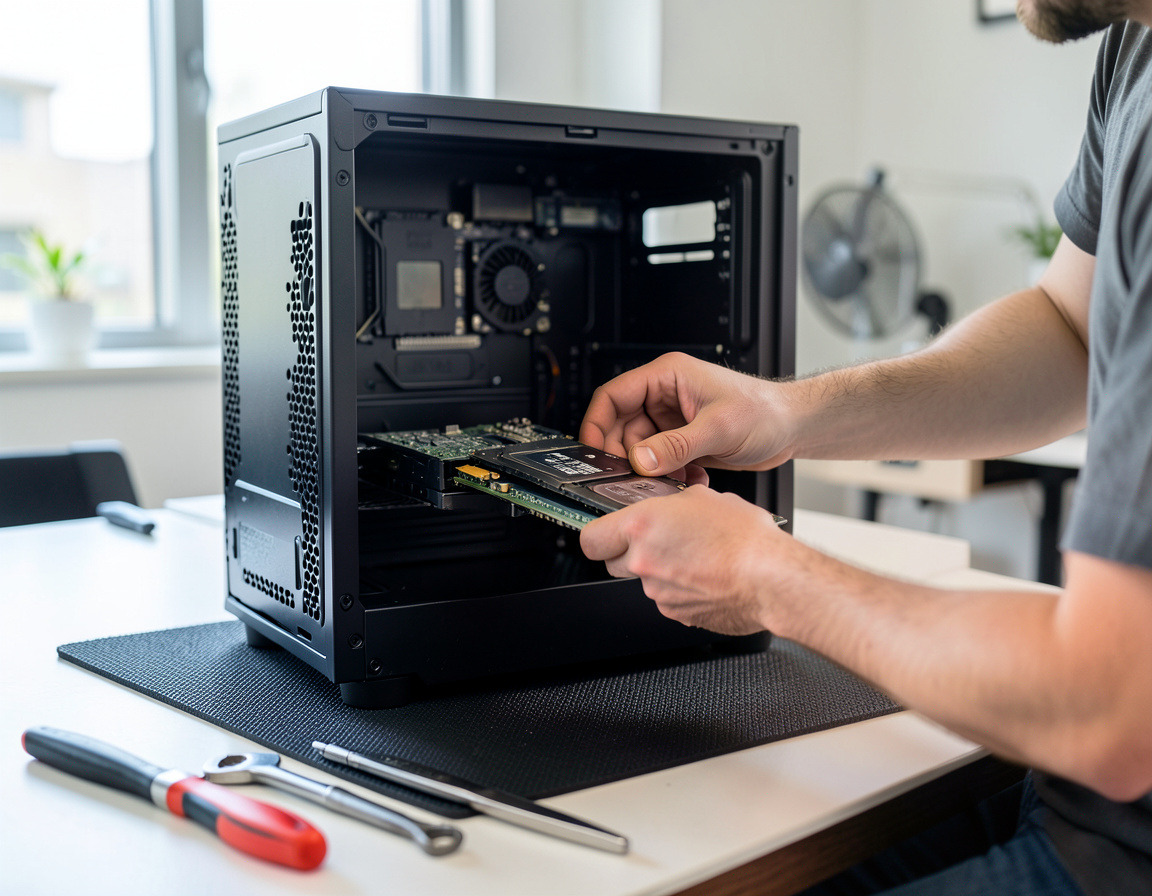
- Drive removal — drives pulled from desktops, laptops and servers, including every member of a RAID array, so the rest of the hardware can be recycled or reused.
- Chain of custody and certificate — drives logged when they leave your hands, and a certificate of destruction with the date, method and serial number of each drive.
How it works
- Count and classify. How many drives, which types (hard drive, SSD, tape) and how sensitive the data is. Patient records and payroll are treated differently from a lobby kiosk.
- Choose the method. NIST SP 800-88, the federal media sanitization guideline (updated as Revision 2 in September 2025), describes three levels: Clear, Purge and Destroy. We match the level to the drive type and to whether it will be reused.
- Log serial numbers before anything moves, so the paperwork can be matched to your asset list.
- Sanitize or destroy. At your office if you want to watch it happen, or after secure transport.
- Paperwork. You receive the certificate of destruction and the serial list, ready for your compliance file.
Laws that expect proper disposal
California Civil Code 1798.81 requires businesses to take reasonable steps to dispose of customer records containing personal information by shredding, erasing or otherwise making them unreadable. The HIPAA Security Rule requires medical and dental practices and their business associates to have procedures for the final disposal of electronic health information and the media that holds it, and for removing it before media is reused. Businesses that use background or credit checks fall under the FTC's FACTA Disposal Rule for consumer report information.
Who it's for
Medical, dental and therapy practices, law firms, accountants and tax preparers, insurance and real estate offices, property managers, staffing agencies and any business closing out old computers that held customer data. It is also the last step of any server retirement or laptop refresh.
Service area
Drives can be collected from offices across Los Angeles, Long Beach and the South Bay, including Torrance, Carson, Gardena, Redondo Beach, San Pedro and the Palos Verdes Peninsula, and to the east in Signal Hill, Lakewood and Bellflower. Offices in Downtown LA are scheduled the same way.
Why keep data destruction local
The fewer hands and miles between your office and the shredder, the shorter the chain of custody. A local team can also do the unglamorous part: opening thirty desktops to pull drives, finding the second drive in a workstation, or getting the disk out of a copier before it goes back to the leasing company, without shipping whole machines across the country.
Frequently asked questions
What is the difference between data wiping and hard drive shredding?
Wiping overwrites or cryptographically erases the data and leaves a working drive that can be reused or resold. Shredding destroys the drive completely. Wiping suits working drives that stay in use; shredding is the safer choice for failed drives, very sensitive data and drives leaving service for good.
Is formatting a drive or deleting files enough?
No. Deleting and quick formatting remove references to files, not the files themselves, and the data can often be recovered with ordinary tools. The FTC expects discarded consumer information to be destroyed or erased so that it cannot practicably be read or reconstructed.
Does degaussing work on SSDs?
No. Degaussing uses a strong magnetic field and only affects magnetic media such as hard drives and tapes. SSDs and flash memory store data electronically, so they need a sanitize command, cryptographic erase or physical destruction.
What is on a certificate of destruction?
The date, the method used, the number of devices and the serial number of each drive, plus who performed the work and who received it. Auditors and insurers generally want serial numbers so the certificate can be matched to your asset inventory.
How long should I keep certificates of destruction?
As long as the rules that apply to your records require. HIPAA requires covered practices to keep required documentation for six years, and many businesses keep destruction records at least that long, filed together with the asset inventory.
Tell us how many drives or devices you have through the Request a quote form. Drives often come out during server decommissioning and IT asset disposition projects. To protect the data you are keeping, see backup and disaster recovery.
| Manufacturer | Computer Service Breeze |
|---|