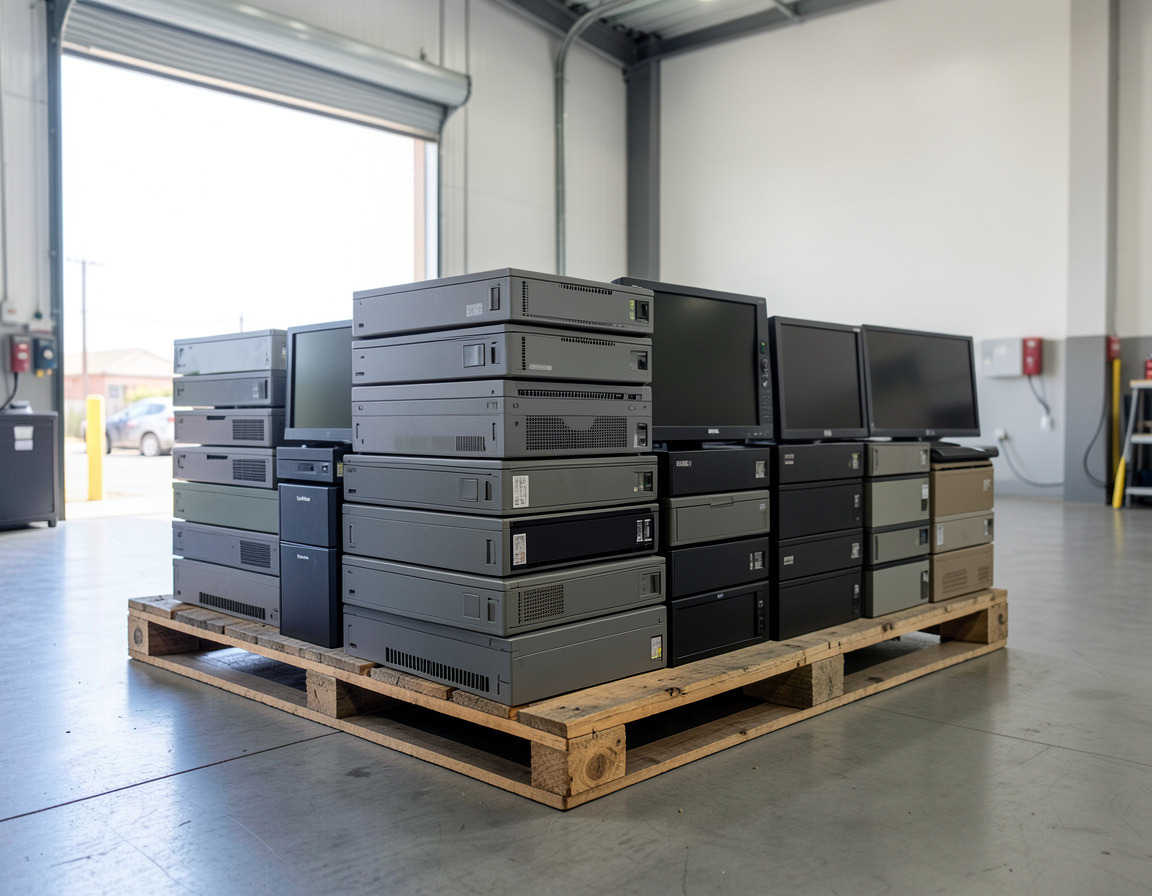

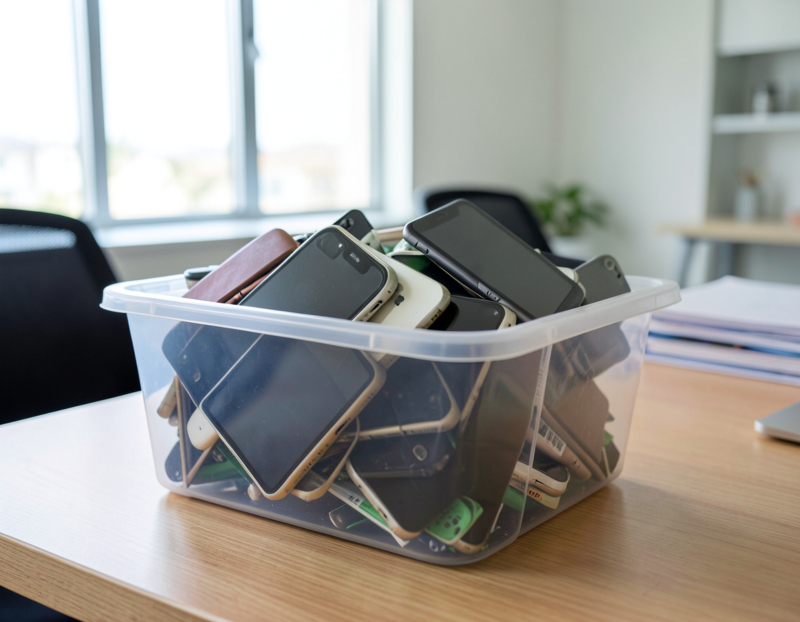

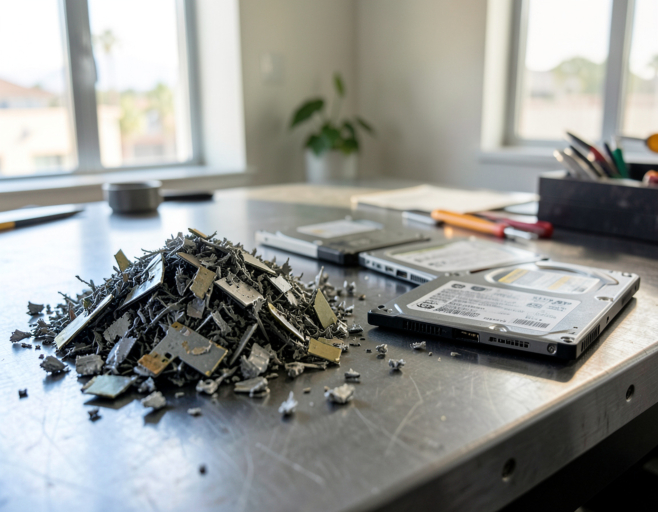
The question usually arrives with a box of drives. A laptop refresh has finished, an old server has been switched off, or a leased copier is about to go back, and someone has to decide what happens to the storage inside. Both options on the table, wiping the drives or shredding them, are forms of secure data destruction, and both can make business data unrecoverable. They differ in what is left afterwards, how the result is proven and what the job involves. For the hands-on side of erasing a drive yourself, see our step-by-step guide to wiping data before recycling.
Two routes to the same goal
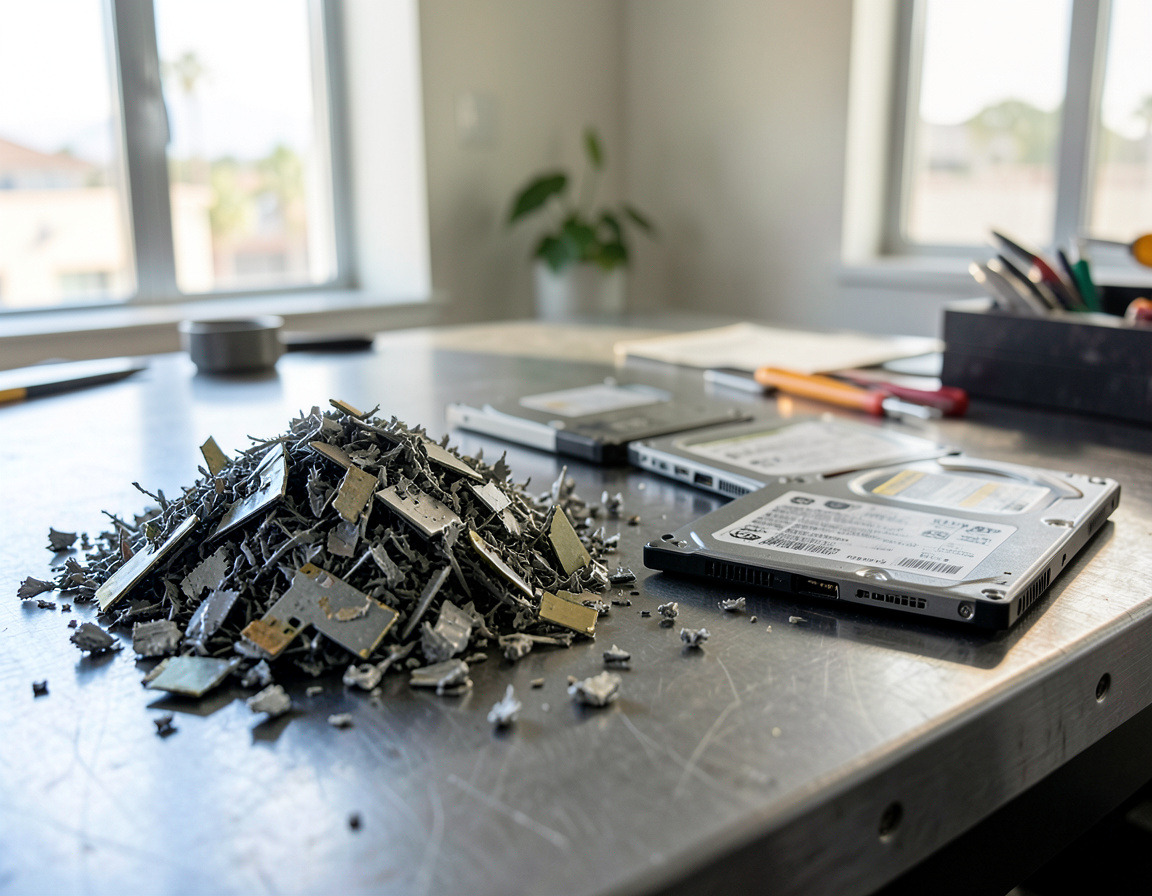
NIST SP 800-88, the federal guideline widely used as the reference for data sanitization, describes three outcomes: Clear, Purge and Destroy. In NIST 800-88 data sanitization terms, a hard drive wiping service works in the first two. It overwrites the drive, or triggers the drive's own sanitize or cryptographic erase command, and the drive survives in working order. Shredding belongs to Destroy: the drive is cut into pieces and nothing is left to reuse.
Revision 2 of SP 800-88, published in September 2025, no longer spells out techniques for each type of media. It asks organizations to run a sanitization program and to follow IEEE 2883, NSA specifications or another approved standard for the technique itself. That gives you a useful opening question for any vendor: which standard does your process follow, and which method do you use for each kind of drive?
When a hard drive wiping service is the better fit
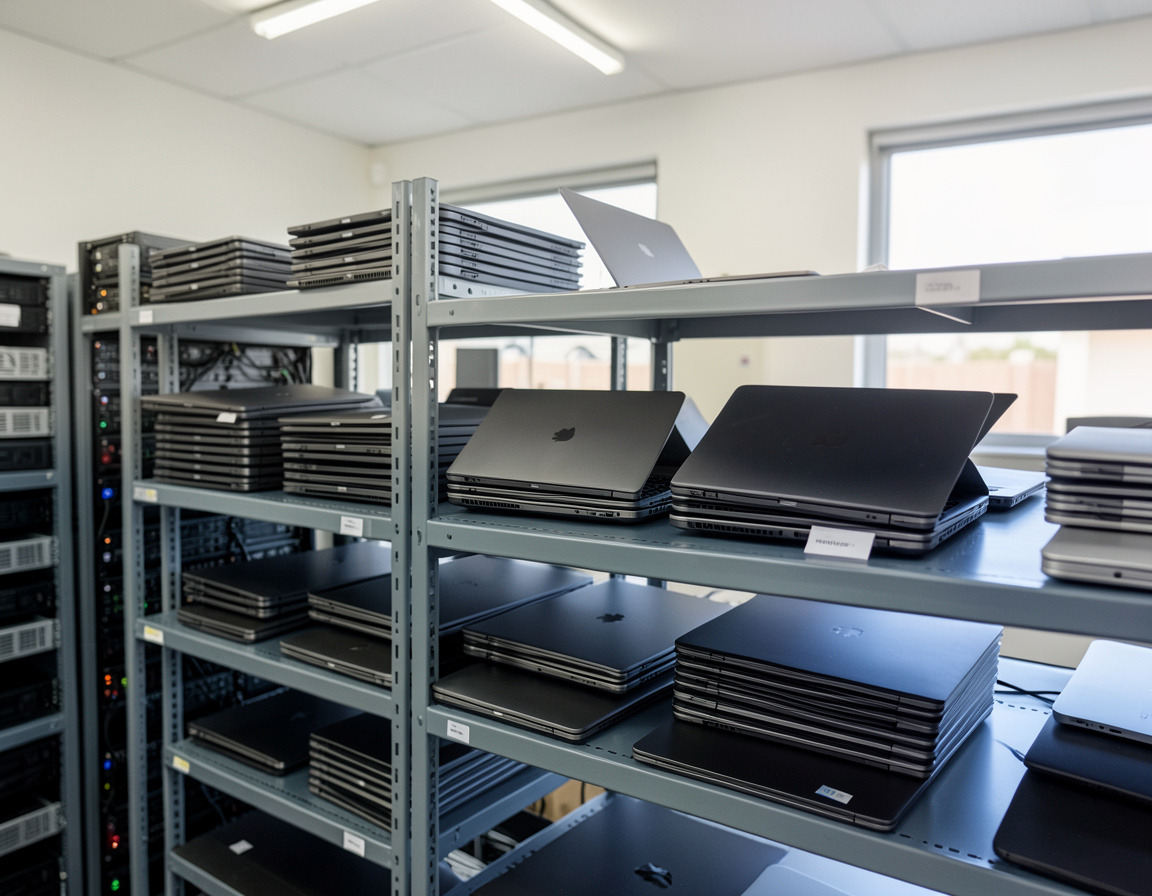
- The equipment has a next life. Laptops, desktops and servers that will be redeployed, resold or donated are worth far more with a working, erased drive than with an empty bay.
- The drive is going back to its owner. Leased computers and copiers are often expected back complete. Ask the leasing company how it wants the storage sanitized before you choose destruction.
- The storage cannot be removed. On many slim laptops the SSD is part of the mainboard, so erasing it is the only option that does not destroy the whole machine.
- There are many identical machines. Erasing a batch in parallel, with a report for every drive, scales well across a fleet of the same model.
What should a hard drive erasing service hand you at the end? A report for each drive with its serial number, model and capacity, the method used, the standard followed, whether verification passed, the date and the name of whoever did the work. One sheet saying "all drives wiped" proves very little.
When shredding is the safer call
- The drive has failed or is failing. Software cannot reach sectors that a drive can no longer read, so a wipe on a clicking hard drive or an SSD that keeps disappearing from the system cannot be verified. The honest result of that wipe is "failed", and a failed drive belongs in the shredder.
- Your policy or a client contract says destroy. Some practices and firms require physical destruction for patient images, tax files or legal records, whatever the condition of the drive.
- The media is small, old or hard to verify. USB sticks, memory cards, backup tapes and small drives from long-retired machines rarely justify the effort of wiping and verifying, and neither do drives that refuse a sanitize command.
SSDs need the right shredder
Flash memory chips are small. A shredder built for hard drives cuts pieces sized for platters, and a whole memory chip can come through intact. For the most sensitive solid-state media, the NSA's requirements for solid-state disintegrators call for particles of about 2 mm on an edge. If a vendor shreds SSDs, ask whether its equipment is designed for them. Many businesses take a belt-and-braces approach with SSDs: run the drive's sanitize command first, then destroy it.
The "DoD 3-pass wipe" question
Quotes and software menus still mention DoD 5220.22-M. That was the Defense Department's operating manual for cleared contractors, and it has been replaced by a federal rule, 32 CFR Part 117, which took effect on February 24, 2021. The multi-pass overwrite pattern people associate with it was designed around older magnetic drives and says nothing about the spare areas inside an SSD. A current proposal should name a current standard and a method per drive type, not a pass count.
On-site vs. off-site hard drive shredding
Most offers for hard drive shredding in Los Angeles follow one of two models. With on-site hard drive shredding, a vendor brings a shredder, usually mounted in a truck, to your address, and the drives are destroyed where your staff can watch. With off-site destruction, the drives are counted, sealed in containers and taken to a facility to be shredded there. Neither model is automatically more compliant. What makes either one defensible is a record that ties every serial number to its destruction.
A few questions usually settle the choice:
- Does your own policy, an auditor or a client contract require destruction to be witnessed?
- How many drives are there, and have they already been pulled from the machines?
- Where does custody pass from your staff to the vendor, and how is that handover signed and dated?
If a vendor points to a certification, check what it actually covers. The NAID AAA program run by i-SIGMA, for example, uses endorsements that separate mobile, on-site work from facility-based operations and name the media types included, and its member directory shows the scope for each company.
What the rules ask for
When a California business discards customer records that hold personal information, Civil Code section 1798.81 expects it to make that information unreadable, and the statute lists shredding and erasing as equal options. The law leaves the choice to you, as long as the method suits the media. For medical and dental practices, guidance from the U.S. Department of Health and Human Services accepts clearing, purging or destroying electronic media, and lets a practice hire a disposal vendor as a business associate, so sign that agreement before any drives leave.
A quick decision guide
- Healthy hard drive in equipment with a next life: overwrite and verify.
- Healthy SSD or NVMe module: sanitize command or cryptographic erase, then verify.
- Anything failed, damaged or impossible to verify: shred.
- The most sensitive data: shred, or erase first and shred afterwards.
Frequently asked questions
Is a DoD 3-pass wipe still required?
No. The manual behind it was replaced in 2021, and current practice follows NIST SP 800-88, with techniques taken from standards such as IEEE 2883. Ask for a method that matches the drive type and a verification result for every drive.
What happens to a drive that fails the wipe?
It should be pulled and physically destroyed, and the report should show both the failed wipe and the destruction under the same serial number, so the record has no gap.
Is on-site hard drive shredding more secure than off-site?
Not by itself. On-site destruction takes transport out of the chain of custody and lets you witness the work, while off-site destruction relies on sealed containers and a signed handover. Both are sound when every serial number is accounted for from collection to destruction.
Have a box of retired drives at an office around Long Beach or the Harbor area? Our hard drive shredding and data destruction page explains how we approach wiping and destruction, and drives usually surface during IT asset disposition or computer recycling projects. Request a quote, tell us roughly how many drives of each kind there are and what sort of data they held, and ask which options fit, including where the work would happen and which records you would receive.