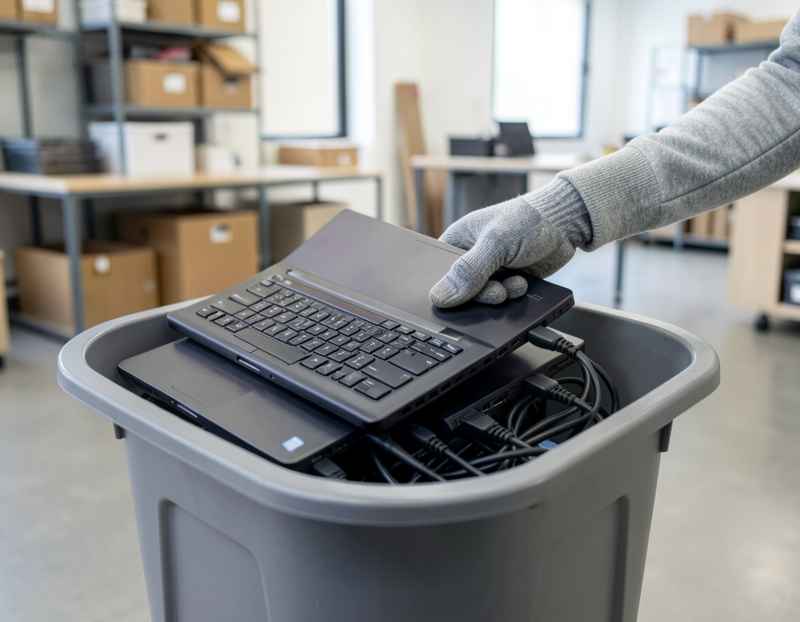
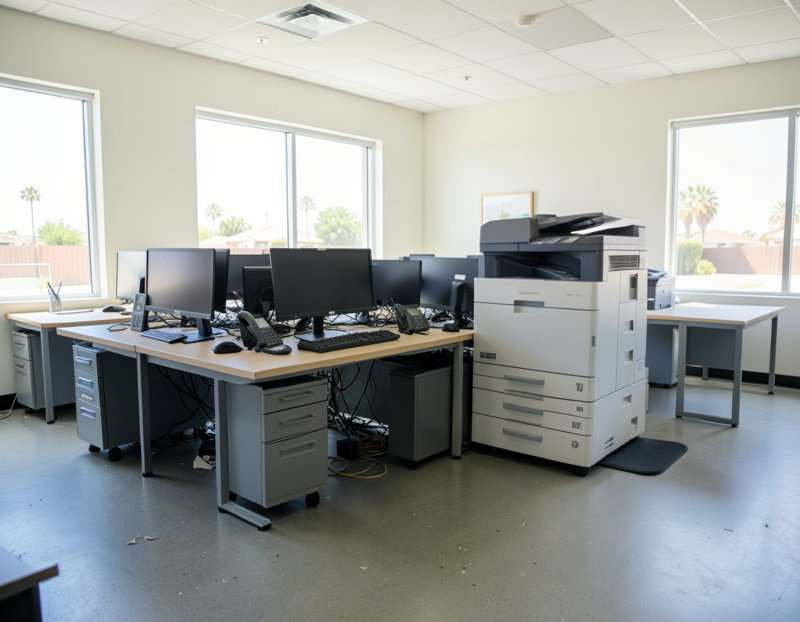
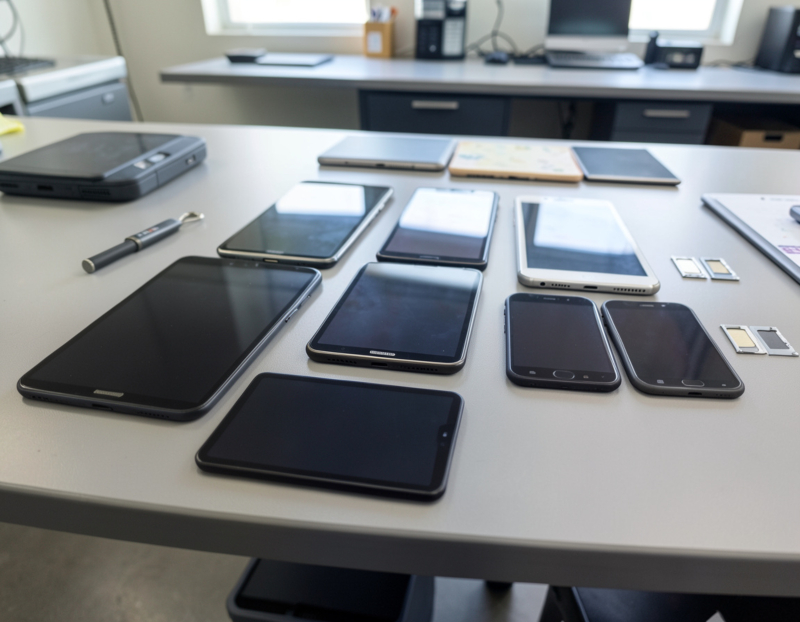
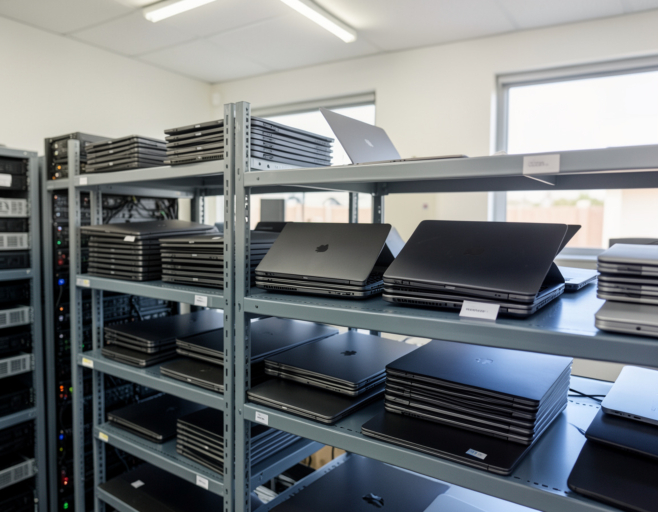
A hardware refresh always leaves a pile behind: the laptops that were replaced, the desktops from the last office move, the machines of people who have left. They go into a closet "until we decide", and they lose value every month they sit there. Some of that equipment can still be sold, some can go to employees, and some is worth only its materials. This guide explains how IT asset disposition (ITAD) works, what still has resale value, how to prepare a batch for sale, and why the data has to be dealt with before anything else.
ITAD versus recycling
Recycling asks what the materials in a device are worth. IT asset disposition asks an earlier question: can this device be used again? ITAD is the controlled retirement of computers, phones and network equipment. The data is removed, the device is released from company accounts, working equipment is resold or redeployed, the rest is recycled, and every step is documented.
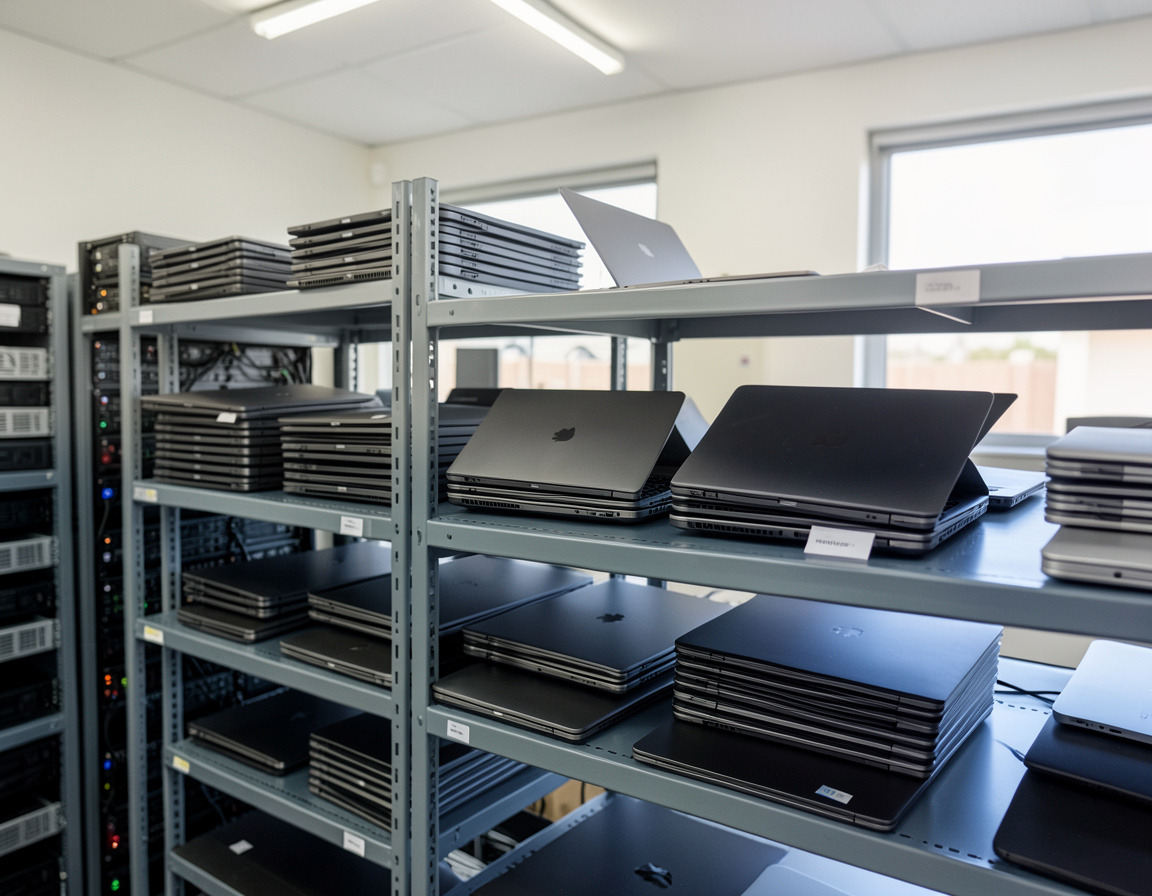
What still has resale value
- Business-line laptops and compact desktops a few years old, especially models that meet the Windows 11 requirements, including a supported processor and TPM 2.0. Machines that cannot run a supported version of Windows have a much smaller market.
- Macs with Apple silicon. Intel-based Macs are a different story: Apple said at its 2025 developer conference that macOS Tahoe 26 would be the last major macOS release for Intel Macs, so the market for them keeps shrinking.
- Chromebooks before their Auto Update Expiration date. Google lists the date for each model on its Auto Update policy page. After it, the device stops receiving updates and resale demand drops away.
- Recent monitors, docking stations, phones and tablets in good condition.
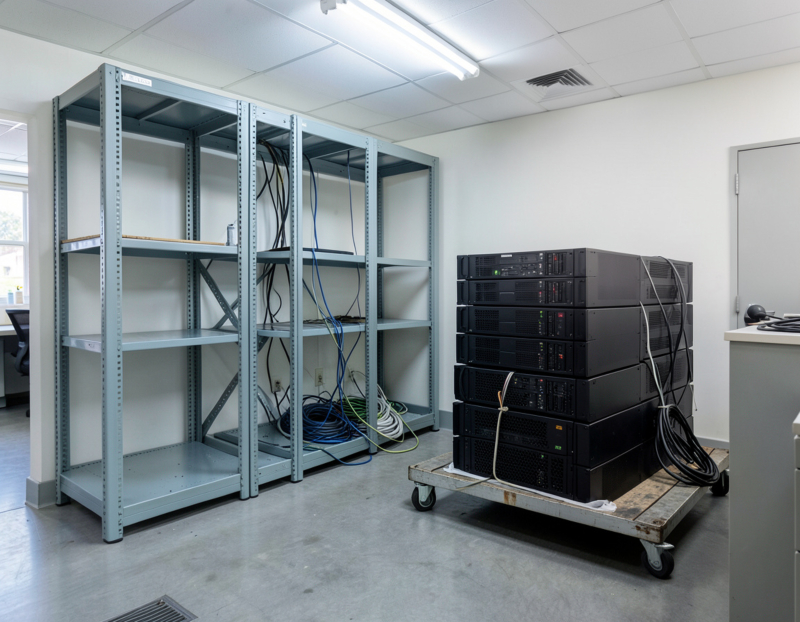
- Some server and network equipment, along with the memory and solid-state drives inside it.
Old, damaged or unsupported equipment usually has recycling value only; the point is to find out before everything goes into the same bin.
What quietly destroys value
- Management locks. A laptop still registered in Windows Autopilot, a Mac or iPad still assigned in Apple Business Manager, a device with Activation Lock or a firmware password: a new owner cannot set it up, and a device nobody can set up is scrap.
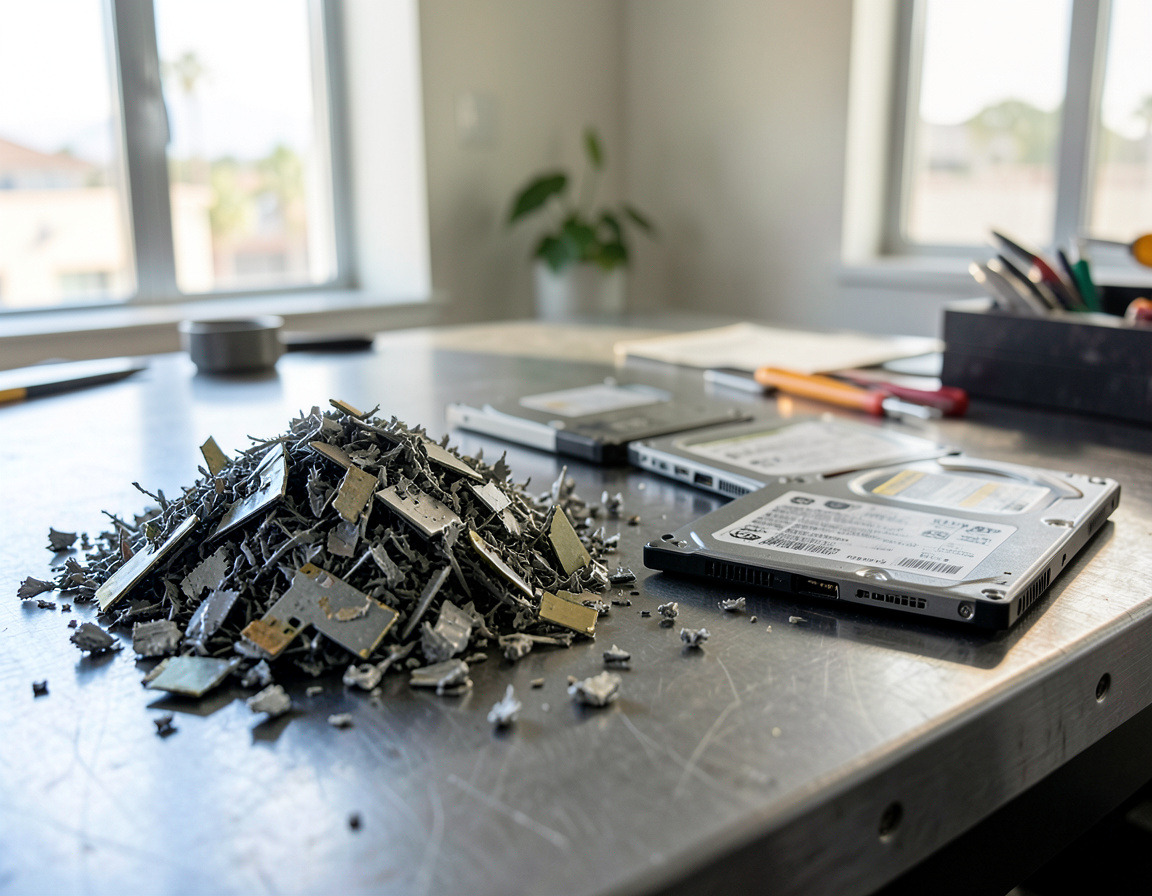
- Shredded drives from working machines. Destroying the storage of a healthy laptop removes much of its value, while a verified wipe keeps it. Destroy drives that have failed or that your policy says must be destroyed, and wipe the rest.
- Missing chargers, cracked screens and worn-out batteries.
- No information. A buyer can price a list of models, processors and conditions. A pile of unknown machines gets a cautious offer.
How to prepare a batch for sale
- Build the list. Model, serial number, processor, memory, storage, battery condition, cosmetic grade and whether the charger is there. Model, year and quantity are enough for a first estimate.
- Confirm each user's files live somewhere else, such as OneDrive, SharePoint, Google Drive or the file server, before anything is erased.
- Release Windows devices in the right order. Microsoft's Autopilot documentation says a device that permanently leaves the organization should always be deregistered from Windows Autopilot, and that it has to be deleted from Intune first.
- Release Apple devices in the right order. In Apple Business Manager, switch off Activation Lock first and only then release the device from the organization. Apple notes that Activation Lock can no longer be managed there once a device is released, and that a release cannot be undone.
- Clear firmware and BIOS passwords and remove management and monitoring agents.
- Sanitize and verify every drive, and record the result against the serial number.
- Install a clean operating system. Under Microsoft's Windows 11 license terms, Windows that came preinstalled on a device may be transferred to another user only together with that device. A clean install of the edition the PC shipped with leaves the next owner with the Windows license that belongs to that PC, without your company's image or applications.
- Keep each charger with its machine and group identical models together.
Ways a business gets value back
- A fixed offer for the lot, agreed before collection or after inspection.
- A revenue share, where the equipment is resold first and the proceeds are split afterwards.
- Credit toward new equipment, through a trade-in with the vendor, the leasing company or whoever handles the refresh.
- Redeployment as spares, loaners or single-purpose machines.
- Donation to a school or nonprofit, after the same wipe and release steps.
Whichever route you choose, ask when the price becomes final, who pays for transport, what happens to units that fail testing, and what report you receive at the end.
Employee buyback programs
Selling retiring laptops to staff works best with written rules.
- The same rules for everyone: who is eligible, how the price is set, and in what order devices are offered.
- Sold as is, with a simple bill of sale and no ongoing IT support.
- Prepared by IT, not by the employee. The device is wiped, released from Autopilot, Intune or Apple Business Manager, and reinstalled. A reset done by the user on a managed device can leave it locked, or still reporting to your management system.
- No company accounts or software go home. Work Microsoft 365 or Google Workspace accounts are removed, so the new owner needs their own licenses.
- Some devices stay out of the program, such as machines under a legal hold or used for highly sensitive work.
Check the tax side with your accountant. IRS Publication 15-B says any fringe benefit is taxable unless the law specifically excludes it, and the employee discount exclusion covers only property the business offers to customers in the ordinary course of the line of business in which the employee works. For an office that does not sell computers, a discounted used laptop is unlikely to fit that exclusion.
Why the data wipe comes first
Every buyer, refurbisher and employee will power the device on. Once it leaves your building, whatever is on the drive is out of your control, and California Civil Code section 1798.81 expects a business to take reasonable steps to make discarded customer records unreadable. The order is simple: move the data, release the device, sanitize and verify, record the serial number, and only then sell. A device prepared that way is also worth more, because it is ready for its next owner. The methods for each kind of drive are explained in how to wipe business computers and phones before recycling.
Frequently asked questions
Is an old business laptop worth anything?
Often, if it is a business-line model a few years old, runs a supported operating system, is unlocked and still has its charger. Older, damaged or locked units usually have recycling value only.
Can employees buy their company laptops?
Yes, if the company sets the rules and prepares each device first: wiped, released from every management system and reinstalled clean. Ask your accountant how discounted sales to staff are treated for payroll.
Should we remove the hard drives before selling old laptops?
Usually not, because a laptop without storage sells for less. Wipe and verify working drives instead, and destroy only drives that have failed or that your policy says must be destroyed.
Planning a refresh or clearing a closet of laptops anywhere in the Los Angeles area? Our IT asset disposition and laptop buyback page describes how equipment is assessed, our business computer replacement service covers the new machines, and hard drive shredding and data destruction handles drives that should not be reused. Send us the models, their rough age and how many of each you have, and we can discuss which route makes sense for each group.