When an office closes, moves or shrinks, the furniture gets a plan and the electronics get whatever time is left. That is where the loose ends hide: equipment the company does not actually own, data on devices that do not look like computers, and accounts that keep billing long after the keys are handed back. This checklist puts the electronics side of a closure, move or downsizing in the order it needs to happen. It is practical guidance, not legal advice.
1. Walk the space and list every device
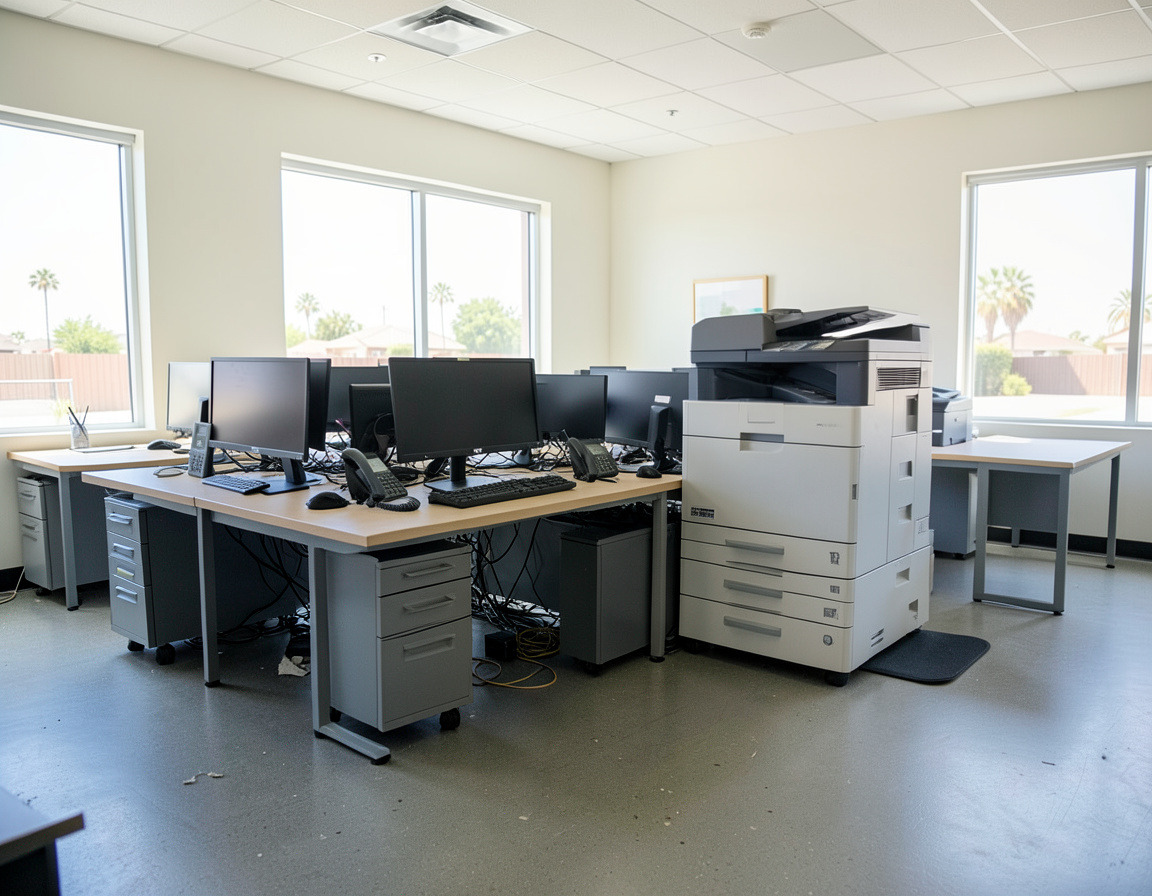
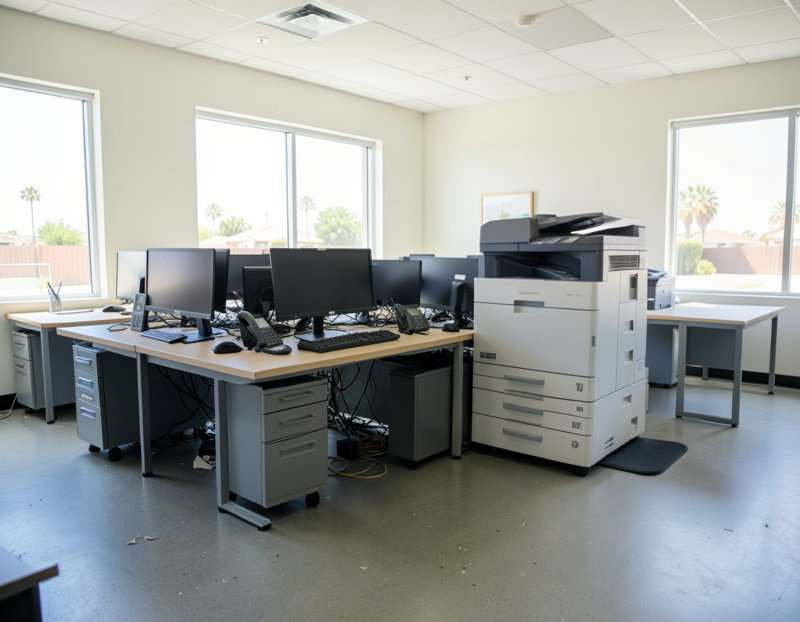
Go room by room, including closets, the space under desks and anything mounted on walls or above ceiling tiles. For each item, note what it is, its serial number if it stores data, who owns it, and where it is going: keep, move, send to a home office, sell, return, recycle or destroy. Typical finds:
- At desks: computers, monitors, docking stations, headsets and desk phones.
- Shared areas: copiers and multifunction printers, label and receipt printers, conference-room screens and cameras.
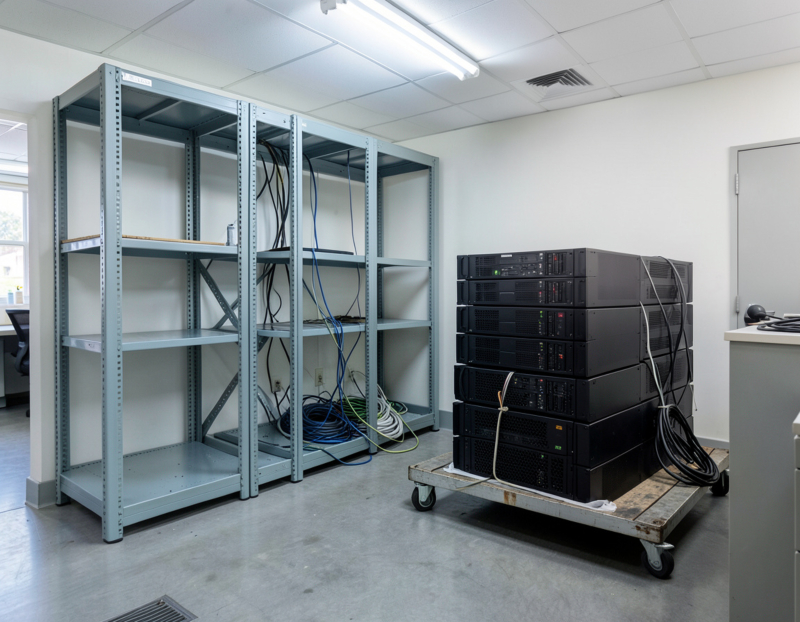
- The network closet: the internet provider's modem or gateway, the firewall, switches, the patch panel, Wi-Fi access points, a server or NAS, and the UPS.
- Security and building systems: the camera recorder, cameras, door access controllers and the alarm panel.
- The front desk: card terminals, check scanners and the postage meter.
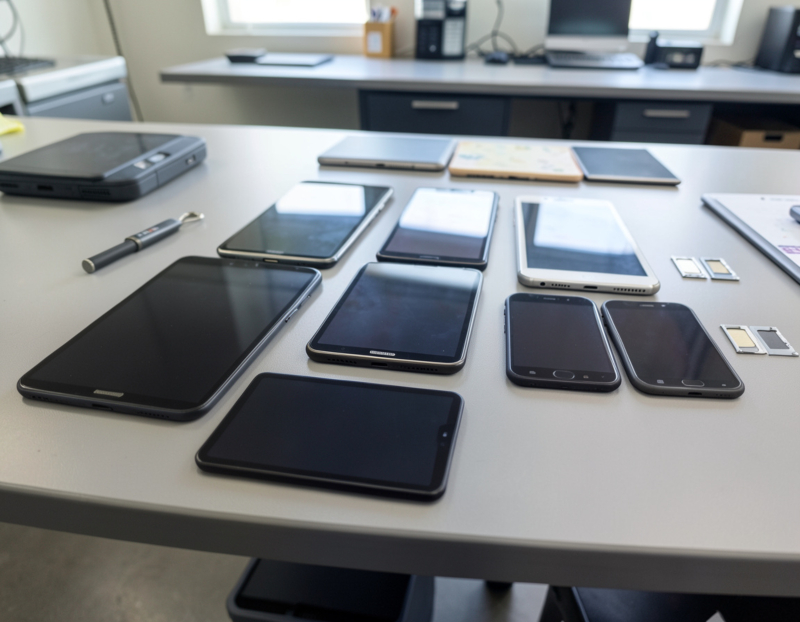
- Drawers: USB drives, external backup disks, old phones and loose batteries.
2. Separate what you do not own
A good share of the equipment in a typical office belongs to someone else and has to go back, not out.
- Leased copiers. Follow the lessor's return process and book the return early. The FTC's guide to digital copier data security advises checking with the manufacturer, dealer or servicing company about securing the hard drive: some will remove it and give it to you, others will overwrite it, usually for an extra fee. Do not pull the drive yourself, which can make the machine unusable and breach the lease.
- Postage meters. Under the USPS Domestic Mail Manual, postage meters are rented or leased, may not be purchased, sold or resold, and must be surrendered to the provider when the lease or rental agreement ends. They go back to the provider, never into recycling.
- Internet provider equipment. Modems, gateways and fiber terminals are often the provider's property. Check your account, ask how they want them returned, and keep the receipt.
- Card terminals, leased phone systems and alarm equipment. Read the merchant agreement, the lease and the monitoring contract before anything is unplugged.
- Landlord property. Cabling, and sometimes the access points, may belong to the building.
3. Protect the data before anything leaves
- Take a final backup of the server, the shared folders and the computers of anyone who is leaving, and check that it actually restores.
- Decide how long the archive must be kept. The IRS says to keep records for three years in most cases, longer in some situations, and to keep employment tax records for at least four years after the tax becomes due or is paid. Your accountant or attorney can tell you what else applies to your business.
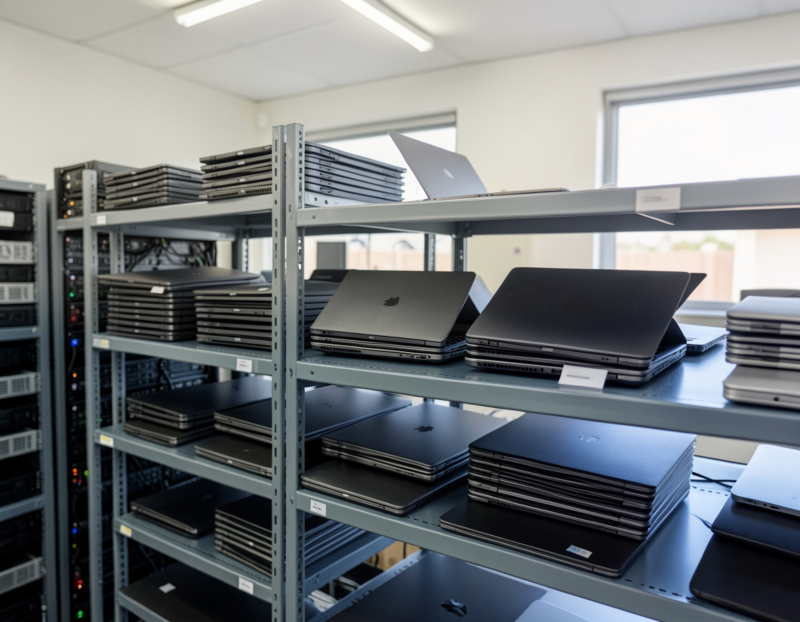
- Find the devices that store data without looking like computers: copiers, camera recorders, firewalls, VoIP phones and network storage. Each one needs to be wiped, or have its storage destroyed, before it leaves your control.
4. Accounts and services to cancel, move or keep
- Phone numbers. If you want to keep a number, port it before you cancel anything. The FCC's consumer guide on number porting warns against terminating service with your existing company before the new service is started. Remember fax lines and any line the alarm panel uses.
- Internet service. Set the cancellation date after the last working day and after the equipment has gone back.
- The domain name. Keep renewing it, even if the office is closing (see the last question below).
- Microsoft 365 or Google Workspace. Remove licenses for people who have left. If you are ending the subscription entirely, export what you need first: Microsoft says data left behind after a business subscription is cancelled might be deleted after 90 days and will be deleted no later than 180 days after cancellation.
- Software tied to specific computers. Many desktop programs limit how many machines can be activated. Deactivate the license on the old computer before it is wiped, or the new one may refuse to activate.
- Per-device subscriptions: camera cloud storage, alarm monitoring, remote-access tools, backup agents and device management seats.
- Your address everywhere it appears: the website, your Google Business Profile, invoices and supplier portals.
5. Network gear, cabling and the server closet
If the network is moving with you, export the firewall and switch configurations and photograph the rack before anything is unplugged. If it is not, reset firewalls, routers, switches and access points to factory settings before they leave, because they store Wi-Fi passwords, VPN keys and admin accounts. Remove cloud-managed devices from your management portal as well, or the next owner may not be able to use them. What happens to the cabling depends on the lease.
6. What cannot go in the dumpster
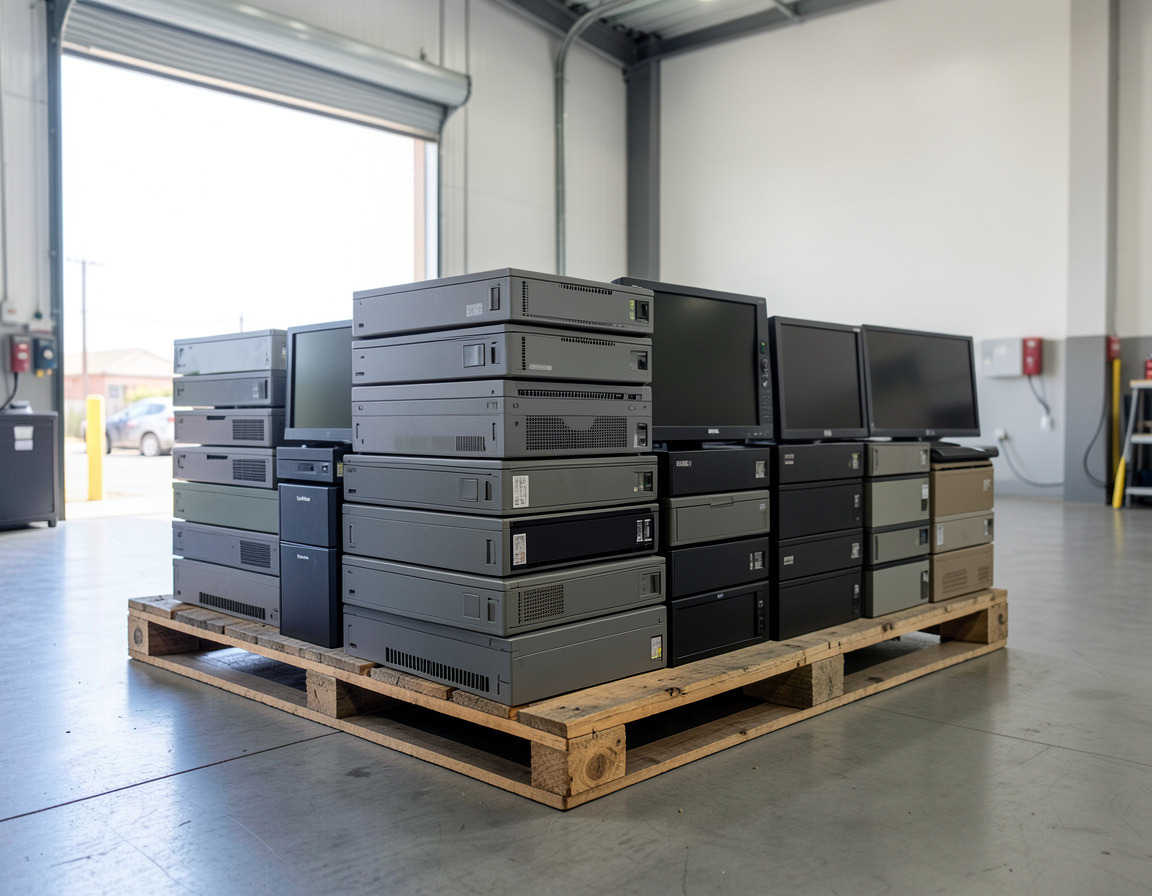
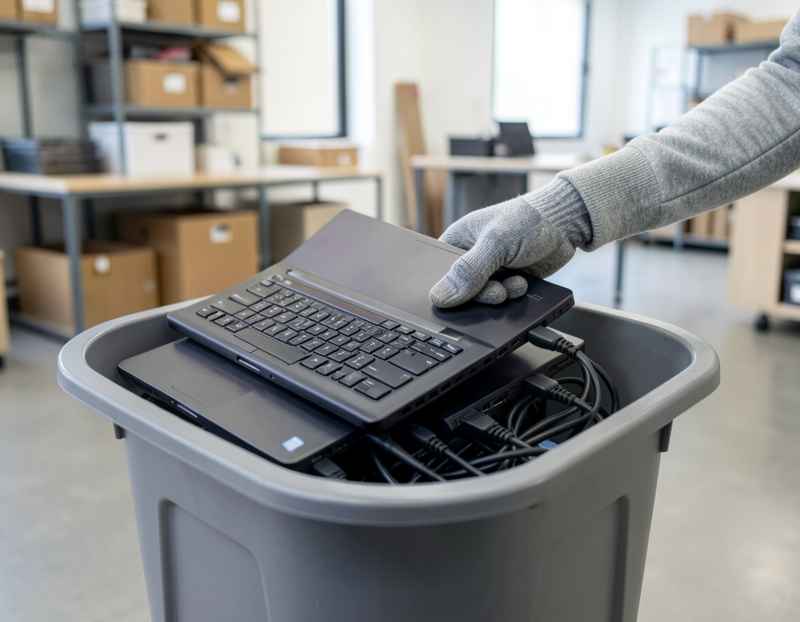
A cleanout usually comes with a dumpster or a junk hauler, and that is exactly where electronics must not go. In California, discarded computers, monitors, phones, printers, batteries and fluorescent tubes are regulated and cannot go in the trash. Keep them apart from the general junk, and set any swollen or damaged battery aside on its own. Our guide to California e-waste rules for businesses explains which categories apply and where business e-waste can legally go.
7. Removal day and the paper trail
On removal day, tick items off the inventory as they leave, and do a last walk-through with the landlord or building manager if the lease requires the space to be returned empty. Keep one folder with the final inventory and the outcome for each item, return receipts from the leasing company and the internet provider, the data destruction records, the recycling paperwork and the final bills. If a former client or an auditor later asks what happened to a computer that held their records, that folder is the answer.
Frequently asked questions
How should a business dispose of old office equipment in California?
Sort it first. Leased and provider-owned equipment goes back to its owner, working equipment can be sold or donated once the data is removed, and the rest goes to an authorized e-waste handler, not the trash or a dumpster.
What happens to the hard drive when we return a leased copier?
Unless you arrange otherwise, it leaves with the machine. Before the return, ask the dealer or leasing company whether they will overwrite the drive or remove it and hand it to you, and get the answer in writing.
Do we have to return the internet modem when we close the office?
If it belongs to the provider, yes. Check your account or contract, ask how the provider wants it returned, and keep the receipt with your final bill.
Should we keep the domain name after closing an office?
Yes, at least while clients, suppliers and old invoices still point to it. An expired domain can be registered by someone else, who would then receive mail sent to your former addresses.
Closing, moving or downsizing an office in the Long Beach, Harbor or South Bay area? Our office electronics cleanout page describes the service, office IT relocation covers the equipment that is moving with you, and whatever stays behind can go through computer recycling and e-waste pickup. Tell us where the office is, when you have to be out and roughly what is in it, and we can plan the electronics side with you.