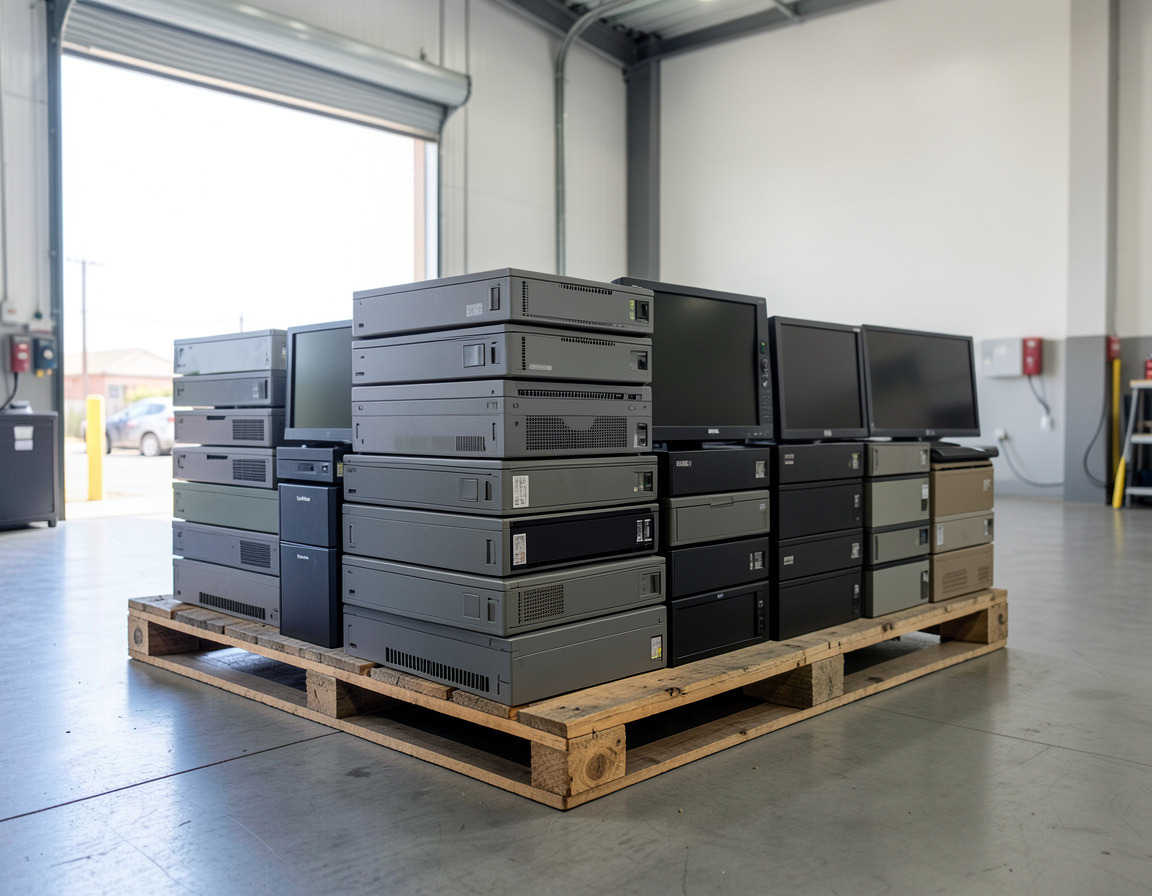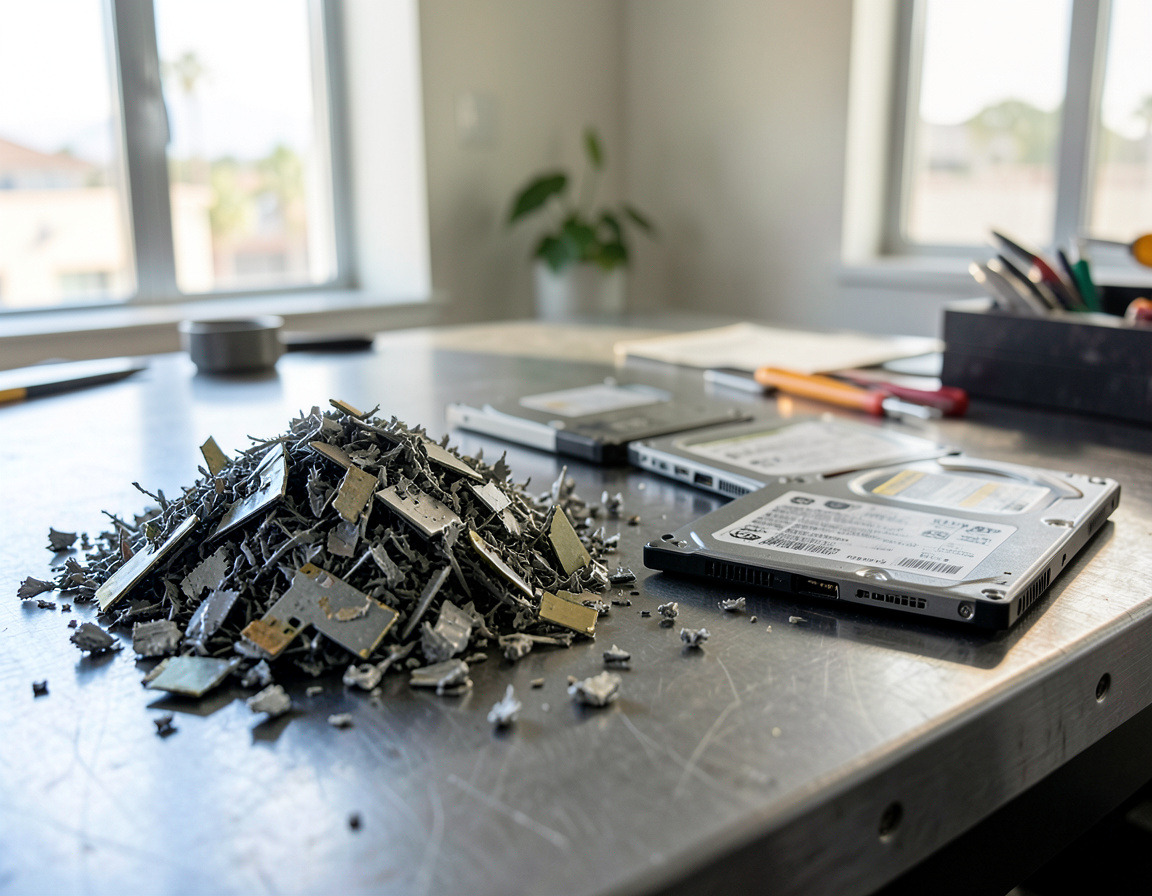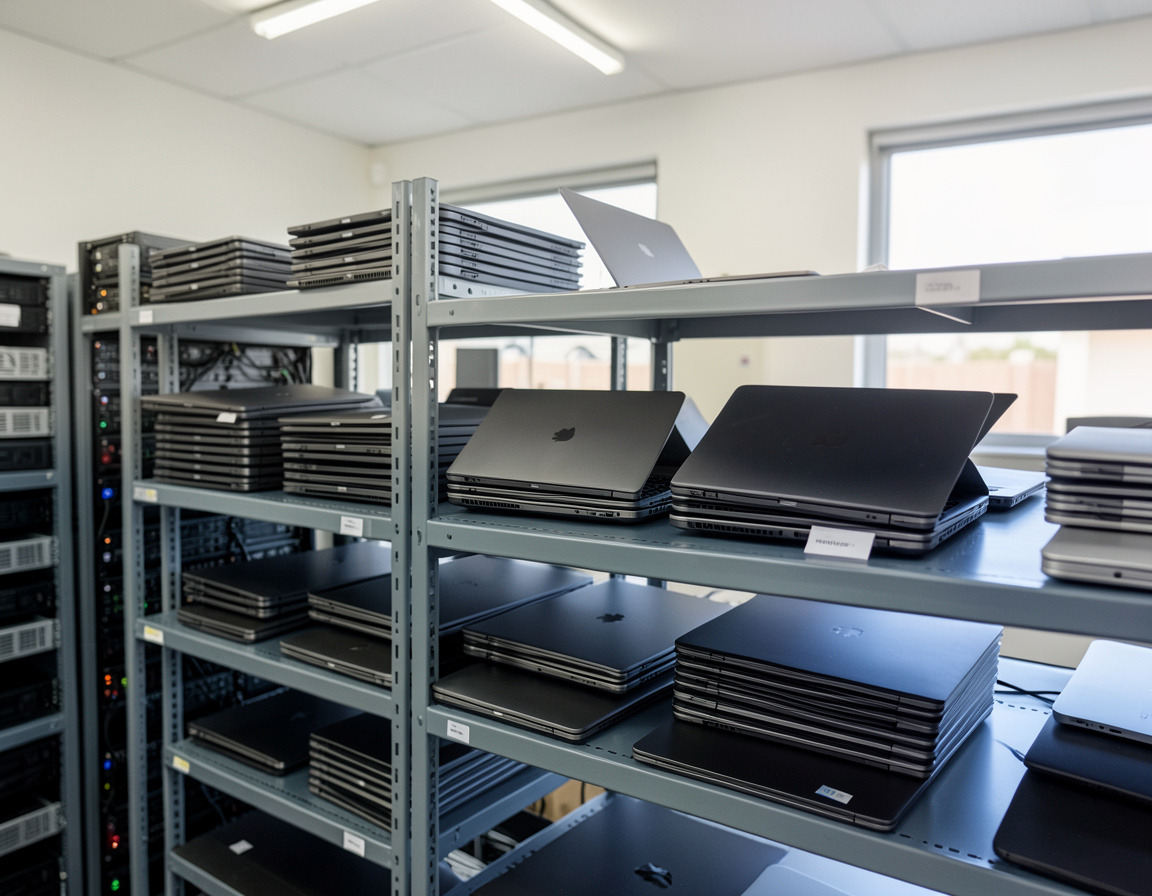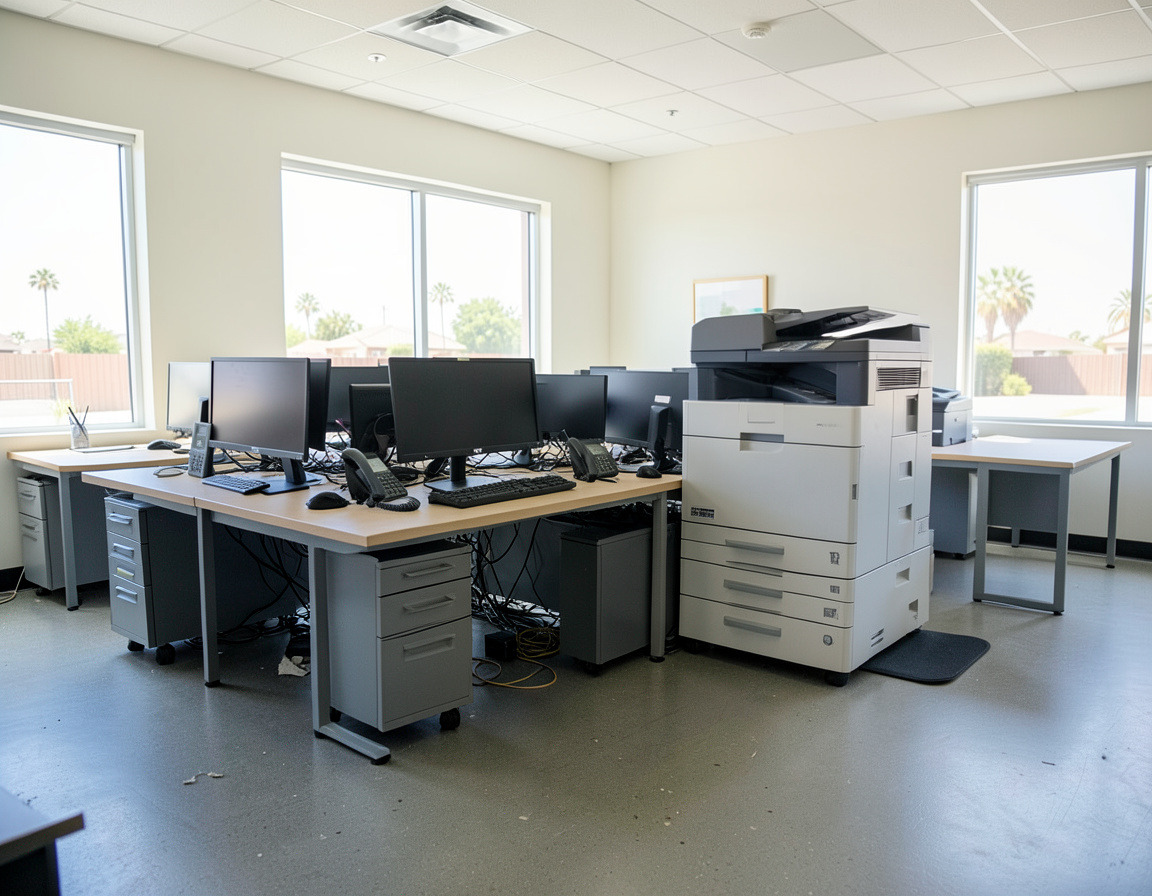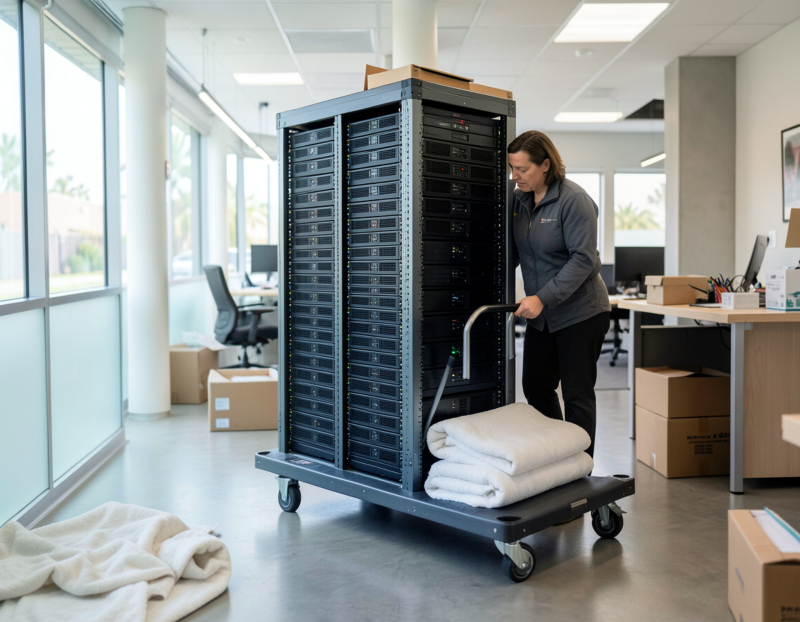
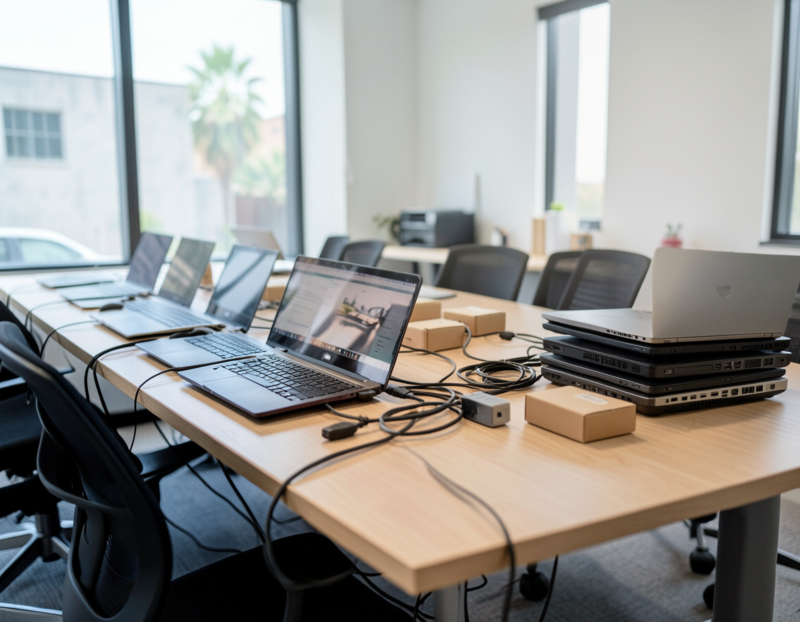
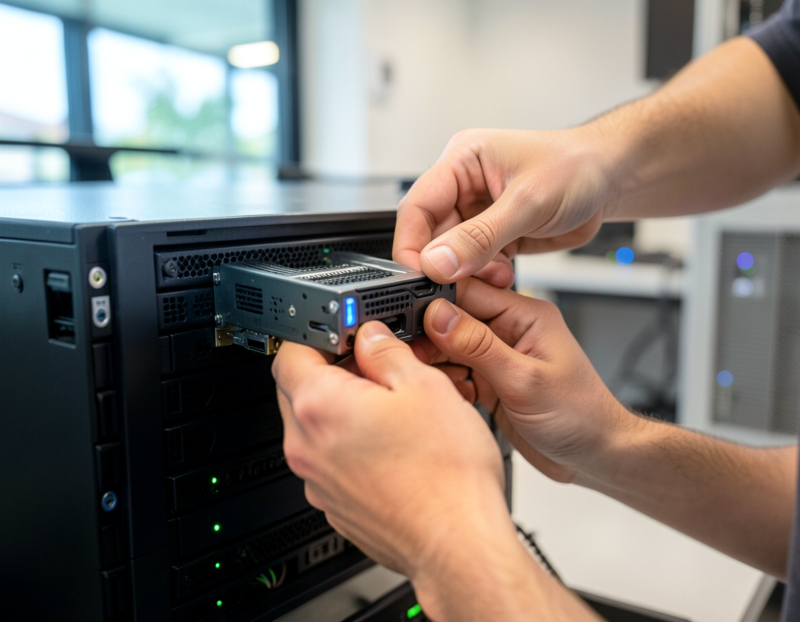
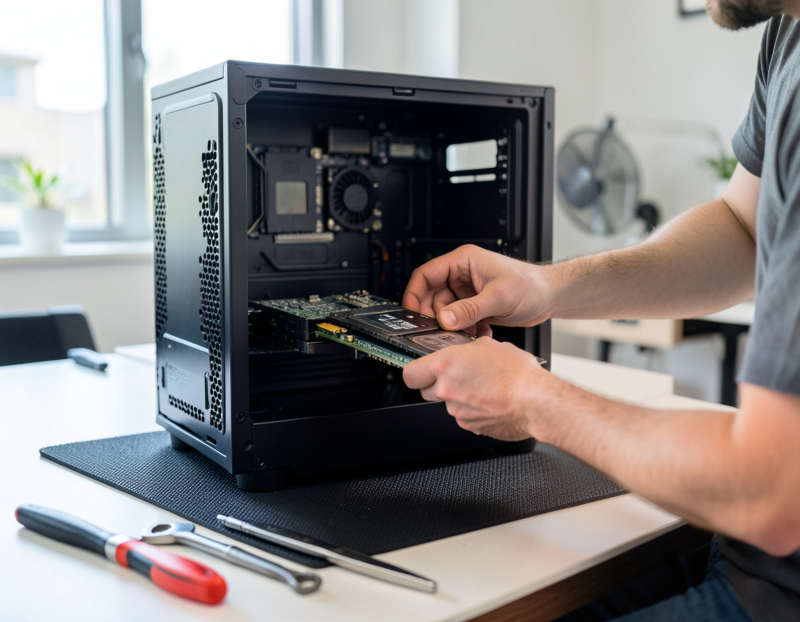
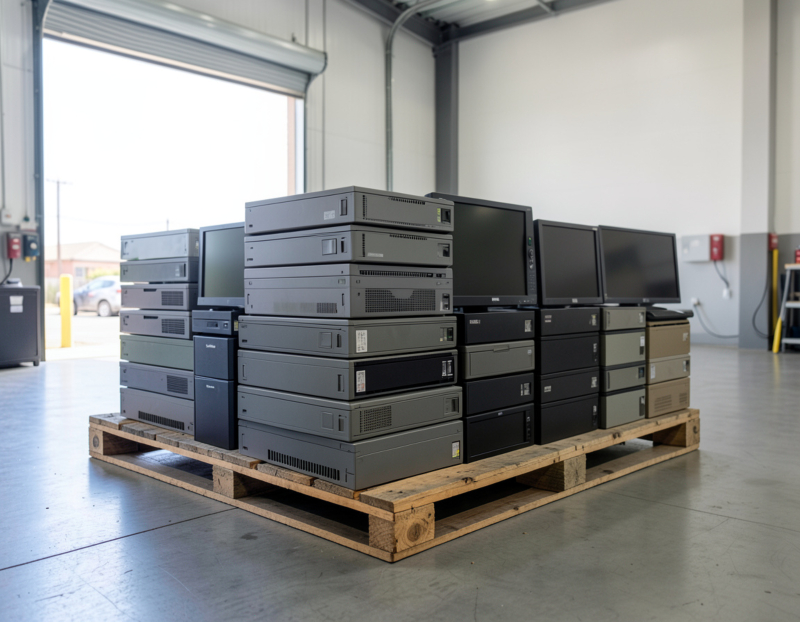
Sooner or later every office ends up with a closet of dead monitors, retired laptops, a tangle of cables and a box of old batteries. In some states that pile could go out with the trash. In California it cannot. This guide explains in plain language what California's rules say about disposing of electronics, which items in a typical office they cover, and how a small business in Los Angeles County can get rid of old IT equipment legally. It is general information based on the official sources named below, not legal advice.
The short answer: electronics cannot go in the trash
California's Department of Toxic Substances Control (DTSC) treats discarded electronic devices as universal waste: hazardous waste that may be managed under lighter rules than other hazardous waste, provided it goes to recycling through the proper channels. DTSC's Universal Waste fact sheet states that no person or business in California may dispose of any type of universal waste in the trash. Generators also may not send it to a municipal landfill or to an ordinary, non-hazardous recycling center. That rules out the trash bin, the recycling cart and the dumpster rented for an office cleanout.
What counts as universal waste in an office
DTSC lists eight categories of universal waste: batteries, lamps, electronic devices, cathode ray tubes (CRTs), CRT glass, mercury-containing equipment, non-empty aerosol cans and photovoltaic modules. In a typical office that means:
- Electronic devices: desktop computers, laptops, monitors, printers, phones and similar equipment. DTSC's own examples include cell phones, telephones, computer CPUs and printers.
- Old CRT monitors and televisions, and any broken CRT glass.
- Batteries: laptop and phone batteries, the small sealed lead-acid batteries in UPS units and alarm panels, and button cells. Car-type lead-acid batteries fall under separate rules.
- Fluorescent tubes and other mercury-containing lamps from office lighting.
- Partly used aerosol cans, which can include the compressed-air dusters kept next to many computers.
Strictly speaking, whoever discards an item is responsible for deciding whether it is hazardous. In practice, businesses handle computers, monitors, phones and printers as universal waste, because circuit boards, screens and batteries commonly contain regulated metals.
Which rules apply to your business
How much paperwork you face depends on how much hazardous waste you generate:
- Very small quantity universal waste generators generate less than 100 kilograms (220 pounds) a month of federally regulated hazardous waste, including universal waste, and less than 1 kilogram of acutely hazardous waste. They are exempt from most universal waste handler requirements. They still may not throw universal waste away, and they may only hand it to another universal waste handler, a universal waste transporter or an authorized destination facility.
- Other businesses follow the universal waste handler standards in the California Code of Regulations, title 22, chapter 23, which, depending on the business, can include labeling, accumulation time limits, employee training and records.
If you are unsure which group a large cleanout or refresh puts you in, DTSC's Regulatory Assistance Office and your local CUPA, the local agency that enforces hazardous waste rules, can answer that question.
CalRecycle and covered electronic devices
A second state program, run by CalRecycle, funds the recycling of certain devices. Under the Covered Electronic Waste program, retailers collect a recycling fee when a covered electronic device is sold in California. Covered devices are video display devices whose screens measure more than four inches diagonally: CRT, LCD, plasma and OLED televisions and monitors, and LCD and OLED laptops and tablets, among others. Since January 1, 2026, under SB 1215, a similar fee has applied at purchase to many products with batteries that users cannot easily remove.
For a business, the practical point is to ask whoever takes your screens and laptops whether they are an approved collector or recycler in CalRecycle's program, or pass the devices to one. CalRecycle's "Where do I recycle my e-waste?" page lists approved locations. Desktop towers, printers and phones are not on the covered device list, but they are still electronic waste under DTSC's rules and still cannot go in the trash.
Phones, batteries and retailer take-back
California's Cell Phone Recycling Act of 2004 requires retailers that sell cell phones to take back used phones for reuse or recycling, and the Rechargeable Battery Recycling Act of 2006 requires retailers that sell rechargeable batteries to accept used ones of the type or brand they sell. These programs work for a handful of items; company phones hold data, so wipe them first. Tape battery terminals or bag each battery separately, keep swollen or damaged batteries apart, and never put lithium batteries in the trash, where they can start fires in collection trucks.
Where Los Angeles-area businesses can take e-waste
County collection centers are often the first idea, and usually the wrong one for a business. Los Angeles County's CleanLA site lists the county's permanent drop-off centers for household hazardous waste and electronics, including the S.A.F.E. Center on Gaffey Street in San Pedro and the EDCO center in Signal Hill, as not accepting waste from businesses during residential drop-off hours. Small businesses that qualify as very small quantity generators can use a separate, appointment-only program at some S.A.F.E. Centers for a fee, and it requires an EPA ID number. For most offices, the realistic options are:
- A pickup from your office by an authorized e-waste collector or recycler
- Manufacturer and retailer take-back programs, for a few items at a time
- Resale or IT asset disposition for recent equipment that still has value
A step-by-step disposal checklist
- Inventory what is leaving, with serial numbers for anything that stores data.
- Sort it into reuse, resale and recycling.
- Deal with the data first. Wipe or destroy the drives in computers, servers, copiers and phones. Under California Civil Code section 1798.81, a business must take reasonable steps to shred, erase or otherwise make unreadable any customer records with personal information that it discards.
- Separate batteries and lamps, and do not break screens or CRTs.
- Keep electronics out of the cleanout dumpster and away from haulers who cannot say where they will go.
- Hand everything to an authorized handler and get paperwork: a pickup list, a recycling receipt or certificate, and a data destruction record.
- Update your asset register and cancel support contracts on the retired equipment.
Frequently asked questions
Is it illegal to throw away electronics in California?
Generally, yes. DTSC treats discarded electronics as universal waste, and California bars households and businesses alike from putting universal waste in the garbage. Hand it to a universal waste handler, a transporter or an authorized destination facility instead.
Can a business use the county e-waste drop-off centers in Los Angeles?
Not during regular residential hours. Businesses are excluded, except for an appointment-only program that charges a fee and is open to very small quantity generators with an EPA ID number.
Which devices are in CalRecycle's covered electronic waste program?
Video display devices with screens larger than four inches diagonally, such as televisions, monitors, laptops and tablets, and since 2026 many products with embedded batteries. Other electronics are still regulated by DTSC.
Do we need paperwork when we recycle old computers?
Formal record-keeping duties depend on your size, but a list of what left, where it went and how the data was destroyed is your evidence if a customer, auditor or insurer ever asks.
Clearing out equipment in Long Beach, San Pedro or elsewhere in Los Angeles County? See our computer recycling and e-waste pickup, office electronics cleanout and ITAD and business laptop buyback services. Send us a rough inventory or some photos and we will suggest the right route for each item.