
Computers get most of the attention when a business cleans out its storage room, but the shelf behind them is usually just as full: old monitors, a dead printer, a UPS that stopped holding a charge, a tangle of switches and routers. These items are all electronic waste, and they are not all treated the same way. This guide explains what an e-waste recycler for monitors, printers, UPS batteries and network gear will typically take, why some of it costs money to dispose of, and how to prepare it before pickup. It is written for anyone arranging electronics recycling for businesses of any size.
Why different items are handled differently
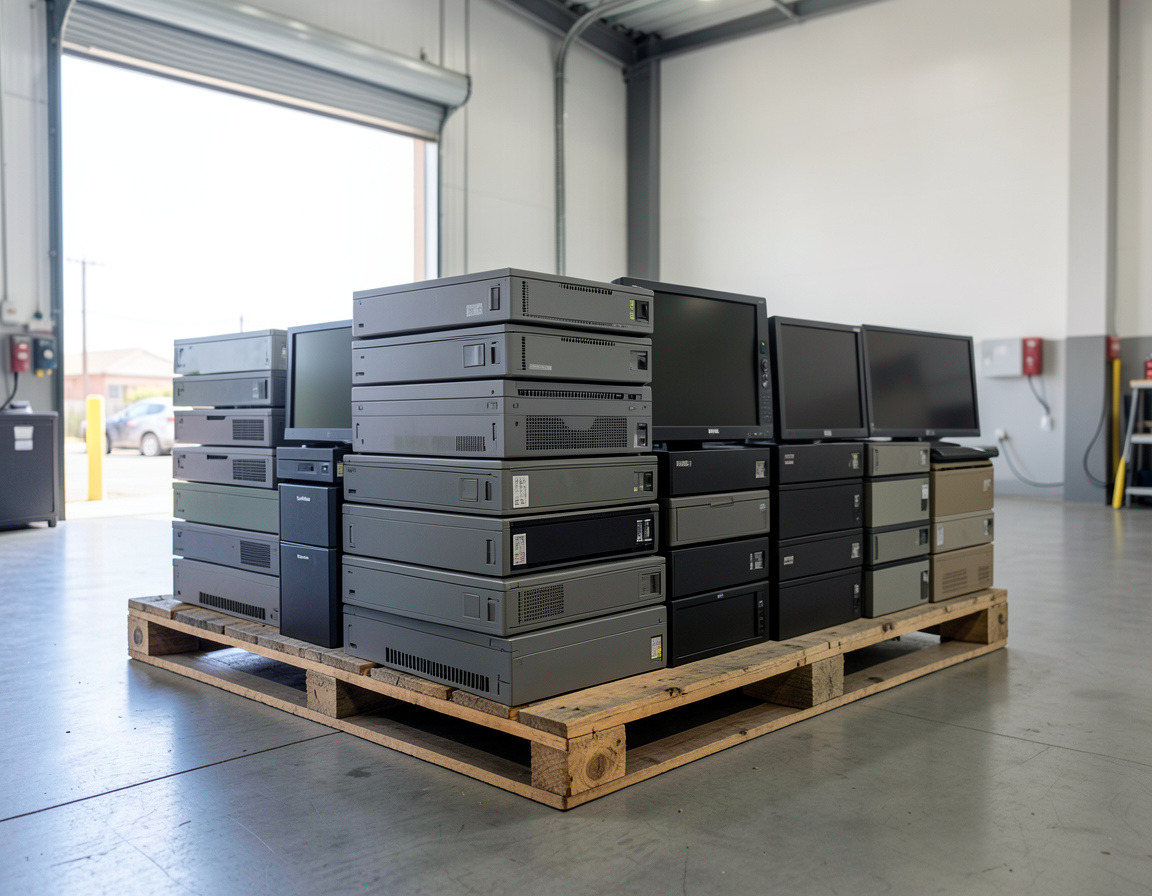
In a typical business e-waste Los Angeles pickup, recyclers sort by what is inside the equipment. Anything with a screen, a battery or toner needs extra care, which is why those items are the ones most likely to carry a handling fee. Circuit boards, copper and aluminum have scrap value, so network gear and servers often cost less to process. California treats many of these products as hazardous or universal waste, so they should not go in the regular trash. Our overview of California e-waste rules for businesses explains the general framework.
Monitors and TVs
Monitors are a common item, and they are not all equal. Older CRT monitors contain leaded glass and need specialized handling. Flat panels, especially older LCDs with fluorescent backlights, may contain a small amount of mercury in the lamp. Newer LED-backlit screens are simpler, but they are still e-waste.
- Expect: a per-unit fee for CRTs and sometimes for flat panels, depending on size and the recycler.
- Prep: keep the screen intact. A broken panel is harder to handle safely, so wrap it or leave it in its box. Remove stands only if they come off easily.
Printers, copiers and scanners
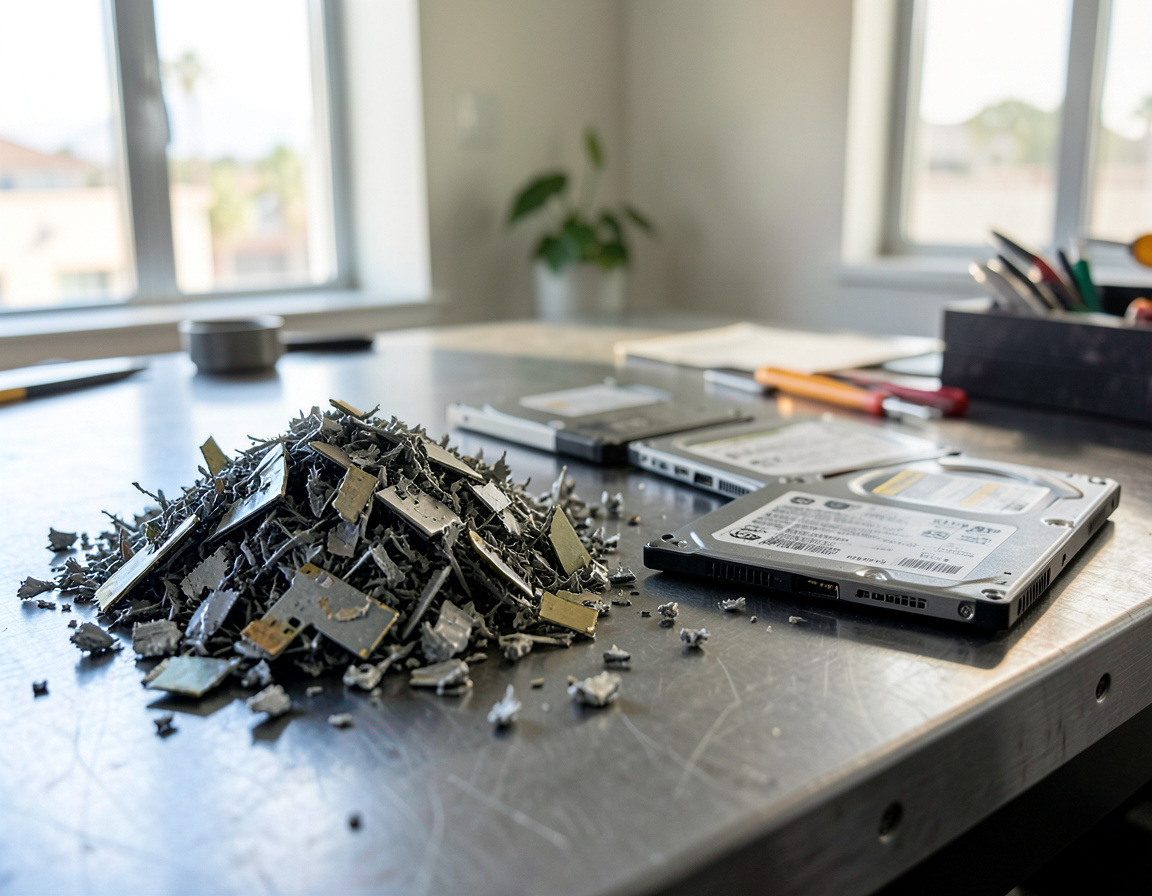
Printer recycling is offered by most business recyclers, but there are two catches. First, remove toner and ink cartridges, which are often collected as a separate stream and may be returned to the manufacturer. Second, larger copiers and multifunction devices frequently contain an internal hard drive that stores scanned documents. Treat that like any other drive: have it wiped or removed and destroyed. Our guide on wiping data before recycling business computers and phones is a good reference for the process.
- Expect: small printers are often accepted at low or no charge; large floor-standing copiers may require a special pickup, and a fee.
- Prep: pull cartridges, clear paper trays, and note whether the machine has internal storage.
UPS units and batteries
An uninterruptible power supply is heavy for its size because of the battery inside, and that battery is the issue. UPS battery recycling is possible because most units use sealed lead-acid batteries, which are recyclable but must go to a handler that accepts them. Batteries must never be crushed, drilled or thrown in a compactor, and a swollen or leaking battery should be reported to the recycler before pickup.
- Expect: many recyclers charge for batteries or treat UPS units as a separate category. Ask before you book.
- Prep: leave the battery in the unit unless you know how to remove it safely, unplug everything, and tell the recycler how many units you have.
Network gear: switches, routers, firewalls and access points
Network equipment recycling is simple on the hardware side, because networking gear is mostly metal and circuit boards, which recyclers value. The main concern is not the hardware but the configuration stored on it. Firewalls, routers and managed switches can hold passwords, VPN settings, IP address plans and certificates.
- Back up the configuration if you might need it again.
- Reset to factory defaults using the manufacturer's procedure, and confirm that the settings are gone.
- Remove any removable storage, such as SD cards or USB sticks.
- Collect power adapters and rack rails, which often go with the device.
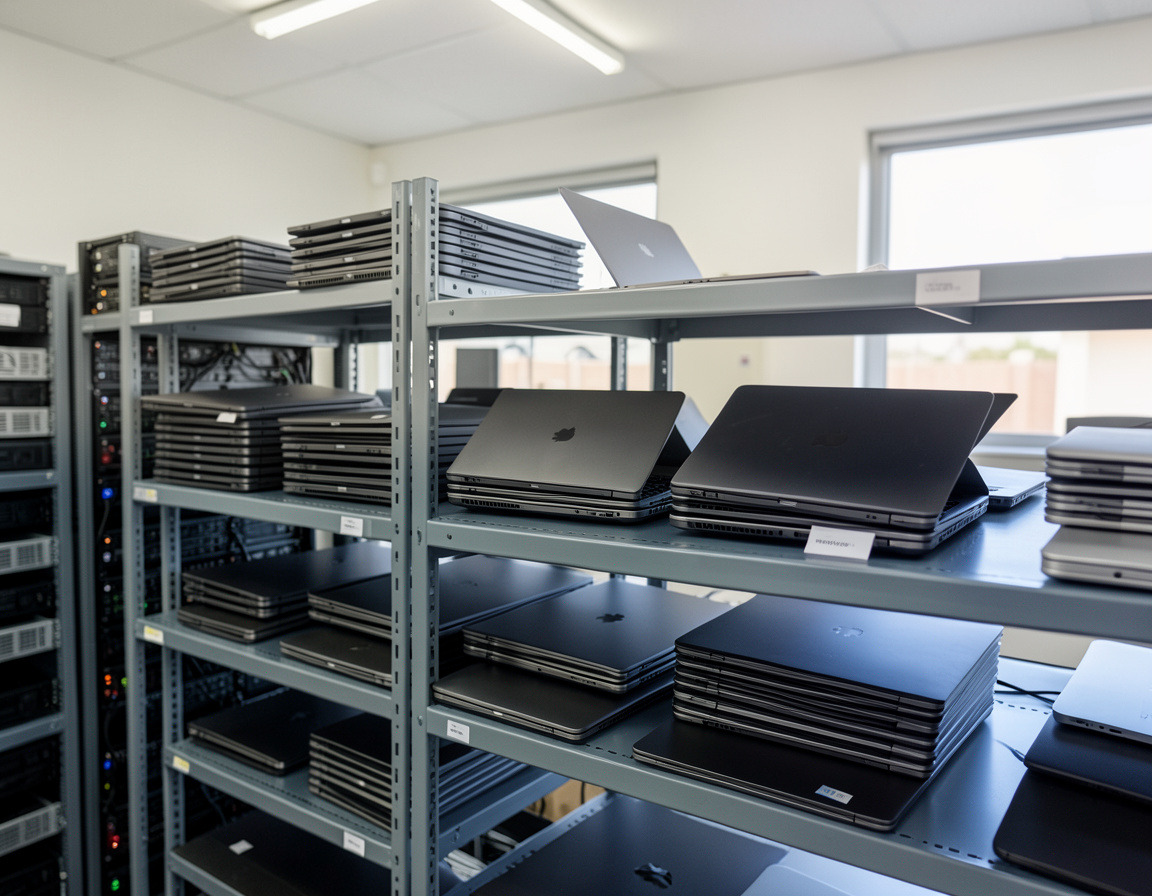
If the equipment came out of a rack room, the order of work matters; our guide to what happens to old office computers shows how a typical batch is processed once it leaves you.
What recyclers usually will not take
Policies differ, so ask us, but some categories are commonly excluded or handled separately: household trash mixed into a load, items contaminated with liquids or chemicals, large quantities of loose lithium batteries, medical devices, and anything radioactive or otherwise regulated. If you are unsure whether an item qualifies, send a photo before booking.
Fees: what to expect without guessing
E-waste fees vary, so we will not quote a price list in a blog post; charges depend on item type, quantity and location. In general terms:
- Equipment with scrap value, such as servers and network gear, is cheaper to process.
- Screens, batteries and large devices cost more to handle properly.
- A mixed batch with data-bearing devices may include a data destruction line item.
- Larger, well-sorted loads are easier to price than scattered single items.
Ask for a written quote that lists every category so nothing appears as a surprise afterwards.
How to prepare a pickup in six steps
- Count items by type: monitors, printers, UPS units, network devices, cables.
- Remove cartridges and, where safe, loose batteries.
- Wipe configurations on network gear and drives on printers.
- Group everything in one spot, with screens upright and wrapped.
- Take photos and send them with your count.
- Keep the signed pickup sheet for your records.
If you are in the harbor area, see business e-waste pickup in Long Beach, San Pedro and Torrance for how scheduling works.
Frequently asked questions: monitors, printers, UPS batteries and network gear
Do I have to pay to recycle monitors?
Often, yes. Screens take extra handling, so many recyclers charge per unit, especially for CRTs. Ask for the charge up front.
Can I put a UPS in the regular trash?
No. The battery inside is a hazardous item and should go to a recycler that accepts it.
Do I need to wipe a printer?
If it has internal storage, such as a hard drive in a copier, yes. Ask the manufacturer or us if you are not sure whether yours has one.
Should I reset a router before recycling it?
Yes. Back up the configuration if you need it, then restore factory settings so passwords and network details are removed.
Looking for an e-waste recycler Long Beach businesses can book for a mixed load? See our computer recycling and e-waste pickup page, and request a quote with a list or photos of your monitors, printers, UPS units and network gear.