

Professional Email Migration Microsoft 365 & Google Workspace
Professional Email.
Perfect Sync.
Stop struggling with spam, full inboxes, and email that doesn't sync between your phone and laptop. We migrate your business to Microsoft 365 or Google Workspace for a seamless, secure, and professional experience.
Real-Time Sync
With Exchange Online (M365) or Google Workspace, everything stays in sync. Read an email on your phone? It's marked read on your PC. Send a calendar invite from your iPad? It's on your desktop instantly.
Authentication Security
We don't just create accounts. We configure your DNS records (SPF, DKIM, DMARC) so your emails don't go to Spam folders. We also enforce Multi-Factor Authentication (MFA) to stop hackers cold.
More Than Just Email
Migration unlocks the full suite. Get 1TB of Cloud Storage (OneDrive/Drive), HD video conferencing (Teams/Meet), and real-time document collaboration for your entire team.
The Migration Strategy.
Zero downtime. Zero data loss.
Pre-Flight Sync
We connect to your old server (IMAP/POP) and begin copying historical emails to the new cloud accounts in the background. You keep working as normal.
The Cutover
On the scheduled night (usually Friday), we switch the "MX Records." New mail starts flowing instantly to Microsoft 365 or Google. No messages bounce.
Final Sweep
Once the switch is flipped, we perform a final "delta sync" to catch any emails that arrived during the transition period.
Device Setup
We remotely configure your Outlook, Apple Mail, and mobile devices with the new modern authentication settings.
Choose Your Platform.
We support the industry leaders.
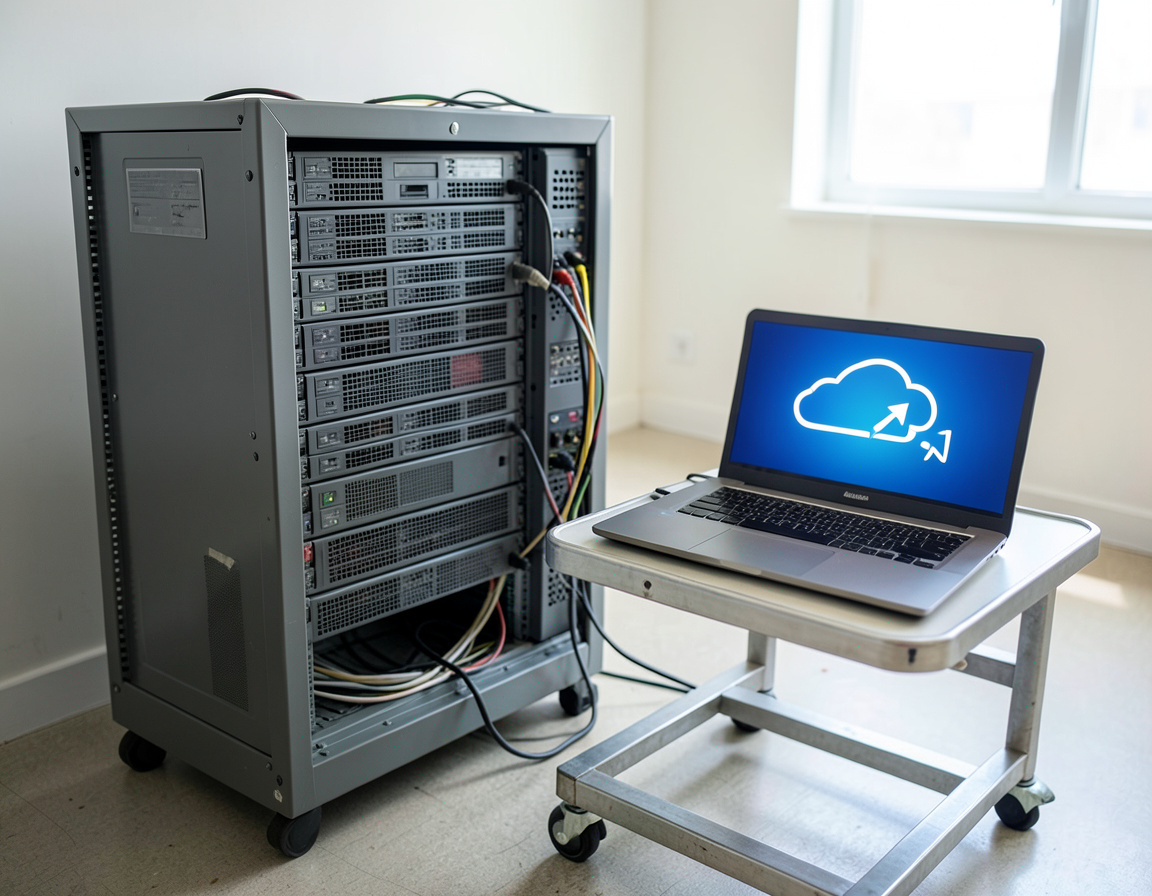


What We Migrate.
Complete data fidelity.
Common Questions
Will my email stop working during the move?
No. We use a "Cutover" or "Staged" migration method. There is zero downtime for incoming mail. You simply switch from checking the old inbox to the new one.
Can I keep my domain name?
Yes. You keep your `@yourbusiness.com` address. We just change the backend "plumbing" to point to Microsoft or Google instead of your old web host.
What moves automatically and what needs attention
Whether it is a Microsoft 365 migration or a Google Workspace migration, the tools copy mail, folders, contacts and calendars well. Other things are easy to forget, and missing them is what makes a move feel broken on the first morning:
- Aliases and shared addresses. Every address that receives mail, such as info@ or sales@, has to exist on the new platform before the switch.
- Rules and signatures. Inbox rules and email signatures usually need to be recreated.
- Delegation. Who can read or send from whose mailbox, and shared calendars for rooms or teams.
- Old archives. PST files and local folders on individual computers, which a server-side migration never sees.
- Devices and apps. Scanners, copiers, websites and invoicing software that send email through the old server.
Moving between Microsoft 365 and Google Workspace
Moves in either direction are common, often when a company changes how it works with documents. Mail and calendars transfer cleanly; files in OneDrive or Google Drive need a plan of their own, because document formats, sharing links and permissions behave differently on each side. Staff also benefit from a short introduction to the new mail app, since habits carry over but menus do not.
What to prepare for Professional Email Migration (Microsoft 365 & Google Workspace)
- A list of users, aliases, shared mailboxes and distribution lists
- Admin access to the current email system, so individual passwords do not have to be shared
- A login for your domain registrar or DNS provider
- Approximate mailbox sizes, which set the timeline for copying older mail
After the switch: Professional Email Migration (Microsoft 365 & Google Workspace)
Keep the old service active for a short period in case a delayed message arrives there, and cancel it only when nothing new appears. Make sure the new platform has its own backup, since cloud services keep deleted mail for a limited time only.
Related services: DNS, SPF, DKIM and DMARC records, setting up company phones with MDM and backup for Microsoft 365 and other data.
| Manufacturer | Computer Service Breeze |
|---|







Related Posts
-



 Most email migrations that go wrong fail on the details, not on copying mail. This checklist covers what to inventory, which migration method to use, which DNS records to change and when, and what to...
 -
 Moving a site to a new server is mostly careful copying and patient waiting; what hurts are the things around it, such as email, IP allowlists and forgotten scheduled tasks. Here is the order we...