
Mobile Device Management MDM Solutions
Your Office is Everywhere.
Secure It.
Employees are working from coffee shops, airports, and homes. MDM (Mobile Device Management) gives you the power to secure company data on any device, anywhere, without invading user privacy.
The "Remote Wipe" Switch
The moment a company phone is lost or stolen, we can wipe it instantly. If an employee quits, we can selectively wipe just the corporate data (Email, Teams, OneDrive) while leaving their personal photos untouched.
Zero-Touch Deployment
Stop manually configuring phones. With Apple Business Manager or Android Enterprise, we ship a boxed phone to your employee. They turn it on, connect to Wi-Fi, and it automatically configures itself with your apps and security policies.
BYOD Separation
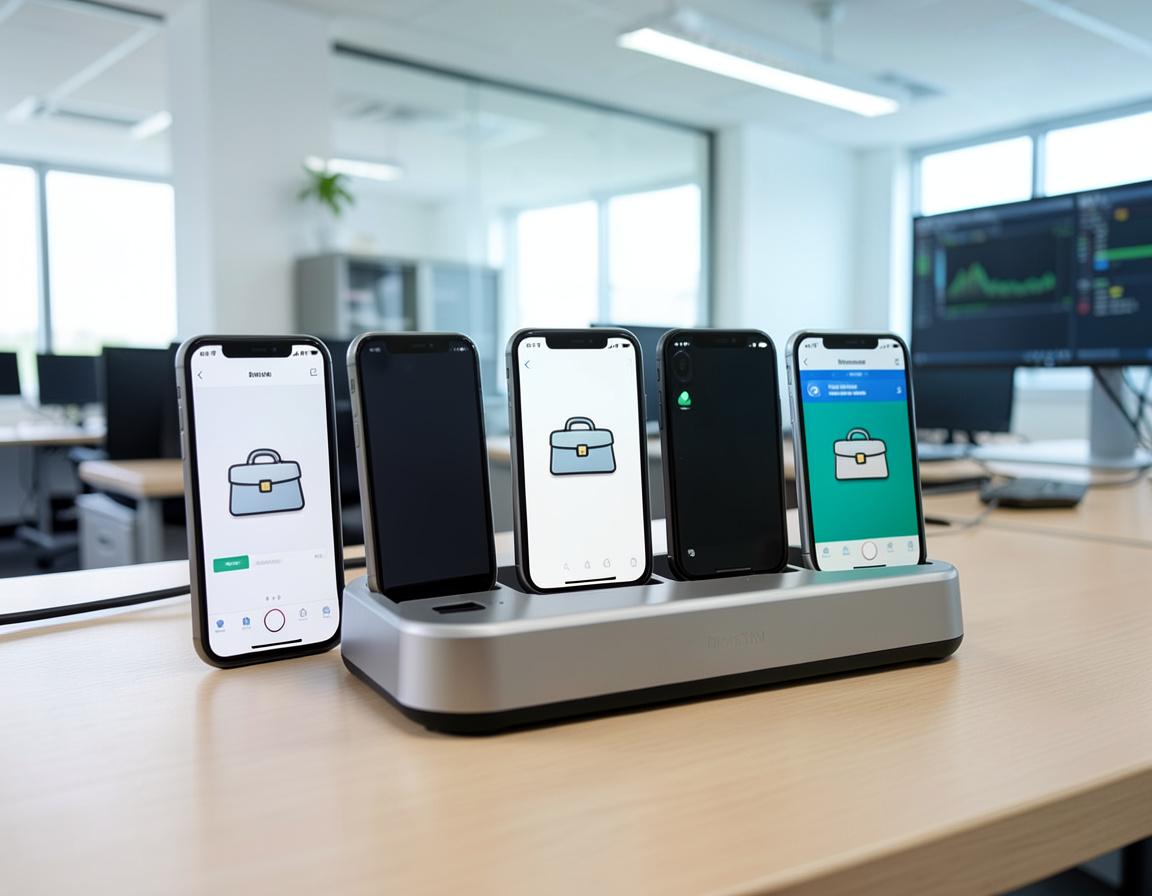
Bring Your Own Device (BYOD) is common but risky. We create a secure "Container" on personal phones. Work apps live inside the container and are encrypted. Data cannot be copied from Work Outlook to Personal Gmail.
Enrollment Workflow.
Seamless onboarding for your team.
Policy Definition
We define the rules: Must have a 6-digit passcode? Must be encrypted? Camera allowed? We build the security profile that fits your compliance needs.
Integration
We connect your MDM (Intune, Jamf) to your identity provider (Microsoft 365 / Google Workspace) so users sign in with their standard company email.
Enrollment
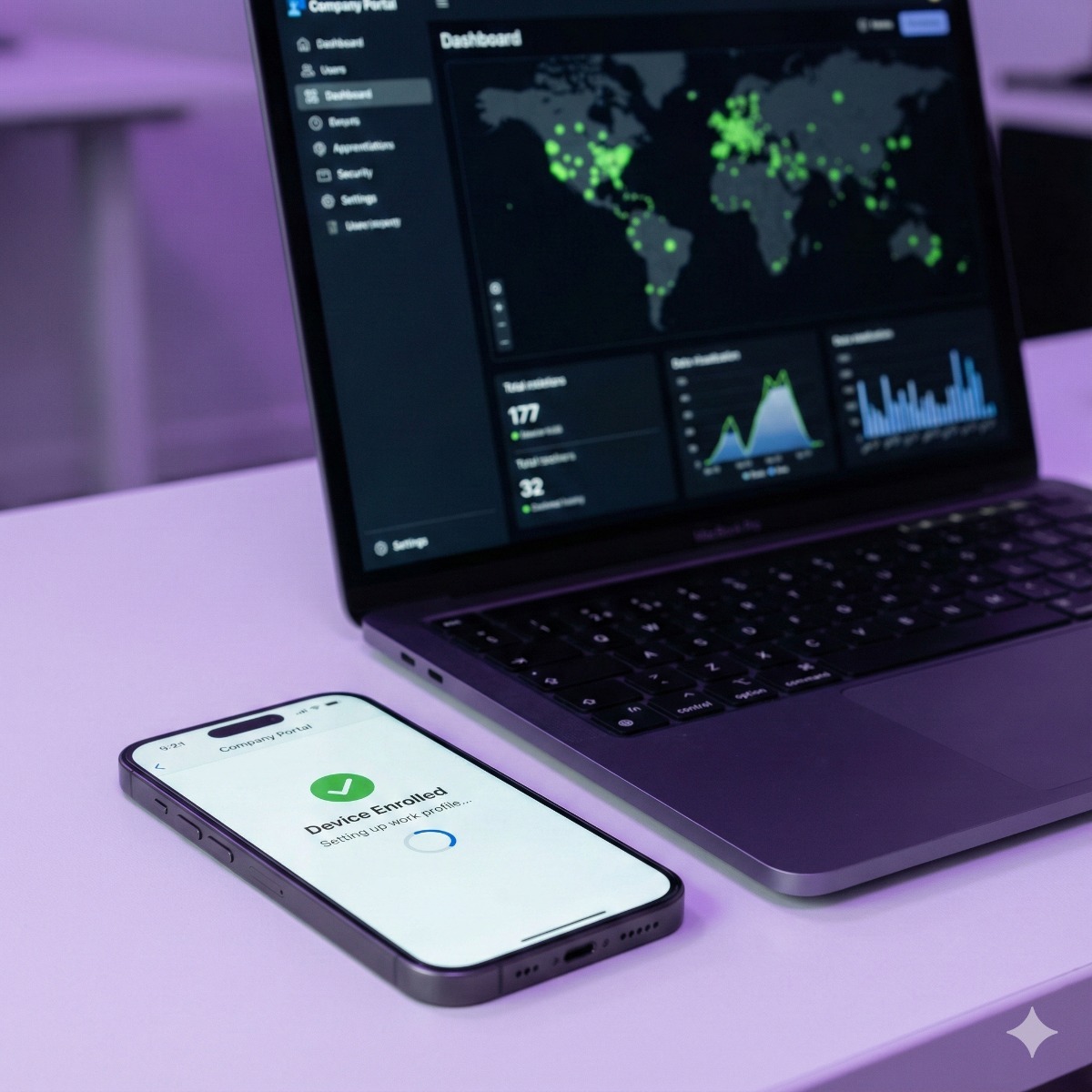
Users download the "Company Portal" app. It guides them through enrollment in 2 minutes. For corporate devices, enrollment happens automatically out of the box.
Compliance Monitoring
Our dashboard lights up green. If a user jailbreaks their phone or removes the passcode, the MDM instantly revokes their access to company email.
Powering Your Fleet.
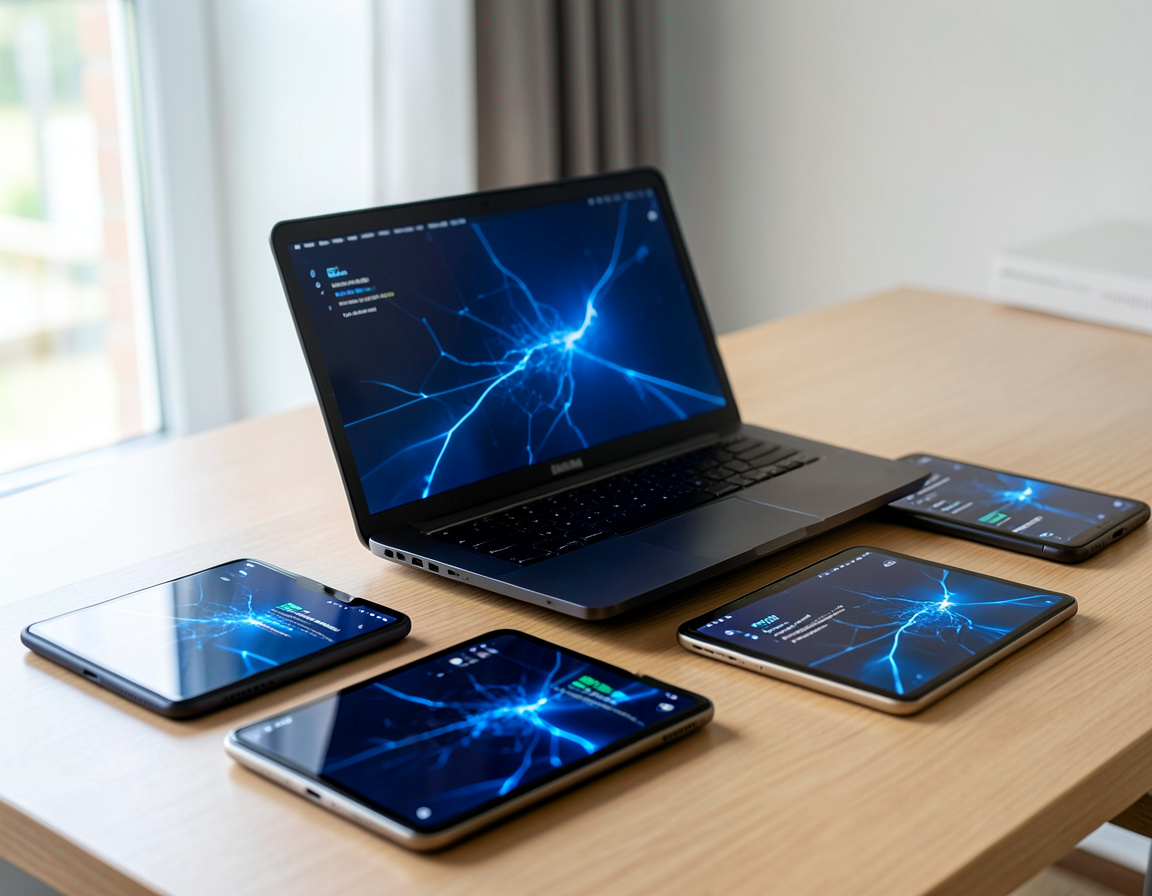
Unified management for all OS.
Platforms We Manage.
Native support for your ecosystem.
Common Questions
Can you see my personal photos?
No. MDM is designed with privacy in mind. We can see device model, OS version, and installed *work* apps. We cannot see personal photos, texts, or browsing history.
Do I need this for 5 employees?
If you have sensitive data (client lists, emails), yes. One lost phone without a passcode can be a GDPR/compliance nightmare. MDM is cheap insurance.
Intune or Jamf: choosing the platform
The right MDM setup depends on your devices and the accounts you already use. Microsoft Intune is the natural choice for companies on Microsoft 365, especially with Windows laptops alongside iPhones and Android phones, and it is included in some Microsoft 365 business plans. A Jamf Pro setup suits organizations that run mostly Macs, iPads and iPhones and want deep Apple-specific control. Whether we act as your Microsoft Intune consultant or Jamf administrator, we start with a device inventory and recommend one platform rather than running two side by side.
Getting Apple and Android devices ready
- Apple Business Manager. Company-owned iPhones and Macs are assigned to your MDM, so they enroll automatically and cannot simply be removed from management.
- Apple push certificate. It is renewed every year with the same Apple ID; replacing it with a new certificate instead means re-enrolling every Apple device, so we document who owns that account.
- Android Enterprise management. Company-owned phones run fully managed, while personal phones get a work profile that keeps work apps and data separate.
Writing a BYOD security policy
If staff read work email on personal phones, a short BYOD security policy prevents misunderstandings. It should state what the company can and cannot see, the minimum requirements (a passcode, a current OS version, no jailbroken or rooted devices), which apps may hold company data, and what happens to that data when someone leaves. Staff read and accept it before enrolling.
How remote wipe works on an iPhone
For a company-owned iPhone, a remote wipe erases the whole device, and when it was enrolled through Apple Business Manager, Activation Lock can be managed so the phone can be reused afterwards. On a personal phone, the MDM removes only the work apps and their data, leaving photos and personal apps untouched. Report a lost device quickly: the wipe runs the next time the phone connects to the internet.
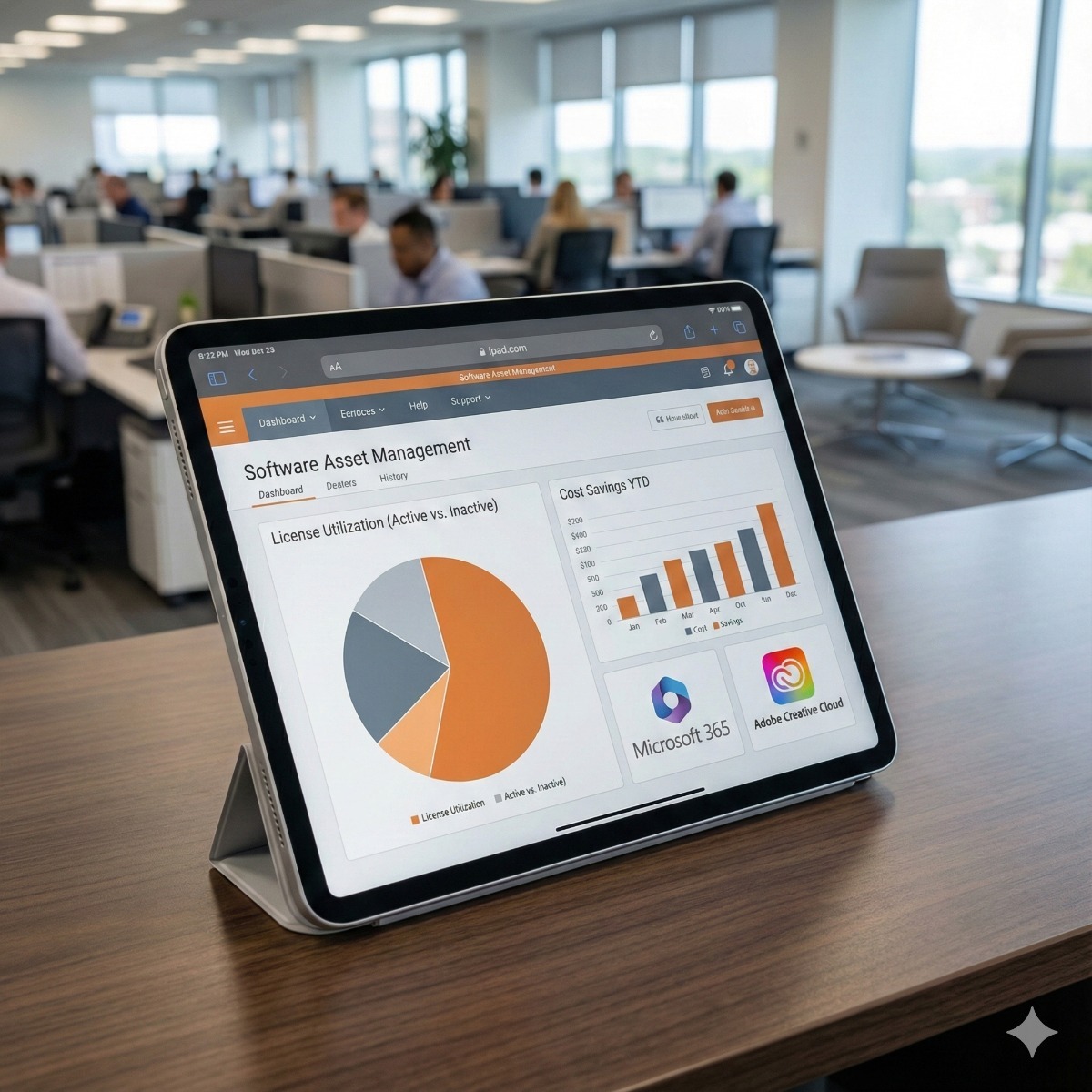
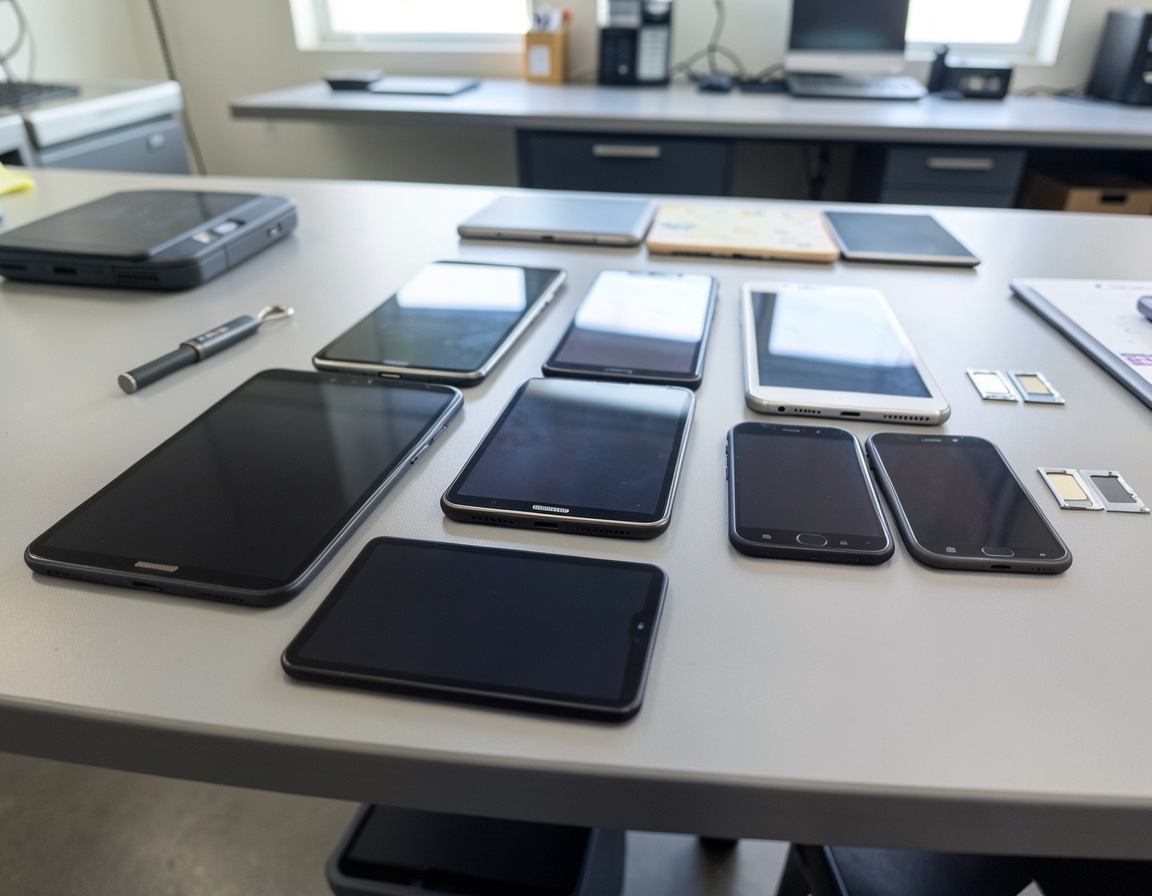
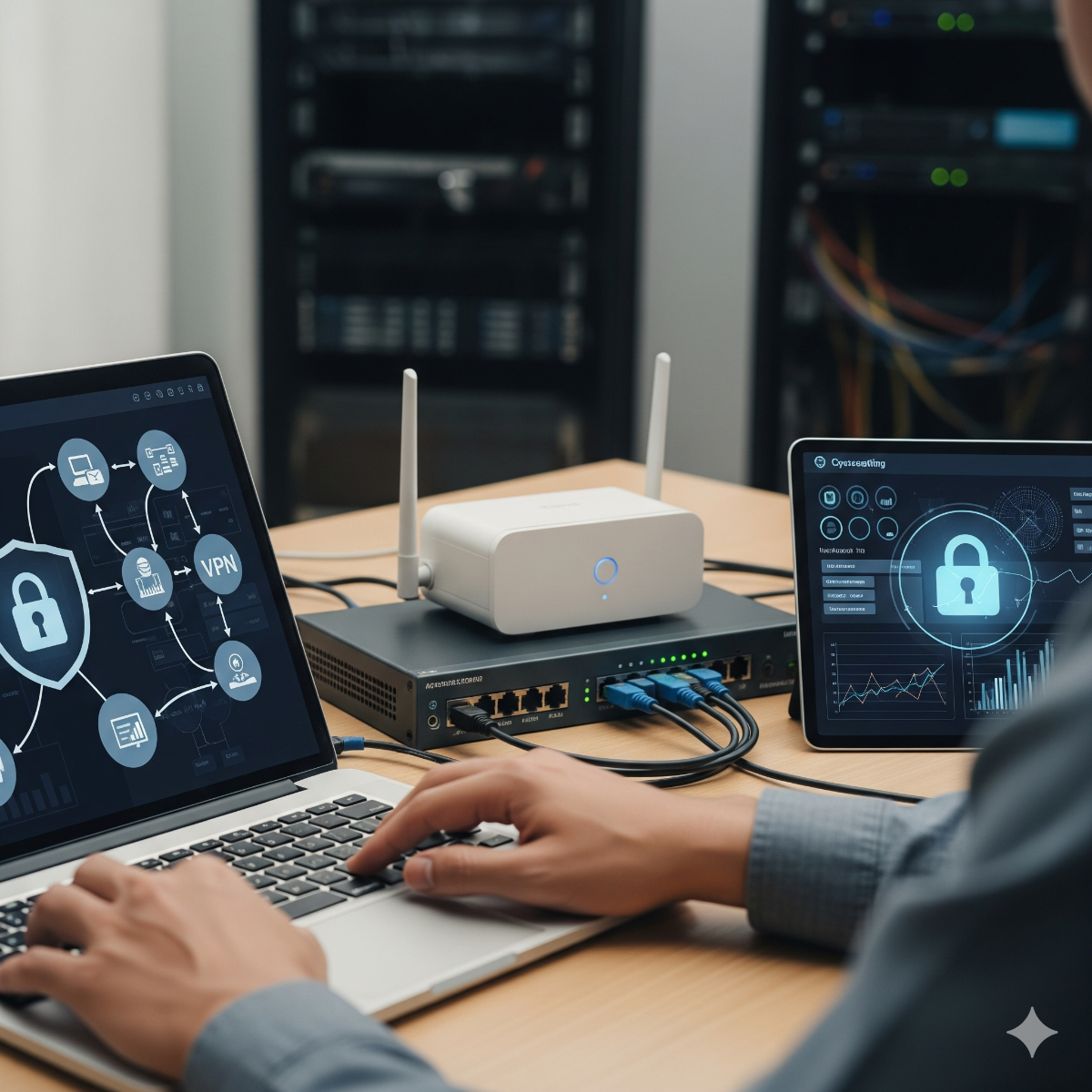
Related services: recycling company phones and tablets with a data wipe, software license management and secure VPN access for remote staff.
| Manufacturer | Computer Service Breeze |
|---|



Related Posts
-


 Erasing a modern phone is easy; the hard part is releasing it from MDM, Apple Business Manager or zero-touch enrollment, Activation Lock and Factory Reset Protection with your own admin access. This...
 -
 Most small businesses only audit their software when a renewal or a vendor letter forces them to. This checklist shows how to run the audit on your own schedule, from inventory and entitlements to...
 -
 Replacing computers only when they break makes costs and downtime unpredictable. This guide explains how to set a realistic replacement cycle, when a machine should be replaced early, and how...