
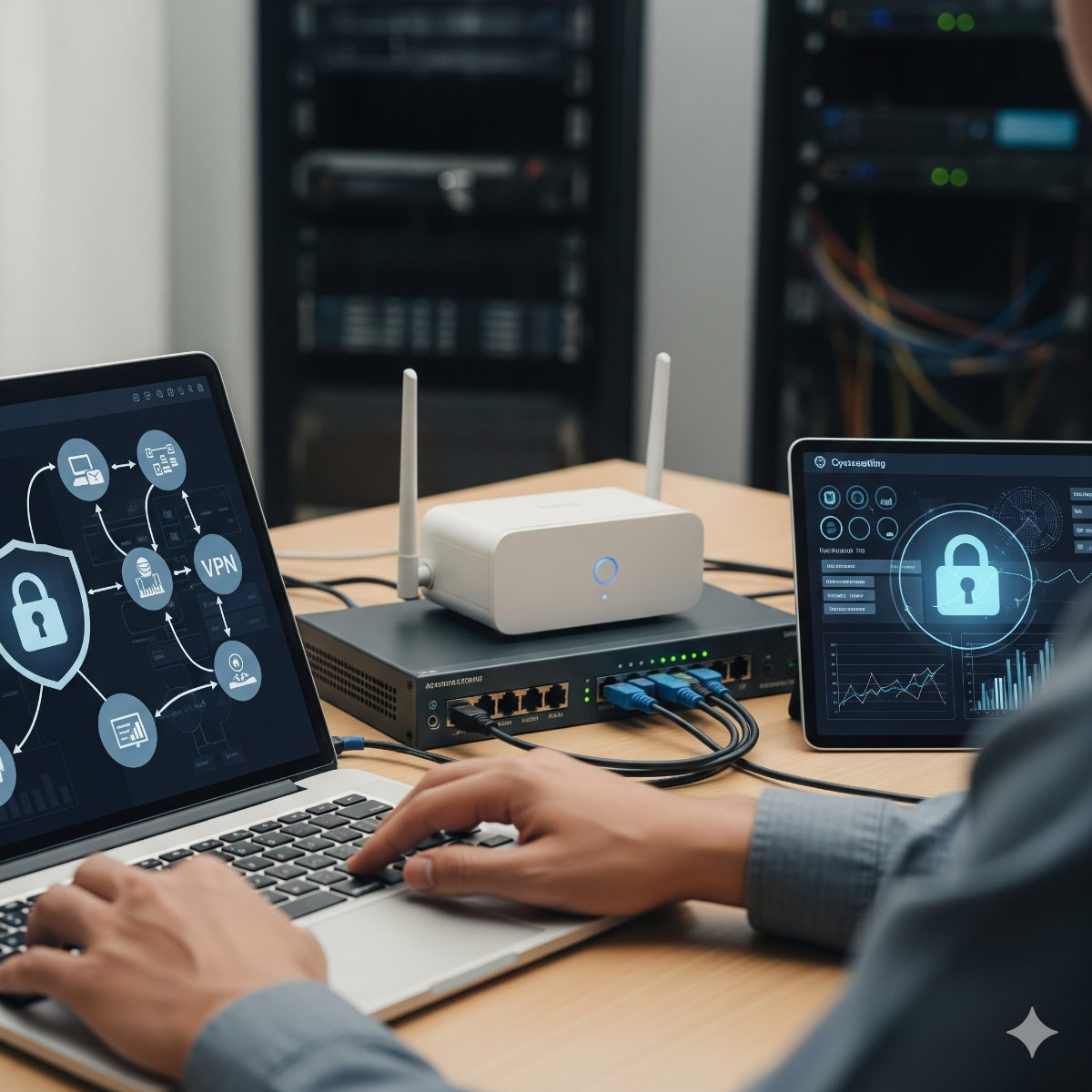
Small Business Network Setup, Wi-Fi & VPN
Professional network setup, VPN configuration, and security services for businesses in Los Angeles and Long Beach. Protect your data and ensure smooth connectivity.
In many small offices the network grew one device at a time: an internet provider's router, a switch from an electronics store, a Wi-Fi extender behind the printer, and a guest password that half the neighborhood knows. It works until it does not, and when it fails nobody remembers how it was set up. For small business network setup, we design and install networks for offices, shops, clinics and warehouses in San Pedro, Long Beach and nearby parts of Los Angeles County, and we document everything so the network is never a mystery again.
Signs your network needs attention
- Wi-Fi dead zones, or calls and video meetings that drop in certain rooms
- Guests, cameras, smart TVs and staff computers all sharing one network
- No firewall beyond the provider's router, or a firewall nobody has logged into for years
- Staff reach office files from home through forwarded ports or shared passwords
- Nobody knows the admin passwords for the router or the switches
What we set up
- Business firewall and router with current firmware, secure admin access and logging.
- Wi-Fi coverage from properly placed access points instead of extenders, with separate networks for staff and guests.
- Network segmentation (VLANs) so cameras, printers and point-of-sale devices cannot reach office computers.
- Remote access VPN so staff connect to office resources securely; see OpenVPN server setup.
- DNS and filtering to block known malicious domains (DNS configuration).
How the project runs
- Walk-through. We look at the space, the internet connection, the current equipment and where people actually work.
- Design. A simple diagram showing the firewall, switches, access points, VLANs and VPN, with a parts list.
- Installation. Scheduled outside business hours where possible, with the old setup kept as a fallback until the new one is tested.
- Testing. Wi-Fi coverage checked room by room, VLAN separation and VPN access verified.
- Documentation. Network diagram, device list, admin accounts and Wi-Fi details handed over to you.
Who network setup Los Angeles is for
Small offices and shops, medical and dental practices, restaurants with point-of-sale systems, and businesses adding security cameras that need their own network segment. If you are adding cameras at the same time, see security camera installation.
Frequently asked questions about network setup Los Angeles
Do I need a business firewall, or is my provider's router enough?
A provider's router handles the connection but usually offers little control, logging or VPN capability. If you store customer data, take card payments or have staff working remotely, a separate business firewall is worth it.
What is a VLAN, and why would a small office need one?
A VLAN splits one physical network into separate logical networks. It keeps guest devices, cameras and printers away from the computers that hold business data, which limits the damage if one device is compromised.
Is a VPN safe for remote staff?
A properly configured VPN with individual user certificates or accounts, and multi-factor authentication where possible, is far safer than forwarding ports to office computers or sharing passwords.
Which equipment do you use?
We choose business-grade equipment to fit the budget and the space. If you already own suitable hardware, we reuse it.
Describe your office and what is not working through the contact form. More in our network and security best practices guide.
Firewall setup you can actually manage
A firewall only protects the office if its rules are understood and kept current. When we handle firewall setup for California offices, we start from a simple principle: nothing from the internet reaches inside the network unless there is a documented reason for it.
- Inbound rules. Old port forwards for cameras, remote desktop or a former vendor are removed or replaced with VPN access.
- Admin access. The management page is reachable only from inside the network or over the VPN, with a named account for each administrator.
- Firmware and logs. Updates are applied on a schedule, and logs are kept long enough to answer the question "what happened last Tuesday?"
- Outbound control. Optional DNS filtering and blocked categories of your choosing, applied to guest and staff networks separately.
VPN configuration for Long Beach offices and remote staff
Two kinds of VPN cover most small business needs. A remote access VPN lets an employee at home reach the office file share or accounting system as if they were at their desk. A site-to-site VPN joins two locations, for example an office in Long Beach and a warehouse elsewhere in the county, so printers and servers are shared without exposing them to the internet. A secure VPN relies on individual accounts rather than one shared login, multi-factor authentication where the equipment supports it, and access limited to the systems each person needs. When someone leaves, their access is removed in one place.
Planning a business network installation in Los Angeles County
Before a new installation or a rebuild, it helps to collect a few things:
- Your internet provider, plan and any static IP details from the contract or bill
- A floor plan, or a photo of a sketch, showing rooms, desks and where the internet line enters
- A list of devices: computers, printers, phones, cameras, card terminals and smart TVs
- Any router, switch or Wi-Fi passwords you still have
Cables are labeled at both ends, switch ports are documented, and a small uninterruptible power supply for the core equipment is recommended so a brief power flicker does not take the whole office offline.
Related services: moving your network to a new office, managed IT with ongoing network monitoring and all network and server services.
After the installation: business IT support for the network
A network stays secure only if someone keeps looking after it, whether that is your own staff or a network support company. After the installation you receive the diagram, the device list and the admin accounts, so access to your own equipment does not depend on one person. If you would rather not handle it yourself, the same documentation lets us take over as part of ongoing business IT support: firmware updates applied on a schedule, firewall rules reviewed when staff or vendors change, and VPN access removed in one place when someone leaves.
Good records also make later changes simpler. Adding security cameras on their own VLAN, joining a second location with a site-to-site VPN or moving to a new office all start from an accurate picture of what is already installed.
| Manufacturer | Computer Service Breeze |
|---|






Related Posts
-
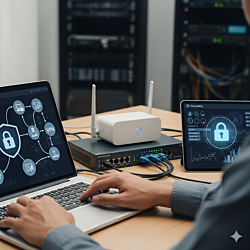


 A useful IT consultation ends with a written, ranked list of what to fix, not a sales pitch. Here is what a review of a small office should cover, what to prepare and a security baseline in priority...
 -
 Expert network setup, VPN configuration, and security services to protect and optimize business networks in Los Angeles and Long Beach.
 -
 Modern Surveillance Technology: Trends and Innovations The surveillance industry is evolving fast. Learn about AI-powered cameras, facial recognition, smart sensors, and the latest trends improving...
 -
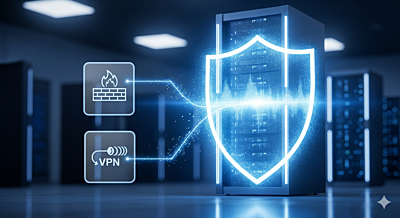 Introduction to Network Security Network security involves protecting IT infrastructure from unauthorized access, attacks, and disruptions to ensure data integrity, confidentiality, and availability.
 -
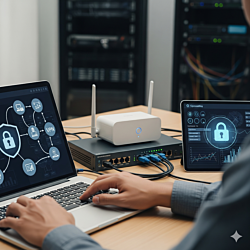 What a realistic cybersecurity baseline looks like for a small office, and what a local provider in Long Beach and LA County should check and fix first.
 -
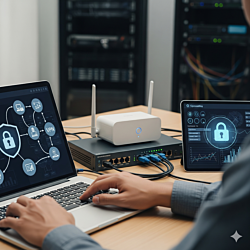 Why office Wi-Fi has dead zones and slowdowns, and how to plan a small business wifi setup with the right access points, cabling, guest networks and security settings.
 -
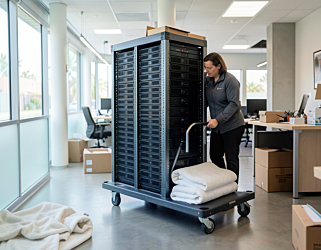 A step-by-step office IT move checklist for small businesses, from ordering internet at the new address to testing every desk on the first morning. Covers servers, network cabling, VoIP phones, 911...
 -
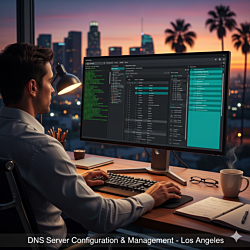 DNSSEC lets resolvers check that DNS answers really come from your domain. This guide explains how signing and DS records work with BIND and PowerDNS, and how to avoid the mistakes that take a signed...
 -
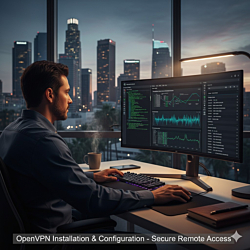 Old OpenVPN servers often stop accepting clients after an operating system upgrade. This guide explains what changed in OpenVPN 2.6 and OpenSSL 3, how to fix it properly and what to harden while you...
 -
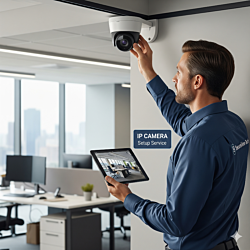 In a smart building the camera question is about integration, not just picture quality. This guide compares IP and conventional CCTV for access control, video management software, analytics such as...
 -
 The IT side of an office move runs on other companies' schedules, so it needs the longest lead time. This week-by-week timeline covers the internet order, server room relocation, phone number porting...
 -
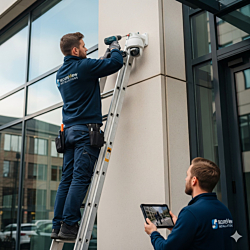 "It depends" is the honest answer to what a camera system costs, but what it depends on can be listed. This guide explains the factors behind a business security camera installation quote and how to...
 -
 An old DVR and coax in the walls do not have to mean a full rip-out. This guide compares HD-over-coax, Ethernet over coax and rewiring, explains when to replace the DVR with an NVR and lists the...