
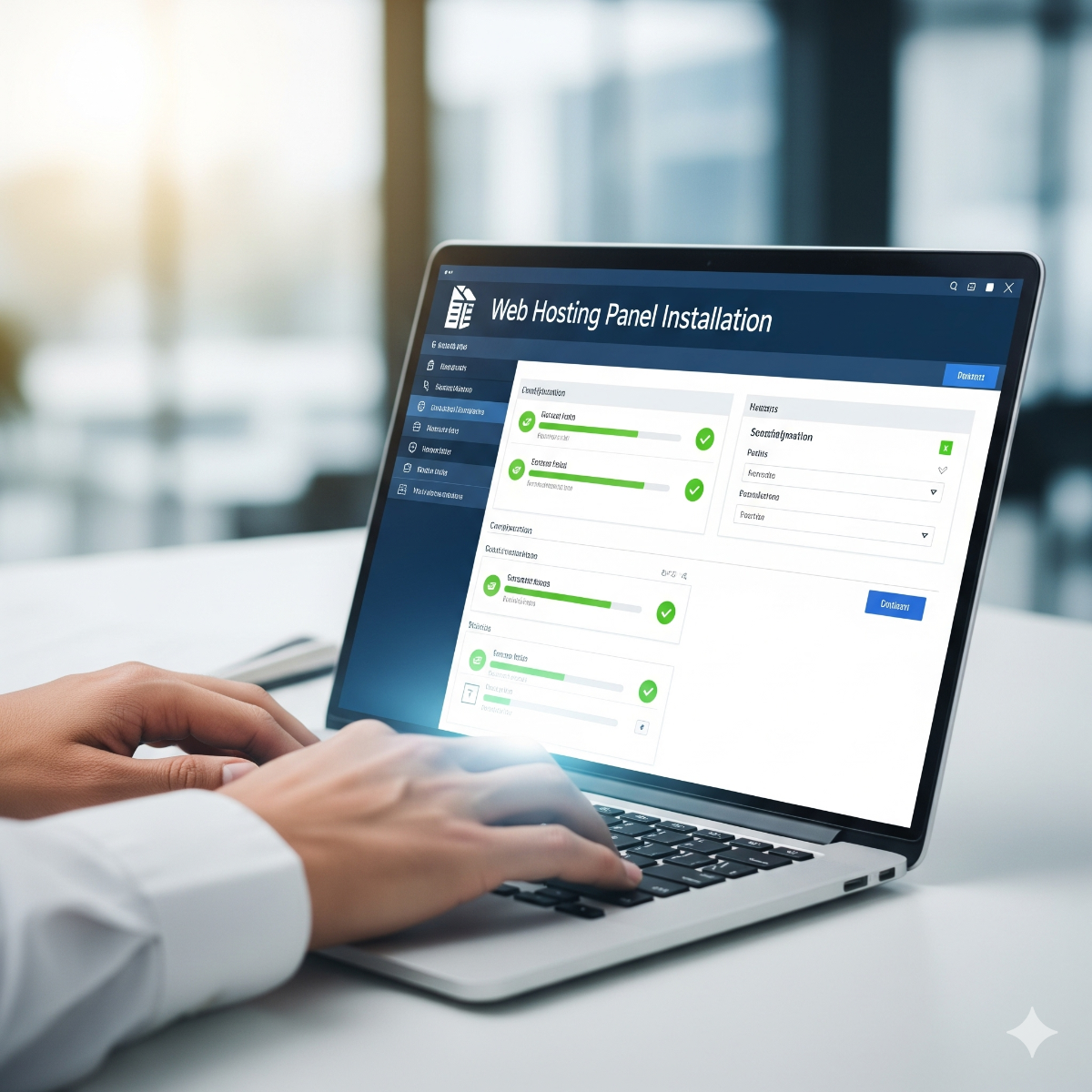
Hosting Control Panel Installation for Secure Server Management
Professional web hosting panel installation services in Los Angeles and Long Beach. Fast, secure, and optimized control panels for your hosting environment.
A hosting control panel lets you create websites, mailboxes, databases and DNS records from a browser instead of the command line. It is the usual choice for agencies hosting client sites and for businesses running several domains on one server. The catch is that panels are often installed with default settings, left unpatched, and configured in ways that send email to spam folders or let one hacked site affect all the others. We choose, install and harden the right panel for your situation. We run ISPConfig on our own production servers, so we know how it behaves day to day, not just how the installer works.
Which panel fits?
- ISPConfig 3 – free and open source, runs on Debian and Ubuntu, and manages web, mail, DNS and databases, including multi-server setups. A good fit when you want no license fees and can live with a less polished interface.
- DirectAdmin – commercial, lightweight and fast, with a simple interface and generally lower license costs than cPanel.
- cPanel & WHM – the best-known panel with a large ecosystem, but licenses are priced by the number of accounts, which gets expensive as you grow.
- Plesk – commercial, available for Linux and Windows servers, and popular for WordPress-heavy hosting.
Our recommendation depends on the number of sites and mailboxes, your budget for licenses and who will use the panel day to day.
What installation includes
- Server preparation. A clean operating system install or review, partitioning, updates, hostname and reverse DNS.
- Panel installation with the web server, PHP versions, database server and mail stack you need.
- Security hardening. Firewall, fail2ban, SSH lockdown, separate PHP processes per site and secure panel access.
- Mail that gets delivered. SPF, DKIM and DMARC records, spam filtering and TLS for mail (DNS configuration).
- SSL everywhere. Automatic Let's Encrypt certificates for the panel, the sites and mail (SSL installation).
- Backups. Scheduled backups to separate storage, with a tested restore.
- Handover. Admin accounts, a short guide to creating sites and mailboxes, and notes on how the server is set up.
Moving to a new panel
Switching from cPanel to ISPConfig or DirectAdmin, or moving to a new server, is mostly careful data work: websites, databases, mailboxes and DNS moved with a planned cut-over. See website and database migration and email migration.
Who web hosting panel Los Angeles is for
Web agencies and freelancers hosting client sites, businesses with several websites and domains, and anyone replacing expensive or outdated hosting with their own VPS. For a single application a panel is often unnecessary; see Linux server setup instead.
Frequently asked questions about web hosting panel Los Angeles
What is a good free alternative to cPanel?
ISPConfig is a mature free option that covers web, mail, DNS and databases. It asks a little more of the administrator, which is why we document each ISPConfig installation and offer ongoing support.
Can a panel be installed on my existing server?
Most panels expect a clean operating system. On a server that is already in use, we usually set up a new server with the panel and migrate the sites to it, which is safer and allows testing before the switch.
Who keeps the panel updated?
You can, or we can as part of server monitoring and maintenance. Panels are a common attack target, so updates should never be skipped.
Tell us how many sites and mailboxes you host via the contact form. Background: web hosting and control panel tips.
Panel-specific notes before installation
- cPanel installation. cPanel & WHM has to go onto a fresh, supported operating system, and it cannot be cleanly removed later without reinstalling the server. We confirm the OS version, license type and expected number of accounts before the first command runs.
- DirectAdmin installation. DirectAdmin needs a license key tied to the server and lets us choose the web server and PHP versions through its CustomBuild tool, which we configure to match your sites instead of leaving the defaults.
- Plesk setup. Plesk is the panel to consider when some sites need a Windows server, and its WordPress management tools suit agencies that run many WordPress installations.
What we need from you for web hosting panel Los Angeles
A new VPS or dedicated server, or permission to reinstall an existing one; root access; access to your domain registrar or DNS; and the ability to set reverse DNS with your hosting provider, which matters for mail delivery. For commercial panels you can buy the license yourself, and we will advise which license tier fits before you order.
Timeline and handover
For clients in Long Beach, elsewhere in California or further away, the installation itself is the short part of the job. Most of the time goes into DNS and mail configuration, hardening and, when sites are coming from an old server, migrating them one by one with a test before each switch. At handover you receive the admin logins, a note of every setting changed from the defaults and a short checklist for adding a new site or mailbox.
After go-live
A panel makes daily tasks easy, which also makes it easy to forget the server underneath. Panel updates, PHP versions reaching end of life, disk space and mail queues all need a periodic look, and a single outdated plugin on one site can become the way into every site on the server. Agree up front who watches those things, whether that is your team or us.
Related services: Apache performance tuning, hacked website cleanup and website hosting and maintenance services.
Shared hosting or your own server with a panel?
Businesses comparing web hosting in Los Angeles often weigh two options: a shared Los Angeles web hosting plan, or their own VPS with a control panel. Shared hosting is simple, but it limits PHP versions, mail settings and resources. Your own server with the right hosting panel solution gives you that control, as long as someone keeps the panel and the server underneath updated.
Agencies that act as a small Los Angeles hosting company for their clients face a further choice. Hosting cPanel accounts gets expensive as the number of accounts grows, while ISPConfig has no license fees and DirectAdmin generally costs less to license. If you offer web hosting and maintenance in Los Angeles to your own customers, agree up front who applies panel updates, watches disk space and mail queues, and tests the backups.
| Manufacturer | Computer Service Breeze |
|---|






Related Posts
-
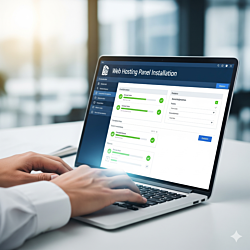


 A hosting control panel installs in minutes, but a wrong hostname, a missing reverse DNS record or a blocked mail port can follow the server for years. This checklist covers what to decide and...
 -
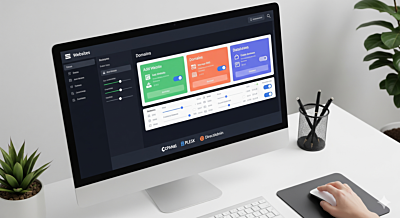 Introduction to Web Hosting Web hosting is the foundation of any website. Choosing the right hosting solution and managing it effectively ensures your website runs smoothly and securely.
 -
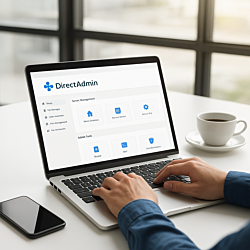 Agencies that host client websites can use DirectAdmin's admin, reseller and user levels to keep every client separate and within limits. This guide covers packages, IPs, nameservers, PHP versions,...
 -
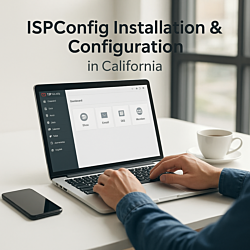 An ISPConfig multiserver setup splits websites, mail and DNS across several servers while you keep managing everything from one panel. This guide explains how it works, which roles to separate first...