
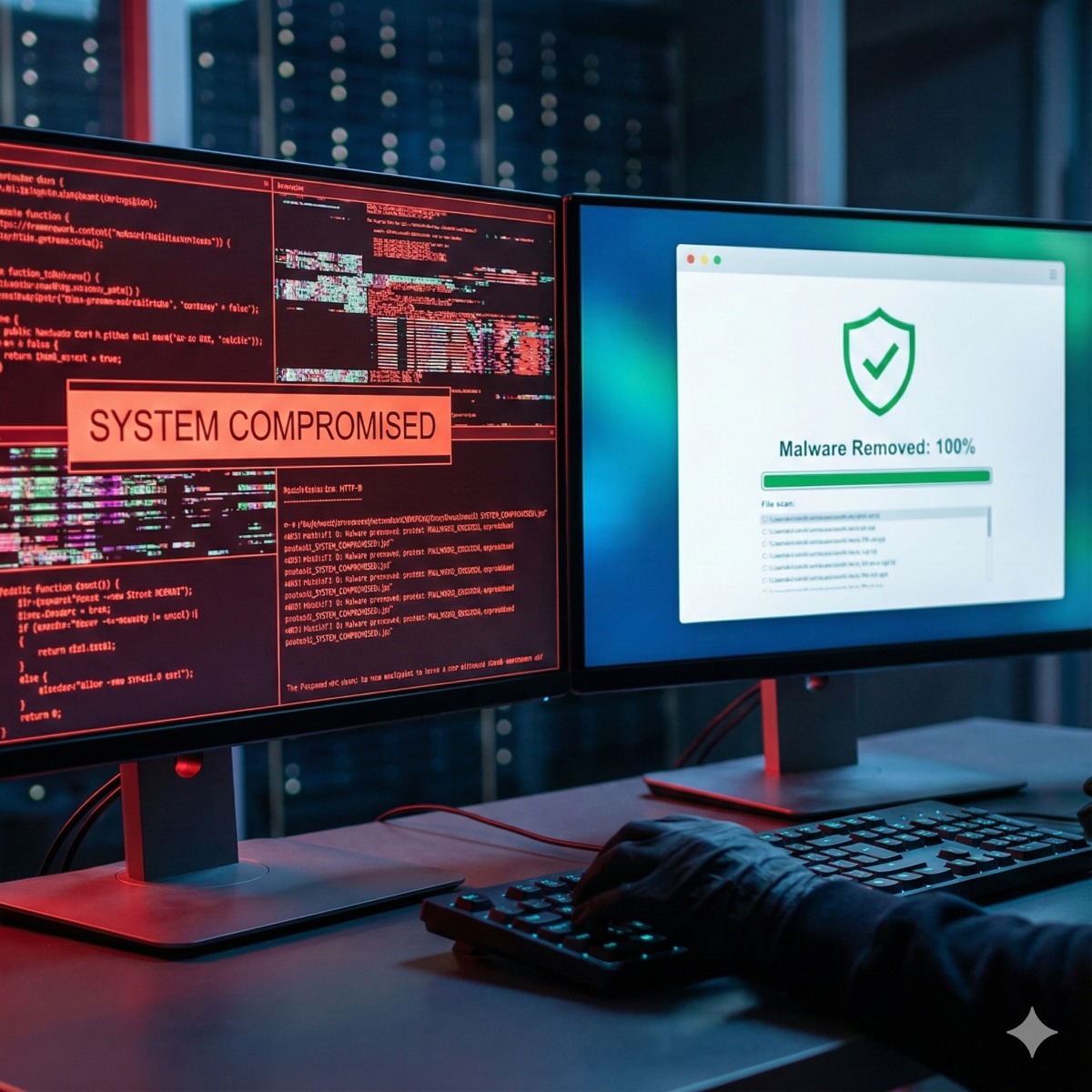
Emergency Malware Removal & Security Hardening
We Restore Your
Reputation.
A hacked website destroys customer trust instantly. We provide emergency malware removal to clean your files, remove Google's "Deceptive Site" warnings, and harden your security against future attacks.
Deep Core Cleaning
We don't just restore a backup (which might also be infected). We scan your database and core files to surgically remove Japanese Keyword Hacks, Pharma links, and hidden Backdoors.
Blacklist Removal
If you see the "This site may be hacked" red screen, Google has blacklisted you. Once we clean the site, we communicate directly with Google and McAfee to verify the fix and remove the warning label.
Security Hardening
We close the door they came in through. We change your Salt Keys, implement Two-Factor Authentication (2FA), hide your login URL, and install a Web Application Firewall (WAF).
The Rescue Plan.
Rapid response protocol.
Quarantine
We immediately put your site into "Maintenance Mode" to protect your visitors from malicious redirects while we work on the backend.
Forensic Scan
We identify modified core files, check for rogue Admin accounts, and scan the `wp-content/uploads` folder for hidden PHP execution scripts.
Clean & Patch
We replace infected core files with fresh copies from the official repository, remove malware from the database, and patch the vulnerable plugin that caused the breach.
Monitoring
After the site is live, we keep it under close monitoring for 30 days to ensure the infection is completely gone and no "ghost" scripts return.
Types of Hacks We Fix.
We've seen it all.

Protection Specs.
Industrial grade defense.
Common Questions
How long does it take?
We aim to begin work promptly after your request. Cleanup time depends on the severity of the infection.
Will I lose my data?
In most cases, no. We surgically remove the malicious code while leaving your posts, images, and pages intact. We take a full backup before we start.
Hacks we see most often
- Japanese keyword hack. Thousands of new pages in Japanese show up in Google under your domain, often selling counterfeit goods, while the site looks normal to you. A Japanese keyword hack fix means deleting those generated pages, removing the code that creates them and removing any Search Console owners the attacker added.
- Pharma hack. Spam links for pills are shown only to search engines, so they stay invisible in a normal browser. To remove pharma hack spam we compare what Googlebot receives with what visitors see, then search the database and theme files for the injected content.
- Mobile redirects. Visitors arriving from Google on a phone are sent to scam pages, while direct visits look fine.
- Payment skimmers. Scripts on store checkout pages that copy card details as customers type them.
How we clean malicious code
Our malware removal service starts with a full copy of files, database and logs, so evidence is kept and nothing legitimate is lost. A hacked WordPress site fix then follows the same path as other platforms: core files compared against official checksums, every plugin and theme reviewed, and the database searched for injected scripts and unknown administrator accounts. Server-level leftovers, such as scheduled tasks or extra files outside the web root, are checked too. Restoring an old backup without these steps usually brings the infection straight back.
Google blacklist removal
When Google flags a site, the details appear in the Security issues report in Search Console. After the cleanup we request a review there and describe what was fixed. Google works on its own schedule: depending on the type of issue, a review can take from about a day to several weeks, and nobody can speed it up. Blocklists used by antivirus and browser vendors are checked separately.
Website security hardening afterwards
Hardening closes the way in: outdated or abandoned plugins updated or removed, every password and secret key changed, two-factor login for administrators, PHP execution blocked in upload folders and file permissions corrected. To start, send us hosting or server access, a CMS administrator login and, if you have it, access to Search Console.
Related services: five warning signs your website has been hacked, maintenance plans with security monitoring and moving a cleaned site to a better server.
| Manufacturer | Computer Service Breeze |
|---|




Related Posts
-


 A hacked website often hides in plain sight. Here are the five warning signs to watch for, and what to do the moment you spot one.
 -
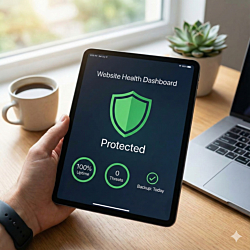 Websites rarely fail all at once; they decay through skipped updates, untested backups and forgotten renewals. This website maintenance checklist spreads the routine across weekly, monthly and yearly...
 -
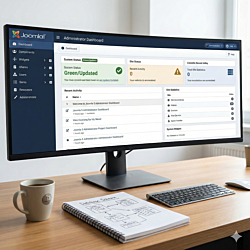 Joomla 4 stopped receiving security fixes in October 2025, and Joomla 6 is now the current major version. This guide explains the upgrade path through Joomla 5.4, what to check first and how to test...