
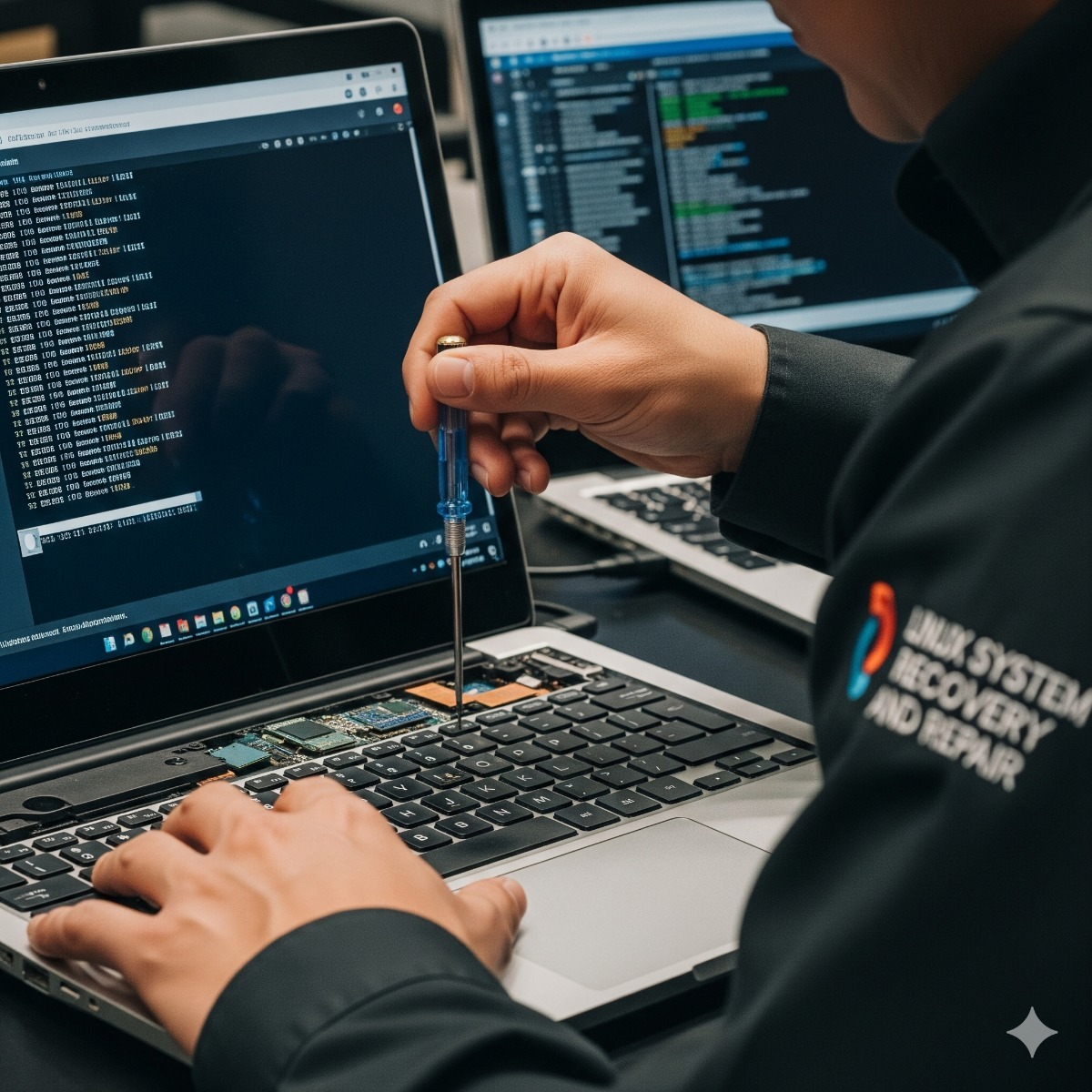
Linux Server Recovery & Repair
Professional Linux system recovery and repair services for businesses in Los Angeles and Long Beach. Restore your system quickly and securely.
A Linux server that stops booting or suddenly drops its websites is an emergency, especially when the person who set it up is no longer around. The pressure is to try things quickly, but random fixes on a failing disk or a half-broken filesystem can turn a recoverable situation into permanent data loss. In every Linux server recovery we diagnose first, protect your data, and only then repair.
Failures we handle
- A server that does not boot after an update, a kernel change or a power loss
- "grub rescue>" or "no such partition" errors (see GRUB and MBR boot repair)
- Filesystem errors, a read-only root filesystem, or emergency mode on startup
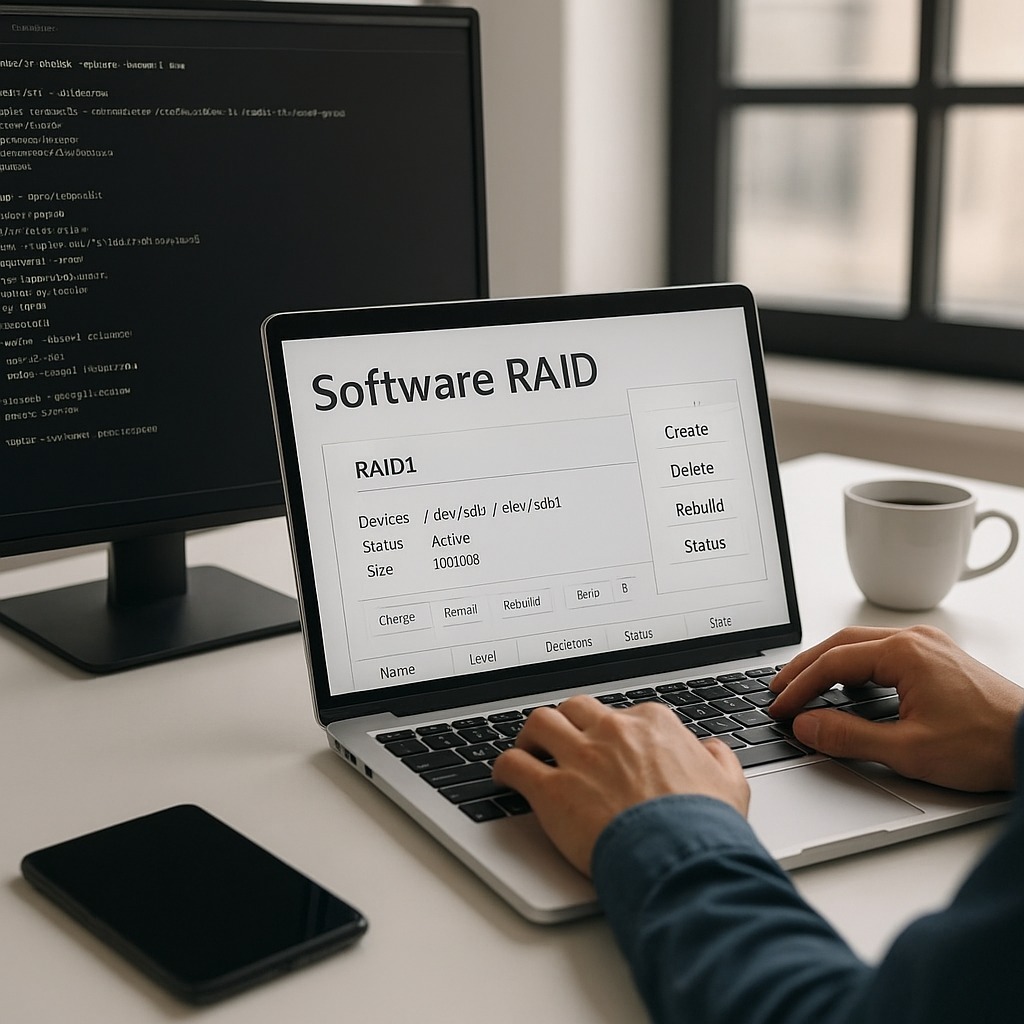
- Degraded or inactive mdadm RAID arrays and failing disks
- Full disks that stopped the database or the mail server
- Broken packages or dependency problems after an interrupted upgrade
- Services that no longer start: web server, database, PHP-FPM or mail
- Lost root access and SSH lockouts
- Compromised servers that need cleanup and hardening before going back online
How we approach a recovery
- Triage. We gather what we can safely: console output, logs, disk and RAID status. Nothing is written to suspect disks at this stage.
- Protect the data. If disks are failing, we image them or copy critical data first, before attempting any repair.
- Find the root cause. Boot loader, kernel, filesystem, storage, configuration or a security incident.
- Repair. Working from a rescue environment where needed: rebuild the boot loader, repair filesystems, re-sync RAID, fix packages and configuration.
- Verify. Services, websites and scheduled jobs are tested, and data is spot-checked with you.
- Prevent a repeat. A short report on what failed and what to change, such as monitoring, backups or disk replacement.
Who Linux system recovery Los Angeles is for
Businesses with Linux servers running websites, online stores, file shares, phone systems or internal applications; developers and agencies with a client server in trouble; and anyone locked out of a server they depend on.
What's included in Linux system recovery Los Angeles
- Diagnosis of the failure
- Data protection before repair (a disk image or a copy of critical data)
- Repair of boot, filesystem, RAID, package and service failures
- Post-recovery testing and a written incident summary
- Recommendations, and optional ongoing monitoring
Frequently asked questions about Linux system recovery Los Angeles
Can you recover data from a server that will not boot?
In most software failures, yes: the data is still on the disks and can be copied from a rescue system. Physically damaged disks may need a specialist data recovery lab, and we will tell you if that is the case.
Should I keep rebooting the server?
Avoid repeated reboots, and do not run filesystem repair tools on a disk that may be failing, because each attempt can make recovery harder. Write down any error messages and contact us.
Is my server hacked or just broken?
Signs of compromise include unknown users or SSH keys, unexpected processes using CPU, new scheduled jobs and outgoing spam. If we find evidence of an intrusion, we preserve the logs, clean or rebuild the system and close the entry point.
Describe the symptoms, the distribution and where the server is hosted via the contact form. More: Linux administration tips.
What to have ready when a server is down
The sooner we can see the machine, the less guesswork is involved. Before contacting us, gather what you can without making further changes:
- Console access. For a hosted server, the provider's rescue or KVM console login; for hardware in your office, IPMI, iDRAC or iLO details if the server has them.
- Basic facts. The distribution and version, what the server runs and where its backups are kept.
- The last change. An update, a new disk, a power cut, a configuration edit, or nothing at all as far as you know.
- Error messages. Photos or screenshots of the console, including the last lines before it stopped.
Linux troubleshooting when the server is up but not right
Not every job is an emergency. Linux troubleshooting for California businesses also covers problems that come and go: random reboots, processes killed by the out-of-memory killer, disks that fill up overnight, a clock drifting out of sync, or a website that slows down at the same hour every day. These leave traces in the system journal, kernel messages and monitoring data, and finding the pattern is more useful than restarting services until the symptom disappears.
Server recovery for hosted and on-premises machines
Hosted servers, in California or anywhere else in the US, can usually be recovered remotely through the provider's console and rescue system. For Linux repair in Long Beach and the wider Los Angeles area, when the machine sits in your own office or server closet, we agree on the best way to reach the hardware before work starts. Once the server is running again we recommend what to change, and sometimes the honest answer is that an aging server should be retired rather than repaired a second time.
Related services: backup and disaster recovery, server decommissioning for machines not worth repairing and secure destruction of replaced disks.
Linux system repair: tools, and when to stop
When a server will not start, it is tempting to repair Linux with the first command a forum suggests. Graphical tools such as Linux Boot-Repair can reinstall GRUB on a simple desktop, but they may not handle mdadm RAID, encrypted disks or a failing drive correctly. Linux system repair on a business server starts from a rescue environment, with the disks imaged or the critical data copied before anything is written.
If you have already tried something, write down exactly what was run and in which order. The console output, the last change before the failure and any error messages usually point to the root cause without further risk to your data.
| Manufacturer | Computer Service Breeze |
|---|







Related Posts
-


 When a Linux server stops at "You are in emergency mode", something it needs at boot, usually a disk or filesystem, did not come up. Here is what the message means, how to find the cause and which...
 -
 When a Windows update removes the GRUB menu, both operating systems are usually still intact. This guide explains why dual-boot PCs lose their boot menu, how to restore GRUB on UEFI and older BIOS...
 -
 Introduction to Linux Administration Linux administration involves managing servers, networks, and services efficiently. It is crucial for system reliability, security, and performance.