

Linux Server Setup & Administration
Professional server configuration and optimization services for businesses in Los Angeles and Long Beach. Improve performance, security, and uptime with our tailored IT solutions
A Linux server installed with default settings will run, but rarely well. Typical signs are websites that slow down at busy times, disks that fill up without warning, security updates nobody applies, and a server that only one former employee knew how to manage. We set up, harden and tune Linux servers for businesses in Long Beach, Los Angeles and beyond, and we leave them documented so they no longer depend on one person.
Linux server setup is day-to-day work for us: we run our own Linux servers that host this Magento store, a Joomla 5 classifieds portal and a Next.js music platform (see Our Projects). The same practices go into every client server.
What we set up and tune
- Base system: Debian or Ubuntu installation, partitioning, software RAID with mdadm, time sync, users and SSH keys.
- Security hardening: firewall rules, SSH lockdown, fail2ban, automatic security updates where they are safe, and least-privilege accounts.
- Web stack: Apache or Nginx with PHP-FPM, tuned for your traffic (Apache optimization).
- Databases: MySQL or MariaDB configured for your workload (database tuning).
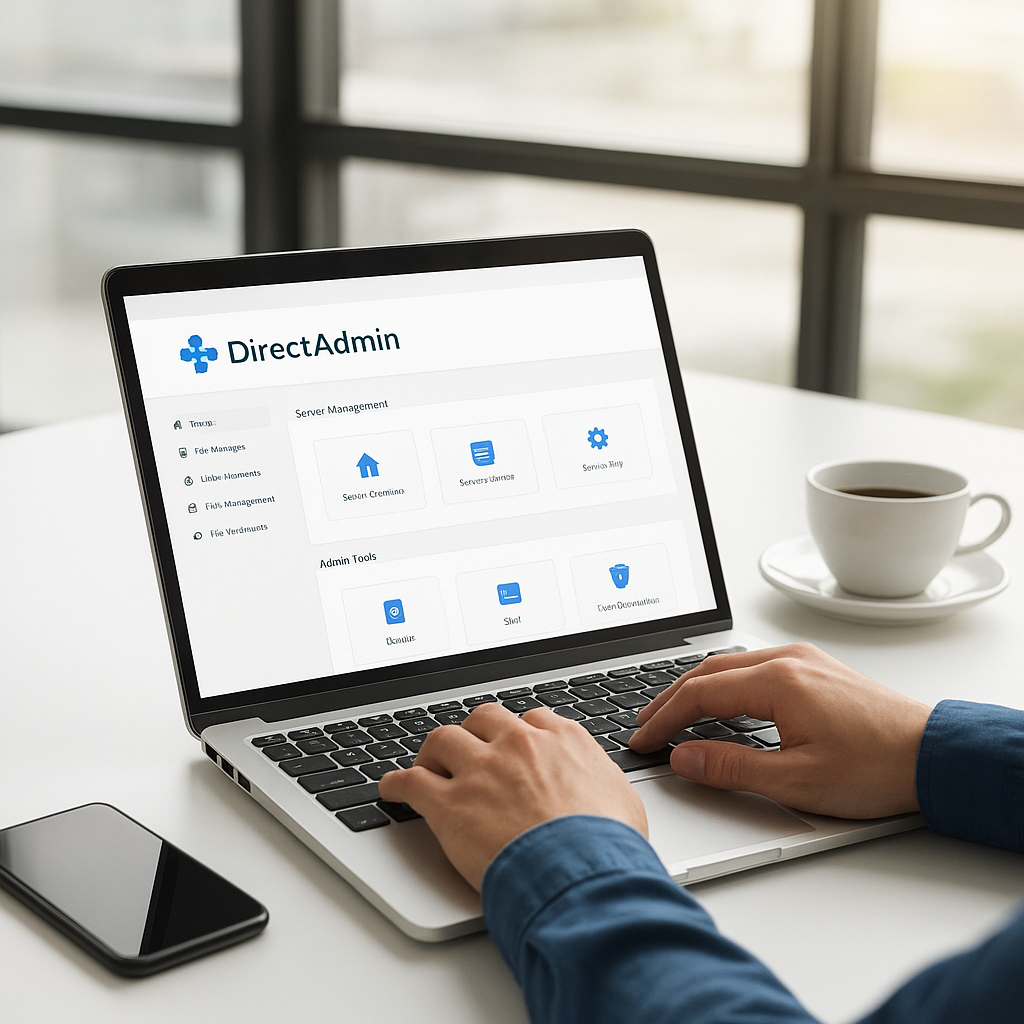
- Control panels: ISPConfig or DirectAdmin if you want to manage sites without the command line.
- Network services: DNS, OpenVPN and HAProxy load balancing.
- Automation: backups, log rotation and health checks with Bash scripts and systemd timers.
How we work on server configuration Los Angeles
- Review. For an existing server we start with a read-only audit: resource use, installed services, open ports, update status, backups and logs.
- Plan. You get a short list of findings in plain English, sorted by risk, with the changes we propose.
- Change in a safe window. Configuration is backed up first, and changes are made in an agreed maintenance window with a rollback path.
- Measure. We compare response times, memory and CPU use before and after, so the improvement is visible rather than promised.
- Document and hand over. Access details, what runs where, and how to restart or update each service.
Who server configuration Los Angeles is for
Small businesses with a VPS or dedicated server and no in-house administrator; agencies that host client websites; online stores that have outgrown shared hosting; and companies that inherited a server nobody fully understands.
What you receive
- An audit report with prioritized findings
- A hardened, updated and tuned server
- A verified backup job, including a test restore
- Written documentation and a credentials handover
- Optional ongoing care through server monitoring and maintenance
Frequently asked questions about server configuration Los Angeles
Do you work with cloud servers?
Yes, as long as we get root or sudo access. The operating system and software are the same whether the server is a cloud VPS, a rented dedicated machine or hardware in your office.
Do I need a control panel?
Not always. A panel is convenient if you host many sites or mailboxes; a single application usually runs faster and more securely without one. We recommend one or the other after the review.
Can you take over a server another admin set up?
Yes, and it is a common request. We start with a read-only audit, so nothing changes until you have seen the findings and agreed to the plan.
Send us a short description of your server and what is not working through the contact form. Background reading: server setup and configuration best practices.
Server optimization for business workloads
Business server performance rarely depends on one magic setting. A server that feels slow is usually short of one specific resource at specific times: memory when too many PHP workers start at once, disk throughput during a nightly backup that runs into office hours, or CPU when a search bot crawls every page of an online store. In our server optimization services for Long Beach, Los Angeles and elsewhere in California, we first find out which resource runs out and when, using statistics collected over a normal working week.
- Tune before you upgrade. Moving to a bigger plan hides the problem for a while; fixing a runaway cron job, an oversized log or a missing database index often solves it for good.
- Upgrade when the numbers say so. If legitimate traffic genuinely exhausts memory, we tell you which resource to add instead of recommending a larger server across the board.
- Separate the noisy neighbors. Backups, reports and batch imports can be scheduled or throttled so they do not compete with your customers.
IT infrastructure tuning beyond a single machine
Many small companies in the LA area run more than one server without thinking of it that way: a website host, an office file server, a mail service and a few cloud accounts. IT infrastructure tuning looks at how these pieces depend on each other. Typical findings include DNS records pointing at a server that was switched off long ago, two backup systems copying the same data while a third system has none, and certificates renewing on one machine but not on another.
What to prepare before we start
- Access. Root or sudo login, plus the hosting provider's control panel or console in case a reboot is needed.
- A rough inventory. Which sites, applications and scheduled jobs run on the server, and who relies on them.
- The symptoms. When problems happen, how often, and what users see: slow pages, errors, failed uploads or timeouts.
- Constraints. Hours when the server must not be restarted, and any software that has to stay on a specific version.
Changes are made in small steps, so the effect of each one can be measured separately and undone if it does not help.
Related services: all server configuration and optimization services, server virtualization and migration and backup and disaster recovery planning.
What is server configuration, and what does a basic setup include?
Server configuration is every decision that turns a fresh install into a working machine: which services run, who can log in, how the firewall is set and where the backups go. A basic server configuration covers the base system, users and SSH keys, security updates and a firewall. Server network setup adds the parts other systems depend on, such as DNS records, OpenVPN access or HAProxy load balancing in front of the web servers.
A production server configuration also needs a verified backup, a maintenance window and a rollback path for every change. The server configuration steps we follow stay the same on every job: review, plan, change in small measured steps, then document. Server configuration best practices, such as SSH keys for every administrator and least-privilege accounts, are applied to the configuration of servers we take over as well as to new ones. After handover, server setup and support can continue through optional server monitoring and maintenance.
| Manufacturer | Computer Service Breeze |
|---|







Related Posts
-



 Explore how expert server configuration can improve business performance in Los Angeles by enhancing speed, security, and reliability.
 -
 Introduction to Linux Administration Linux administration involves managing servers, networks, and services efficiently. It is crucial for system reliability, security, and performance.
 -
 Introduction to Server Setup Proper server setup and configuration are crucial for optimal performance, security, and reliability of your IT infrastructure.
 -
 Our newest project is WeavyAudio, a royalty-free background music service and web portal for venues. Here is what it does for businesses and what we built behind it: a Next.js web application, Linux...