

Apache Web Server Optimization Service Los Angeles Performance Tune-Up
Apache Web Server Performance Optimization for Peak Traffic
Is your website slow under peak traffic? We specialize in **Apache web server optimization** (HTTPD) for businesses in the Los Angeles area.
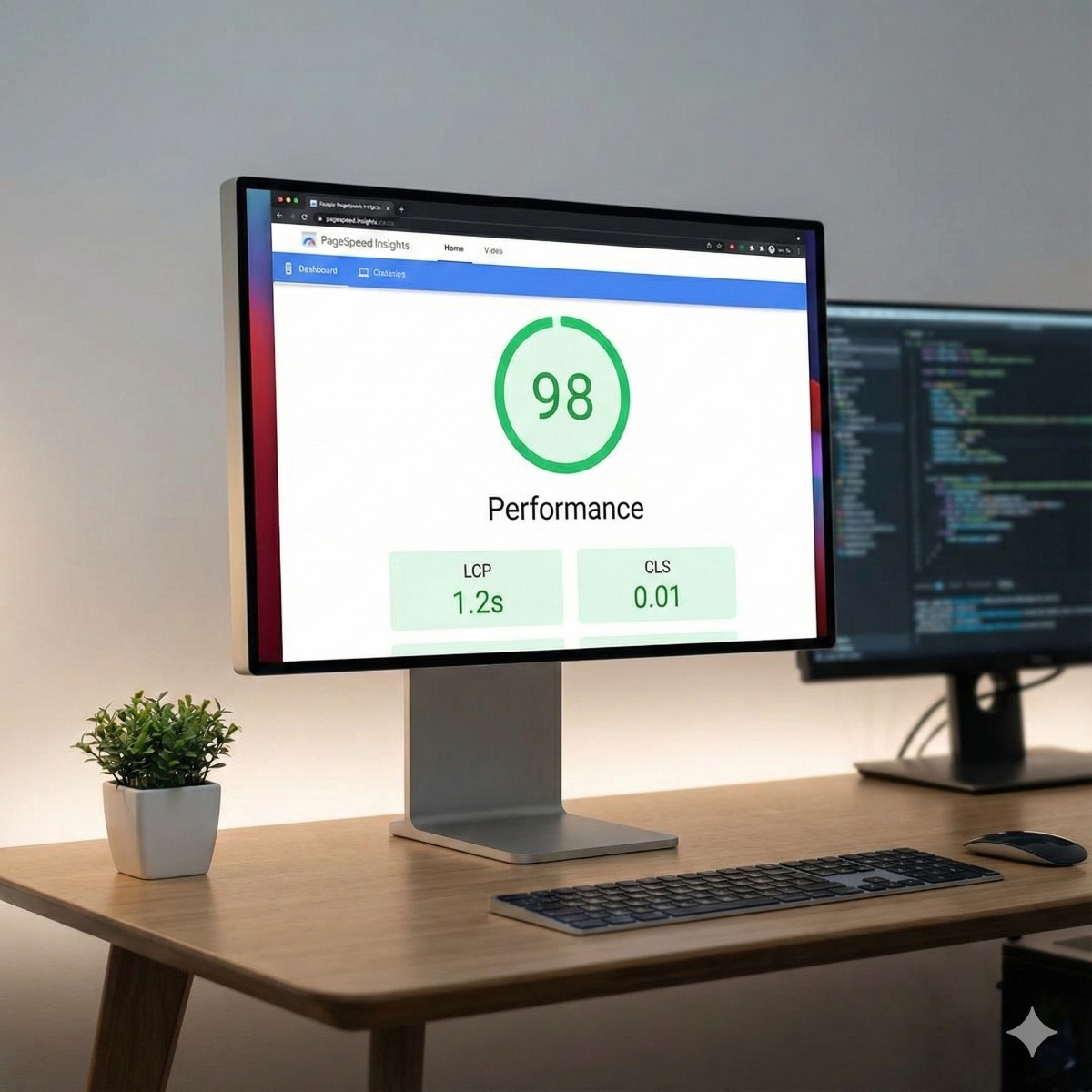
Our service fine-tunes critical configuration files (like **httpd.conf** and **.htaccess**) and modules (e.g., **mod_mpm, mod_cache**) to ensure maximum speed, stability, and resource efficiency for high-traffic operations, significantly improving your Google PageSpeed score.Professional Apache Web Server Optimization in Los Angeles
Website speed is crucial for conversion rates and SEO ranking. An improperly configured **Apache HTTP Server** can quickly become a bottleneck, leading to slow load times and dropped connections under heavy user load. Our expert optimization service is designed to make your Apache server run at peak efficiency, regardless of your traffic volume.
What Our Optimization Service Includes:
- **MPM Module Selection & Tuning:** We analyze your traffic patterns to choose and configure the best Multi-Processing Module (**prefork, worker, or event**) for maximum concurrency and stability.
- **Resource Management:** Fine-tuning parameters like `MaxRequestWorkers`, `ThreadsPerChild`, and `KeepAlive` settings to prevent server overload and memory exhaustion.
- **Caching Implementation:** Implementation of powerful caching solutions (**mod_cache, mod_expires, mod_deflate**) to reduce server load and accelerate content delivery.
- **Security Hardening:** Review and adjustment of default configurations to minimize exposure to common vulnerabilities and DDoS threats.
- **Virtual Host & .htaccess Audit:** Streamlining Virtual Host configurations and minimizing the performance impact of local `.htaccess` files.
The Benefits of an Optimized Apache Server:
Serving the demanding Southern California digital market requires speed. Our optimization delivers measurable improvements:
- **Faster Load Times:** Direct impact on user experience and lower bounce rates.
- **Higher Traffic Capacity:** Handle significantly more concurrent users without performance degradation.
- **Lower Operational Costs:** Efficient resource use means your server requires less CPU and memory, potentially lowering hosting bills.
- **Improved SEO:** Google rewards faster websites with better search rankings.
Don't let a slow server cost you customers. Contact our Los Angeles team today for a comprehensive Apache performance analysis!
Where Apache optimization starts
Before changing a single directive we measure: response times, memory per process, simultaneous connections at peak and what the error log says when the site slows down. Most httpd performance problems come from a handful of causes.
- The wrong MPM. Servers still running prefork with mod_php use far more memory per visitor than the event MPM with PHP-FPM. Switching is one of the most effective changes, but it has to be tested with your applications.
- Limits that do not fit the hardware. Sound mod_mpm configuration sizes MaxRequestWorkers, ServerLimit and ThreadsPerChild to the available memory, so the server queues requests instead of swapping under load.
- Keep-alive settings. A long KeepAliveTimeout ties up workers waiting on idle browsers.
- .htaccess overhead. Allowing overrides everywhere makes Apache look for .htaccess files in every directory on every request; moving rules into the virtual host removes that cost.
Apache caching and compression
Apache caching works on two levels. mod_expires and Cache-Control headers let browsers reuse images, scripts and styles, while mod_cache can store generated pages that are the same for every visitor. Compression with mod_deflate or mod_brotli shrinks text responses. Application caches such as OPcache and an object cache for WordPress or Magento often matter even more, so we review them together.
Server hardening
For California businesses handling customer data, server hardening belongs to the same job: version details hidden, unused modules and directory listings disabled, TLS 1.2 and 1.3 only, security headers, request timeouts against slow-connection attacks, and a web application firewall such as ModSecurity where it fits.
Frequently asked questions about apache optimization
Is Apache slower than Nginx?
For typical business websites, a well-configured Apache with the event MPM performs comparably. Bigger differences usually come from PHP, the database and caching. A reverse proxy in front of Apache can make sense for very high traffic.
Can Apache be tuned without downtime?
Most changes take effect with a graceful reload, which lets current requests finish before the new settings apply. Switching the MPM or the PHP handler needs a short restart, scheduled for a quiet time.
How do I know whether Apache is the bottleneck?
If pages are slow even when the server is idle, the application or database is the more likely cause. If slowdowns appear only at peak times, together with high memory use or a MaxRequestWorkers warning in the error log, Apache limits are a strong suspect.
Related services: MySQL and MariaDB tuning, HAProxy load balancing for high traffic and Core Web Vitals optimization.
How to configure a server for Apache without guesswork
If you are researching how to configure a server running Apache, start by measuring rather than copying settings from a tutorial: memory per process, simultaneous connections at peak and what the error log says when the site slows down. Only then does it make sense to decide how to configure server limits such as MaxRequestWorkers and ServerLimit to match the available memory.
When we configure a server for a client, most changes take effect with a graceful reload of the Apache service, so current requests finish before the new settings apply. Switching the MPM or the PHP handler needs a short restart at a quiet time. We configure servers this way as part of our server optimization services, whether the server optimization service covers one busy website or several virtual hosts. Before we configure your server, we agree which applications must be tested after each change.
Apache help for a site on your own server or VPS
Many owners who look for apache hosting support services have one practical problem: the site slows down or drops connections at busy times, and nobody has checked how the web server itself is configured. On a VPS or dedicated server you control httpd.conf, the MPM and the virtual hosts, so the measure-first tuning, caching and hardening described above can be applied directly. On shared hosting, usually only .htaccess rules can be changed, which limits what any tune-up can achieve.
| Manufacturer | Computer Service Breeze |
|---|







Related Posts
-



 Raising MaxRequestWorkers or pm.max_children without checking memory trades slow pages for a swapping server. This guide shows how to size Apache's event MPM and PHP-FPM to the RAM you actually have.
 -
 High CPU on a MySQL or MariaDB server is rarely a hardware problem. This walkthrough shows how to find the queries behind it, read the slow query log and deal with 'Too many connections' for good.
 -
 An HAProxy configuration is short, but it decides how every request reaches your application. This guide walks through each section, from frontends and backends to health checks, sticky sessions, SSL...
 -
 Discover the top 5 essential server optimization tips to enhance speed, security, and uptime for Long Beach businesses.