



For businesses in Long Beach, server performance directly impacts day-to-day operations. Here are five essential tips to optimize your servers for better speed, security, and uptime:
- Regular Updates: Keep your operating system and software up-to-date to patch vulnerabilities.
- Resource Monitoring: Continuously monitor CPU, memory, and disk usage to avoid bottlenecks.
- Security Enhancements: Implement firewalls, antivirus, and intrusion detection systems.
- Load Balancing: Distribute traffic evenly across servers to prevent overload.
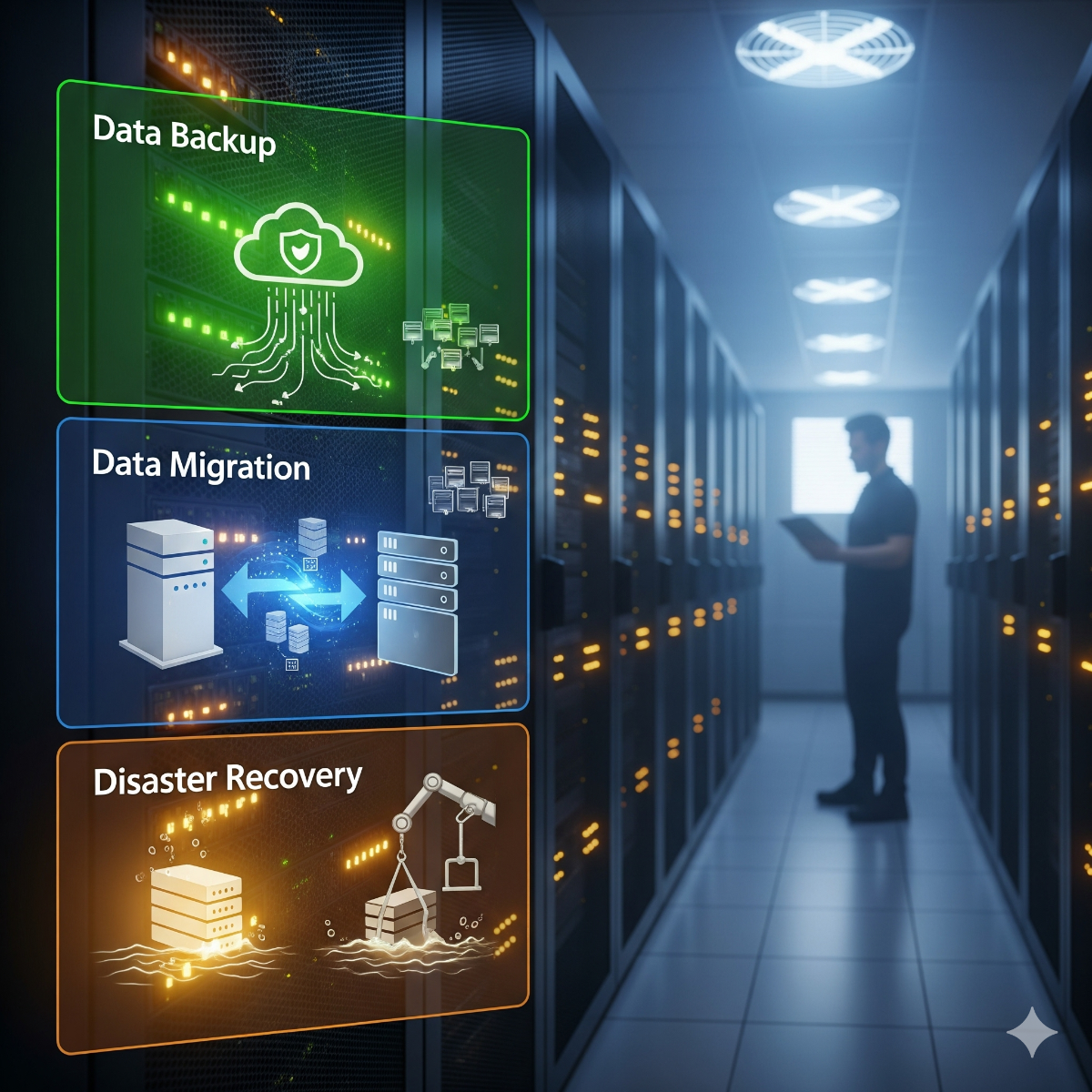
- Backup Solutions: Ensure regular backups to avoid data loss in emergencies.
Applying these strategies helps Long Beach businesses maintain reliable and secure IT environments.
Putting the five tips into practice
A tip list only helps if you know where to start. These server performance tips work best in a fixed order: measure first, change one thing at a time, then measure again.
Start with a baseline
Record CPU, memory, disk wait and response times during a normal busy day. Without that baseline you cannot tell whether a change helped. A load average that stays above the number of CPU cores, or high disk wait, points to the real bottleneck.
Patch on a schedule, not on impulse
Apply security updates automatically where the system supports it, and schedule larger upgrades in a maintenance window with a fresh backup and a way to roll back.
Add caching before hardware
PHP opcode caching, an object cache such as Redis and a page cache for anonymous visitors often remove more load than a faster CPU. When hardware does need to change, moving from spinning disks to SSD or NVMe storage is usually the upgrade with the clearest payoff.
Use load balancing servers when one machine is not enough
A load balancer spreads requests across two or more application servers and stops sending traffic to any server that fails its health check. It adds redundancy as well as capacity, but only if sessions, uploaded files and the database are shared correctly between the servers behind it.
Backup strategies that survive a bad day
Follow the 3-2-1 backup rule CISA promotes for small businesses: three copies, two kinds of media, one kept away from the office. Encrypt backups, keep one copy where ransomware cannot reach it, and rehearse a restore on a schedule.
Frequently asked questions: server optimization Long Beach
Does my server need optimization or new hardware?
If the CPU is busy while disk wait stays low and queries are slow, tuning usually helps. If the machine is out of memory with caches already sized sensibly, or its disks report errors, hardware is the answer. A look at the baseline tells you which.
Do I need two servers for load balancing?
For redundancy, yes: at least two servers must sit behind the balancer. With a single server, a reverse proxy can still handle TLS and caching, but it will not keep the site up if that server fails.
How often should a small business back up its server?
Match the schedule to how much work you could bear to redo. For a busy system that often means a nightly backup plus database dumps during the day. CISA also advises being able to roll data back at least seven days.
Need help with this? For server optimization in Long Beach and across Los Angeles County, see our Apache web server performance tuning, HAProxy load balancer setup and backup and disaster recovery services, or request a quote with a short description of your servers.