
Operating System Installation & Optimization
The Clean Start
Your PC Deserves.
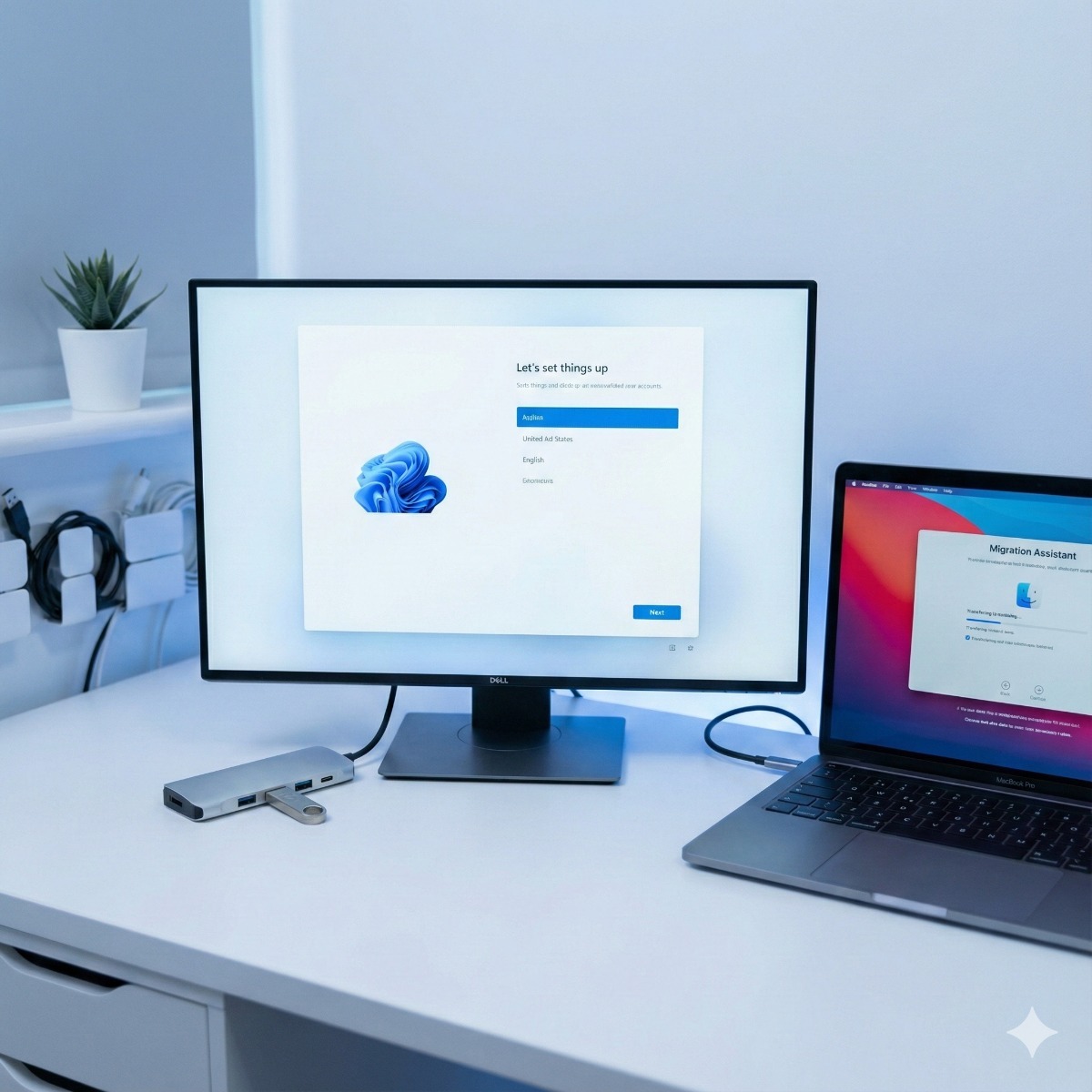
Factory settings are flawed. New computers come filled with "bloatware" that slows you down. We perform professional clean installations of Windows and macOS, ensuring your system runs lean, fast, and secure from day one.
Zero-Bloatware Policy
We don't just click "Next." We manually install the Operating System without the trial antivirus, sponsored games, and marketing apps that manufacturers force on you. You get a pure, fast environment.
Driver Hand-Tuning
Windows Update misses things. We manually hunt down the latest manufacturer-specific drivers for your Chipset, GPU, and Audio to ensure hardware compatibility and peak performance.
Data Migration
Upgrading to a new PC? We transfer your user profile, documents, photos, and browser bookmarks to the new installation, placing them exactly where you expect them to be.
The Setup Workflow.
From blank drive to desktop ready.
Pre-Wipe Backup
Safety first. Before we touch the operating system, we verify that your critical data is backed up to an external source to prevent accidental loss.
Clean Install
We format the drive and install the latest stable build of Windows 11 or macOS, bypassing the mandatory "Microsoft Account" creation if you prefer a local account.
Update & Secure
We run all cumulative updates, install firmware patches, and configure Windows Defender or your preferred security software.
Privacy Optimization
We disable telemetry tracking, personalized ads, and background location services to respect your privacy and free up system resources.
Supported Platforms.
Expertise across ecosystems.

The "Pro" Difference.
What we include vs. a standard reset.
Common Questions
Will I lose my Microsoft Office?
Not if you have your license key or account login. We will reinstall your software, but you must provide the licenses for paid applications like Office or Adobe.
Can you fix the "Blue Screen of Death"?
Yes. A clean OS installation is often the only 100% cure for persistent software corruption, driver conflicts, or unremovable virus infections.
Clean install, reset or repair: choosing the right fix
Windows offers "Reset this PC" and Macs can reinstall macOS from Recovery, so why clean install Windows or macOS instead? Because a reset often restores the manufacturer's image with the same trial software that slowed the computer down, and it does nothing about a failing drive. Before any operating system installation we check drive health, memory and temperatures, so the new system is not installed on hardware that is about to fail.
- Remove bloatware. Trial antivirus, duplicate update utilities and preinstalled games are left out, while vendor tools you actually need, such as dock or fingerprint reader drivers, stay.
- Driver updates. Our computer driver update service uses drivers from the computer or component maker's support site, not "driver updater" programs, which often install the wrong version or bundle unwanted software.
- Blue screens. There is no single blue screen fix software. We read the crash dumps to find the driver or component involved, test memory and storage, and reinstall only when the evidence points to software rather than hardware.
- macOS reinstall. We erase the drive, reinstall from macOS Recovery and restore your data from a backup, so the old clutter does not carry over.
What to bring
Your Windows or Microsoft account sign-in, your Apple Account password for a Mac (Activation Lock can ask for it after an erase), license keys or account logins for paid software, the BitLocker recovery key if the drive is encrypted, and a list of the programs and printers you use every day.
Frequently asked questions about windows 11 installation service
How long does a clean install of Windows 11 take?
The installation itself is the quick part. Updates, drivers, your applications and moving data back take most of the time, so allow for most of a working day, or longer when there is a lot of data to move.
Can my computer run Windows 11?
Windows 11 requires TPM 2.0, Secure Boot capability and a supported processor. Many computers bought for Windows 10 fall short, and we check yours before recommending an upgrade or a replacement.
Is a Windows 11 installation service worth it on a new computer?
For a new laptop that feels sluggish out of the box, often yes: removing preloaded software and setting privacy options properly is less effort than living with them. Business-grade machines with a clean factory image may only need a careful setup.
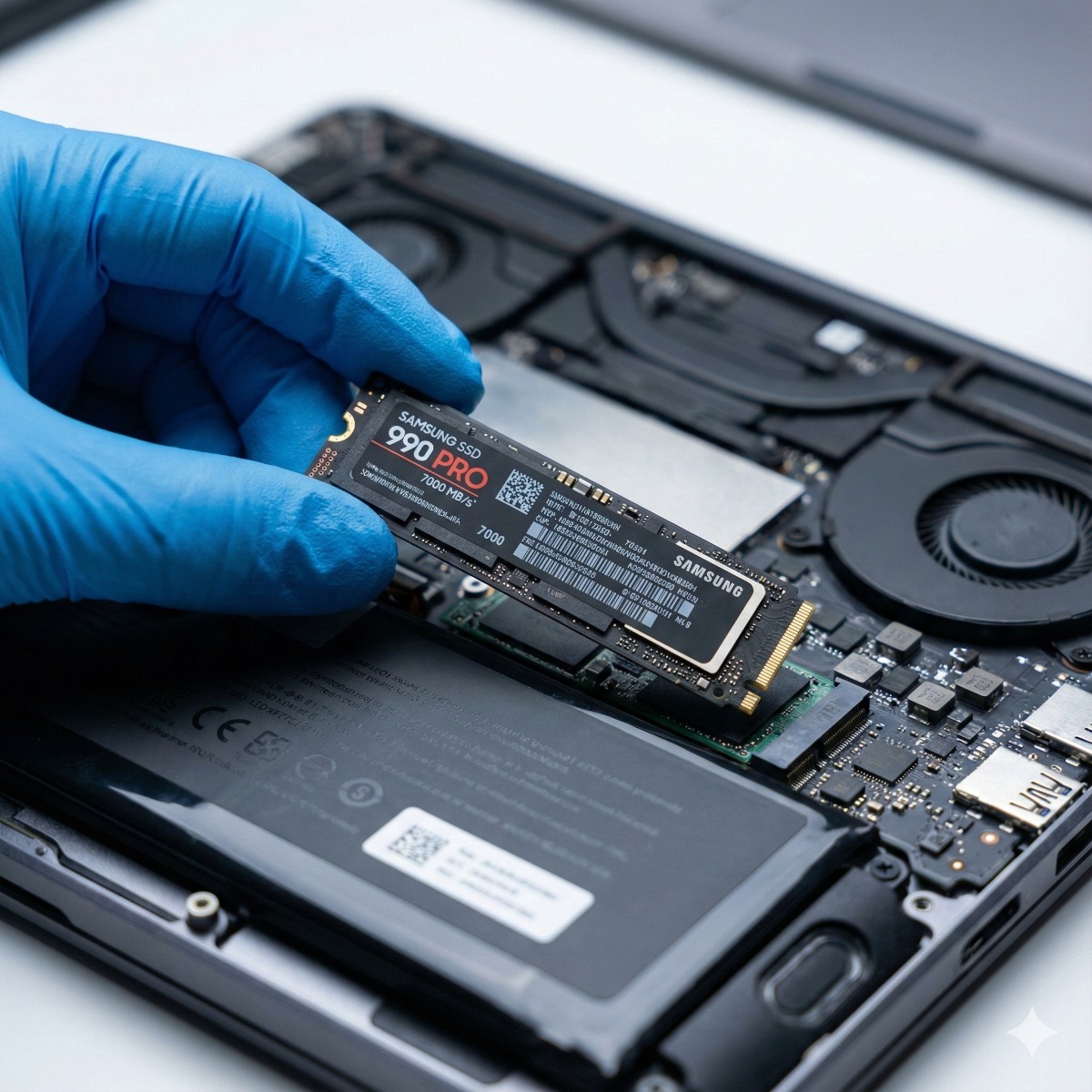
Related services: business PC refresh when computers cannot run Windows 11, SSD and RAM upgrades and computer and laptop repair.
What to compare in an OS installation service
Leading OS installation and setup services share a few habits worth checking for, whoever you choose. Hardware comes first: drive health, memory and temperatures are tested before anything is installed. The operating system installer should be a clean copy of Windows 11, or macOS from Recovery, not the manufacturer's image with its trial software, and drivers should come from the computer or component maker's support site.
Our OS installation service follows those steps and then puts your data and applications back. Computer software installation services cover the programs you use every day, installed in bulk and activated with your own licenses, and operating system setup and support includes privacy settings, updates and security software configured before handover.
What shapes the OS installation price?
It depends mostly on the work around the installation rather than on the installation itself. Moving a large amount of data back, reinstalling many applications and printers, or finding a failing drive or weak memory during the hardware check all add time, while having your account sign-ins, license keys and BitLocker recovery key ready saves it. Whether it is a brand-new laptop full of trial software or an older PC that needs a fresh start, the order stays the same: hardware check, backup, clean install, drivers, updates and privacy settings, then your data and applications back in place.
| Manufacturer | Computer Service Breeze |
|---|



Related Posts
-



 Windows 10 stopped receiving security updates on October 14, 2025, unless a PC is enrolled in paid Extended Security Updates, and the first ESU year for organizations ends in October 2026. Here is...
 -
 Replacing computers only when they break makes costs and downtime unpredictable. This guide explains how to set a realistic replacement cycle, when a machine should be replaced early, and how...