
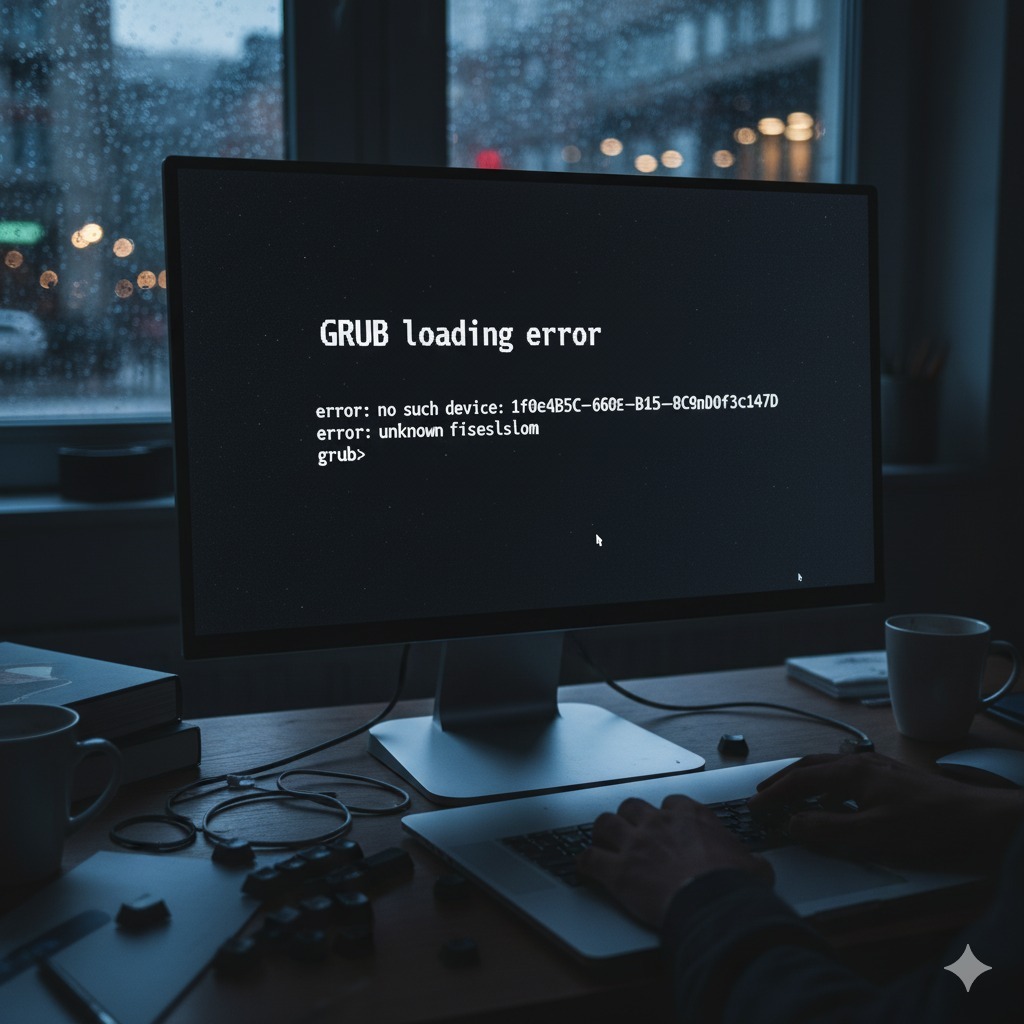
MBR GRUB Repair Service Get Your System Booting Again
Is your computer failing to boot, showing errors like
"Missing Operating System", "GRUB loading error", or a black screen after the BIOS/UEFI logo? We offer professional **MBR (Master Boot Record) and GRUB (GRand Unified Bootloader) repair** for Windows and Linux systems. Get a quick diagnosis and effective correction to regain access to your OS and data without a complete reinstallation.MBR / GRUB Bootloader Repair Service in Los Angeles - Fix Boot Issues Today
A corrupted boot sector is one of the most frustrating reasons a computer can refuse to start. Whether the issue is with the Master Boot Record (MBR) in older Windows systems, or the GRand Unified Bootloader (GRUB) in Linux distributions or dual-boot configurations, our local Los Angeles experts are ready to restore your system's full functionality.
Common Boot Issues We Resolve:
- Black screen with a blinking cursor after startup.
- Error messages: "Missing Operating System", "Invalid Partition Table".
- GRUB loading errors, such as "error: no such device" or "error: unknown filesystem".
- Dual-Boot problems (e.g., losing the option to select one OS after updating the other).
- Boot conflicts after installing a new drive or improper disk partitioning.
Why Choose Our Los Angeles Bootloader Repair Service?
Stop wasting time attempting complex command-line repairs or, worse, risking data loss through an incorrect system reinstall. Trust our experienced technicians for a secure fix:
- Rapid Diagnosis: We quickly identify the source of the problem (MBR, GRUB Stage 1/2, configuration errors).
- Data Safety Priority: Our repair methods focus exclusively on the boot sector, minimizing any risk to your personal files and data.
- All System Support: We repair MBR/Bootmgr for Windows (XP, 7, 8, 10, 11) and GRUB/GRUB2 for major Linux distributions (Ubuntu, Debian, Fedora, etc.).
Don't let a corrupted bootloader ruin your day. Contact us today in Los Angeles and get back to work quickly and safely!
MBR, GPT and UEFI: why the fix depends on the computer
Many people looking for MBR repair in Los Angeles have computers that do not use a master boot record at all. Modern PCs usually start through UEFI with a GPT disk, and the boot files live on a small EFI system partition. The first step of any GRUB repair service or Windows boot fix is therefore finding out how the machine actually boots, because the wrong repair tool can make things worse.
- Legacy BIOS with MBR. Master boot record repair restores the boot code and the active partition, then rebuilds the Windows boot configuration or reinstalls GRUB.
- UEFI with GPT. We check the EFI partition, recreate missing boot files and restore the firmware's boot entries.
- Dual boot. Both systems are detected again and the menu order is set the way you want it.
Common causes of a Linux bootloader error
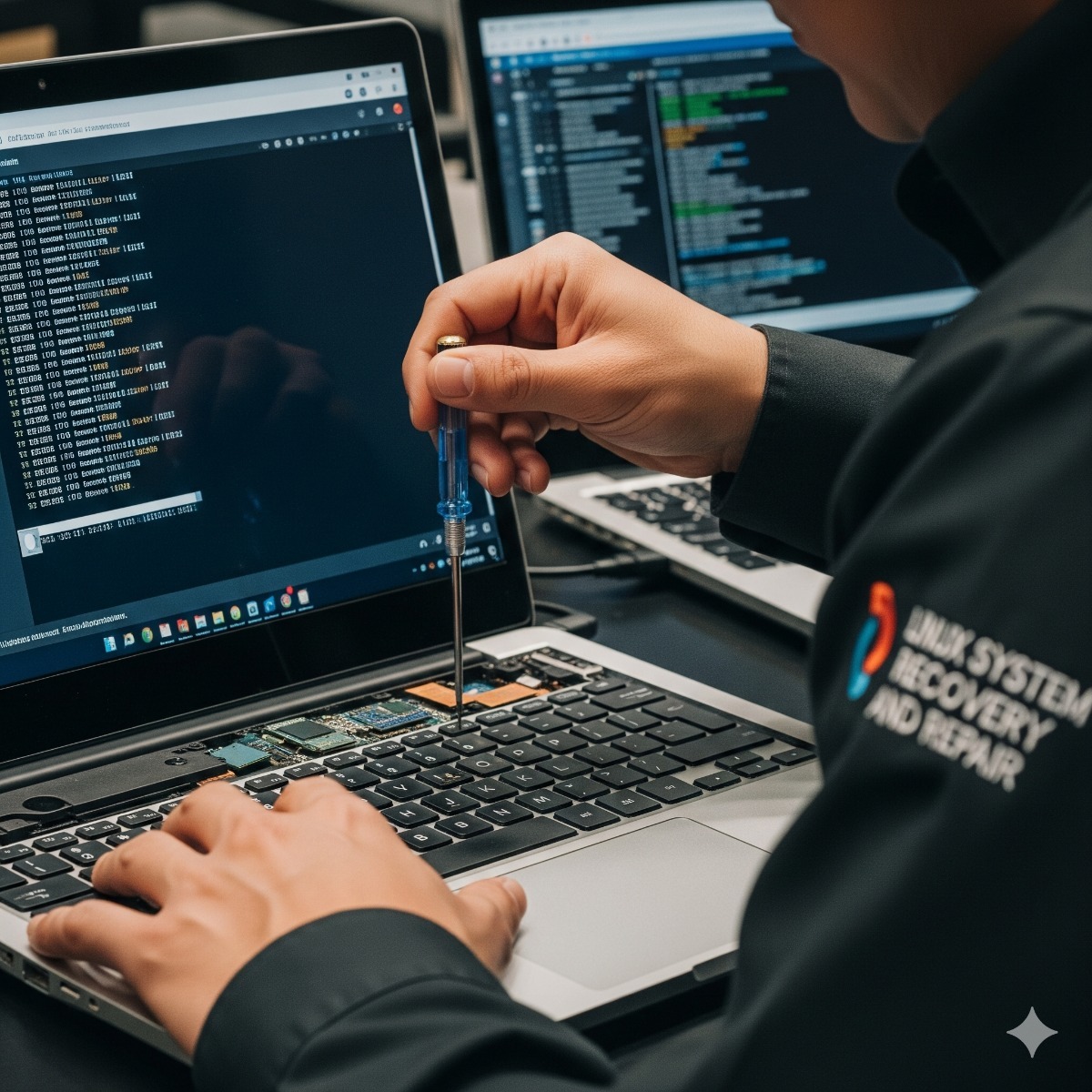
On Linux, "grub rescue>" or "error: no such partition" usually follows a change: an interrupted kernel update, a resized or moved partition, a replaced disk, or a Windows update that took over the boot order. The repair normally means starting from a live USB, mounting the installed system, reinstalling GRUB and regenerating its configuration and the initramfs.
Before you try a "Missing operating system" fix yourself
- Photograph the exact message. It tells us which stage of the start-up failed.
- Find your BitLocker recovery key. Windows boot repairs often trigger a request for it, and without it an encrypted drive cannot be read.
- Do not reinstall or run disk repair over and over. Repeated attempts on a failing drive can destroy data that is still recoverable.
- Check that the drive is detected. If the firmware does not see the disk at all, the problem is hardware, not the boot loader.
Frequently asked questions about mbr repair los angeles
Will boot repair delete my files?
A boot loader repair changes only the small boot area and its configuration, not your documents. If the drive shows signs of failure, we copy your data first.
Why did my PC stop booting after a Windows update?
Large updates can change the boot configuration, reorder firmware boot entries or overwrite GRUB on dual-boot machines. In most cases both operating systems are intact and only the boot path needs restoring.
How long does GRUB or MBR repair take?
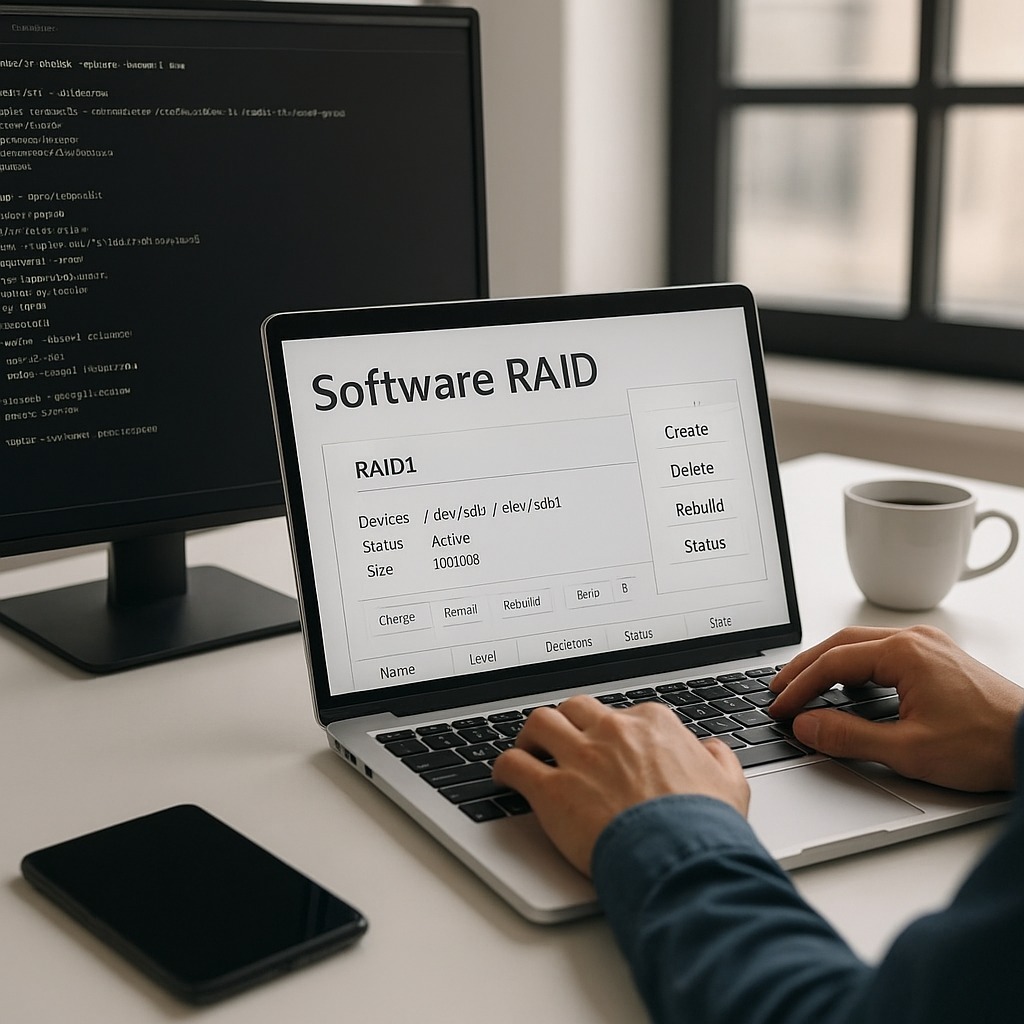
A straightforward boot loader repair is a short job. Encryption, RAID, dual boot or a failing drive take longer, and we tell you if the cause turns out to be bigger.
Related services: computer and laptop repair for hardware faults, Linux server recovery and backups that make the next failure less stressful.
GRUB restore after a dual-boot change
Dual-boot problems often begin when installing systems in the wrong order, or after a large Windows update. Windows can take over the boot order or overwrite the boot loader, so Linux seems to disappear even though both operating systems are still on the disk. A GRUB restore from a live USB, which mounts the installed system, reinstalls GRUB and regenerates its configuration, usually brings the menu back.
On UEFI computers we also check the EFI system partition and the firmware's boot entries, and set the menu order the way you want it. If the drive shows signs of failure, your data is copied first.
| Manufacturer | Computer Service Breeze |
|---|





Related Posts
-


 When a Windows update removes the GRUB menu, both operating systems are usually still intact. This guide explains why dual-boot PCs lose their boot menu, how to restore GRUB on UEFI and older BIOS...
 -
 When a Linux server stops at "You are in emergency mode", something it needs at boot, usually a disk or filesystem, did not come up. Here is what the message means, how to find the cause and which...