
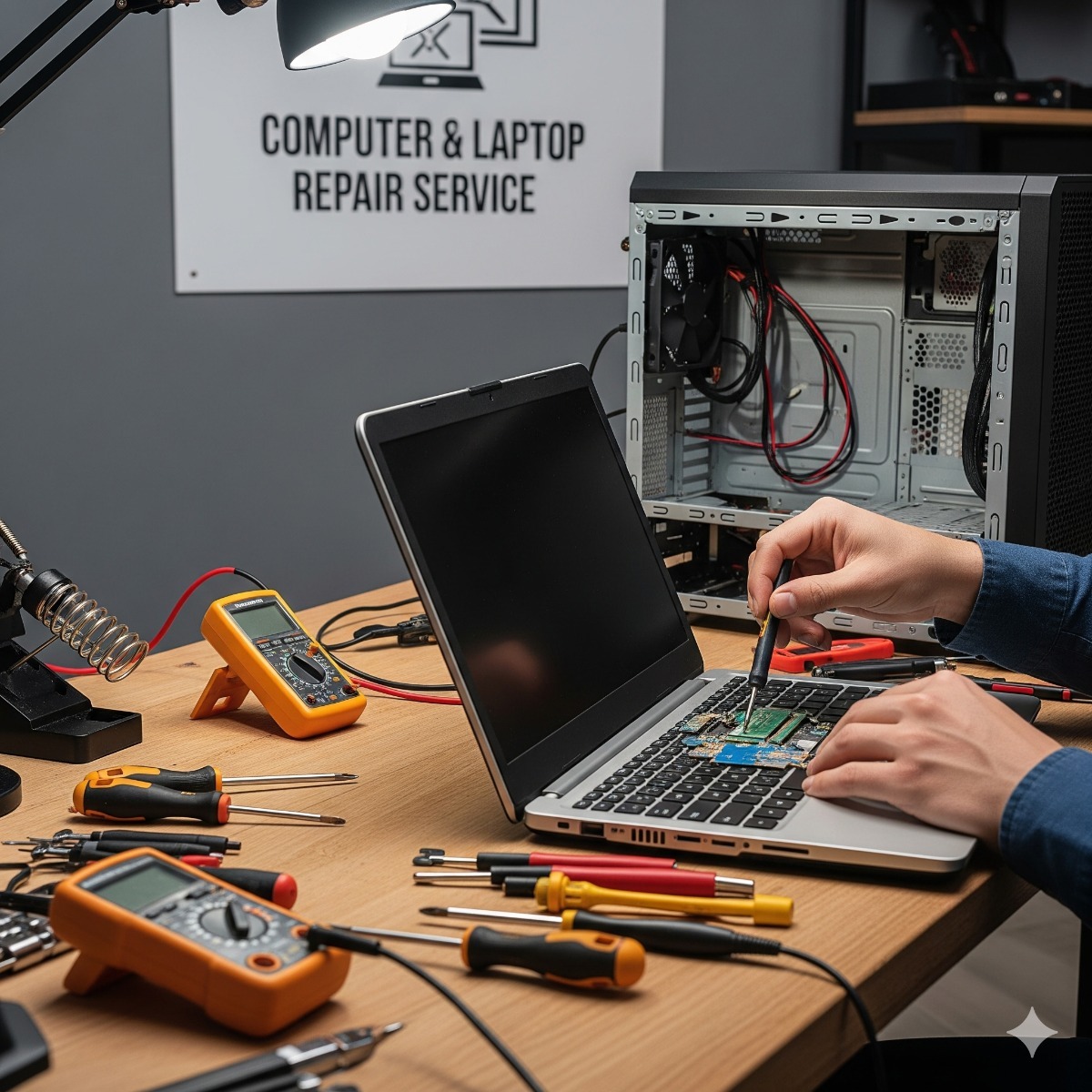
Computer & Laptop Repair in San Pedro & Long Beach
Professional computer and laptop repair services in Los Angeles. Hardware and software troubleshooting, virus removal, system upgrades, and more.
A computer that will not start, crawls through every task or shows a blue screen at the worst moment can stop a small business for a day and ruin a student's deadline. We handle desktop and laptop repair for homes and small offices in San Pedro, Long Beach and nearby parts of Los Angeles County, and we start every job the same way: find the actual cause before replacing anything.
Common problems we fix
- Computer won't turn on or won't boot – power supply, battery, charging port, a failed drive or a damaged boot loader (GRUB and MBR repair).
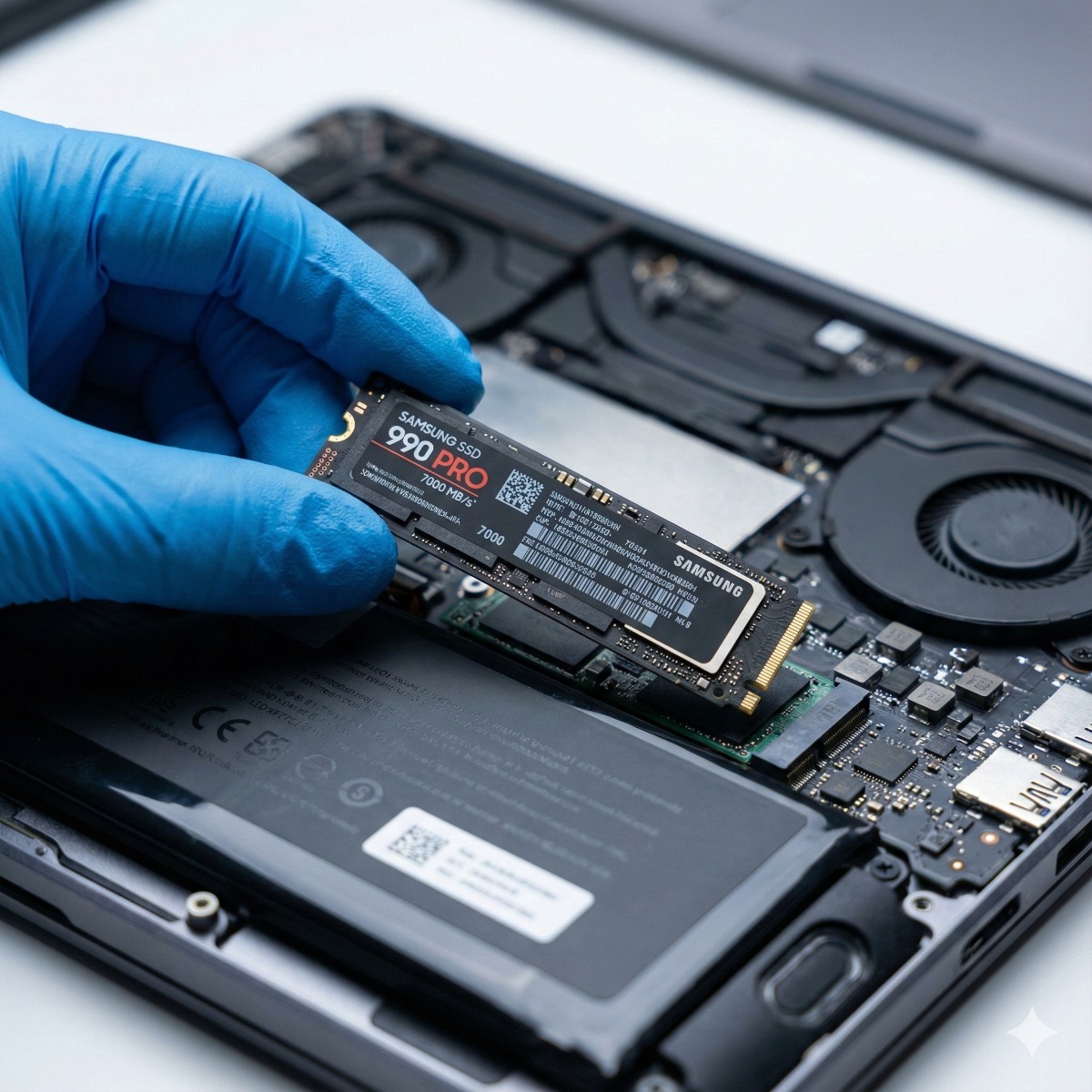
- Very slow computer – usually an old hard drive, too little memory or years of background software; often solved with an SSD and RAM upgrade.
- Overheating and loud fans – dust, dried thermal paste or a failing fan.
- Viruses, pop-ups and browser hijacks – malware removal plus a check of accounts that may have been exposed.
- Liquid damage – the sooner the machine is switched off and checked, the better the chances.
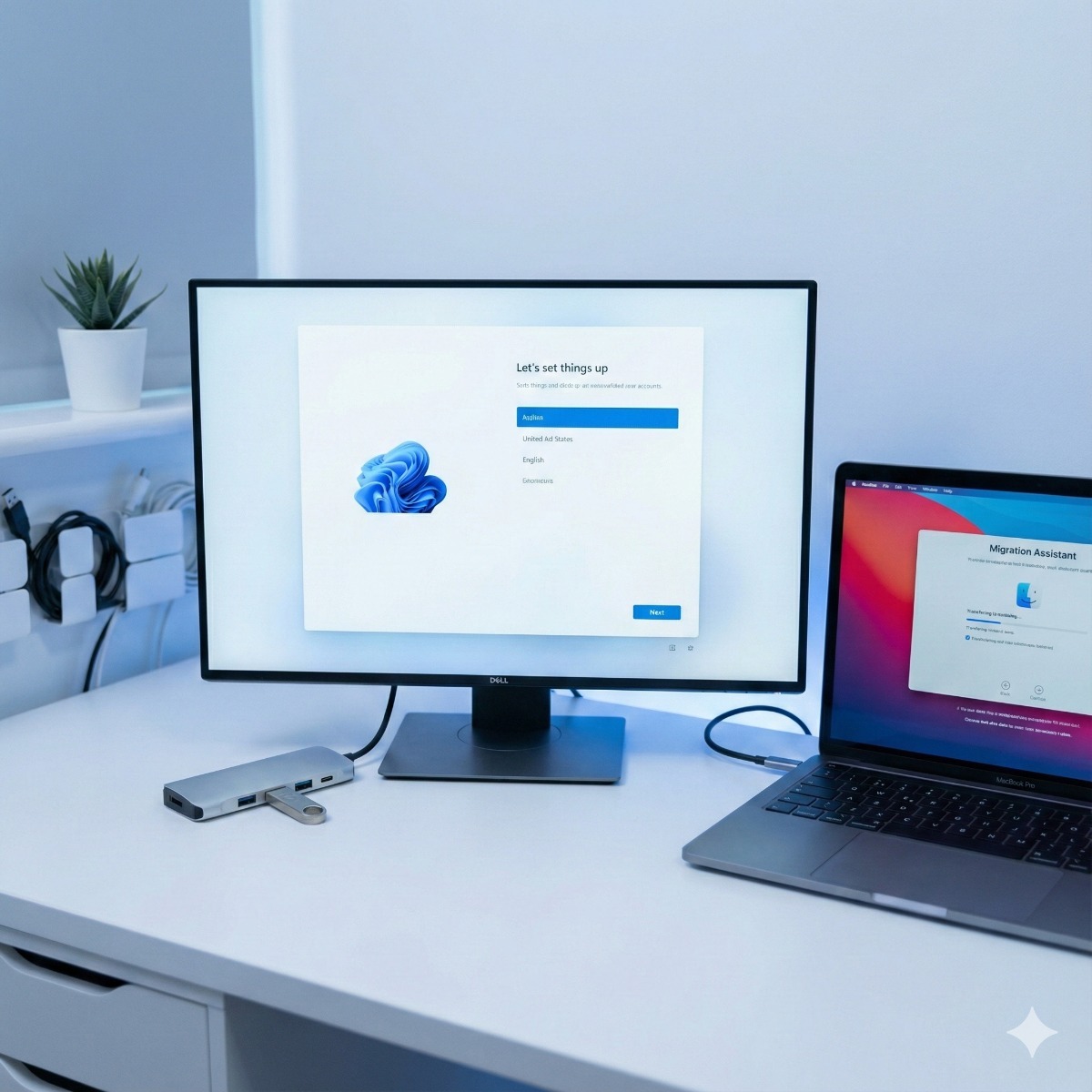
- Windows errors after an update – repair, rollback or a clean Windows 11 install.
How a repair works
- Tell us the symptoms. What happened, when it started and what you already tried. Error messages or a photo of the screen help a lot.
- Diagnosis. We test the hardware (drive health, memory, temperatures, battery) and check the operating system.
- Quote before work. You get the cause, the fix and the price. If a repair is not worth it compared with a replacement, we say so.
- Data first. Before any work that could affect your files, we copy your important data wherever the drive still allows it.
- Repair and testing. Parts are replaced or software is repaired, then the machine is tested under load.
- Handover. We explain what was done and how to avoid a repeat.
Who we work with
Home users, students, seniors who want someone patient to explain what happened, and small businesses that cannot wait days for a big-box store. We work on Windows PCs and laptops and on Linux machines. Offices with several computers can combine repairs with a remote help desk or managed IT services, so problems are caught before they stop work.
What's included in computer repair Los Angeles
- Hardware and software diagnostics with a short written summary
- Virus and malware removal
- Data backup and transfer to a new drive or computer
- Operating system repair or a clean reinstall
- Final testing and internal cleaning
Frequently asked questions about computer repair Los Angeles
Is it worth repairing an old laptop?
Often, yes. If the case, screen and keyboard are in good shape, a new SSD and more memory can make a four- or five-year-old laptop feel fast again for much less than a new one. If the motherboard has failed on an older machine, a replacement usually makes more sense, and we will tell you so.
Will I lose my files?
We copy important data before any repair that could affect it. If the drive itself is failing, we attempt software-level data recovery.
My computer won't boot at all. Can you still help?
Yes. Boot failures are among the most frequent repairs, from dead power supplies to corrupted boot loaders. Software-side causes are covered on our boot repair page.
Tell us what is wrong through the contact form and we will get back to you with the next step.
Virus removal in Los Angeles, and keeping it from coming back
Malware is one of the most common reasons for computer repair in Los Angeles homes and small offices. Removing it is only half of the job; the other half is closing the gap that let it in, or the same computer returns a few weeks later with a new infection. After virus removal we set up:
- An everyday account without admin rights. Most malware needs administrator access to dig in, so daily work happens in a standard account.
- Fewer, trusted browser extensions. Coupon, PDF and "speed-up" add-ons are a frequent source of hijacked searches and pop-ups.
- Automatic updates. Windows, browsers and common tools such as PDF readers keep themselves current.
- A backup the malware cannot reach. Versioned cloud backup, or an external drive that stays disconnected between backups, so ransomware cannot encrypt the copies too.
- A password manager and two-step sign-in. Stolen passwords, not damaged files, are what most modern malware is after.
A word about fake alerts: a full-screen warning with a siren sound and a support line to call is a scam, not a real virus message. Close the browser, or restart the computer if it will not close, and never let a caller install remote-access software.
PC service for small offices
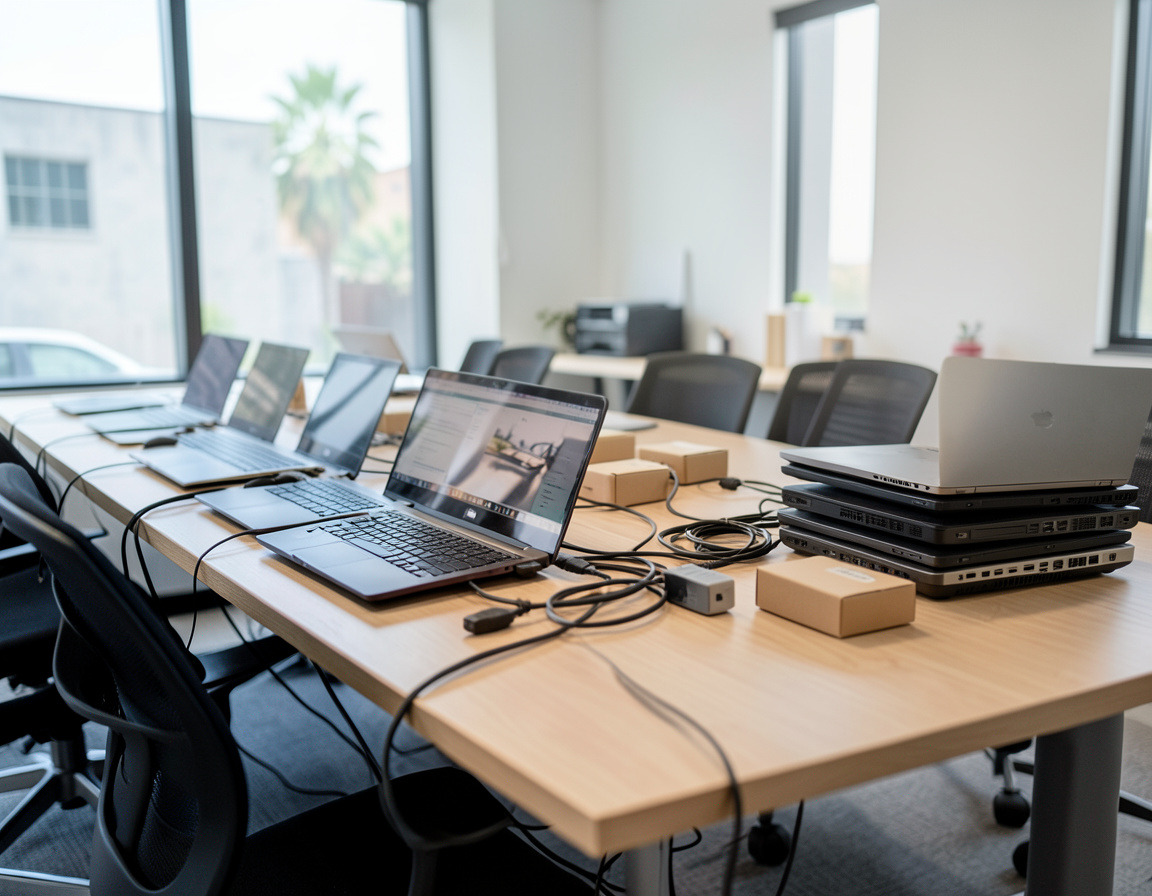
For businesses with several computers, regular PC service keeps small problems from turning into lost workdays: disk health checks, cleaning of fans and filters, driver and firmware updates, backup verification and a list of machines nearing the end of their useful life, so replacements can be planned instead of rushed.
What to have ready before a repair
- Your Windows password or PIN and, for an encrypted drive, its BitLocker key, which is often saved in your Microsoft account
- The charger for a laptop, since many faults turn out to be power related
- A list of what must survive the repair: document folders, browser bookmarks and saved passwords, local email archives, and license keys for older software that cannot be downloaded again
Related services: business PC refresh when a repair is not worth it, backups that protect you from the next failure and recycling computers that are past repair.
Computer repair San Pedro and Long Beach customers ask about
Besides slow computers and boot failures, a frequent request is laptop screen repair. A dark or flickering screen is not always the panel itself: a picture that flickers or disappears when the lid moves often points to the display cable or hinge, while a very dim image that is faintly visible under a flashlight usually means the backlight has failed. We test first, then give you the cause, the fix and the price before any part is ordered.
If the laptop is older, we also tell you honestly whether a new screen makes sense or whether the money is better spent on a replacement. Before any repair, important data is copied wherever the drive still allows it.
| Manufacturer | Computer Service Breeze |
|---|


Related Posts
-


 The first few minutes after a spill matter more than anything a repair shop does later. Here is what to do straight away, the common mistakes to avoid, why the type of liquid matters and what a...
 -
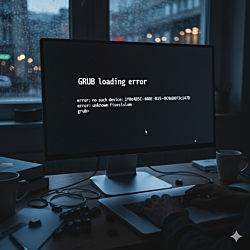 When a Windows update removes the GRUB menu, both operating systems are usually still intact. This guide explains why dual-boot PCs lose their boot menu, how to restore GRUB on UEFI and older BIOS...
 -
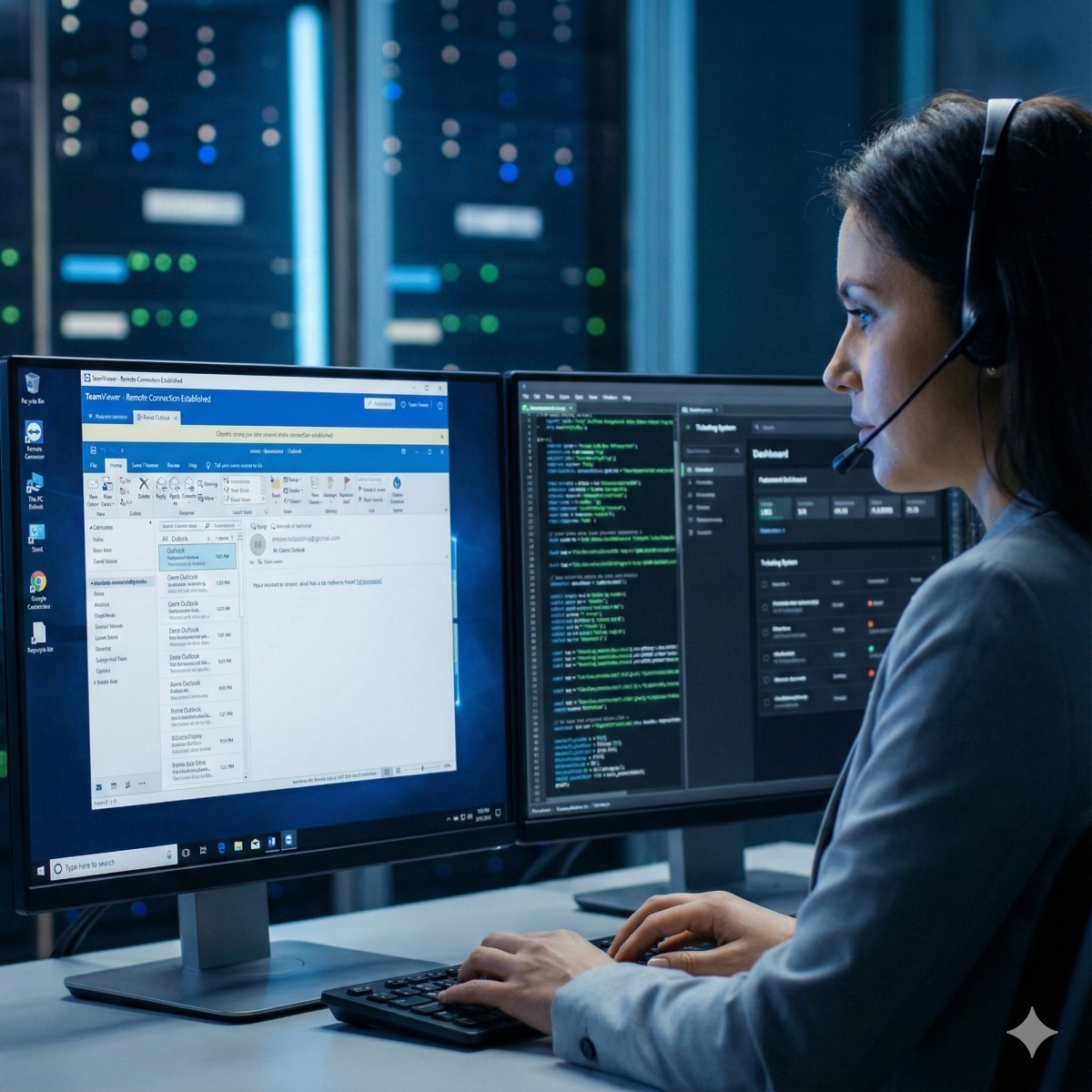
 Remote support is safe when you start the session, know who is on the other end and can end it at any time. This guide shows what a legitimate session looks like, the signs of a tech support scam and...