A glass of water tips over, a coffee slides off a stack of papers, or a laptop bag sits out in the rain. What happens in the next few minutes affects the outcome more than anything a repair shop does later. A laptop liquid spill is rarely hopeless, but the natural reactions, checking whether it still works, drying it with a hair dryer or burying it in rice, can turn a cleaning job into a dead motherboard. Here is what to do first, what to avoid and what a repair involves.
First steps after a laptop liquid spill
- Cut the power. Unplug the charger, then hold the power button until the laptop switches off. Do not wait for a normal shutdown if it takes more than a moment. Current flowing through wet components is what causes most of the damage.
- Disconnect everything. USB drives, docks, cables and memory cards come out.
- Remove the battery only if it is designed to come out. On most modern laptops it is internal. Do not open the case to reach it unless you know how, because lithium batteries do not tolerate punctures or bent cells.
- Drain it. Open the lid wide and stand the laptop upside down in a tent shape, keyboard facing down, so liquid runs out the way it came in rather than deeper into the board.
- Blot, do not wipe. Soak up what you can see with a microfiber cloth or paper towel.
- Leave it off. Do not charge it or press the power button to see whether it works.
Write down what was spilled and roughly how much. Anyone looking at the machine later will ask.
What not to do
- Do not turn it on to test it. A laptop that powers up after a spill can still be shorting internally, and each attempt risks more damage.
- Do not use a hair dryer or heater. Heat can push moisture further in and damage the screen, keyboard and plastics.
- Do not rely on rice. Rice does not draw liquid out of a closed laptop, and its dust and starch can end up in ports and fans.
- Do not shake it hard. Gentle draining is enough; shaking spreads liquid across the board.
If the keyboard spill was small and the laptop has stayed off, you have already done the most important part.
Water, coffee or soda: why the liquid matters
Spilled water on a laptop is the best case, because clean water leaves little residue once it evaporates. Coffee spilled on a laptop is worse, especially with sugar or milk, and soda, juice, wine and beer leave sticky, conductive residue that keeps attacking contacts after the liquid itself has dried. Salt water, a real risk for anyone who works on or near boats in a harbor town like San Pedro or Long Beach, is the most aggressive of all.
That is why "it dried out and works again" is not the end of the story. Laptop water damage often shows up days or weeks later, when corrosion finally breaks a connection, with symptoms that look unrelated to the spill: keys that stop responding, a battery that will not charge or random shutdowns.
What a liquid damage repair involves
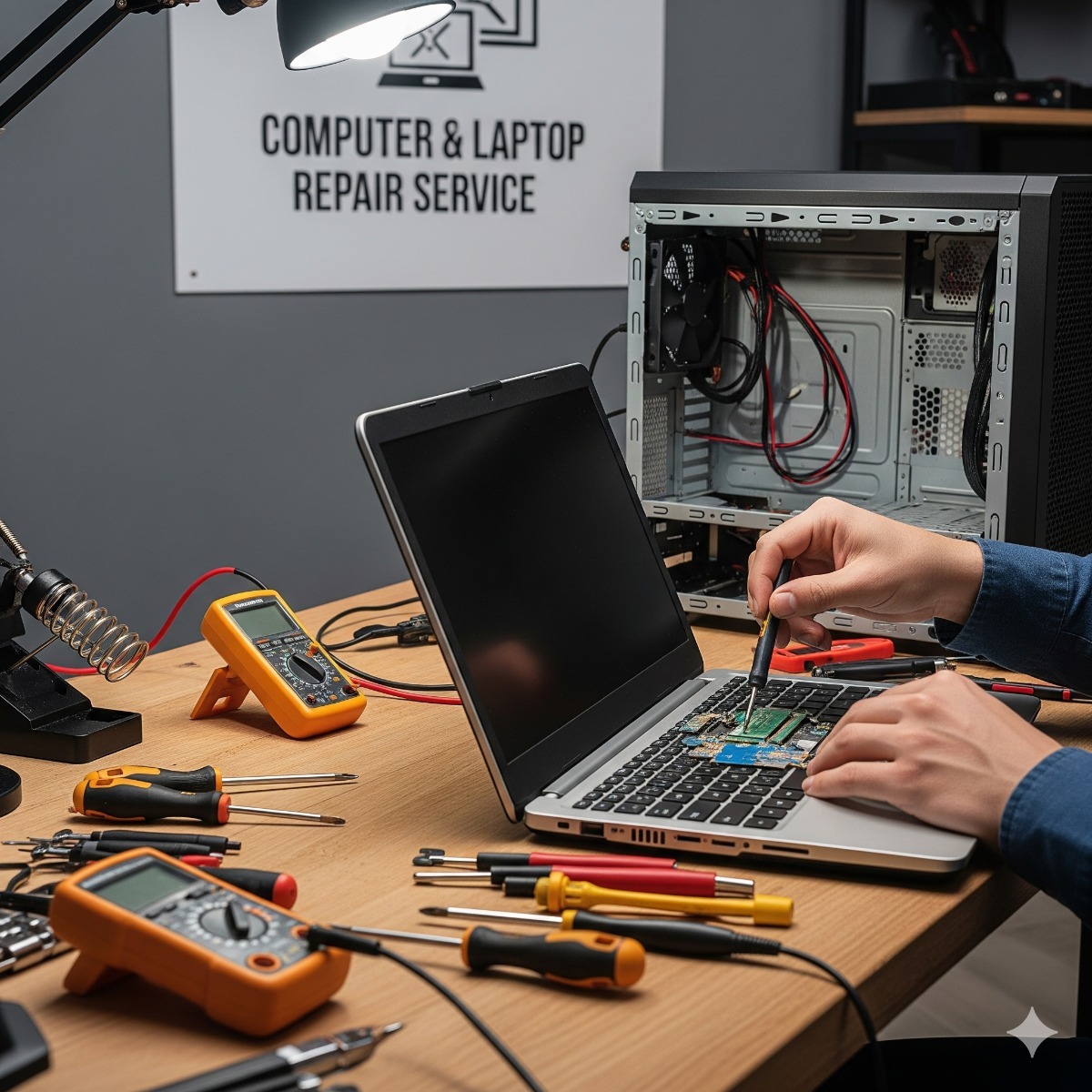
A proper liquid damage repair starts with opening the case. The technician finds where the liquid went, cleans residue and corrosion from the affected areas, typically with isopropyl alcohol, and checks the keyboard, battery, charging circuit and storage. Then the options become clear:
- Keyboard only. Often the liquid stopped at the keyboard, which is replaced. On many laptops the keyboard is built into the top case, which affects the parts cost.
- Board damage. Corroded components or connectors on the motherboard. Whether this is worth repairing depends on the laptop's age and value.
- Battery or screen. Liquid that reached the battery or seeped into the display usually means replacing that part.
In our laptop repair work you get the cause, the fix and the price before anything is replaced, and if a repair is not worth it compared with a replacement, we say so. When a laptop won't turn on after a spill, the storage is often still intact even if the board is not, and important data should be copied off before any repair that could affect it. On many slim laptops the SSD is soldered to the motherboard, which makes that harder when the board itself has failed, so a current data backup is the best protection of all.
Before you hand it over: data and encryption
Many Windows laptops encrypt their drive with BitLocker or device encryption. If the drive has to be read in another machine, or a repair triggers recovery at startup, the BitLocker recovery key is needed. For personal devices it is usually saved in your Microsoft account, and Microsoft explains where to find your BitLocker recovery key; for work devices, ask your IT administrator. Have your Windows password or PIN ready as well, and make a list of the files, browser data and email archives that must survive.
Frequently asked questions: laptop liquid spill
Does rice work for a wet laptop?
No. Rice cannot pull liquid from under a keyboard or off a circuit board, and it adds dust and starch. Draining the laptop, keeping it switched off and having it opened and cleaned is what helps.
My laptop still works after the spill. Should I have it checked anyway?
If it was anything other than a small amount of clean water, yes. Sugary and acidic drinks keep corroding contacts after they dry. Back up your files straight away while the machine still works, then have it looked at.
Does the manufacturer's warranty cover liquid damage?
Standard manufacturer warranties usually exclude liquid damage. Check whether you bought an accidental damage plan with the laptop, or whether a business insurance policy covers equipment, before paying for a repair.
Spilled something on a laptop in San Pedro, Long Beach or nearby? Keep it switched off and tell us what happened through the contact form, and we will get back to you with the next step. For laptop repair in Long Beach and San Pedro, our computer and laptop repair service starts with diagnosis, copies your important data first wherever the drive allows it, and finishes with testing and a clear explanation of what was done.