


A camera system on a boat has to cope with things a house never sees: salt spray, constant vibration, a 12 or 24 volt battery bank, an internet link that switches between marina Wi-Fi, cellular and satellite, and owners who want to check the deck from the other side of the country. Luxury yacht CCTV system installation is therefore less about picking cameras and more about power, cabling, where the recorder lives and how video leaves the boat. This guide walks through yacht CCTV system installation step by step, then covers the onboard network and computers the cameras depend on.
What the cameras on a yacht are for
- Security at the dock and at anchor. Boarding points, the swim platform, the aft deck and the tender garage, with alerts when someone steps aboard an unattended boat.
- Machinery. An engine room camera lets the crew check the space without opening it; choose a model rated for that heat.
- Docking. Stern and side views help in tight marinas. Many helm multifunction displays can show selected IP camera feeds, so check the display maker's compatibility list first.
- Night navigation. Thermal and low-light cameras support the watch but do not replace it: Rule 5 of the Navigation Rules still requires a proper look-out by sight and hearing.
Give every position a stated job, such as an overview or a face at the boarding gate, as a land-based security camera installation plan does. Keep cameras out of cabins and heads, and tell guests and crew where cameras are. California law generally requires the consent of all parties before a confidential conversation is recorded, so most systems keep microphones off. This is general information, not legal advice.
Yacht CCTV system installation: power and marine-grade camera housings
Most boats run electronics from a 12 V or 24 V DC house bank, with 120 V AC only on shore power, from a generator or through an inverter. That leaves two clean options for the PoE switch and recorder: equipment designed for DC input, or AC equipment on an inverter. An inverter running all night at anchor drains batteries quickly, so add up the load of the cameras (infrared raises it at night), the switch and the recorder, and compare it with the bank's usable capacity. PoE to IEEE 802.3af supplies up to 15.4 W per port and 802.3at up to 30 W, which matters for cameras with heaters or motorized lenses.
Boat wiring is covered by ABYC E-11, the American Boat & Yacht Council standard for AC and DC electrical systems on boats, so new circuits belong with a marine electrician. For the cameras, look for:
- Marine-grade camera housings in 316 stainless steel or UV-stable, corrosion-resistant materials, with sealed cable glands.
- IP66 or IP67 ingress ratings for exposed positions (IP codes are defined in IEC 60529).
- UV-resistant outdoor network cable, drip loops before every entry point and mounts that stay tight under vibration.
NVR placement and recording on board
NVR placement is where many marine installations go wrong. The recorder needs a dry, ventilated compartment away from engine heat and the bilge, fixed so it cannot shift in a seaway and out of sight so a thief cannot carry it off. Hard drives dislike constant vibration; surveillance-rated drives on damping mounts, or solid-state storage for smaller systems, last longer. Put the recorder and switch on a protected circuit so the change from shore power to generator does not reboot them, and let the recorder report disk errors and offline cameras.
Size storage for the retention you need: a boat left in a slip for weeks needs far more days than one used every weekend. Event-based recording with H.265 compression stretches the drives, and cameras that also record to their own memory card keep clips even if the recorder is stolen.
The onboard network and remote viewing over cellular
Cameras share cabling with navigation electronics, entertainment systems, guest Wi-Fi and crew devices, so a sound onboard network keeps them apart: cameras on their own segment, guests on an isolated Wi-Fi network and navigation equipment separate from both. NMEA 2000 remains the common instrument backbone, while the newer NMEA OneNet standard brings marine electronics onto Ethernet and IPv6.
The internet link changes with location: marina Wi-Fi at the dock, cellular along the coast, satellite offshore. A router with several WAN connections and automatic failover keeps access working as the boat moves. Two details matter for video:
- Inbound connections rarely work. Cellular and satellite services commonly use carrier-grade NAT, so port forwarding is unsafe and often impossible. The recorder maker's encrypted cloud connection, or a VPN the boat dials out to, works instead; see our guide to remote access to security cameras.
- Data is metered. Remote viewing over cellular should use the lighter sub-stream for live view, with push alerts for boarding events instead of continuous streaming.
Upgrading boat computer hardware and onboard IT
Marine and yacht IT services cover more than cameras. Many boats carry a navigation PC or media server installed years ago and rarely touched since. When upgrading boat computer hardware, check:
- Licenses. Some navigation and charting programs tie licenses to the computer or a USB key; confirm the vendor's transfer process first.
- Operating system. Regular Windows 10 support ended on October 14, 2025, and Windows 11 requires TPM 2.0, which many older onboard PCs lack.
- Environment. A marine computer is usually fanless or sealed, accepts a wide DC input range and uses solid-state storage, because spinning drives and dusty fans do not last in a damp, moving cabin.
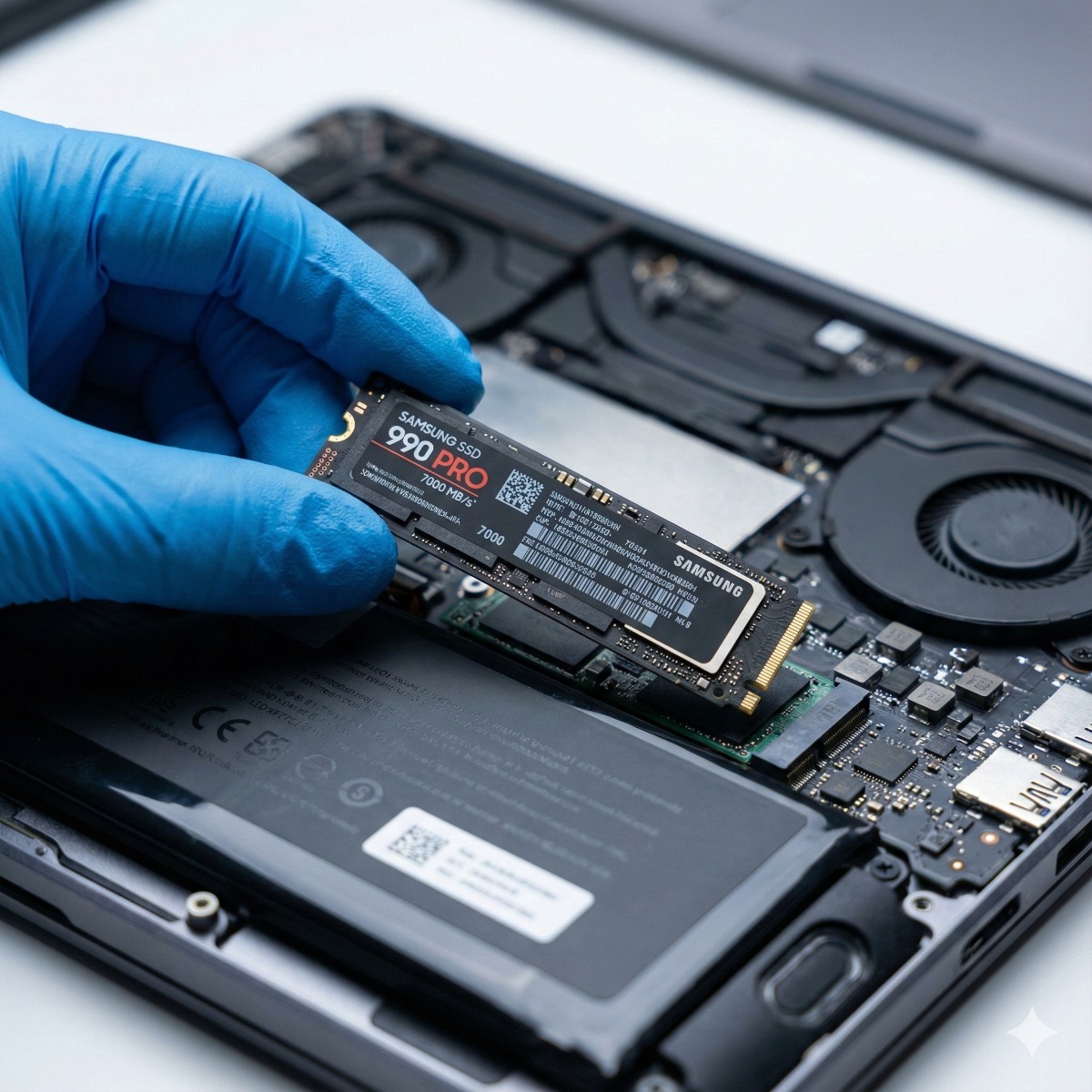
Boat computer upgrades follow the same logic as office machines: an SSD in place of an old mechanical drive, plus more memory, can extend the life of sound hardware. Our SSD and RAM upgrade page explains the compatibility checks. Good IT service for yachts also keeps records: a network diagram, a device list with firmware versions and the admin accounts, stored ashore as well as on board.
Maintaining a marine CCTV installation
A marine CCTV installation needs more attention than one on land. After each season and every haul-out, rinse housings with fresh water, check seals and connectors for corrosion, update firmware on cameras, recorder and router, play back night footage from every camera and test alerts end to end, from a person on the swim platform to the owner's phone.
Frequently asked questions: yacht cctv system installation
Can a yacht CCTV system run on 12 V?
Yes. Many cameras accept 12 V DC directly, and PoE switches and recorders with DC input exist. Battery capacity at anchor is usually the limit, so calculate the total load first.
Wired or wireless cameras on a boat?
Wired PoE cameras are more dependable: one cable carries power and video. Wireless links struggle with metal, dense fiberglass and a moving hull, so keep them for places a cable cannot reach.
Can I watch the cameras when the boat is offshore?
Only with a working internet connection, which offshore usually means satellite. Plan for limited bandwidth: event alerts and sub-stream viewing work far better than continuous high-definition video.
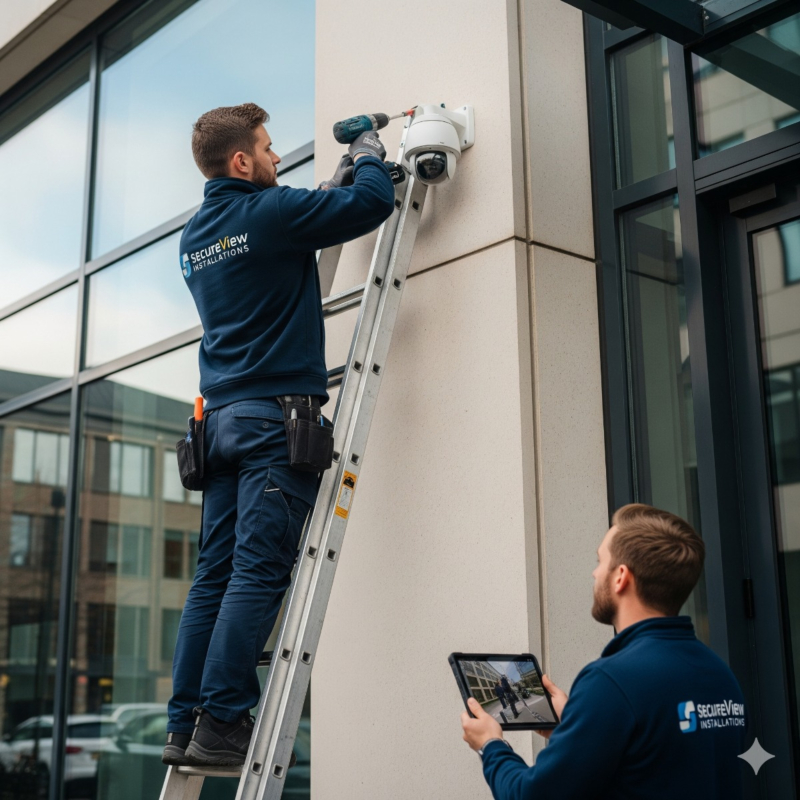
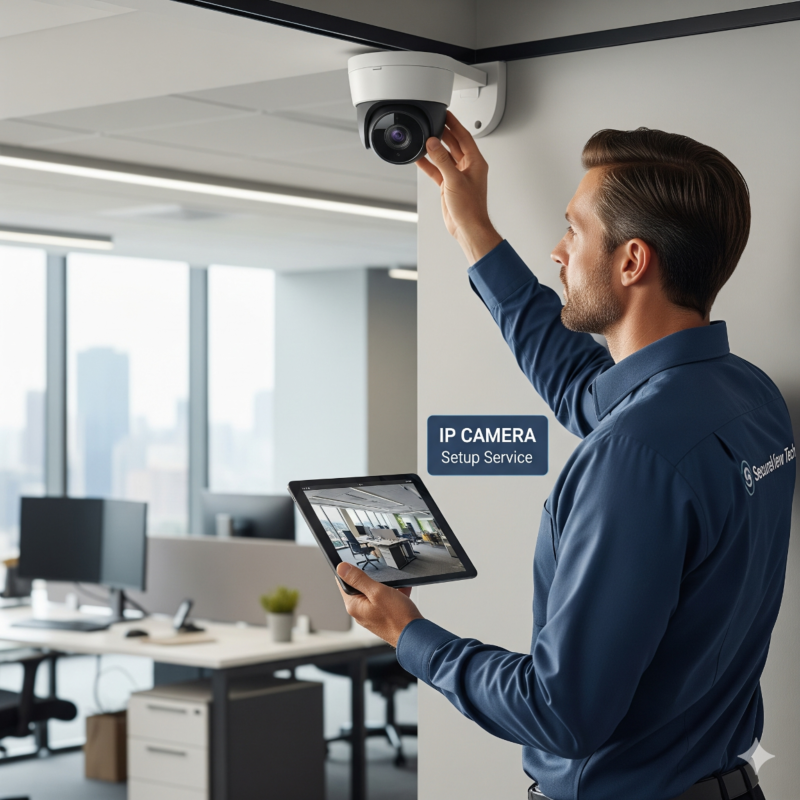
Our CCTV installation service follows the same steps: a site survey, a written camera plan, wired PoE IP cameras with an NVR sized for your retention, secure remote viewing without exposing the recorder to the open internet, and written handover notes. We install camera systems for homes and businesses in San Pedro, Long Beach and nearby parts of Los Angeles County. If you are planning cameras for a boat, describe the vessel, where it is kept and what you want to see through the contact form, and ask whether the project fits.