
Remote Camera Viewing & Mobile Access
Your Property.
In Your Pocket.
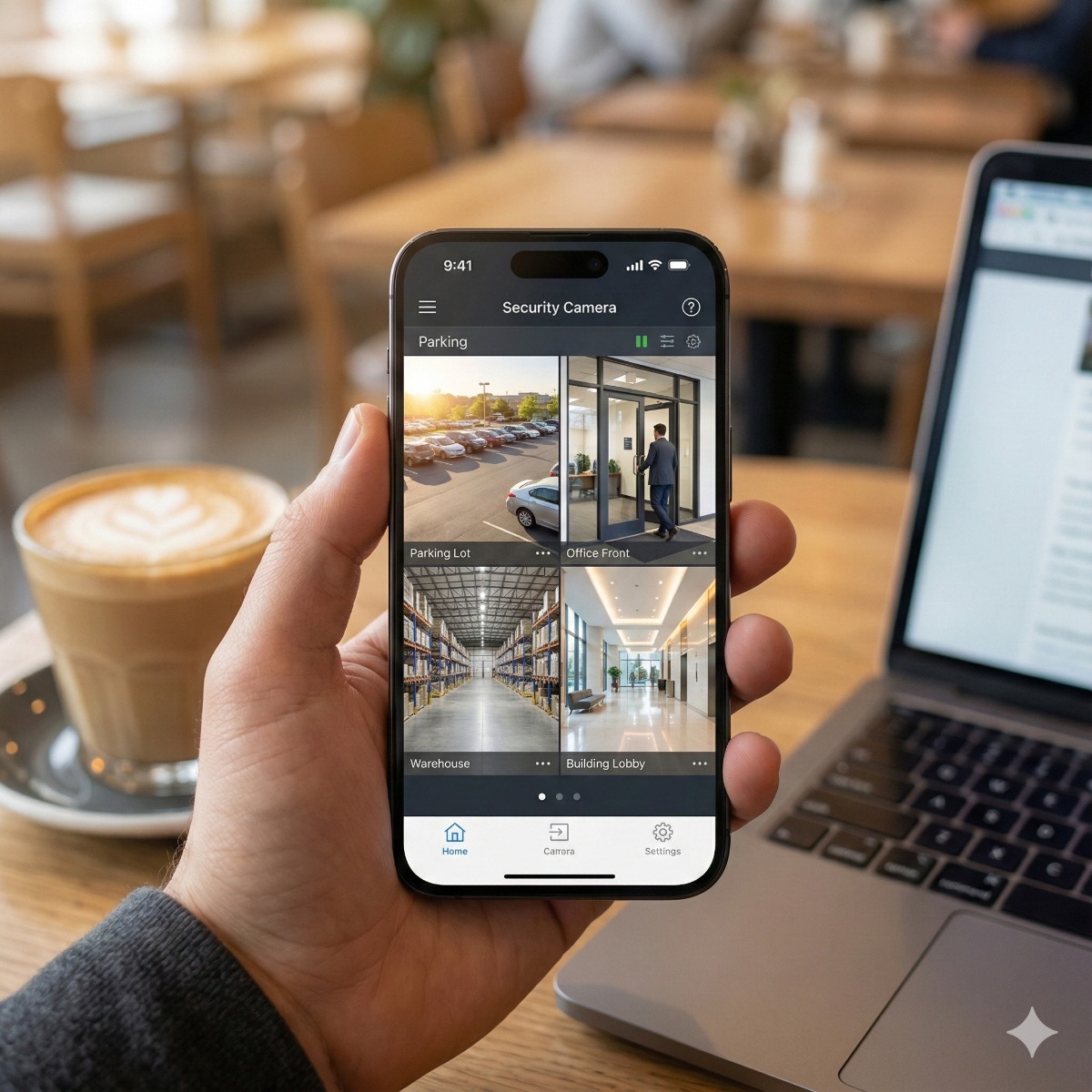
Never wonder "what's happening at the shop" again. We bridge your security system to your mobile devices so you can view security cameras on your phone, with secure, real-time access to live feeds and playback from anywhere in the world.
Zero Monthly Fees
Unlike "Cloud Cameras" (Nest, Ring) that charge you monthly, our remote camera viewing setup connects directly to your own NVR hard drive. You own the footage, and the streaming service is free forever.
Secure P2P Encryption
We configure secure P2P (Peer-to-Peer) cloud connections. This eliminates the need for dangerous open ports on your router, ensuring hackers can't access your cameras, while you still can.
Multi-Site Management
Have a warehouse, an office, and a home? We can consolidate all your locations into a single app interface. View 16 cameras from 3 different properties on one screen.
The Setup Process.
We handle the networking headache.
Network Config
We configure your NVR's network settings, enabling P2P platform access or setting up secure DDNS if a Static IP is preferred.
App Installation
We install the professional viewing app (Hik-Connect, DMSS, or iVMS) on your iPhones, iPads, and Android devices.
Device Pairing
We securely pair your mobile devices to the recorder using encrypted QR codes. We can create "Guest" accounts for staff with limited access.
Training
We teach you how to switch between High Definition and "Fluent" streams, how to digitally zoom, and most importantly, how to play back and export incident footage.
Apps We Support.
Expert configuration for leading brands.
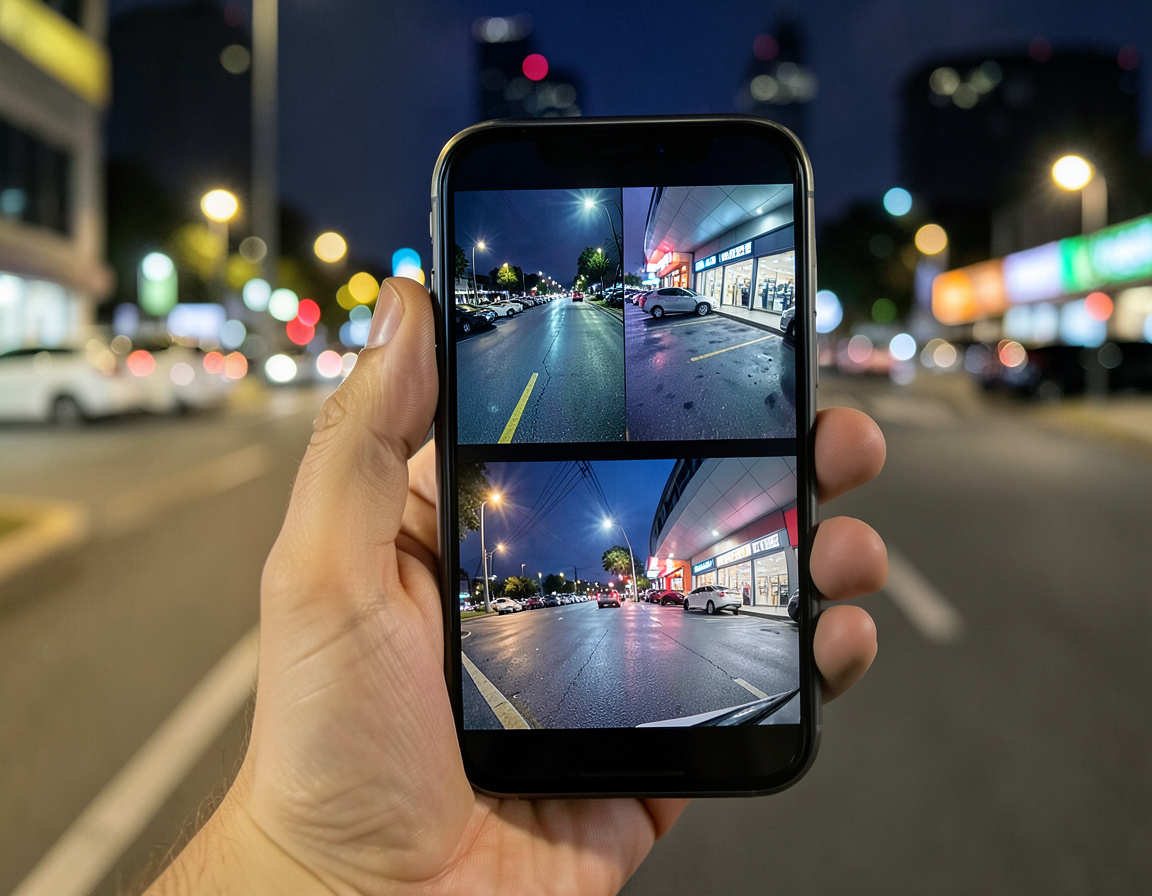
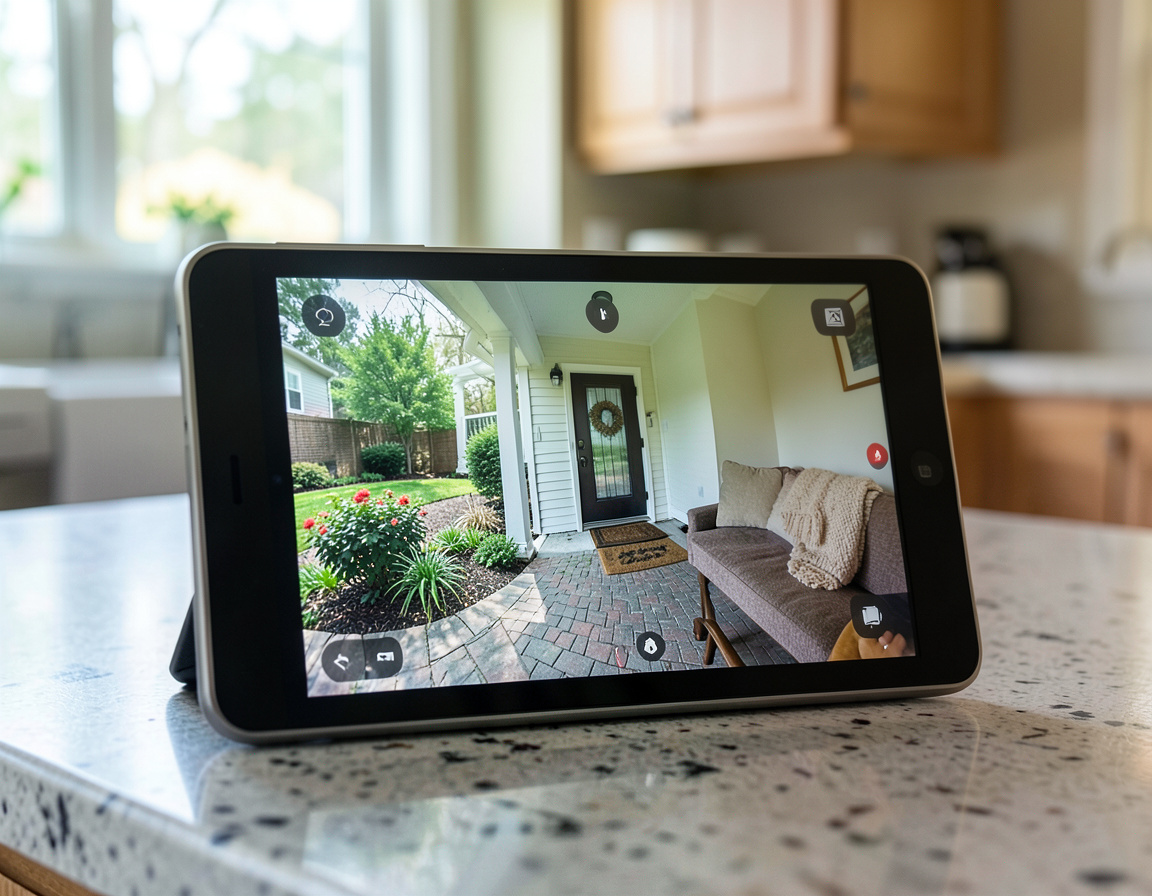
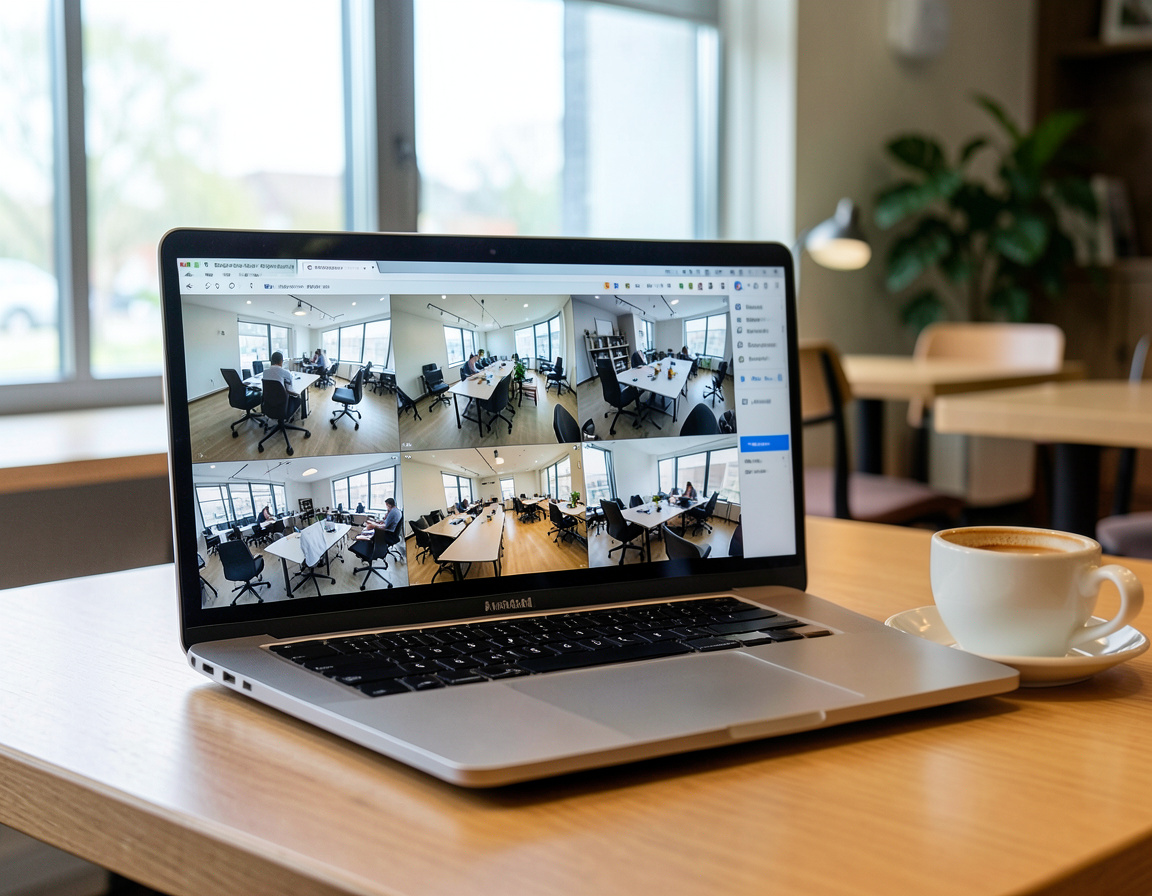
Supported Devices.
View on any screen.
Common Questions
Does this slow down my internet?
Only while you are actively watching. The cameras record locally to the hard drive. Bandwidth is only used when you open the app to check the feed.
What if I don't have a Static IP?
No problem. Modern P2P (Peer-to-Peer) cloud technology allows us to connect your system reliably without needing to pay your ISP for a Static IP address.
Why we avoid port forwarding for security cameras
Many older guides say to open ports on the router so the recorder can be reached from outside. Port forwarding for security cameras exposes the recorder's login page to the whole internet, where automated scanners look for exactly these devices, and recorders with outdated firmware have been taken over this way. If your system is set up like that, we close the forwarded ports and replace them with one of two safer options: the manufacturer's encrypted cloud connection, or a VPN into your own network for businesses that prefer no outside service at all.
Hik-Connect configuration and DMSS app setup
- Hik-Connect. Platform access is enabled on the recorder with its own verification code, the device is added to an account you own, and other users get shared access with only the rights they need, such as live view without playback or settings.
- DMSS. The recorder is added by serial number with a strong device password, push notifications are limited to useful events, and each user signs in with a separate account.
- Other brands. Most recorders follow the same pattern: an encrypted cloud or peer-to-peer link, one owner account and limited sub-accounts.
Tips to view CCTV on an iPhone
To view CCTV on an iPhone smoothly over mobile data, use the lighter sub-stream for live view and switch to the main stream only when you need detail. Allow notifications for the viewing app but keep them focused, for example person detection at the back door after closing time, or they will soon be ignored. For playback, learn to jump along the timeline and export a clip to the phone, which is how footage is usually handed over after an incident.
What to prepare for view cctv on iphone
The recorder's make, model and admin password, admin access to your router, the phones and computers that should have access, and a list of who may see which cameras.
Related services: IP camera and NVR configuration, a private VPN instead of open ports and a separate network segment for cameras.
Remote viewing as part of a CCTV IP camera setup
Remote access is best planned as part of the CCTV IP camera setup rather than added later with an open port. On an IP CCTV setup we enable the manufacturer's encrypted cloud connection, or a VPN into your own network, add the recorder to an account you own and give every other user a separate login with limited rights.
In an office security camera setup, that usually means view-only access for staff to the cameras they need, playback and export for the people who handle incidents, and notifications limited to useful events, such as person detection at the back door after closing time.
| Manufacturer | Computer Service Breeze |
|---|



Related Posts
-


 Remote access to security cameras can run through the manufacturer's cloud, a VPN or ports opened on the router, and the three expose very different things to the internet. This guide compares them,...
 -
 When cameras show a live picture but nothing is saved, the fault is almost always in the recorder, its drive or its settings. This guide walks through the checks in order, from the hard drive and...
 -
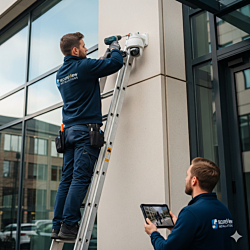 Cameras on a boat face salt, vibration, battery power and a changing internet link. This guide covers power and housings, NVR placement, the onboard network, remote viewing over cellular and...
 -
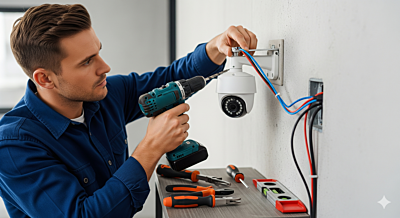 CCTV and IP Camera Setup: A Complete Beginner's Guide Installing CCTV or IP cameras can seem complicated, but with the right guidance, anyone can set up a reliable security system at home or in the...
 -
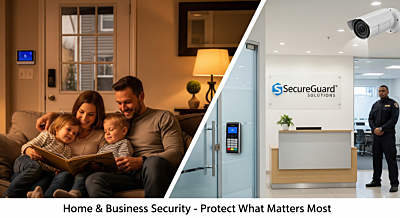 Home and Business Security: Protecting What Matters Most Security is more than installing cameras — it's a comprehensive approach that keeps your home or business safe from potential...
 -
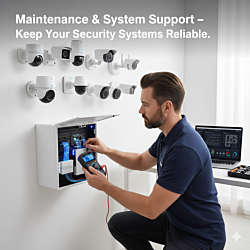 Maintaining Your Security System: Essential Tips Regular maintenance ensures your CCTV and IP camera systems work reliably over time. From cleaning lenses to firmware updates, small actions can...