The worst time to find a security camera not recording is the morning after a break-in, when the monitor shows a perfect live picture and playback shows nothing. A live view proves only that the cameras work, not that anything is being saved. This guide walks through the checks in the order a technician would make them, so you can find the cause and know when to call for help.
Why a security camera not recording still shows live video
Live video and recording are two separate jobs. The live picture on the monitor or phone app comes straight from the camera stream. Recording happens only when the recorder has a working drive, a schedule that tells it when to record, space to write to and a correct clock. A break in any of these leaves the live view untouched, which is why the problem can go unnoticed for weeks. The same checks apply to a DVR not recording analog cameras and to an NVR not recording IP cameras, so work through them before replacing anything.
Step 1: check the recorder's hard drive
Open the storage or disk management page in the recorder's menu. The drive should show as normal, with its capacity and remaining space. Trouble signs include a drive that shows as missing, unformatted or uninitialized, and a hard drive error message or a beeping recorder.
- Drive not detected. Power the recorder off and reseat the data and power cables inside. If the drive still does not appear, it or the recorder's port has failed.
- Drive detected but in an error state. A drive that writes around the clock for years wears out. Repeated errors usually mean replacement, not repair.
- A replacement drive that does not work. Many recorders support drives only up to a certain capacity, and a new drive has to be formatted in the recorder before it records.
A DVR hard drive replacement is routine, but formatting erases whatever the old drive still holds. If you might need footage from the past few days, export it first, or leave the drive untouched and get help. Choose a drive rated for surveillance use, and treat the old drive as sensitive: it contains video of your premises.
Step 2: check the recording schedule and motion rules
Every channel has a recording schedule that says when to record continuously, when to record only on events and when to record nothing. Schedules can come back empty after a firmware update, a factory reset or a well-meant change by someone else. Check the schedule for each camera, not just the first one.
For a camera not recording motion events, the usual causes are:
- Motion detection switched off for that channel, or detection zones that no longer cover the doorway after the camera was moved.
- Sensitivity turned down to stop false alarms from trees, headlights or rain.
- Smart rules, such as person or vehicle detection, set so strictly that nothing qualifies.
- Events that trigger an alert but are not linked to recording on the right channel.
With IP cameras the recorder may rely on motion events sent by the camera itself, so if camera and recorder come from different makers, confirm the events arrive. For entrances and cash areas, continuous recording with motion markers is often the safer setting.
Step 3: check storage space, overwrite and footage retention
Most recorders have an option called overwrite, or something similar, that replaces the oldest footage once the drive is full. If overwrite when full is switched off, the recorder simply stops recording on the day the drive fills up. Turn it on unless you have a specific reason not to.
Footage retention can also be limited on purpose. Many recorders let you set a maximum number of days to keep per camera, and a setting of a few days can look like missing recordings when someone searches further back. Compare the date of the oldest footage with what you expect to keep. If retention is shorter than you need, the options are a larger drive, a lower bitrate or motion-based recording on less important cameras.
Step 4: check time, power and the network
- Date and time. After a power cut, a recorder without time synchronization may restart with the wrong date. The footage exists but is filed under the wrong day. Point the recorder at a time server and check that the time zone is correct.
- Power. A recorder that restarts on its own, often because of a failing power supply or heat, loses recording while it reboots. Gaps at the same hour each night can also mean cameras that drop out when their infrared lights switch on.
- Network, for NVR systems. An NVR not recording one channel often has lost contact with that camera: an IP address conflict, a password changed on the camera but not on the recorder, or a failed network port. Too many cameras at high bitrate can also exceed the recorder's incoming bandwidth.
Most NVR troubleshooting ends at one of these steps. If the recorder keeps a system log, read it: disk errors, reboots and video loss are usually listed there.
When it is time for CCTV repair
Call for CCTV repair when the drive is not detected even after reseating it, the recorder reboots on its own, the menu freezes or the firmware update fails, or several channels fail at once. Stop and get help straight away if the footage itself matters, for example after an incident: formatting a drive or resetting the recorder can destroy the evidence you need.
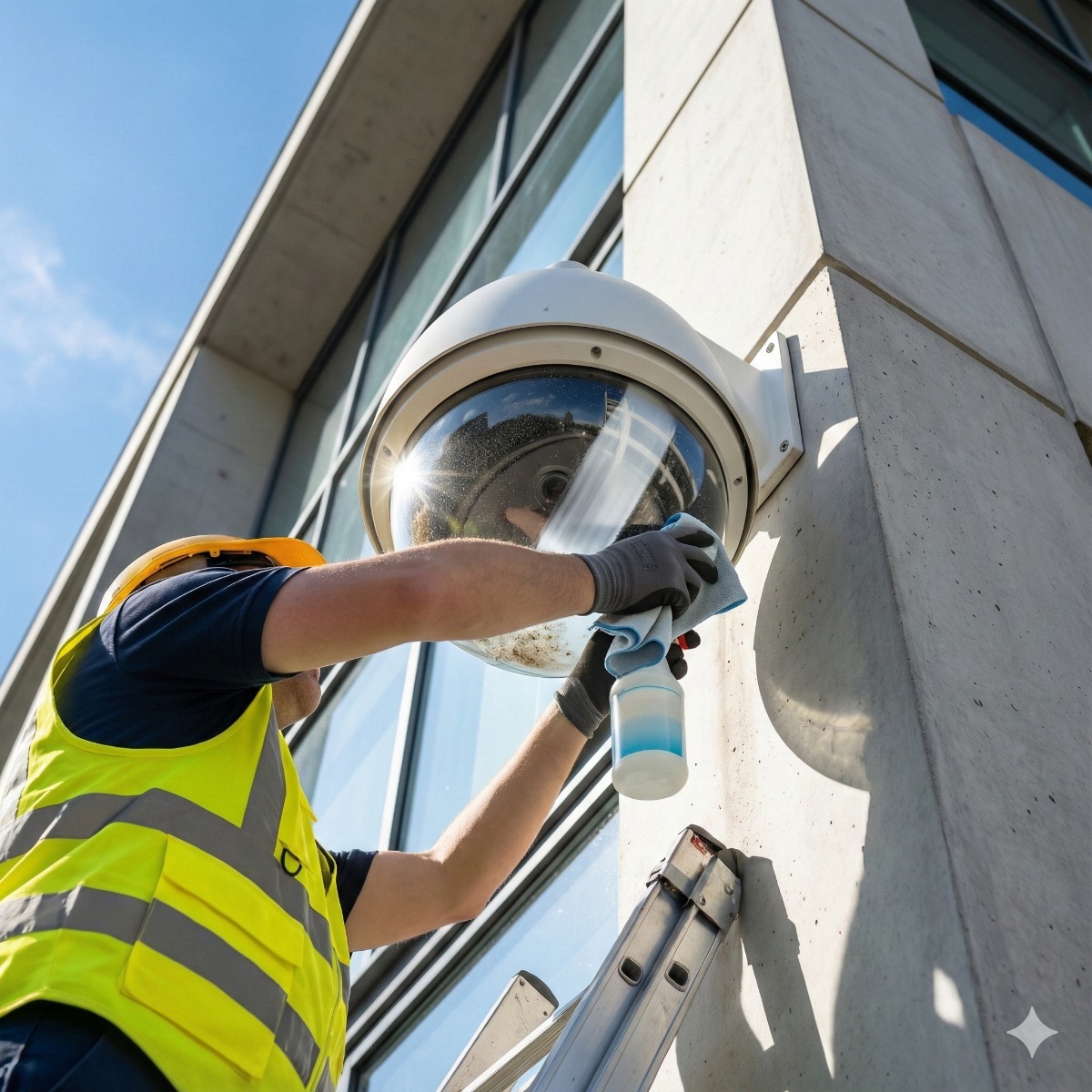
Our CCTV system maintenance and repair service traces faults like these on systems from most major brands, including ones we did not install, and explains the options before any parts are ordered.
Preventing the next silent failure
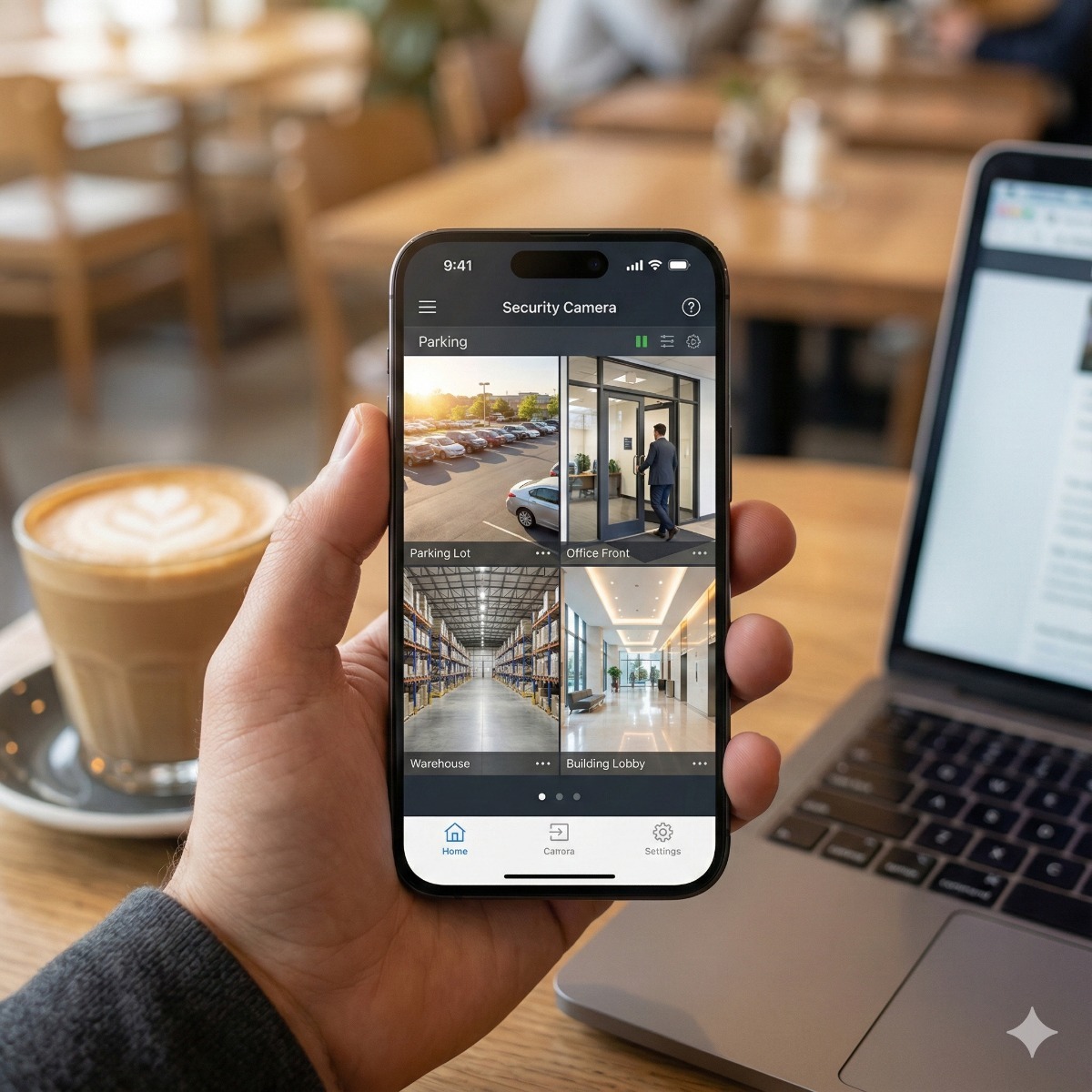
Good security system maintenance is mostly about noticing problems early. Turn on the recorder's alerts for disk errors and video loss so they reach a phone or an inbox, play back a few minutes from every camera once a week, and put the recorder on a small UPS so brief power cuts do not interrupt recording. Remote camera viewing on your phone makes the weekly playback check a two-minute job.
Frequently asked questions: security camera not recording
Why does my NVR show live video but no playback?
The cameras are working, so the fault lies in the recording side: a failed or unformatted drive, an empty recording schedule, a full drive with overwrite turned off, or a clock that files footage under the wrong date.
Will formatting the hard drive fix a recorder that stopped recording?
Sometimes, if the drive only needed initializing. It also erases all footage, and a physically failing drive will fail again, so export what you need first.
Why are recordings missing only at night?
Common causes are a power supply that cannot cope when infrared lights switch on, a schedule that excludes night hours, or motion rules tuned during the day that miss low-light movement.
Can footage be recovered from a failed recorder drive?
Sometimes, but not always. Recorders often use their own storage formats, and every hour a failing drive keeps running reduces the chances, so switch the recorder off and ask for help before trying anything yourself.
Cameras live but nothing on playback? Tell us the make and model of your recorder, how many cameras you have and when recording stopped. Security camera repair for businesses in Long Beach and San Pedro is part of our CCTV maintenance and repair service, and you can contact us to arrange a system check.