
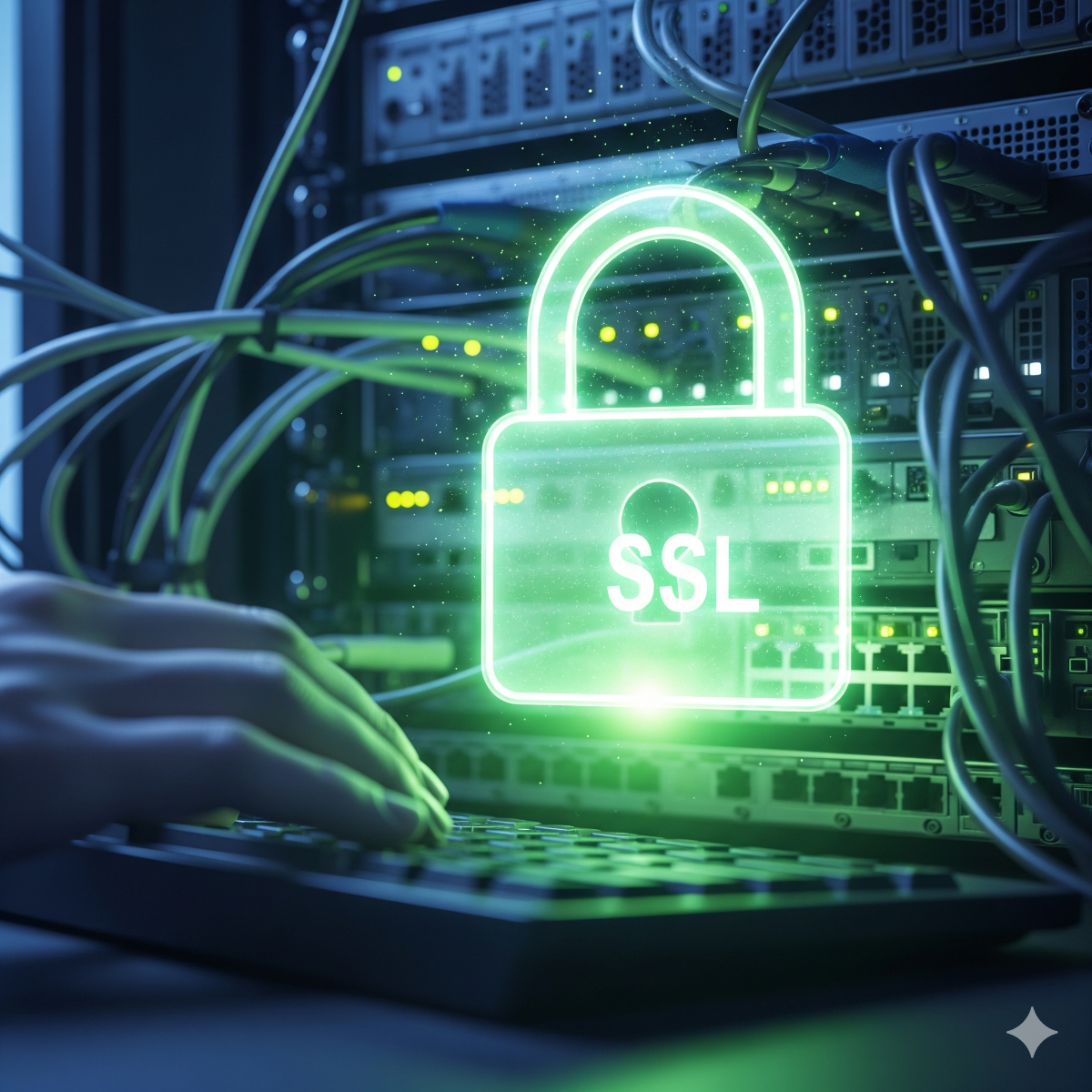
SSL Certificate Installation & HTTPS Fixes
Professional SSL certificate installation and configuration services for businesses in Los Angeles and Long Beach. Secure your website and protect customer data.
When a browser shows "Not secure" or a full-page certificate warning, many visitors leave before reading a single word. Online stores also risk failed payments and broken integrations when a certificate expires. The fix is rarely complicated, but it has to be done correctly on the server and then kept current automatically. We install and repair SSL/TLS certificates for websites, mail servers and web applications, for clients in Long Beach and Los Angeles and remotely anywhere.
Problems we fix
- "Your connection is not private" and "Not secure" warnings
- Expired certificates, often after an automatic renewal silently stopped working
- Incomplete certificate chains that work in one browser but fail in another, or in payment and API integrations
- Mixed content: an HTTPS page loading images, scripts or fonts over plain HTTP
- Redirect loops, or http and www versions that do not all lead to one HTTPS address
- Certificates that do not cover subdomains, and mail servers (SMTP, IMAP) still using self-signed certificates
What we do for SSL installation Los Angeles
- Check the current state. Certificate, chain, expiry date, protocols, redirects and mixed content across your site.
- Choose the certificate. A free Let's Encrypt certificate is the right choice for most sites; paid or wildcard certificates make sense for specific needs.
- Install and configure. On Apache, Nginx, HAProxy, a hosting panel such as ISPConfig or DirectAdmin, or a mail server, with modern TLS settings.
- Automate renewal. Renewal is set up and tested, with an alert if it ever fails.
- Clean up. Redirects to a single canonical HTTPS address, mixed content fixed in the CMS or templates, and HSTS enabled when you are ready for it.
- Verify. Tests from several browsers and an external TLS checker, with the results shared with you.
Why it matters beyond the padlock
HTTPS protects logins, forms and payments from interception, is required by many modern browser features, and is used by Google as a lightweight ranking signal. Moving a site from HTTP to HTTPS also needs correct redirects so you do not lose search rankings; that is part of our technical SEO work.
Who SSL installation Los Angeles is for
Small businesses whose website suddenly shows a warning, online stores preparing for a payment provider review, agencies managing many client domains, and companies running their own mail or application servers. If the whole server needs attention, see Linux server setup and administration.
What's included in SSL installation Los Angeles
- Certificate issuance, or installation of a certificate you purchased
- Web server and mail server TLS configuration
- Automatic renewal with failure alerts
- HTTP to HTTPS and www redirects, plus mixed content fixes
- A short test report
Frequently asked questions about SSL installation Los Angeles
Is a free Let's Encrypt certificate good enough for a business?
For encryption, yes: browsers treat it the same way as a paid domain-validated certificate. Paid certificates are mainly about warranties, organization validation or specific compatibility needs.
Why did my certificate expire if it was supposed to renew automatically?
Common causes are DNS changes, firewall rules blocking validation, a changed web root, or a renewal job that failed without anyone being notified. We fix the cause and add an alert so it does not happen silently again.
Will switching to HTTPS affect my Google rankings?
Done correctly, with 301 redirects and updated internal links and sitemaps, it should not hurt, and it removes the "Not secure" label that scares visitors away.
Can you secure email as well as the website?
Yes. Mail servers need valid certificates for SMTP and IMAP too, and we check the related DNS records (SPF, DKIM, DMARC) while we are at it through our DNS configuration service.
Send us your domain name through the contact form and we will check it. Background: SSL certificates explained.
SSL renewal is becoming a job for automation
The maximum lifetime of publicly trusted certificates is being shortened in stages under CA/Browser Forum rules, heading toward 47 days. Renewing by hand every so often and copying files onto the server will not keep up. For clients in Los Angeles and elsewhere we set up SSL renewal that runs on its own through an ACME client such as Certbot or acme.sh, reloads the web and mail services afterwards and raises an alert when an attempt fails, so the first sign of trouble is not a browser warning.
SSL configuration that holds up
Installing a certificate is only part of HTTPS setup. For businesses in Long Beach and across LA, a sound SSL configuration also covers:
- Protocols and ciphers. TLS 1.2 and 1.3 enabled, outdated versions switched off.
- The full chain. Intermediate certificates served correctly, so older devices and payment integrations trust the site.
- Every hostname. The main domain, www, subdomains, the mail server and any control panel address.
- Proxies and CDNs. Matching certificates between the visitor, the CDN and your origin server, without redirect loops.
- Security headers. HSTS once everything works over HTTPS, plus basic headers that reduce clickjacking and content-type attacks.
A secure website is more than a padlock
The padlock only means the connection is encrypted. It says nothing about outdated plugins, weak admin passwords or malware already on the server. A secure website for a Long Beach business needs the software behind it kept current as well, and if a site shows signs of compromise, the certificate is the last thing to fix rather than the first.
What to have ready
Whether the SSL installation is for a server in a Los Angeles office or a site hosted elsewhere, we need access to the server or hosting panel, access to DNS or the domain registrar (required for wildcard certificates and some validation methods), details of any CDN or proxy in front of the site, and a list of the subdomains and mail hosts in use. With access in place the installation itself is short; most of the time goes into cleaning up redirects and mixed content.
Related services: website maintenance plans with certificate checks, hosting control panel setup and hacked website repair.
What an SSL installation service should leave behind
A certificate that works today is only half of the job. A good SSL installation service leaves a site that renews on its own, redirects every address to one HTTPS version and raises an alert when a renewal fails. Our SSL certificate installation service covers the web server, the mail server and any control panel address, and the SSL configuration service that comes with it checks protocols, the full certificate chain and security headers.
Whether you ask for a simple SSL setup service for one site or a review of many domains, we need access to the server or hosting panel, access to DNS, details of any CDN in front of the site and a list of the subdomains and mail hosts in use. You then receive a short test report.
| Manufacturer | Computer Service Breeze |
|---|





Related Posts
-


 When a website moves to a new server or hosting company, the certificate is often remembered last. This guide explains when to reissue and when to transfer, how to validate before DNS switches, and...
 -
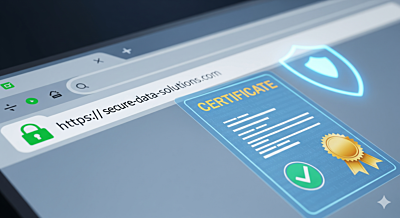 Understanding SSL Certificates SSL (Secure Sockets Layer) certificates encrypt data transmitted between your website and users, ensuring privacy, data integrity, and secure communications.
 -
 How to diagnose and fix the most common SSL certificate installation problems: broken chains, name mismatch, mixed content, failed renewals and redirect loops.