


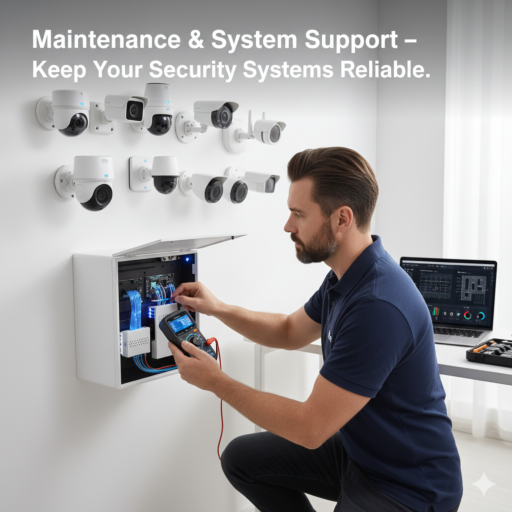
Maintaining Your Security System: Essential Tips
Regular maintenance ensures your CCTV and IP camera systems work reliably over time. From cleaning lenses to firmware updates, small actions can prevent big problems.
Routine Checks
Inspect cameras, cables, and recording devices monthly.
Maintenance Checklist:
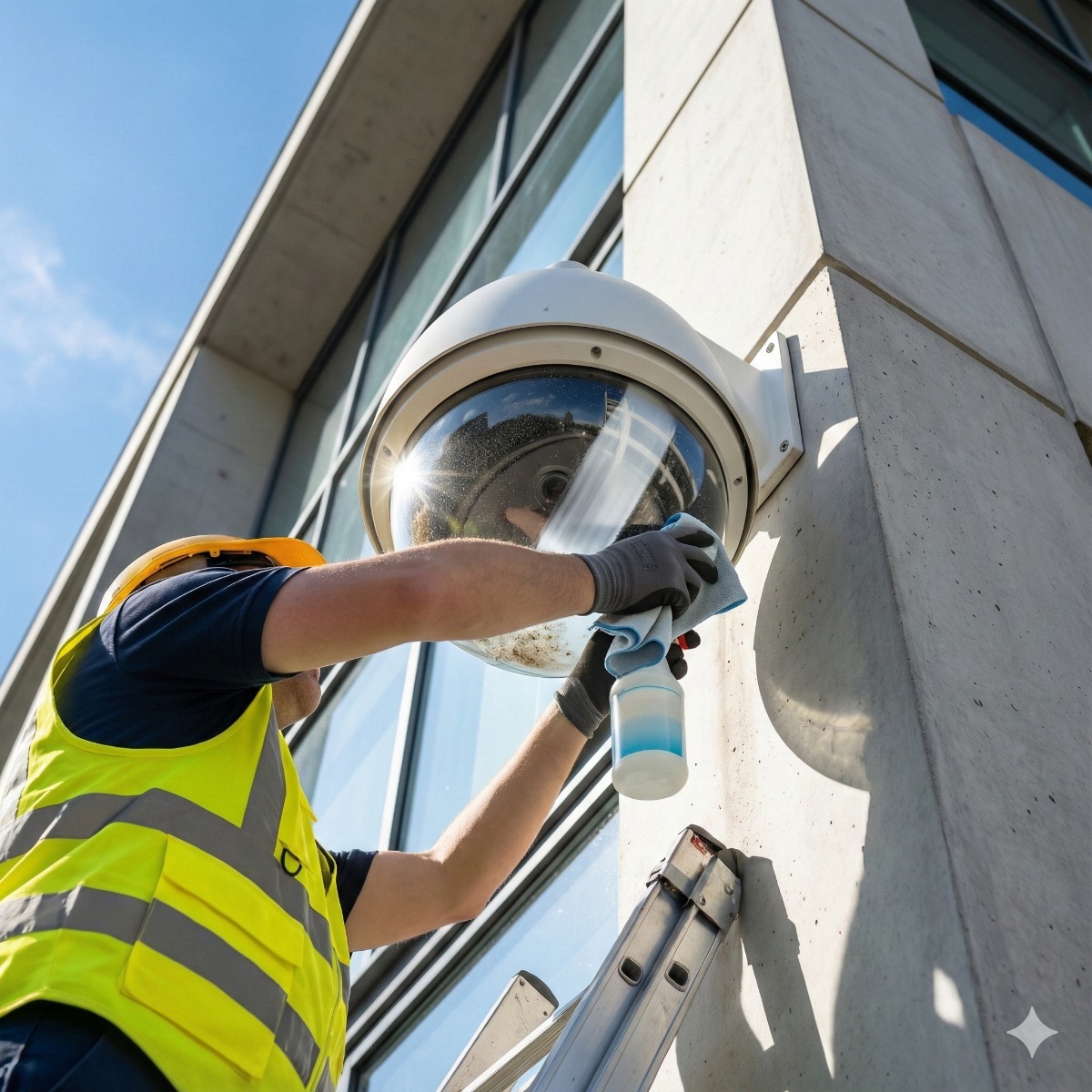
- Clean camera lenses and housing
- Test recording and playback functions
- Update firmware for all devices
- Check motion detection and alert settings
Troubleshooting Common Issues
Address common problems like blurry footage, connectivity issues, and power outages promptly.
Tips for Efficient Support:
- Document system layout for easier IP camera troubleshooting
- Keep spare parts like cables and adapters
- Schedule professional inspections annually
Pro tip: Label all system components and maintain a log for tracking maintenance and repairs.
A practical surveillance system upkeep schedule
Scheduled security technology maintenance is easier to keep up when every task has a fixed interval. A workable routine for a small business or home:
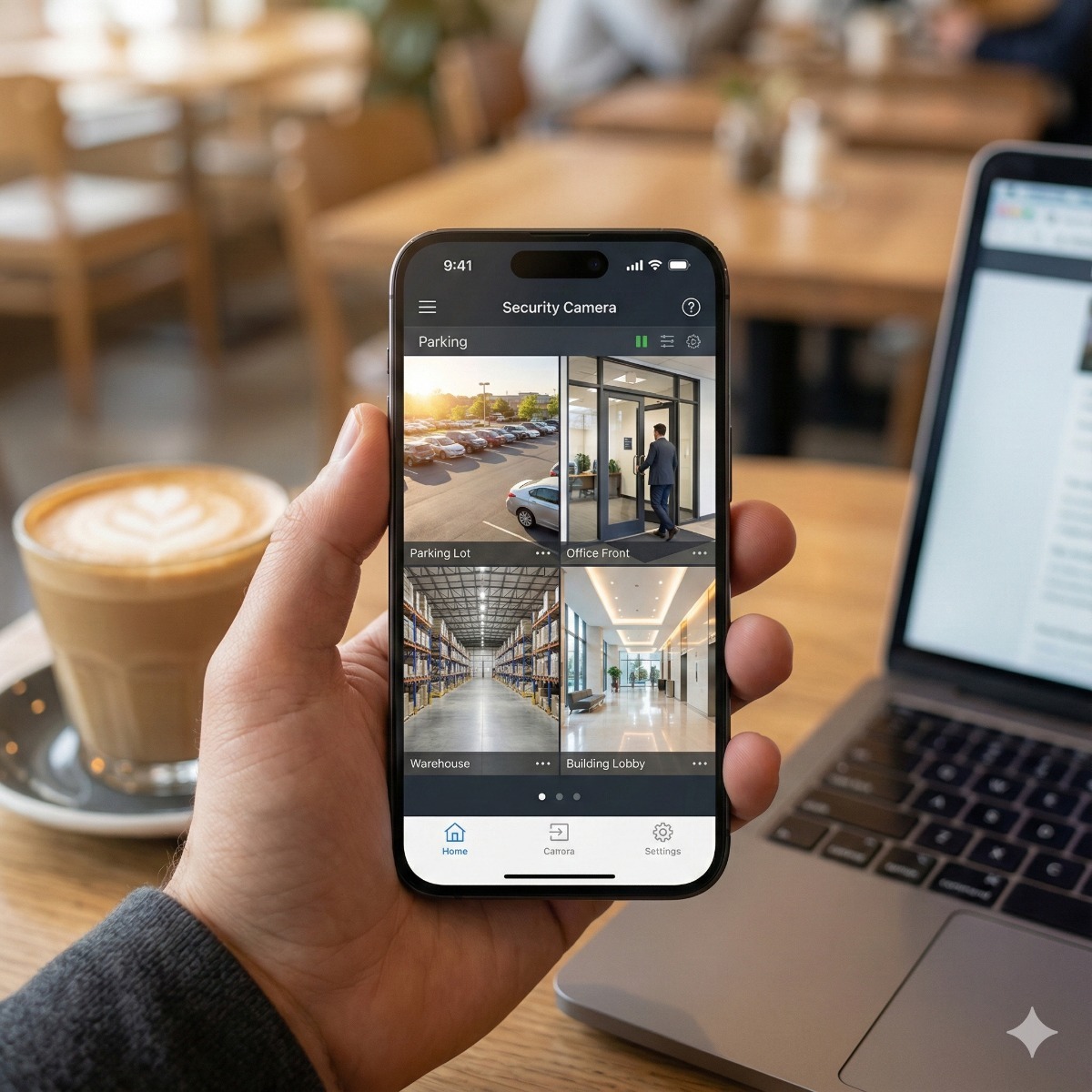
- Weekly: play back a few minutes from every camera, day and night. A live view can look fine while recording has quietly stopped.
- Monthly: check the recorder's drive status and the date of the oldest footage, so you know retention still meets your needs.
- Quarterly: clean domes and lenses, clear spider webs near the infrared lights, and install firmware updates after reading the release notes.
- Yearly: review user accounts and passwords, re-aim cameras after landscaping or remodeling, test the UPS battery and export a test clip to confirm evidence can be handed over.
Surveillance maintenance tips that prevent the most calls: keep a spare power adapter for each camera type, note which switch port feeds each camera, and use surveillance-rated drives in the recorder. Near the coast, salt air dulls housings and corrodes connectors faster, so outdoor cameras in Long Beach and San Pedro need cleaning more often.
Camera troubleshooting: symptom and likely cause
- Blurry or foggy image: dirty or scratched dome, condensation inside the housing, or focus shifted after a knock.
- White haze at night: infrared light reflecting off a nearby wall, eave or web in front of the lens.
- Camera offline: failed adapter or PoE port, damaged cable, an IP address conflict, or a password changed on the camera but not on the recorder.
- Gaps in recordings: a failing drive, a full disk with overwrite turned off, or a wrong date and time after a power cut.
Frequently asked questions: CCTV maintenance
How often should CCTV be serviced?
Quick checks weekly or monthly, cleaning and firmware every few months, and a full inspection at least once a year. Dusty, coastal or busy sites need cleaning more often.
How long does a security camera hard drive last?
There is no fixed lifespan. Recorder drives write around the clock, so watch the health status and replace a drive as soon as the recorder reports errors or recordings develop gaps.
When should I call for camera support instead of fixing it myself?
When several cameras fail at once, the recorder no longer detects its drive, cables run inside walls or ceilings, or footage is needed for a police report and you are unsure how to export it without losing quality.
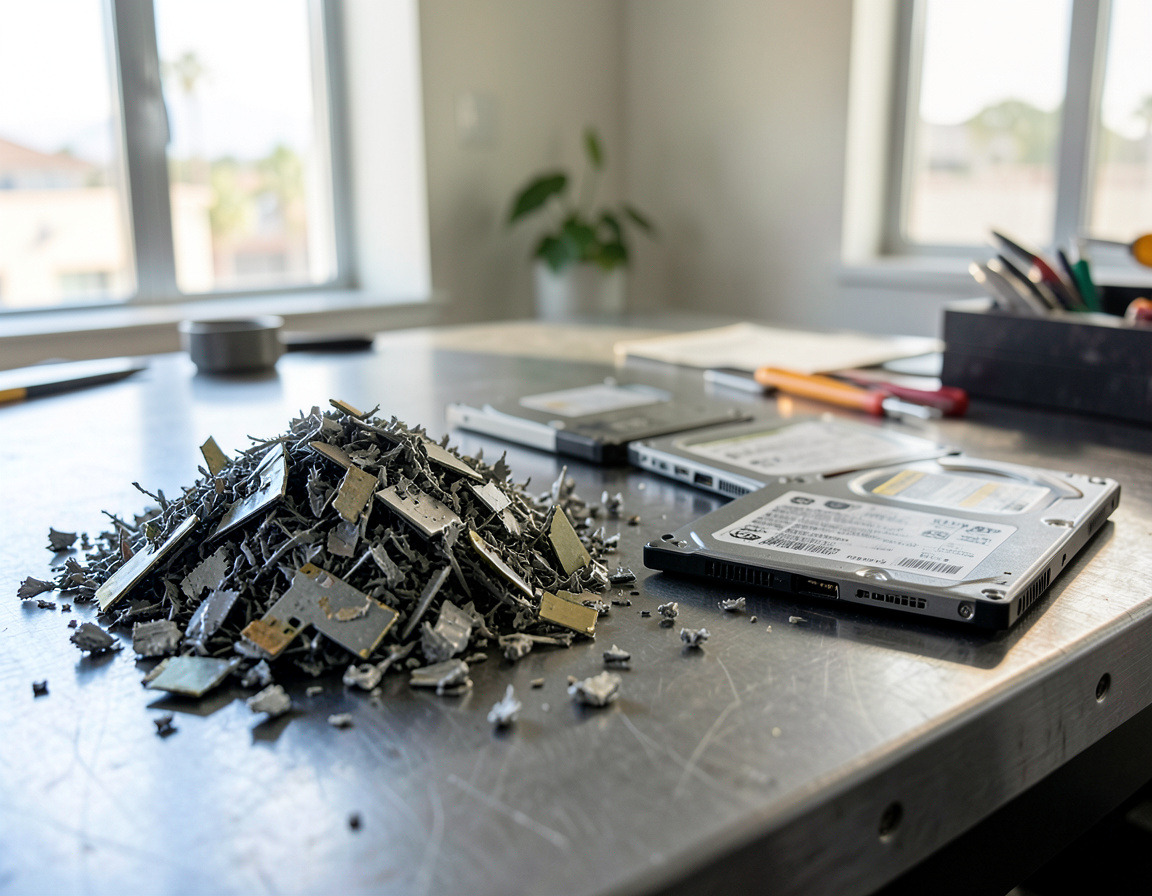
Need help with this? Our CCTV system maintenance and repair service handles the checks above, remote camera viewing setup makes the weekly check quick, and replaced recorder drives can go to hard drive shredding so old footage does not leave the building intact. Request a quote for Long Beach or Los Angeles.