

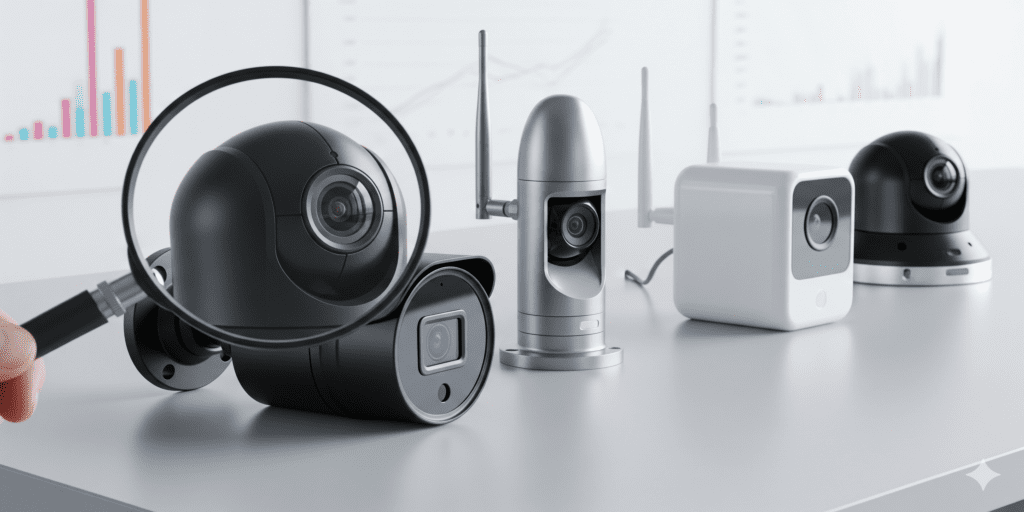
Top Security Products: Reviews and Comparisons
Choosing the right security products can be overwhelming. This guide highlights key CCTV and IP cameras, smart locks, and alarms, along with comparisons to help you make informed decisions.
Camera Reviews: What to Look For
Consider image quality, night vision, remote access, and durability.
Comparison Checklist:
- Resolution and field of view
- Connectivity (wired vs wireless)
- Motion detection and alerts
- Ease of installation
- Price vs features
Smart Home Security Devices
Explore devices like smart locks, doorbells, and sensors. Compare brands, reliability, and integration with existing security systems.
Key Takeaways:
- Choose devices that fit your environment and lifestyle
- Check compatibility with your network
- Read user reviews and expert opinions
Pro tip: Keep a balance between professional-grade equipment and user-friendly systems for best results.
How to read camera reviews without being misled
Most IP camera reviews compare resolution and price, because both are easy to list. The differences that decide whether footage is usable at 2 a.m. are harder to see on a spec sheet. Check these in any surveillance camera comparison:
- Low-light performance. Sensor size and lens aperture matter more than megapixels. Ask for night samples at the distance you actually need rather than a minimum lux figure.
- True WDR. Entrances with bright doorways need genuine wide dynamic range; "digital WDR" only brightens the image in software.
- Realistic infrared range. Advertised IR distances assume ideal conditions. Nearby walls, eaves and rain can wash out the picture.
- Codec support. H.265 saves storage, but confirm that your recorder and viewing app handle it.
- Standards. ONVIF Profile T makes mixing brands easier. ONVIF stops accepting new Profile S conformance submissions after March 31, 2027, so Profile T is the safer bet for new purchases.
- Firmware history. A manufacturer that keeps publishing security updates for years after release is worth more than a slightly sharper image.
- Ongoing costs. Some devices lock motion history or person detection behind a subscription; local NVR recording avoids that.
What "best surveillance cameras" means for a business
There is no single best camera. A parking lot needs long-range night vision and plate detail, a counter needs face-level identification, and a warehouse aisle needs a narrow, tall view. Companies with federal contracts must also consider NDAA compliance: Section 889 of the 2019 National Defense Authorization Act bars agencies from contracting with businesses that use video surveillance equipment from specific named manufacturers.
Frequently asked questions: camera reviews
What resolution security camera do I need?
Work backwards from the task. At the identification level of about 250 pixels per meter, a 4MP camera 2,560 pixels wide covers a scene roughly 10 meters across. 4K doubles that width but needs more storage and bandwidth, and small 4K sensors can be noisier at night.
Do security cameras need a monthly subscription?
Not necessarily. Systems that record to a local NVR work without one; cloud recording and some smart features are usually paid services.
How long do security cameras last?
There is no fixed lifespan. Plan replacement when the manufacturer stops releasing firmware updates, when image quality degrades, or when the recorder can no longer support newer cameras.
Need help with this? We help you choose and set up equipment through our security camera installation and IP camera setup services, and retire the old recorder and cameras through computer and electronics recycling with the data handled first. Request a quote.