


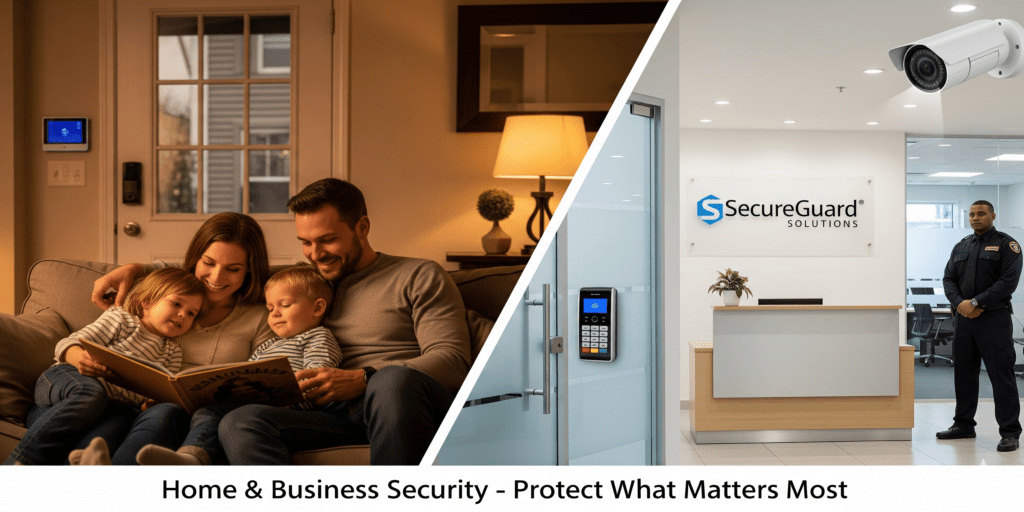
Security is more than installing cameras — it's a comprehensive approach that keeps your home or business safe from potential threats.
Assessing Risks and Vulnerabilities
Identify areas that need protection. For businesses, include offices, warehouses, and parking lots. For homes, focus on entrances, driveways, and shared spaces.
Security Essentials:
- Alarm systems with monitoring service
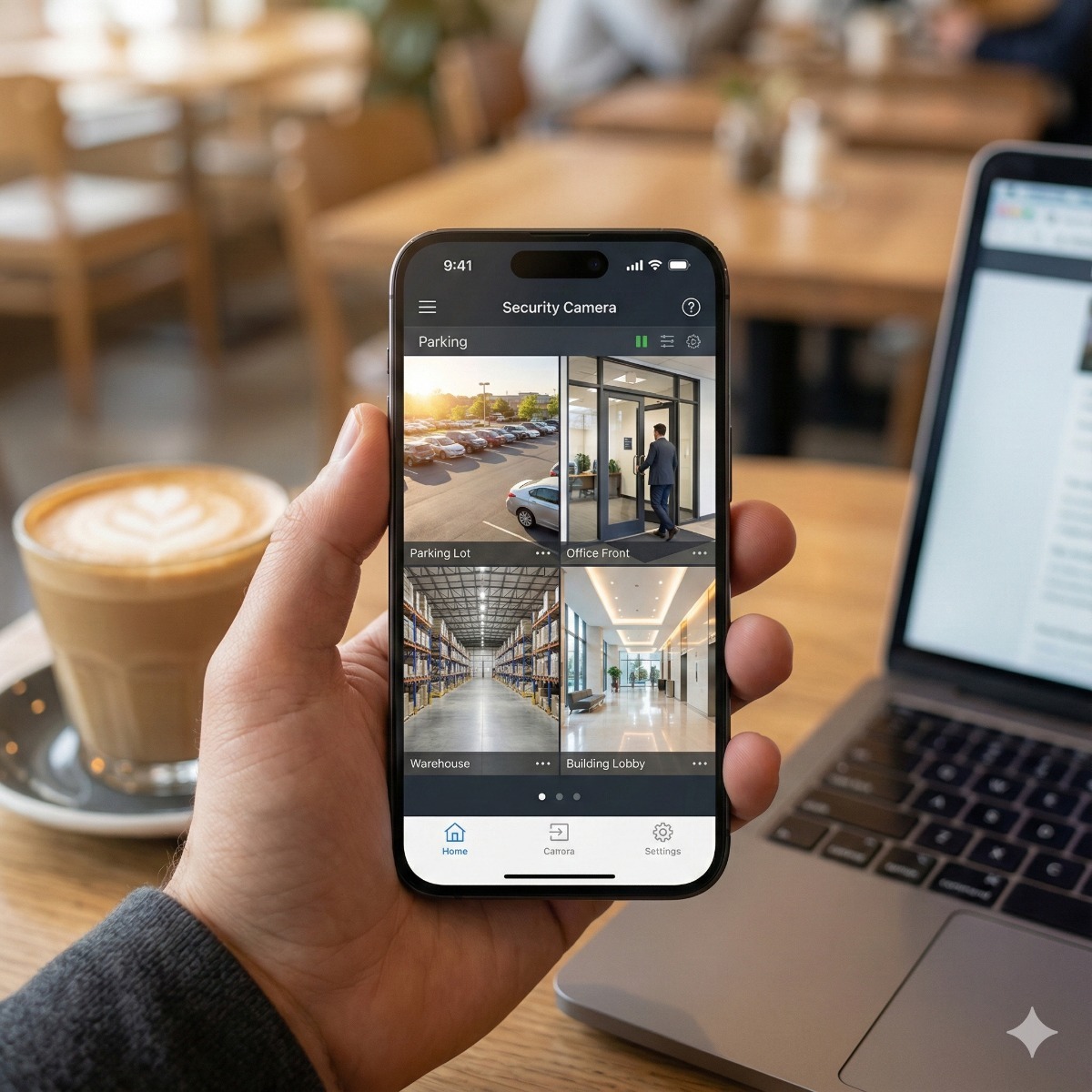
- Surveillance cameras with remote access
- Access control with keycards or smart locks
- Proper lighting in outdoor areas
- Emergency protocols for staff or family
Implementing a Security Plan
Create a step-by-step plan that combines technology, physical barriers, and human awareness.
Best Practices:
- Educate family members or employees about security procedures
- Test systems frequently
- Maintain backup power for critical devices
- Consider insurance coverage for added protection
Pro tip: Use visible signage to deter potential intruders and increase security awareness.
Layered protection: how the pieces work together
A camera records a break-in; it rarely stops one. Good protection combines four layers that cover each other's blind spots: deterrence (lighting, signs, visible cameras), detection (alarms and motion alerts), delay (solid doors, locks, access control) and response (someone who acts on the alert).
Alarms: monitored or self-monitored
Monitored alarms send events to a central station that can dispatch police; self-monitored systems alert your phone and rely on you to react. Check local rules before activating either. The City of Los Angeles, for example, requires an alarm permit under Municipal Code section 103.206 and bills for repeated false alarms, and many other cities have ordinances of their own.
CCTV protection starts with the recorder
Intruders who notice cameras often take the recorder with them. Put the NVR in a locked cabinet or a less obvious room, keep it on a UPS, and send important clips somewhere off the premises. A camera going offline should trigger an alert instead of going unnoticed for weeks.
Recording rules in California
Video of areas open to public view is generally allowed, but audio is different. Penal Code section 632 prohibits recording confidential conversations without the consent of all parties, so most business systems should keep microphones off. Labor Code section 435 bars employers from recording in restrooms, locker rooms and changing rooms. This is general information, not legal advice.
Surveillance tips that are often overlooked
- Cover each entrance with a camera at face height, not only wide overview shots.
- Give each family member or employee their own app login and remove it when they leave.
- Walk the property after dark once a year to find unlit corners and camera glare.
Frequently asked questions: home security
What security setup does a small business need?
For most shops and offices: cameras on doors, the register and parking; an alarm on doors and windows; good locks or access control on back entrances; and a clear plan for who responds after hours.
Are fake cameras or warning signs enough?
They can discourage casual intruders, but they record nothing and send no alert. These security tips work best with a real, working system behind the signs.
Can I record audio on security cameras in California?
Only with great care. Because of the all-party consent rule, recording conversations where people expect privacy can be illegal, so video-only recording is the safer default.
Need help with this? See our security camera installation and remote camera viewing setup services. Old phones still signed in to the camera app are a quiet risk, and business phone and tablet recycling with data wipe closes that gap. Request a quote for your home or business.