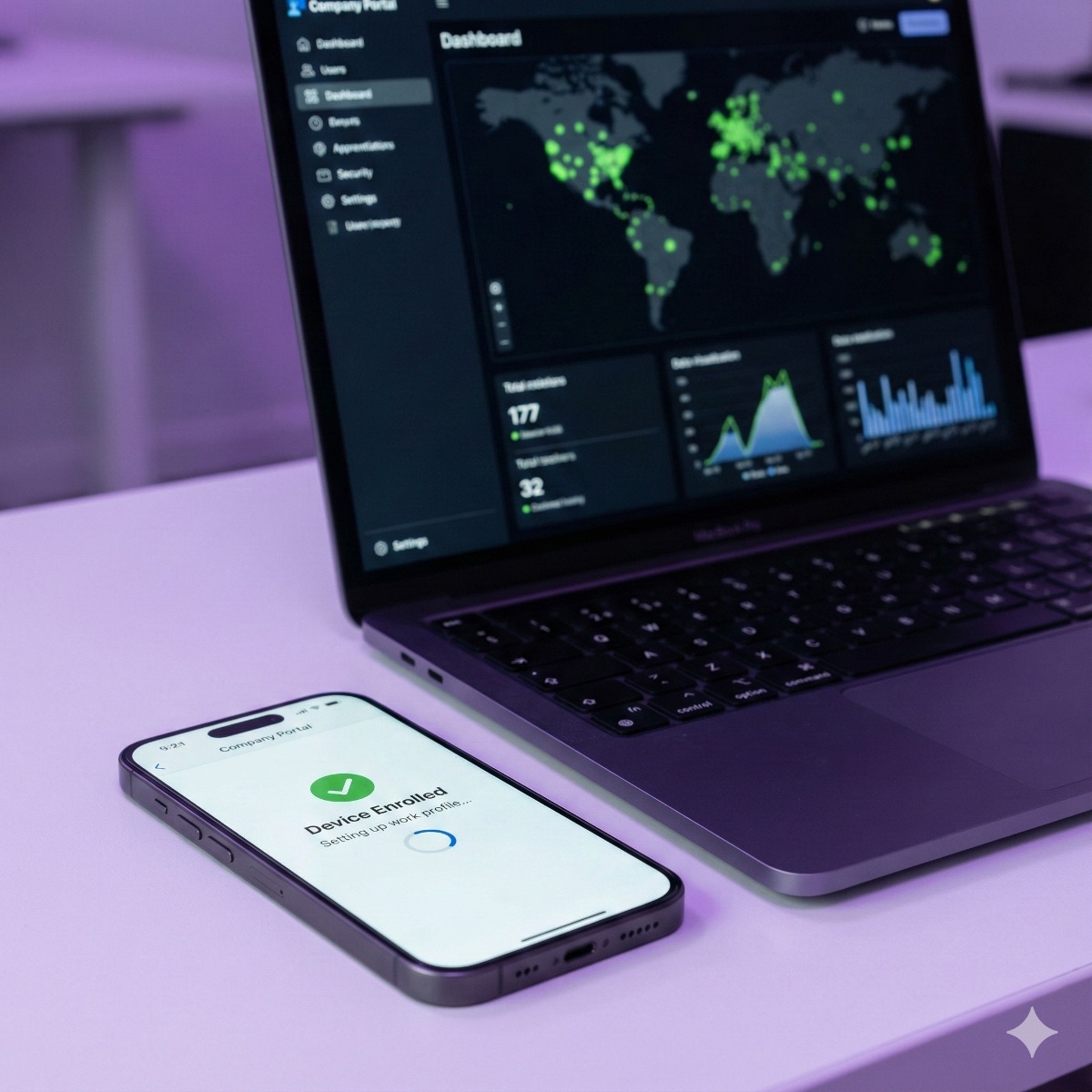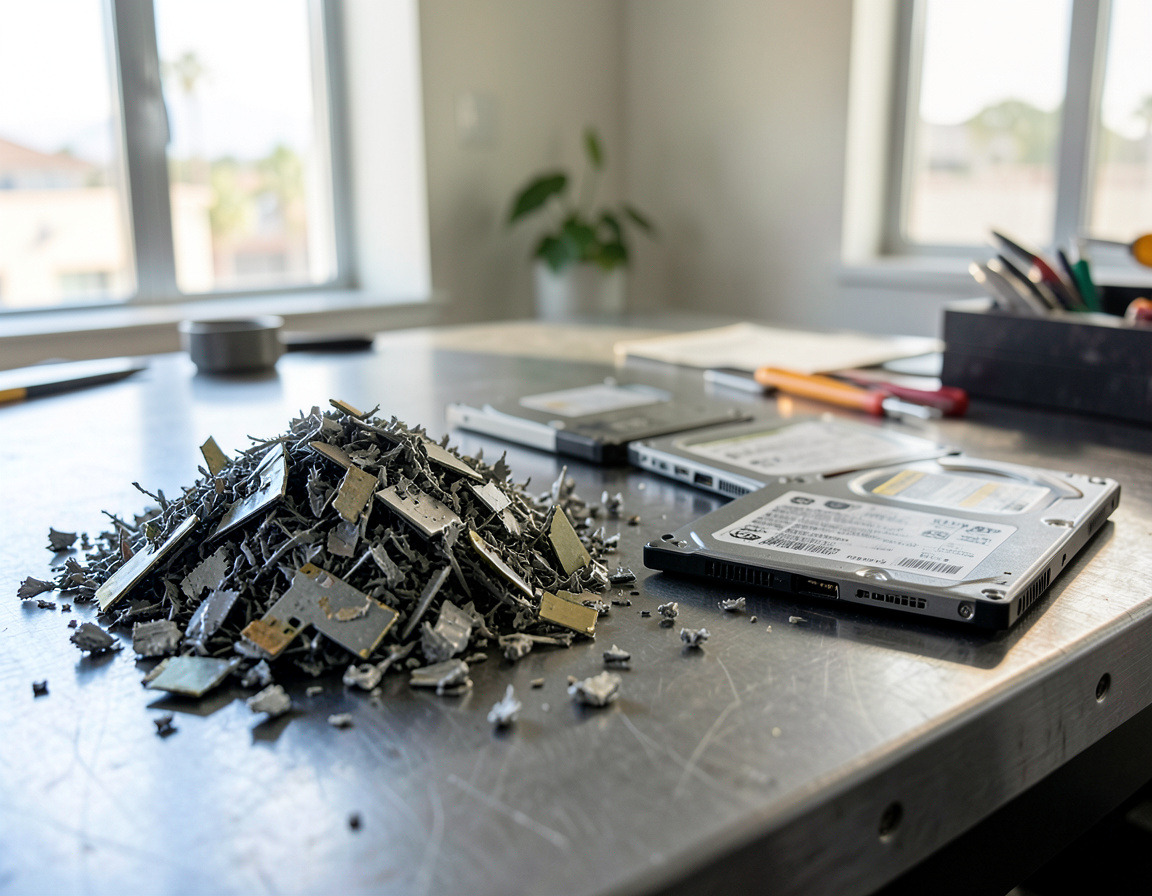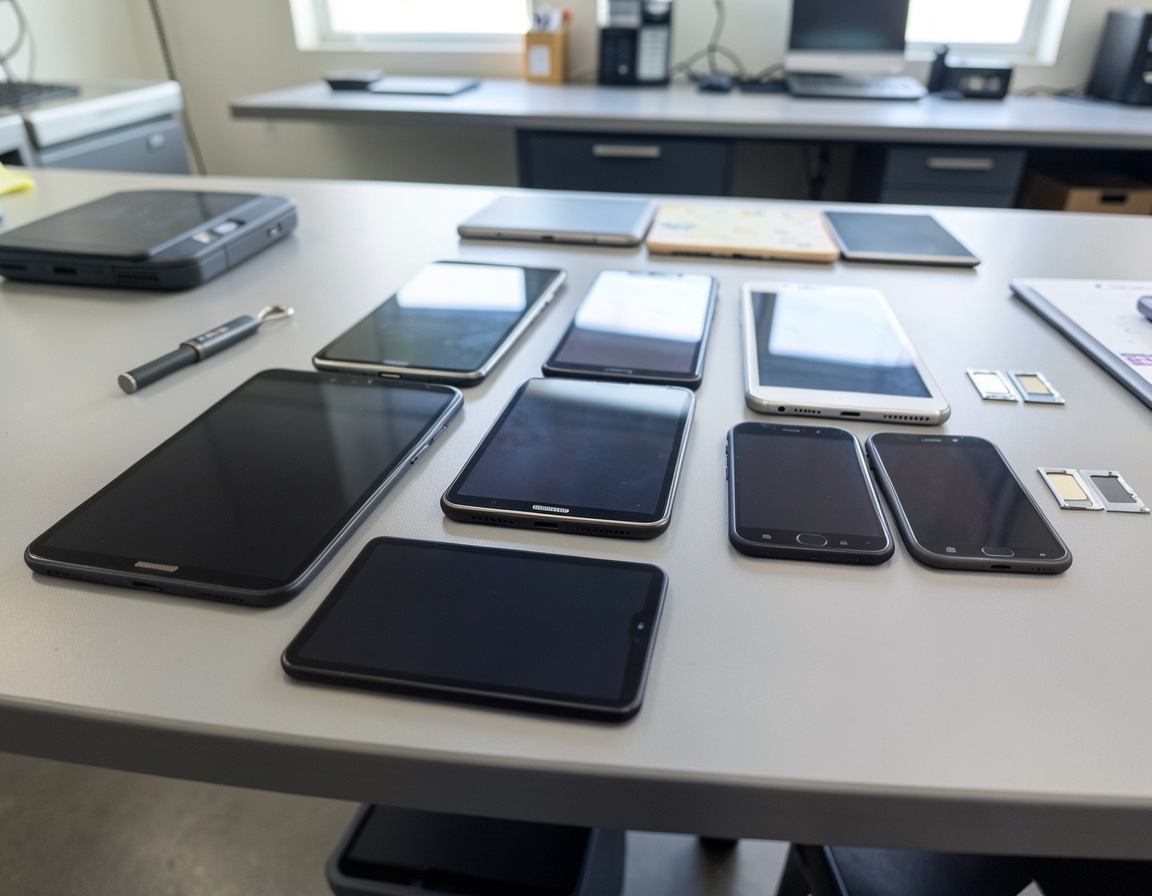

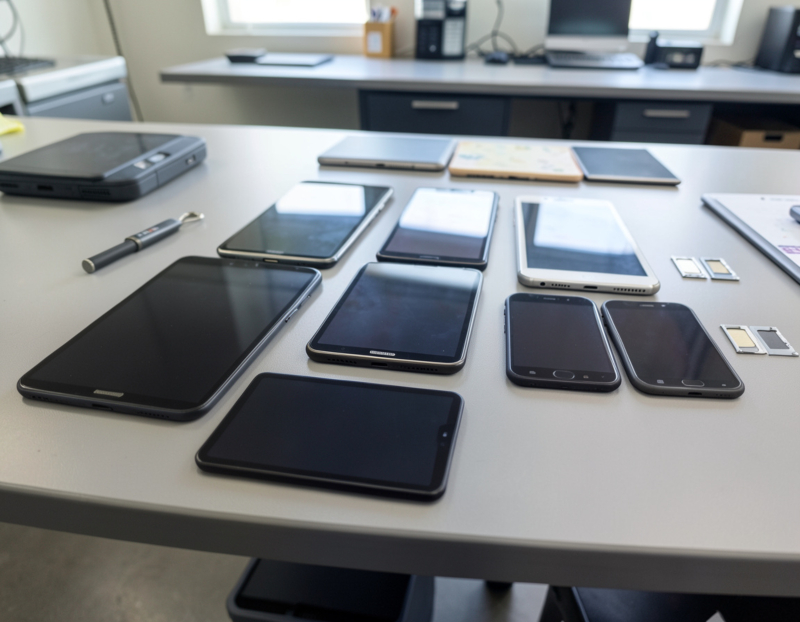
Retiring a company laptop is mostly about the drive. Retiring a company phone or tablet is mostly about accounts. Current iPhones, iPads and Android devices encrypt their storage, so erasing the data is the easy part. The harder part is everything the device is still attached to: your mobile device management (MDM) system, Apple Business Manager or Android zero-touch enrollment, an Apple Account or Google account, and a phone line. Take the steps in the wrong order and you end up with a device nobody can use, or one that enrolls itself back into your management the day its next owner switches it on.
Before you start: have the right access ready
Every lock on a company device is released with the organization's own credentials, and there is no legitimate shortcut around them. Gather these first:
- An MDM administrator account (Intune, Jamf, Google or another) with permission to wipe and retire devices.
- An Apple Business Manager account whose role can turn off Activation Lock and release devices, and an owner or admin login for the Android zero-touch portal.
- Access to the carrier's business account.
- The device passcode, collected from the employee when the device is handed back.
If that access has been lost, recovery is slow: Apple's support article on Activation Lock offers a support request to owners with proof of purchase and tells users of business-owned devices to contact their IT department, and for company Android devices locked by Factory Reset Protection without enterprise protection, Google's advice is to contact the manufacturer. Keep purchase records.
Step 1: Decide each device's next stop
Redeploy, sell, recycle or destroy. Before choosing, check whether the device or its user is under a legal hold or an open dispute; if so, ask your attorney before anything is wiped.
Step 2: Save what the business still needs
Email, files and chats usually live in the cloud already. What tends to be missed:
- Sign-in methods. Remove the old phone from the user's multi-factor authentication methods in Microsoft Entra ID or Google Workspace.
- Text-message codes. If a bank, payroll portal or supplier sends one-time codes to that number, move them to another number before the line is cancelled.
- Photos and notes taken for work that never reached a shared folder.
Step 3: Choose the right MDM action
Microsoft Intune offers three actions that are easy to confuse:
- Wipe performs a factory reset and removes all data, apps and settings. It is the action for company-owned devices. On iPhones and iPads with eSIM, Microsoft notes the cellular plan is kept by default unless you choose to remove it.
- Retire removes company apps, data, email profiles and settings and leaves personal data alone. It is the right action for employee-owned phones: a business should not factory reset a phone it does not own.
- Delete removes the device from the console immediately, and on Apple and Windows devices it also triggers a retire.
Microsoft's documentation also notes that on Zebra rugged scanners the Intune wipe removes only corporate data and does not factory reset the device; that takes the manufacturer's own tools.
Step 4: Release Apple devices from Apple Business Manager
- Turn off Activation Lock for the device in Apple Business Manager.
- Release it from the organization. Apple warns that a release is permanent and that Apple Business Manager loses control of Activation Lock from that point on. It also advises against releasing devices that are going to Apple for repair.
- Erase the device, from the MDM or on the device itself.
For supervised devices, the MDM also holds Activation Lock bypass codes. Apple advises getting a copy of them, or having Activation Lock cleared, before you switch MDM providers.
Step 5: Release Android devices and clear Factory Reset Protection
Devices bought through zero-touch enrollment are deregistered in the zero-touch portal by an owner or admin, who finds them by IMEI or serial number. Google notes that registering a device again later requires the reseller. Factory Reset Protection is the other trap: an Android phone reset while a Google account is still on it will ask for that account during setup, so remove the Google accounts before the reset. On company-owned, fully managed devices, enterprise factory reset protection lets you choose which Google accounts can unlock a reset device.
Factory reset or secure wipe?
On current devices, a proper reset is a cryptographic erase. Apple's Platform Security guide explains that erasing a device removes the keys that protect its data, leaving all user data cryptographically inaccessible, and Android requires devices launching with Android 10 or later to use file-based encryption. A reset does not clear a memory card, remove the SIM, release the device from management, or help a device that no longer powers on; those devices, and very old models, go to physical destruction. After each wipe, check that the device boots to the first setup screen without asking for an account and has left your management consoles.
SIM cards, eSIMs and phone lines
Take out physical SIM cards and erase eSIM profiles; Apple's own advice for a device being sold is to erase the eSIM together with the device. Phone numbers sit on the company's carrier account rather than on the device, so decide line by line whether to cancel, keep or port each one.
Swollen batteries and damaged devices
Swollen lithium-ion batteries can catch fire. Leave the device uncharged, do not squeeze it or try to pry the battery out, and store it apart from other devices and anything that burns. Federal hazardous materials rules (49 CFR 173.185(f)) set special packaging requirements for damaged or defective lithium batteries, so a swollen phone should never go into an ordinary mail-back envelope. In California, discarded batteries are regulated as hazardous waste and cannot go in the trash.
Where retired devices can go
- Redeployment after a wipe and a fresh enrollment.
- Resale or trade-in for recent models in good condition, once they are unlocked.
- Retailer take-back. Under California's Cell Phone Recycling Act of 2004, stores that sell cell phones have to accept used ones for reuse or recycling. That suits a few handsets but gives you no per-device record.
- An e-waste recycler for everything else.
Record each device's IMEI or serial number, its last user, what was done, when, and where it went.
Frequently asked questions
Can you factory reset a company phone?
Yes, but a reset alone is not enough. Release a company-owned device from the MDM and from Apple Business Manager or zero-touch, clear Activation Lock or Factory Reset Protection, then wipe it. On an employee-owned phone, use the retire action, which removes only company data.
How do I remove a device from Apple Business Manager?
An administrator whose role allows it selects the device, turns off Activation Lock if it is on, and then chooses Release from Organization. The release cannot be undone, and the device has to be erased afterwards.
Can an employee keep their company phone after leaving?
It can be done, but treat it as a transfer of company property. Release the phone from the MDM and from Apple Business Manager or zero-touch first, wipe it, and let the employee set it up as new with their own account.
Retiring a drawer of company phones, tablets or scanners anywhere in Long Beach, the Harbor area or the South Bay? Our company phone and tablet recycling page describes the process, secure data destruction covers memory cards and other storage that needs more than a reset, and our device management service for Intune and Jamf can set up the replacements. Let us know roughly how many phones and tablets you have and which MDM manages them, and we can plan the release steps with your administrator.