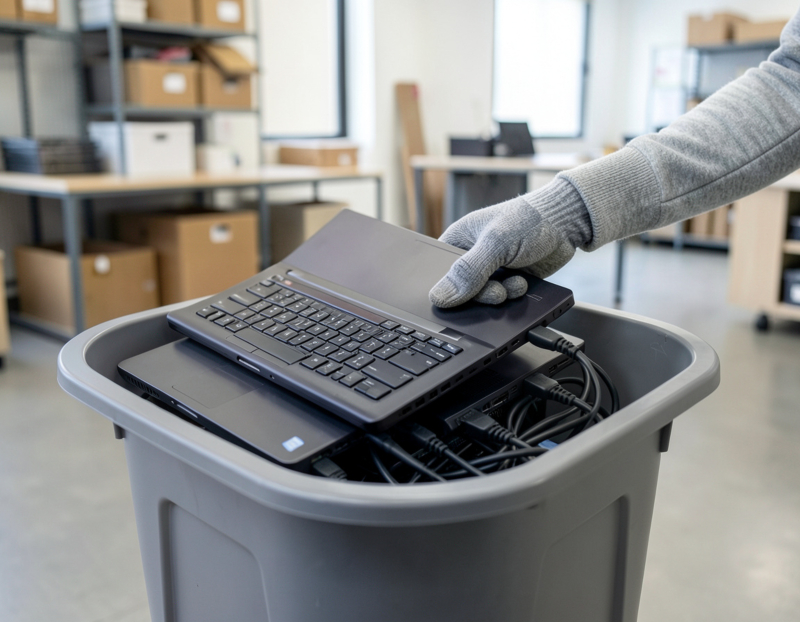


When a business retires a computer, the hard drive is the one part that still matters after everything else is scrap. It can hold customer records, payroll files, saved passwords and years of email. The choice is usually framed as a question of hard drive destruction vs wiping, and the honest answer is that neither is always better. This guide explains how each method works, when to use it, and what a certificate of destruction should and should not tell you.
Wiping: the data goes, the drive stays
Wiping, also called sanitizing or erasing, overwrites the storage so the old contents cannot be read back, and the drive can then be reused or resold. For a working hard disk, a full overwrite is the common approach. For solid-state drives and phones, overwriting is less reliable because of how flash memory manages its cells, so a secure data erase on those devices relies on manufacturer erase commands or encryption-based erase instead. Our guide to wiping data before recycling business computers and phones covers the steps in detail.
Wiping makes sense when:
- the computer is recent and will be reused or resold, so the drive keeps its value;
- the drive still works and can complete the erase process;
- you can verify the result and get a record of it.
Wiping is a poor fit when a drive is failing, damaged, or will not respond, because an erase that cannot finish proves nothing.
Physical destruction: the drive is gone
Destruction removes the question altogether. Once a drive is reduced to pieces, nobody is going to read it. The price is that the drive cannot be reused, and destroyed hardware is only worth its scrap value. Two physical methods come up most often.
Hard drive shredding
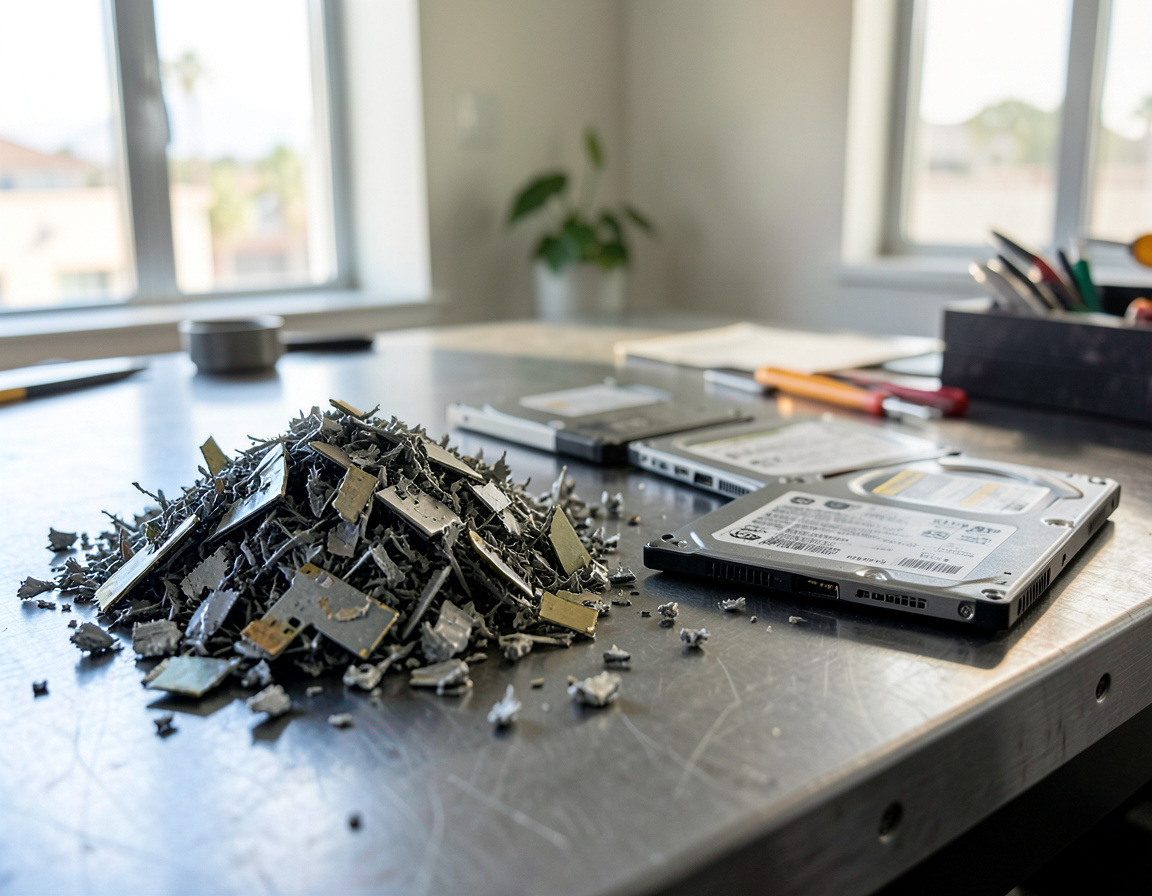
Hard drive shredding feeds the whole drive through an industrial shredder that cuts it into small fragments. The particle size matters: the smaller the pieces, the less data can sit on any single fragment. Ask what size the shredder produces, and whether shredding happens at a facility you can visit, or at your location where you can watch it. Shredded metal and electronics are then sent on as recyclable material.
Degaussing
Degaussing exposes a magnetic hard drive to a very strong magnetic field that scrambles the stored data. It only works on magnetic media such as traditional hard disks and tape. It does nothing useful to solid-state drives, USB sticks or phones, which store data electronically rather than magnetically. A degaussed drive is normally also made unusable, so some providers combine degaussing with a mechanical step such as crushing or punching, and the result can be verified by sight.
Other methods
You may also hear about drilling, punching or crushing a drive. These can be adequate for some situations, but they are inconsistent when done by hand. If you do it in house, keep a record of which serial numbers were treated and how.
Choosing between them
A simple way to decide is to sort drives by type and condition:
- Working hard disks in recent machines: wipe and verify, then reuse or resell the computer.
- Failed, damaged or very old drives: destroy them. A drive you cannot erase should not leave the building intact.
- Solid-state drives and phones: use the proper erase method for the device, or shred them. Do not rely on degaussing.
- Servers, backup media and drives that held especially sensitive data: many businesses choose destruction regardless of condition, simply to remove doubt.
Your own obligations also count. Healthcare, finance and legal practices often have written policies or contracts that say how storage must be handled. Check those first, and ask your compliance contact if a specific method is required. We do not give legal advice, and standards differ between industries.
What is a certificate of destruction?
A certificate of destruction is a document from the provider stating that specific media were destroyed, on a given date, by a given method. Think of it as a receipt for your data, with the details that make it useful later. A good one includes:
- the date and location of the work;
- the method used, for example shredding or degaussing;
- the serial number of each drive, or at least a count that matches your pickup sheet;
- the name of the person or company who carried it out, with a signature.
A certificate does not prove more than it says. It records that destruction happened; it does not replace your own asset register, and it is not the same as a recycling receipt, which shows where the hardware went. For the difference between the two, see what happens to old office computers when they are recycled. Keep both with your records, and ask in advance exactly what paperwork you will get for each option. If a provider cannot show you a sample, treat that as an answer.
Questions to ask before you hand over drives
- Where and when does the destruction take place, and can I watch it?
- How are the drives held between pickup and destruction?
- What is the output particle size for shredding, or how is degaussing verified?
- Will the record list each drive by serial number?
- What happens to the shredded material afterwards?
A practical middle path
Business hard drive disposal rarely involves just one kind of drive. Many small businesses end up with a mixed batch: a few recent laptops worth reselling, a pile of old desktops, and a box of loose drives. The cleanest approach is to separate the drives that will be wiped and verified from the ones that will be shredded, and to log both groups before anything leaves. Fewer surprises, and a paper trail for each drive. If your team is also deciding what to do with the computers themselves, selling or recycling used business laptops explains the value side of that choice, and the California e-waste rules for businesses cover what the state expects of you.
Frequently asked questions: hard drive destruction vs wiping
Is shredding better than wiping?
It is more final, but not always necessary. Wiping is a good choice for working drives in equipment you plan to reuse. Shredding is the safer choice for drives that are damaged, very old or especially sensitive.
Does degaussing work on SSDs?
No. Degaussing targets magnetic storage. Solid-state drives need an erase method designed for flash memory, or physical destruction.
Do I need a certificate of destruction?
If you keep any records for clients, auditors or insurers, yes, it is worth having. It documents what was destroyed and when. Ask what your provider includes.
Can I destroy drives myself?
You can, but results vary and it is hard to prove afterwards. Keep a list of serial numbers and how each drive was handled, or let a provider do it and document it.
Need data destruction Los Angeles offices can document, or want us to shred hard drives Long Beach teams have retired? Our hard drive shredding and data destruction page explains how we handle drives, and computer recycling and e-waste pickup covers the rest of the equipment. Request a quote with a rough count of drives and tell us what records you need.