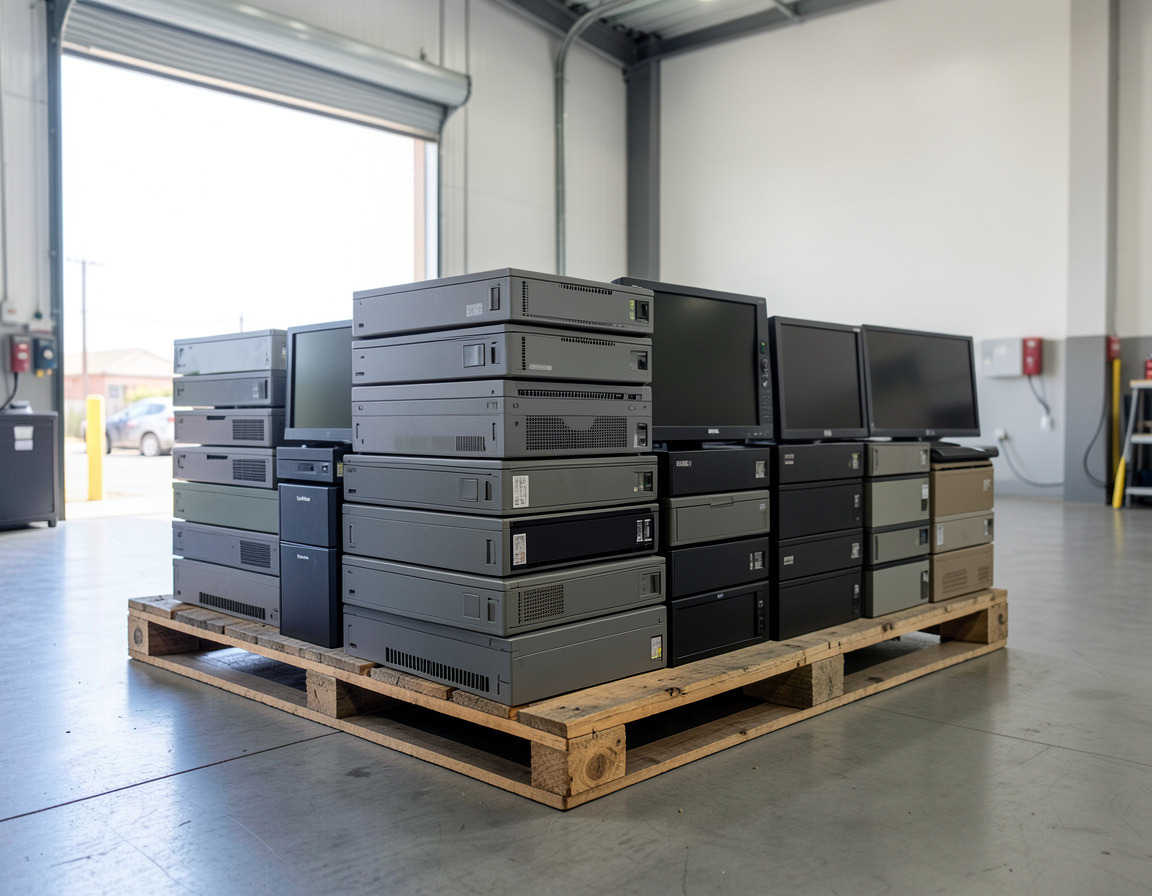
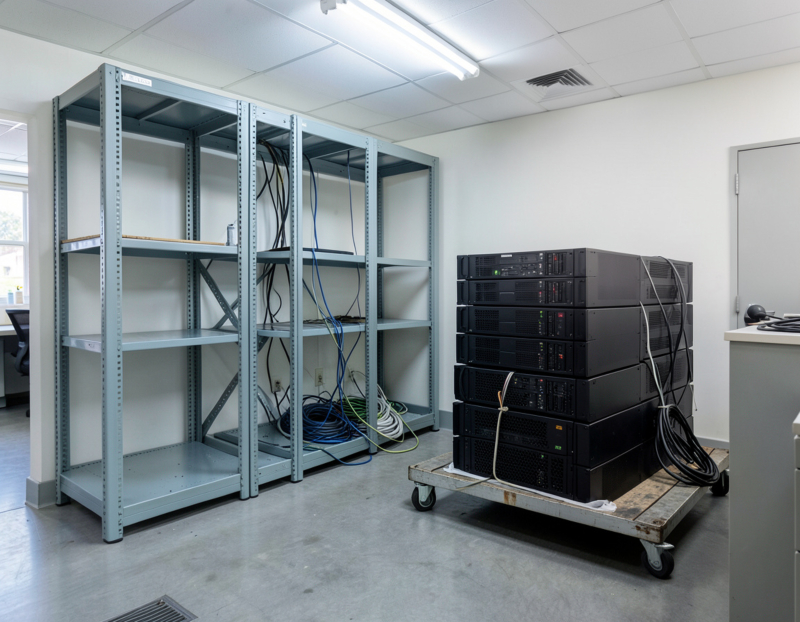
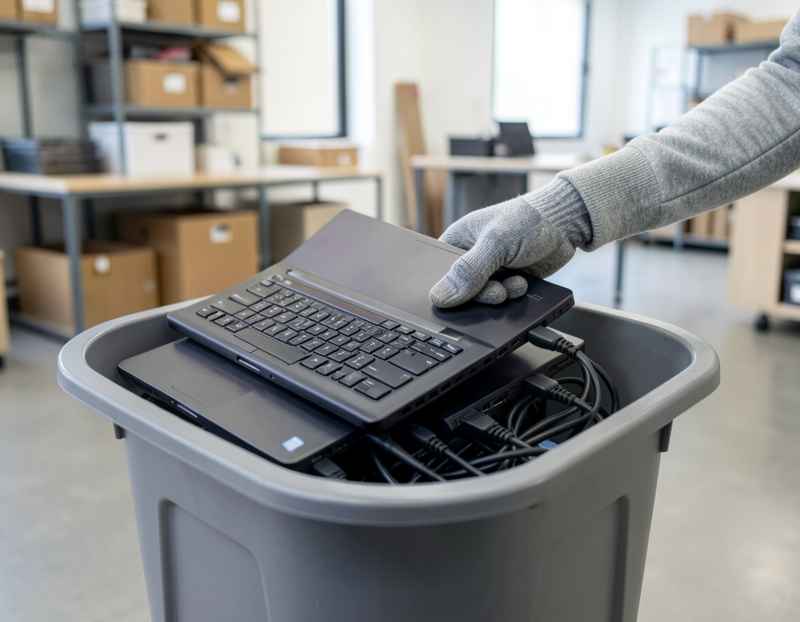
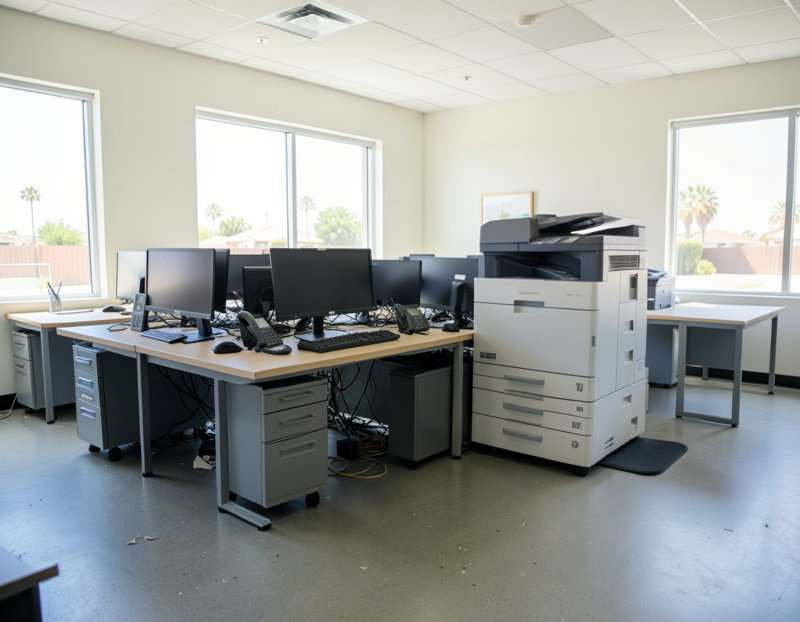
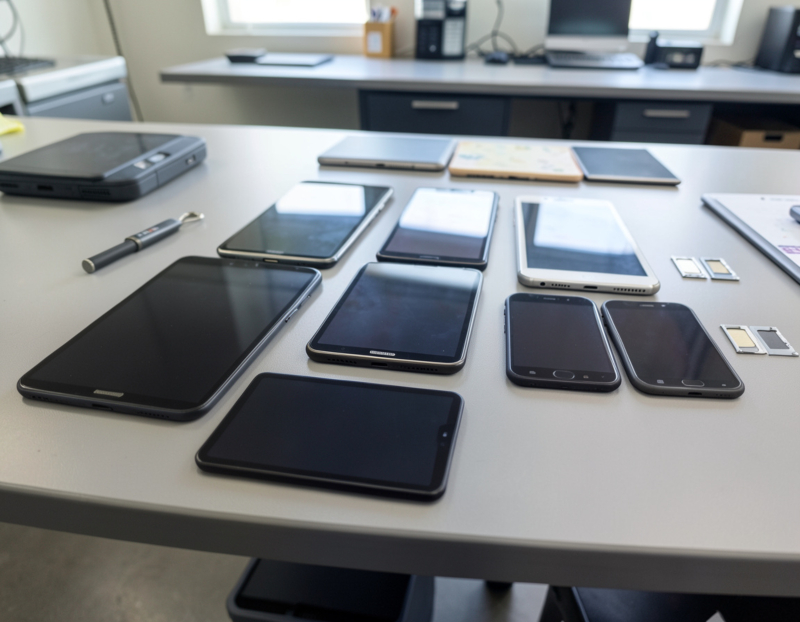
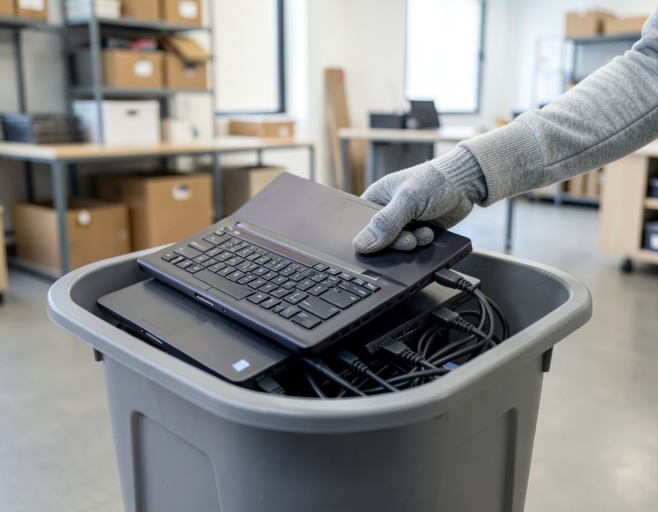
Retired desktops, a stack of monitors and a box of laptops leave the office on a hand truck, and for most businesses that is the last they see of them. What happens after the truck pulls away decides two things you still care about: whether your data is really gone, and whether the equipment was handled the way California expects. This guide follows a typical batch of business computers from the storage room to the smelter, with the questions to ask at each stage and the records worth keeping.
Before pickup: decide what each device is for
The journey starts in your own office. A short inventory saves arguments later: count the items by type and write down the serial number of everything that stores data, which means desktops, laptops, servers, network storage and copiers with internal drives. Then give each device a destination:
- Reuse inside the company, as a spare, a training machine or a front-desk PC.
- Resale, for recent equipment in working order.
- Recycling, for anything old, broken or unsupported.
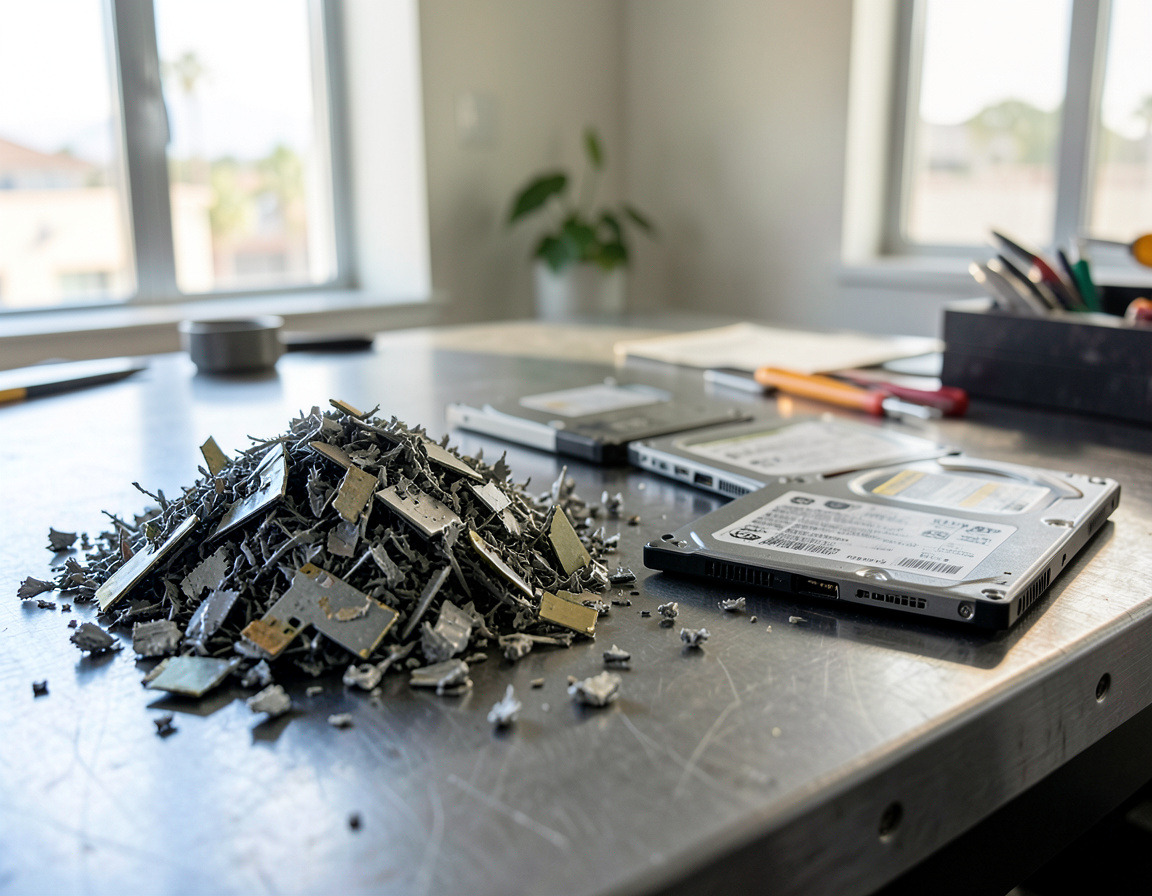
Decide at the same time how each drive will be handled: wiped before it leaves, wiped by the processor, or pulled and destroyed. Our guide to wiping data before recycling computers and phones explains which method suits which kind of drive.
Pickup: where the chain of custody begins
Chain of custody is simply a record of who had your equipment and when. It starts at your door. A careful pickup looks like this: the items are counted with someone from your office present, loose drives travel in a locked or sealed container, and you sign a pickup document showing the date, the number of items of each type and the serial numbers of the data-bearing devices. Keep your copy. If a number does not match later, that sheet is what you compare against.
Data handling: before testing, before dismantling
At a well-run facility, storage is dealt with before a device is tested for resale or sent to be taken apart. Drives in machines that will be reused are sanitized and verified. Drives that have failed, or that sit in machines headed for scrap, are usually removed and shredded. A recycler's core business is recovering materials, though, so do not assume data destruction is part of the deal. Ask where and when it happens, what happens to drives that cannot be wiped, and whether the record lists each serial number. If the answers are vague, wipe or remove the drives before the pickup.
Testing and sorting: a second life or raw materials
Next, the equipment is tested and graded. From here each device follows one of two paths.
The reuse path
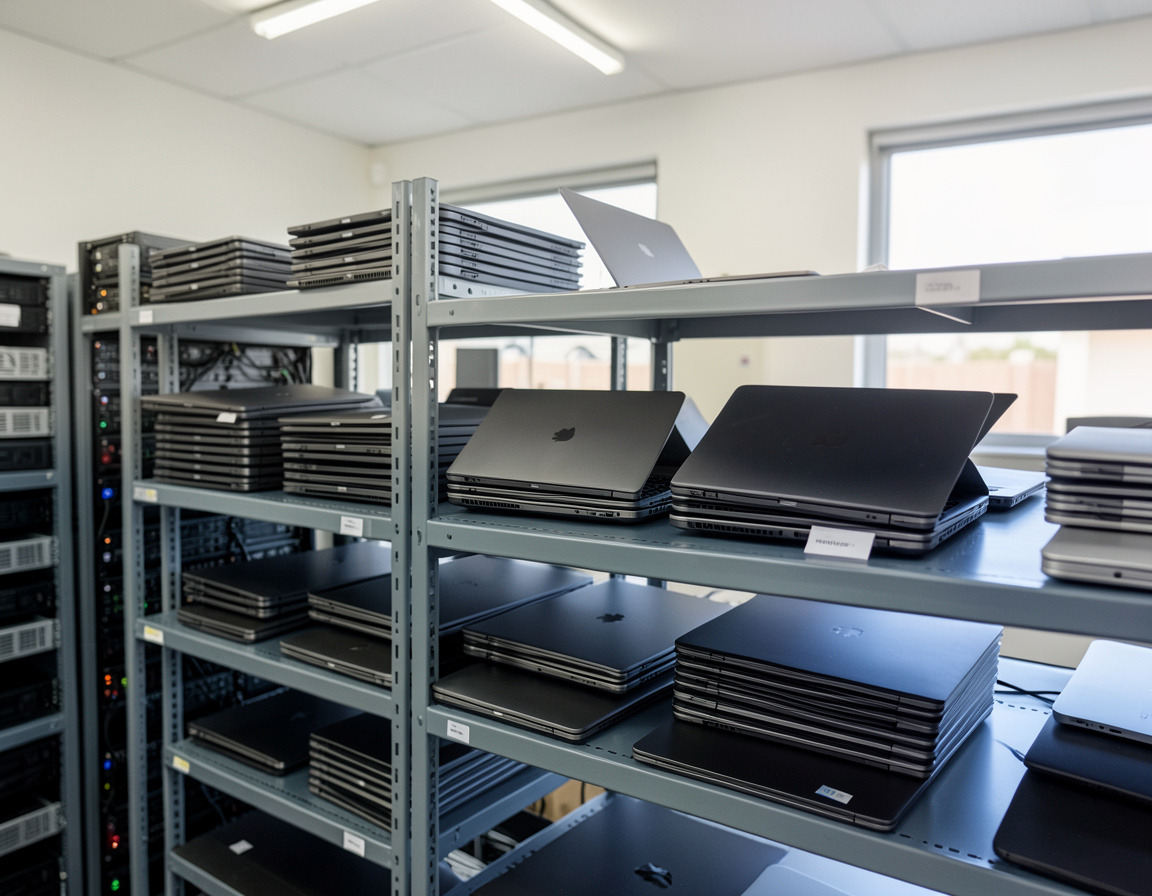
Working, reasonably recent computers are cleaned, given a fresh operating system and resold, often to other businesses, schools or refurbishers. Parts that still work, such as memory, solid-state drives, power supplies and screens, may be harvested from units that cannot be sold whole. Reuse keeps the most value in a device and is the better environmental outcome, which is why good processors test before they shred.
The materials path
Everything else is taken apart. Hazardous parts come out first, usually by hand:
- Batteries: laptop packs, the coin cell on the motherboard, and UPS batteries.
- Leaded glass from old CRT monitors, which goes to specialized handlers.
- Mercury backlight lamps in older LCD monitors and laptops made before LED backlighting took over.
The rest is separated into streams: circuit boards, which carry copper and small amounts of gold, silver and palladium; steel and aluminum from cases and frames; copper from cables and power supplies; and plastics. Much of this is shredded and then sorted mechanically, with magnets and other separation equipment pulling the metals apart.
Downstream: where the materials end up
A recycler rarely processes everything itself. Sorted materials are sold "downstream": circuit boards to precious-metal refiners, metals to smelters and mills, plastics to processors. Some of those buyers are outside California, and some are outside the United States. That is not automatically a problem, but it is the part of the journey you cannot see, so it deserves a question. In California, handlers that export electronic devices have to notify the Department of Toxic Substances Control (DTSC).
How to check the company taking your equipment
A few questions separate a legitimate e-waste handler from a hauler with a truck:
- Have you notified DTSC as an e-waste handler? Businesses that accept electronic waste from other sources must notify DTSC at least 30 days before they start doing so.
- Which facility processes the equipment, and is it certified? The U.S. EPA recommends using certified electronics recyclers and names two accredited standards: R2, published by Sustainable Electronics Recycling International, and e-Stewards, created by the Basel Action Network, which bars exporting hazardous e-waste to developing countries. Ask to see the certificate and check which facility and activities it covers.
- What happens to the drives, and what record will we get?
- Does any of the material leave the country?
- Can we see sample paperwork before we book?
The paperwork a business should keep
- The signed pickup document with counts and serial numbers.
- A data sanitization or destruction record listing each drive or device by serial number, with the method and the date.
- A certificate or receipt of recycling from the facility, showing what it received and when. It proves where the hardware went, not what happened to the data, so it does not replace the record above.
- A settlement statement if any of the equipment was sold.
- Your updated asset register, with each retired device marked with its date, its outcome and a reference to the documents.
File these together. They are what you show a client, an auditor or a cyber insurance questionnaire that asks how old equipment is handled. How long to keep them depends on the retention rules your business follows. Medical and dental practices covered by HIPAA, for example, must keep documentation required by the Security Rule for six years.
Frequently asked questions
Where do recycled computers go?
First to a collector or processor, where they are counted, tested and sorted. Working machines are refurbished and resold. The rest are dismantled, and the separated metals, circuit boards and plastics are sold on to smelters, refiners and processors.
Do recyclers wipe hard drives?
Some include it and some do not, so never assume. Ask how drives are handled and what record you will receive, or wipe or remove the drives yourself before the equipment leaves.
What is a certificate of recycling?
A document from the recycler confirming that it received your equipment on a given date and processed it. It is different from a certificate of data destruction, which lists the drives by serial number and the method used. Most businesses want both.
Are recycled electronics shipped overseas?
Some used equipment and recovered materials are exported for reuse or refining. California requires handlers that export electronic devices to notify DTSC, and the e-Stewards standard prohibits exporting hazardous e-waste to developing countries. Ask your recycler directly where its materials go.
Clearing out retired equipment anywhere from Long Beach and Signal Hill to San Pedro and the South Bay? Our computer recycling and e-waste pickup page explains how we handle business equipment, hard drive shredding and data destruction covers drives that need more than a wipe, and IT asset disposition describes how newer machines are assessed for resale. Request a quote with a rough list or a few photos, and ask us which records come with each option.