
Most office moves are planned around the lease date and the moving truck. The technology side runs on a different clock. The internet line at the new address, the phone numbers, the network cabling and the server all depend on outside providers or on work that has to be finished before the furniture arrives. This checklist puts an office IT move in the order the work has to happen, for small offices from Long Beach and San Pedro to the rest of LA County.
Start with the internet line, not the moving date
The item most likely to delay a move is the internet connection at the new address. A new business circuit has to be ordered, the provider may have to bring service into the building, and the installation date is set by the provider, not by you. Order it as soon as the lease is signed, even if the move is months away. Keep the old service running until the new office has worked for a few days. Ask the landlord or building manager where the provider's line enters the building (usually a telecom room or "demarc" on the ground floor), and whether the previous tenant's cabling from that room to your suite is still in place and usable.
The office IT move checklist, phase by phase
As soon as the lease is signed
- Order internet service for the new address and get the installation date in writing. If you use a static IP address, request one now.
- Talk to your phone provider about moving or porting your numbers, including fax and alarm lines.
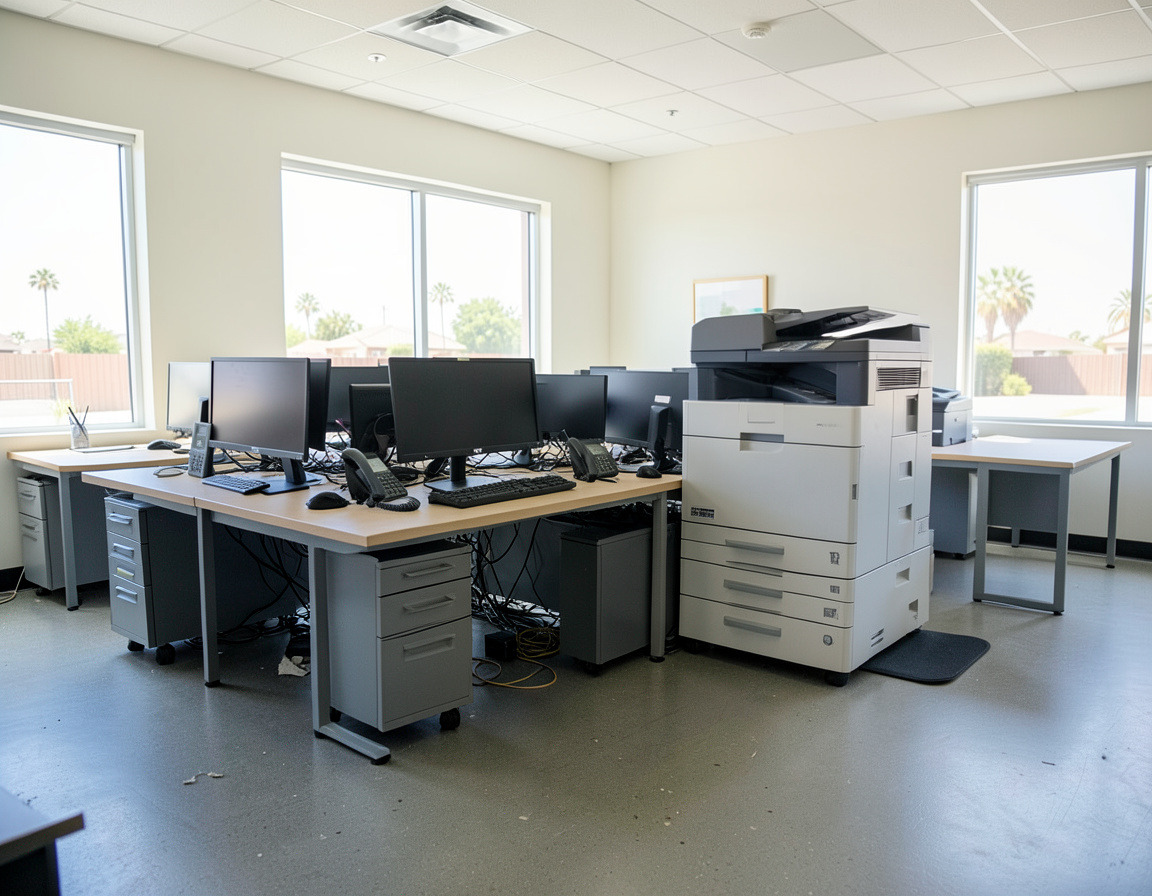
- Walk the new space with the floor plan: desks, printers, a ventilated spot with power for the network rack, and Wi-Fi access point locations.
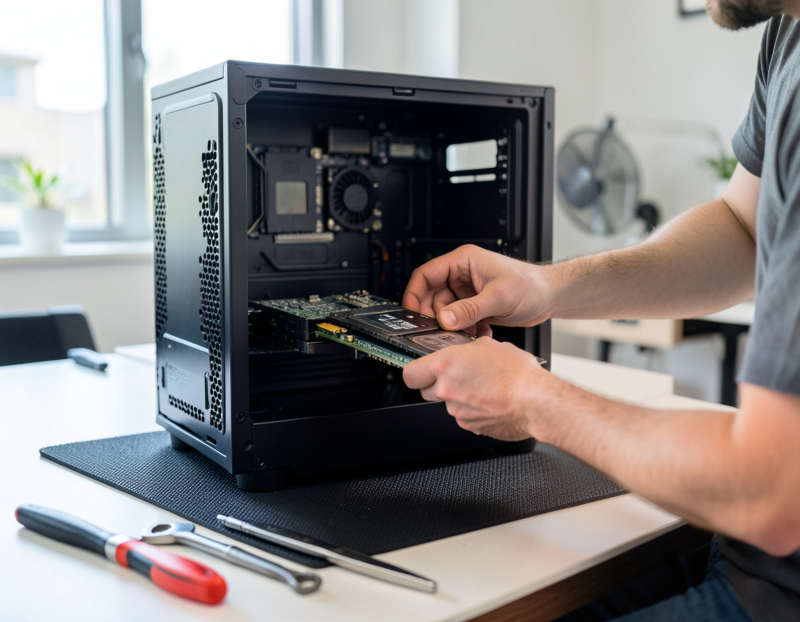
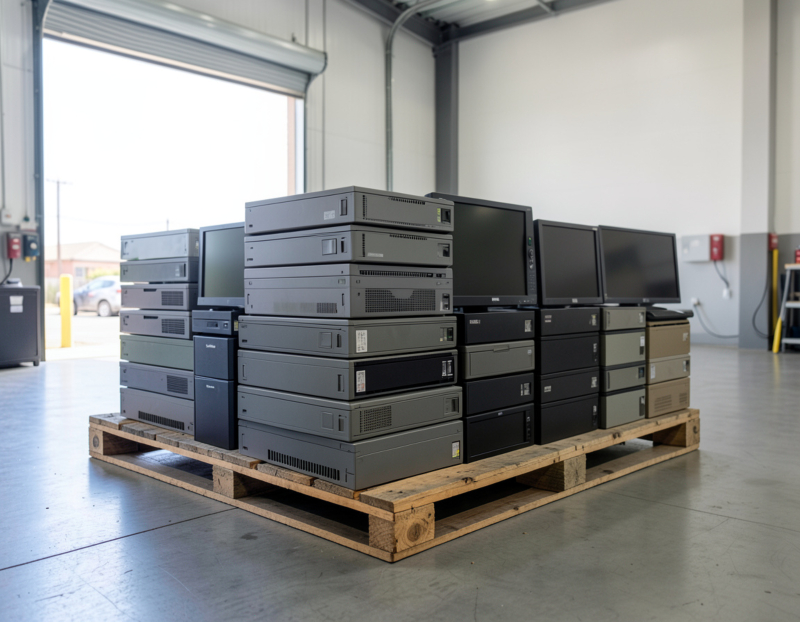
- Decide what is not moving. Computers close to retirement, an old server, a printer nobody likes: retiring them now costs less than moving them and setting them up twice.
Once the floor plan is final
- Schedule network cabling so it goes in before desks and cabinets block the walls. Plan more network drops than you need today, including for printers, access points, cameras and door controllers.
- Inventory every device: computers, monitors, docks, printers, the firewall, switches, access points, phones, the server or NAS, camera recorders and anything else plugged into the network. Record the model and serial number.
- List the settings that break quietly after a move: DNS records that point to the office's public IP address, VPN settings on laptops, IP allow-lists at banks, payment processors and cloud apps, printers with fixed IP addresses, and scan-to-email or scan-to-folder settings on copiers.
Two weeks before the move
- Back up the server and key PCs, then prove the backup works with a test restore of a few real files.
- Export configurations from the firewall, switches and phone system, and photograph the rack and the cabling behind desks before anything is unplugged.
- Label everything with its destination, such as a desk number or room, and put a matching label on power supplies and docks. Keep each laptop charger in the same bag as its laptop.
- Tell staff what to expect: when to log off, what to take home, and who to call on the first morning.
Move day (or night)
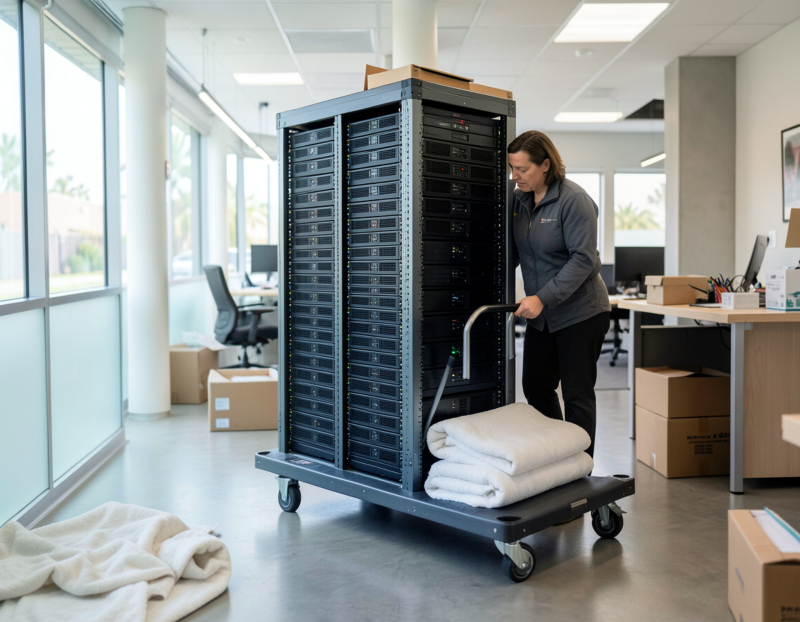
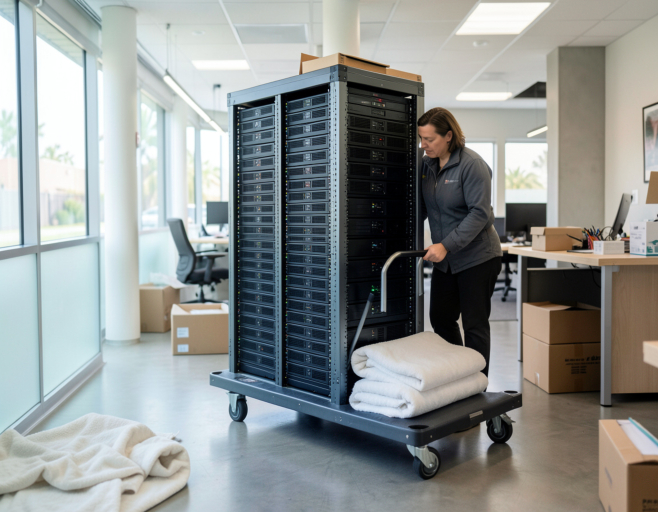
- Shut down in order: workstations first, then the server and storage, then the network. Servers and NAS units travel as separate, padded items, not in the general furniture load.
- Bring everything up in reverse order: internet and firewall, switches and Wi-Fi, then servers and storage, then workstations, printers and phones.
- Test every desk: sign-in, shared drives, email, the main business application, printing, scanning, and an inbound and outbound call on each phone.
The first two weeks after
- Have someone on site on the first working morning, when the second monitor and the scanner driver turn up.
- Update your documentation: the new network layout, IP addresses, where the demarc is, and which provider to call for what.
- Cancel the old services only after the new ones have run cleanly, and collect any equipment still at the old address.
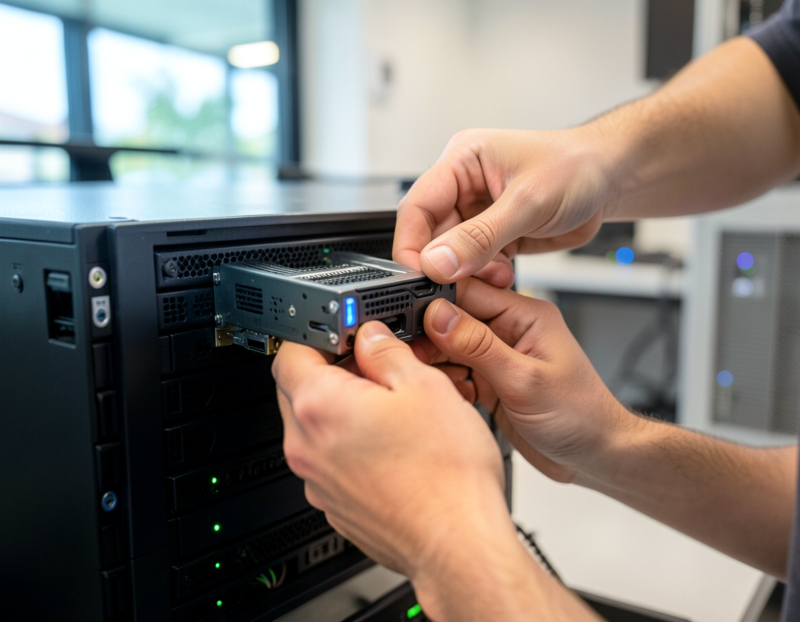
- Clear out what stayed behind. If the lease says the space must be returned empty, that can include old cabling and the network rack. Wipe or destroy the drives in anything that is not moving before it is recycled.
Phones and 911: the step people forget
If your office uses VoIP or a multi-line phone system, moving the phones takes more than plugging them in. Rules adopted by the FCC under Kari's Law and RAY BAUM'S Act require multi-line telephone systems to let staff dial 911 directly and to send a "dispatchable location" with a 911 call: the street address plus details such as the floor or suite. After a move, confirm with your phone provider that every line shows the new address and suite, not the old one. Traditional phone lines work differently: the carrier relocates or ports each number on its own schedule, so the order has to go in well before move day.
Should the old server make the trip?
A move is a good moment to ask whether the server should move at all. If it is out of warranty, running an operating system close to the end of support, or doing only one or two jobs such as file sharing or an accounting database, it may be simpler to migrate those jobs first and retire the hardware than to transport it, re-rack it and hope it starts. If it does move, back it up and verify the backup, shut it down cleanly, and move it with your IT team rather than on the moving truck.
Frequently asked questions
How far in advance should we plan the IT side of an office move?
From the day the lease is signed. The internet order and the phone number transfer are in the hands of outside providers and are rarely quick, and the cabling crew needs the walls before the furniture does. Moving the equipment itself is usually the shortest part of the project.
How do you move office phone lines to a new location?
If your phones are hosted VoIP, you carry the handsets over, plug them into the new network and ask the provider to change the service address and the 911 location registered for every line. If you still have traditional lines, order the number move or port from the carrier early, because it is scheduled on their side. In both cases, make a test call in and out on each phone the first morning.
Can an office IT move happen without downtime?
Most small offices move over an evening or a weekend so the working week is not affected. Having the internet, firewall and Wi-Fi running in the new space before move day, and keeping cloud services such as email independent of the office network, keeps the interruption short.
What IT equipment should we leave behind?
Anything you would replace within a year anyway: computers that cannot run Windows 11, printers with costly service contracts, and servers whose jobs could move to a newer machine or the cloud. Wipe or destroy the storage in those devices before they are recycled or sold.
Planning a move in Long Beach, San Pedro or elsewhere in Los Angeles County? Our office IT relocation page explains how we handle the technology side of a move, and our small business network setup service can get the new space ready before you arrive. Equipment you would rather not move can go through our office electronics cleanout. Send us your move date and both addresses and we will help you plan the IT side.