
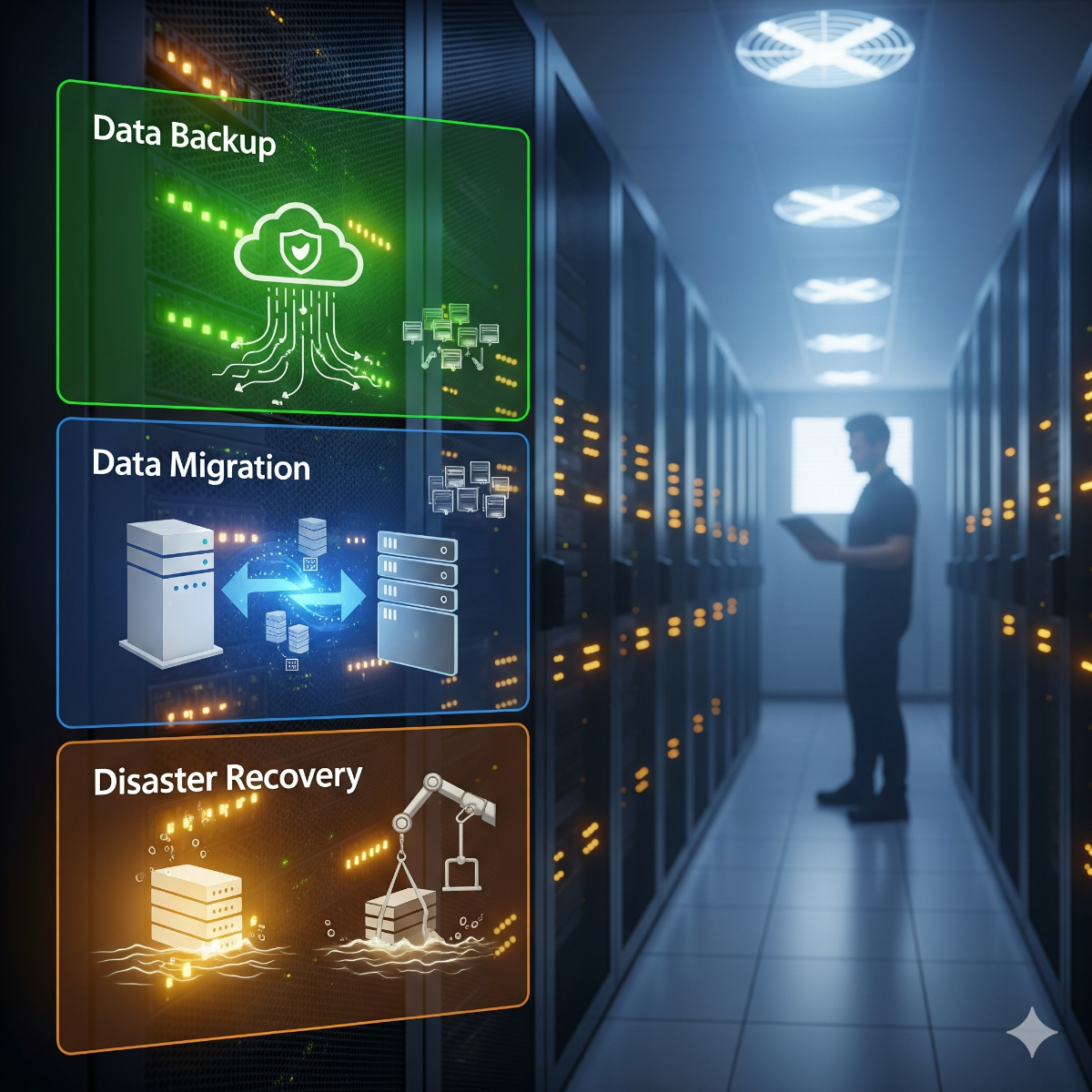
Backup & Disaster Recovery for Small Businesses
Reliable data backup, migration, and disaster recovery services for businesses in Los Angeles and Long Beach. Protect your data and ensure business continuity.
Most small businesses believe they have backups. Far fewer have restored from one recently. The usual discovery happens on the worst possible day: after ransomware, a failed server disk or an accidental deletion, when the backup turns out to be months old, stored on the same machine, or encrypted along with everything else. We design, set up and test small business backup and recovery in Long Beach, San Pedro and across Los Angeles, and we measure how long a restore really takes.
The 3-2-1 rule, applied to your business
A widely used baseline is the 3-2-1 rule: keep three copies of important data, on two different types of storage, with one copy off-site. For ransomware protection we add one more requirement: at least one copy that cannot be changed or deleted from the office network, either immutable or offline. We turn that principle into a concrete plan for your servers, PCs, cloud accounts and websites.
What we protect
- Linux and Windows servers, including databases and application data
- Office PCs and laptops, especially those holding files outside shared storage
- Microsoft 365 or Google Workspace mailboxes and files, where the provider's retention is not the same as a backup
- Websites and online stores: files, databases and configuration
- NAS devices and shared folders
How we set it up
- Inventory and priorities. Which data and systems exist, how long the business can be without each one (recovery time) and how much recent work it can afford to lose (recovery point).
- Design. Where each backup goes, how often it runs, how long it is kept and how it is encrypted.
- Implementation. Automated jobs to local storage and to an off-site location, plus an immutable or offline copy.
- Test restore. We restore real files, a database and, where relevant, a whole server, and write down how long it took.
- Written recovery plan. Who does what, in which order, with contact details and credentials stored safely.
- Ongoing checks. Failed jobs trigger alerts and restores are re-tested on a schedule, for example as part of server monitoring and maintenance.
Migration and recovery
The same discipline applies when you move data to a new server, a new NAS or a cloud service: we copy, verify checksums and keep the source intact until the destination is confirmed. When disaster has already happened, start with Linux system recovery or computer repair and data rescue.
Who data backup Los Angeles is for
Any business whose work lives on computers: professional offices, clinics, retailers, contractors and online stores. It matters even more if you keep customer records or accounting data that would be hard or impossible to recreate.
What's included in data backup Los Angeles
- A backup and recovery plan with recovery time and recovery point targets
- Automated local and off-site backups, including an immutable or offline copy
- Encryption of backups in transit and at rest
- A documented test restore
- A written disaster recovery runbook
Frequently asked questions about data backup Los Angeles
Is RAID a backup?
No. RAID keeps a server running when one disk fails, but it copies deletions, corruption and ransomware to every disk instantly. You still need separate backups.
Cloud backup or local backup?
Both. Local backups restore quickly; off-site or cloud copies survive fire, theft and ransomware on the office network. The right mix depends on how much data you have and how fast your internet connection is.
How often should backups run?
As often as the amount of work you can afford to lose. For a busy database that may mean every hour; for archive files, once a day may be enough.
How do we know the backups actually work?
By restoring from them on a schedule and recording the result. A backup that has never been restored is an assumption, not a plan.
Tell us which systems you run in the contact form and we will propose a backup plan. More reading: data management and recovery best practices.
From backups to business continuity
Backups bring data back. Business continuity answers the wider question: how does the company keep serving customers while systems are being restored? For businesses in California, the scenarios worth planning for include an earthquake that closes the office, a long power outage, a burst pipe in the server closet and, most often, ransomware.
- Working without the office. Which staff can work from home, which applications they need and whether those applications can run in the cloud or from a backup copy.
- Priorities. The order in which systems come back, starting with the ones that stop revenue or put customer data at risk.
- Contacts and accounts. Who can reach the internet provider, the domain registrar and key software vendors, and where credentials are kept if the usual password manager is unavailable.
- Communication. How staff and customers hear what is happening, including a fallback if company email is down.
What to prepare for the first meeting
A list of the systems you use and where they run, the backup tools already in place, your internet upload speed, and a rough idea of how long each department could work without its main system. We turn this into recovery targets and a plan, and the first test restore follows once the new backup jobs have completed.
Office moves, new computers and retired equipment
Backups deserve extra attention during an office move or when computers are replaced. Before any machine is unplugged or recycled, its data should be confirmed in the backup, and drives leaving the business should be wiped or destroyed with a record kept.
Related services: office IT relocation, computer recycling and e-waste pickup and managed IT services with backup monitoring.
Data backup and recovery Los Angeles businesses can actually test
A backup is only as good as the last restore. As a Los Angeles data backup and recovery service, we judge every setup by what comes back, how long it takes and who knows the steps. Each backup and disaster recovery Los Angeles project we take on therefore ends with a documented test restore and a written runbook, not just a "job completed" message. When you compare the data backup services Los Angeles providers offer, ask to see that test result.
The same discipline carries over to our data restoration and migration services. Whether files come back from a backup or move to a new server, a NAS or a cloud service, we copy them, verify checksums and keep the source intact until the destination is confirmed.
Server backup Los Angeles offices can restore from
A server needs more than its shared folders copied. Databases have to be backed up in a consistent state rather than copied as open files in the middle of a write, and the operating system and configuration should be captured too, so a failed Linux or Windows server can be brought back instead of rebuilt from memory. We run these jobs automatically to local storage and to an off-site location, keep an immutable or offline copy out of ransomware's reach, and prove the setup with a test restore of real files, a database and, where relevant, the whole server.
| Manufacturer | Computer Service Breeze |
|---|







Related Posts
-



 Discover the top 5 essential server optimization tips to enhance speed, security, and uptime for Long Beach businesses.
 -
 Understanding Virtualization Virtualization allows you to create multiple simulated environments or virtual machines (VMs) on a single physical server, maximizing resource utilization and...
 -
 Introduction to Data Management Data management involves organizing, storing, and protecting your digital information efficiently to ensure accessibility, reliability, and security.
 -
 What to back up, how the 3-2-1 backup rule works for a small office, why one copy must be offline or immutable, and how to test a backup restore before you need it.
 -
 Small business servers rarely fail without warning: disk and RAID alerts, untested backups and end-of-support software usually show up weeks or months ahead. Learn the signs, what monitoring should...
 -
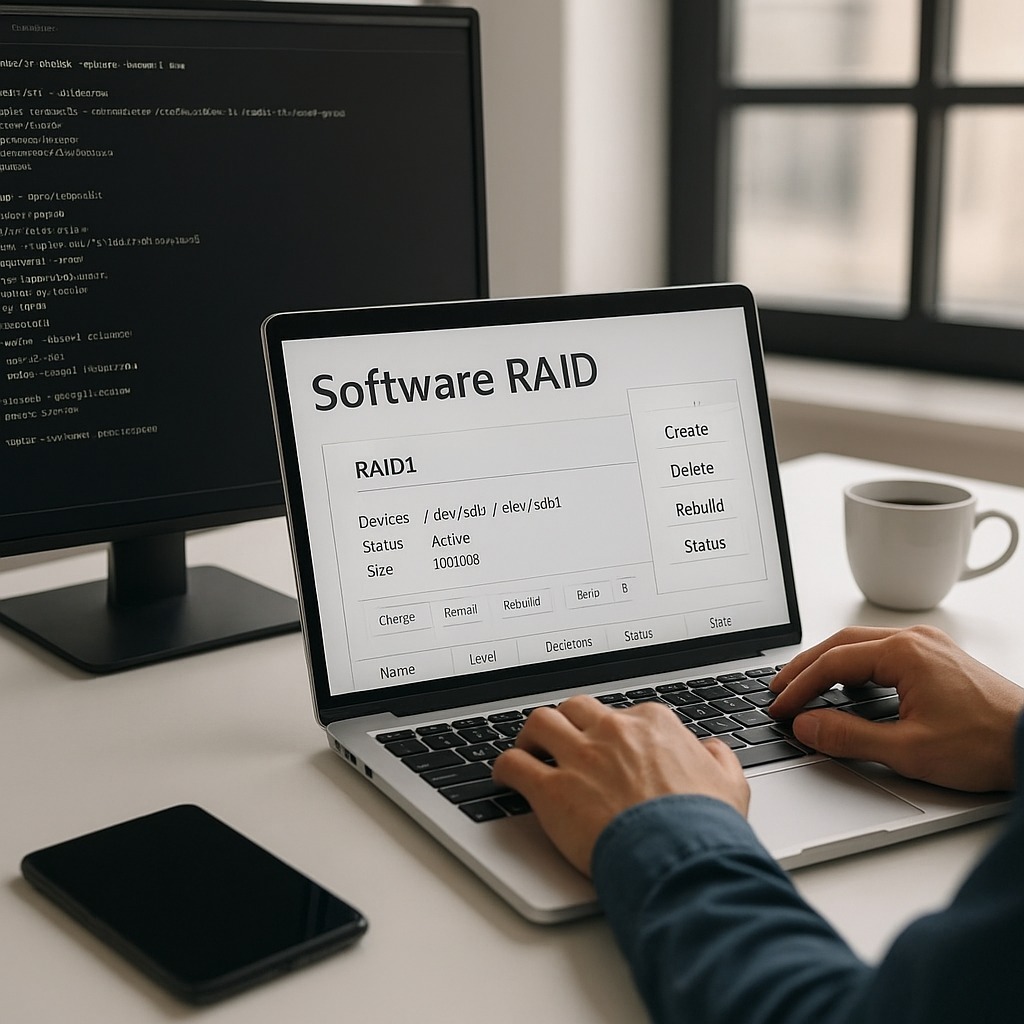
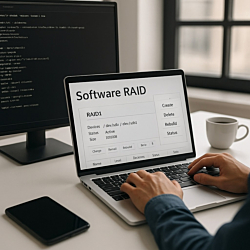 A degraded Linux software RAID keeps running, but it has no redundancy left. This step-by-step guide shows how to replace a failed disk in mdadm safely, from identifying the right drive to rebuilding...
 -
 The first few minutes after a spill matter more than anything a repair shop does later. Here is what to do straight away, the common mistakes to avoid, why the type of liquid matters and what a...
 -
 A step-by-step office IT move checklist for small businesses, from ordering internet at the new address to testing every desk on the first morning. Covers servers, network cabling, VoIP phones, 911...
 -
 A script that runs fine by hand but never runs from cron is one of the most common Linux puzzles. Here are the usual causes, in the order worth checking, and the habits that make scheduled jobs...
 -
 Most email migrations that go wrong fail on the details, not on copying mail. This checklist covers what to inventory, which migration method to use, which DNS records to change and when, and what to...
 -
 A useful IT consultation ends with a written, ranked list of what to fix, not a sales pitch. Here is what a review of a small office should cover, what to prepare and a security baseline in priority...