

Most small offices do not call an IT consultant on a quiet day. The call comes after a phishing email got through, when a cyber insurance questionnaire asks questions nobody can answer, before an office move, or when the person who "did the computers" leaves. IT consulting in Long Beach should turn that moment into a clear picture of what you have, what is at risk and what to fix first, in plain language and in writing. This guide explains what a useful review covers, what to prepare and a practical security baseline that small offices can actually maintain.
What IT consulting in Long Beach should cover
Good IT consulting Long Beach businesses can rely on starts with an inventory, not a product pitch. A useful IT assessment looks at eight areas:
- Devices. Every computer, phone, printer, camera and card terminal, with its age, operating system and whether it still receives updates.
- Accounts and access. Who has admin rights, which former staff still have logins and whether a second sign-in step is enforced.
- Email and domain. Who controls the domain registrar and DNS, and whether SPF, DKIM and DMARC records protect the domain from spoofing.
- Network. The firewall, Wi-Fi, guest access, remote access and how devices are separated from each other.
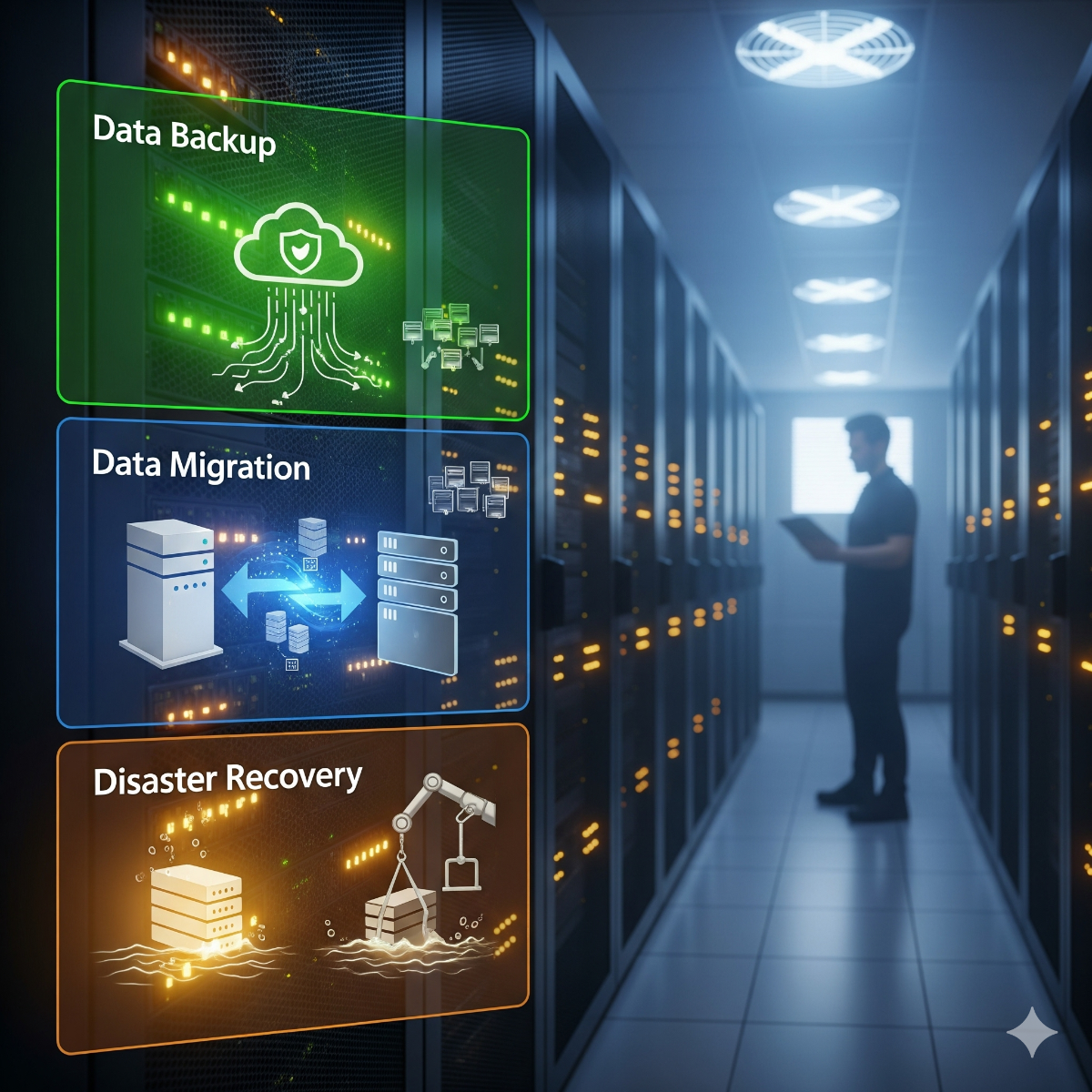
- Data and backups. Where files actually live, what is backed up, where the copies are kept and when a restore was last tried.
- Business applications. Accounting, practice-management or point-of-sale systems, with their vendors and support contacts.
- Physical setup. The network closet, power protection and anything that overheats or sits on the floor.
- Documentation. Whether anyone other than one person could find the passwords, diagrams and contracts.
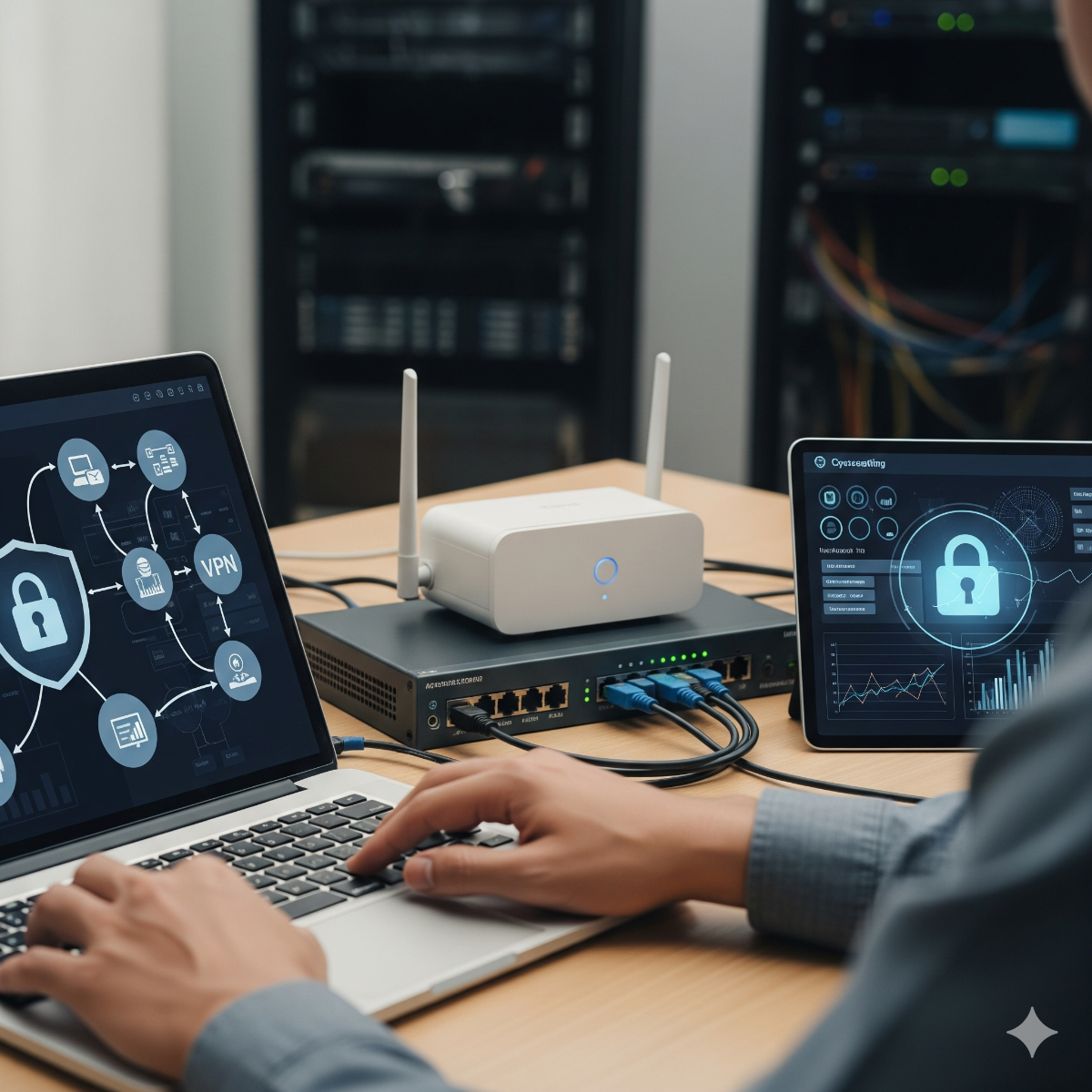
The result should be a written list of findings ranked by risk and effort, not a pile of scan output. Our network setup and security service starts the same way: a walk-through of the space, the internet connection, the current equipment and where people actually work, followed by a simple diagram of the firewall, switches, access points, VLANs and VPN.
What to prepare before the first meeting
- Your internet provider, plan and any static IP details from the contract or bill.
- A floor plan, or a photo of a sketch, showing rooms, desks and where the internet line enters.
- A list of devices, even a rough one, and the software each team depends on.
- Any admin passwords you still have for the router, switches, Microsoft 365 or Google Workspace and the domain registrar.
- Recent incidents: suspicious emails, lost laptops, outages, and questions from customers, auditors or insurers.
Missing passwords are a finding in themselves; recovering access to your own equipment is often the first task.
A small office security baseline, in priority order
Frameworks such as the NIST CSF 2.0 Small Business Quick-Start Guide and CIS Controls Implementation Group 1, a set of 56 safeguards described as essential cyber hygiene, are good references, but a small office needs an order of work. This is a level of cybersecurity Long Beach small offices can realistically keep up with:
| Priority | Control | How to check it |
|---|---|---|
| 1 | Multi-factor authentication on email, VPN, banking and admin accounts | Sign in from a new device; a second step should be required |
| 2 | Backups with one copy offline or immutable | Do a test restore of a real folder and note how long it takes |
| 3 | Supported, updated systems | No PCs on Windows 10 without Extended Security Updates, since regular support ended on October 14, 2025; firewall and router firmware current |
| 4 | Separate admin accounts and prompt offboarding | Staff work as standard users; former employees' accounts are disabled |
| 5 | A firewall that blocks inbound traffic by default | No remote desktop or camera ports open to the internet; remote staff use a VPN |
| 6 | Network segmentation | Guests, cameras and card terminals cannot reach office computers |
| 7 | Email authentication and payment checks | SPF, DKIM and DMARC published; changes to bank details confirmed by phone |
| 8 | Endpoint protection and disk encryption | Every laptop encrypted, protection reporting to one console |
| 9 | A one-page incident plan | Staff know who to call and how to disconnect a machine |
For small business cybersecurity, consistency matters more than tools: a control switched on everywhere beats a better one on half the machines. The CISA Cyber Essentials toolkit covers the same ground for owners who want a non-technical overview.
On-site server, cloud or a datacenter VPS?
A consultation often ends with a hosting question. Files and email for a small office usually fit well in Microsoft 365 or Google Workspace rather than on a server in a closet. Line-of-business applications, a website or a database that must stay online may suit a datacenter VPS: a virtual server in a provider's facility, which typically offers redundant power and connectivity. A physical server on site still makes sense for very large local files, systems that must keep working when the internet is down, or software whose vendor supports only on-premises installs.
Whichever you choose, the responsibilities stay with you. A VPS still needs updates, a firewall, monitoring and backups kept outside the same provider account, and the admin credentials should be held in the company's name.
Choosing professional business IT support after the review
A consultation should leave you able to act on the findings yourself or with anyone you choose. When you compare IT services Long Beach providers offer, ask each one the same questions: what is included in writing, how passwords and documentation are handed back if you change provider, whether admin accounts are in the company's name, and how security settings are reviewed when staff or vendors change. Professional business IT support is easiest to judge when the scope is written down; our guide to break-fix vs managed services compares the two common models.
After a network installation you receive the network documentation: the diagram, the device list and the admin accounts, so access to your own equipment does not depend on one person. If you would rather not handle it yourself, the same documentation lets us take over as part of ongoing business IT support, with firmware updates applied on a schedule, firewall rules reviewed when staff or vendors change, and VPN access removed in one place when someone leaves. For a monthly arrangement, see managed IT services.
Frequently asked questions: it consulting in long beach
What does an IT assessment include?
An inventory of devices, accounts, network equipment, data locations and backups, followed by a written list of risks ranked by urgency and effort. It should also say what is working well, so you do not replace things that do not need replacing.
What should a small office fix first?
Multi-factor authentication on email and remote access, a backup with an offline copy that has passed a test restore, and current updates on every computer and on the firewall. Government guidance for small businesses from CISA and NIST starts in the same place.
Does good security require expensive tools?
Much of the baseline uses features you already pay for: sign-in protection in Microsoft 365 or Google Workspace, the disk encryption built into current versions of Windows and macOS, and a firewall you may already own, configured properly. Tools help, but configuration and routine matter more.
If you want a clear picture of your office network and its security, start with our network setup, VPN and security service for offices, shops, clinics and warehouses in San Pedro, Long Beach and nearby parts of Los Angeles County. Describe your office and what is not working through the contact form.