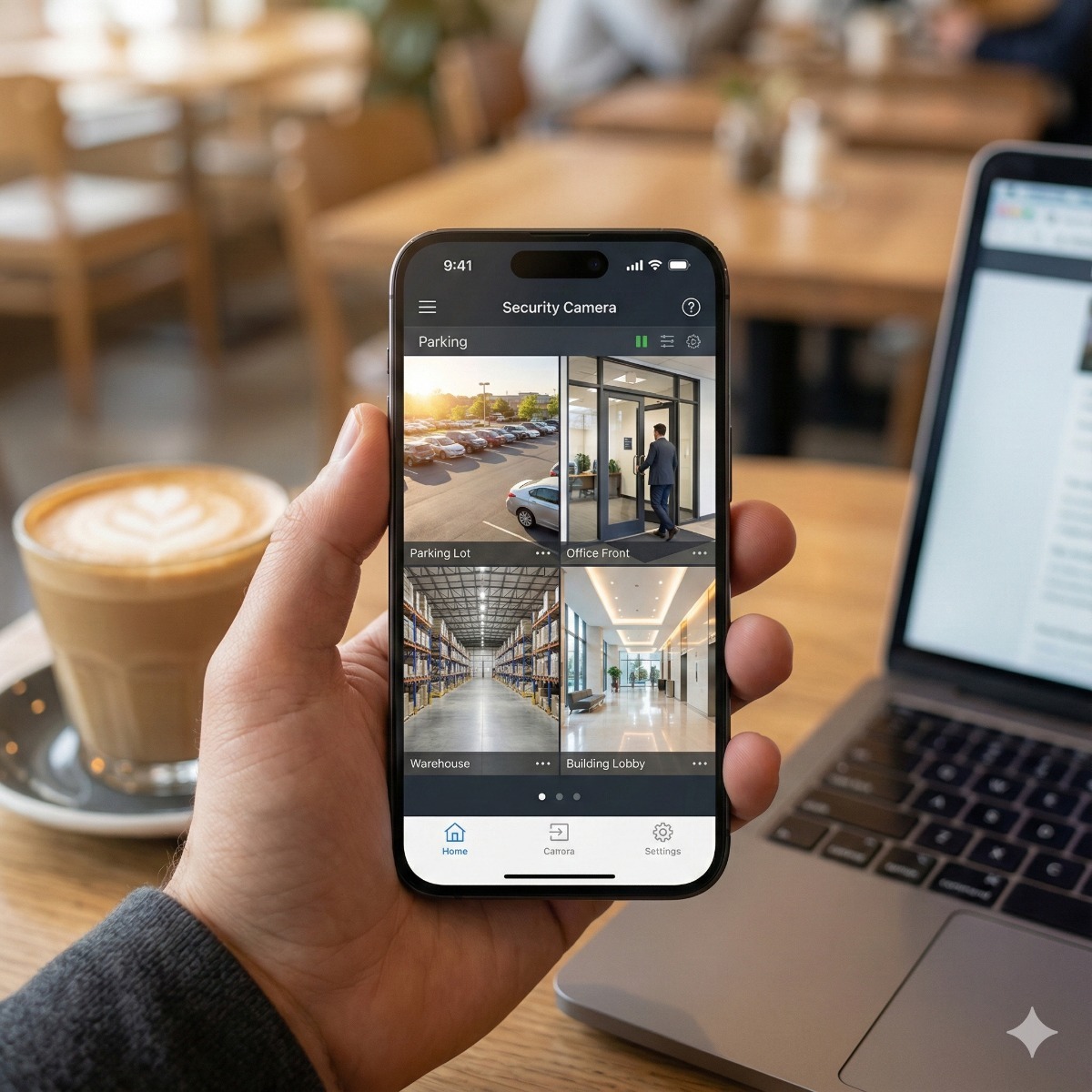
Being able to check the shop, the warehouse or the front door from a phone is the main reason many owners install a camera system at all. How that connection is made matters more than which app you use. Remote access to security cameras can run through the manufacturer's cloud, through a VPN into your own network, or through ports opened on the router, and the three options differ sharply in what they expose to the internet. This guide compares them, explains how to give staff their own access, and lists what to check when the app suddenly says the recorder is offline.
Three ways to set up remote access to security cameras
Almost every recorder (NVR or DVR) sold today supports at least two of these methods:
| Method | How it connects | What faces the internet |
|---|---|---|
| P2P cloud | The recorder keeps an outgoing link to the manufacturer's service; the app finds it by serial number or QR code | Nothing opened on your router, but you rely on the vendor's service and account security |
| VPN | The phone joins your network through an encrypted tunnel and reaches the recorder's local address | Only the VPN endpoint on your router or firewall |
| Port forwarding | Router rules pass traffic from the internet straight to the recorder | The recorder's own login page and video services |
How a P2P camera connection works, and how to harden it
With a P2P camera connection the recorder registers itself with the manufacturer's platform, and the phone app reaches it through that platform, directly or through a relay server. Because the recorder only makes outgoing connections, no inbound port is needed and a changing public IP address does not matter. The price is trust: your video now depends on the vendor's service and on whoever controls the account that owns the device.
- Own the account. Add the recorder to an account in the business's name with a shared admin mailbox, not to the installer's or a former employee's personal login.
- Set the device verification or encryption code. Many platforms use a separate code to encrypt the video stream; change it from any default.
- Turn on two-step sign-in for the cloud account where the app offers it, and keep the recorder's firmware current.
- Disable UPnP on both the recorder and the router. UPnP lets devices open ports on their own, which can quietly recreate the exposure you were trying to avoid.
When a VPN for security cameras is the better fit
A VPN for security cameras keeps the whole system inside your network. Staff connect the phone to the office VPN, then open the viewing app pointed at the recorder's local address. Nothing depends on the camera vendor's servers. This is the usual choice for businesses whose policy rules out third-party cloud services, or that already use a VPN for remote work; our OpenVPN installation and configuration service covers that side. The trade-offs are practical: each user needs a VPN profile on the phone, the VPN endpoint needs a reachable address (a static IP or a dynamic DNS name), and the app only works while the tunnel is up. For a business with a firewall already in place, it is usually the cleanest form of NVR remote access.
Why port forwarding should be retired
Forwarding ports to a recorder puts its login page in front of automated scanners that search the internet for exactly these devices. Recorders with default or reused passwords have been recruited into botnets; Mirai, in 2016, spread largely through internet-connected cameras, recorders and routers. To close the exposure:
- Set up the replacement first, P2P or VPN, and confirm every user can view and play back footage.
- Delete the forwarding rules on the router and switch off UPnP.
- Change the recorder's admin password, remove unused accounts and update the firmware.
- Check from a phone on mobile data that the old address no longer answers.
How to share camera access with employees
Handing out the admin password is the most common shortcut and the hardest one to undo. When you share camera access with employees, give each person a separate user on the recorder or in the app, with rights matched to the job: live view only for the front desk, playback and export for a manager, settings for the administrator alone. Limit each user to the cameras they need, and remove people the day they leave. Separate users also mean the recorder's log shows who exported which clip, which matters when footage goes to the police or an insurer.
When the camera app shows offline
If the camera app shows offline while the cameras still record on site, the problem is almost always the path to the internet. Check these in order:
- A new router or modem. A provider swap often changes the local network range, leaving a recorder with a fixed IP address without a working gateway.
- Wrong DNS or gateway on the recorder. Its network status page usually shows whether the platform connection is online.
- Platform access switched off after a factory reset or a firmware update.
- A changed password that the app still stores in its old form.
These settings belong to the network side of any CCTV camera configuration, and our remote camera viewing and mobile access service starts there: the recorder's network settings and platform access are configured before the apps are installed.
Remote viewing on mobile data
Most recorders send two streams per camera: a high-resolution main stream and a lighter sub-stream. For remote viewing on mobile data, open the sub-stream by default and switch to the main stream only when you need detail. The limit is often the site's upload speed, because every remote viewer pulls a separate stream through the business's internet line. The same applies whether you use an iPhone or watch security cameras on Android, where battery-saving modes can delay push alerts unless the viewing app is exempted.
Frequently asked questions: remote access to security cameras
Is the manufacturer's P2P cloud safe to use?
It is far safer than port forwarding, provided the account belongs to the business, the device code and a strong password are set, and the firmware is current. If your policy does not allow video to pass through a third-party service, use a VPN instead.
Do I need a static IP to view my cameras remotely?
Not for P2P, because the recorder connects outward. A VPN needs a stable address for its endpoint, which can be a static IP or a dynamic DNS name.
How much mobile data does remote viewing use?
It depends on the stream's bitrate, shown in the recorder's video settings. A stream set to 512 kbps, for example, uses roughly 230 MB per hour of viewing.
Want your cameras on your phone without opening your network? Our remote camera viewing and mobile access setup covers the recorder's network settings, the app on each phone or computer, separate user accounts and a short walkthrough of playback and export, for homes and businesses in Long Beach and Los Angeles. For a new system, see IP camera setup. Contact us with your recorder's make and model, and we can discuss the right connection method.