
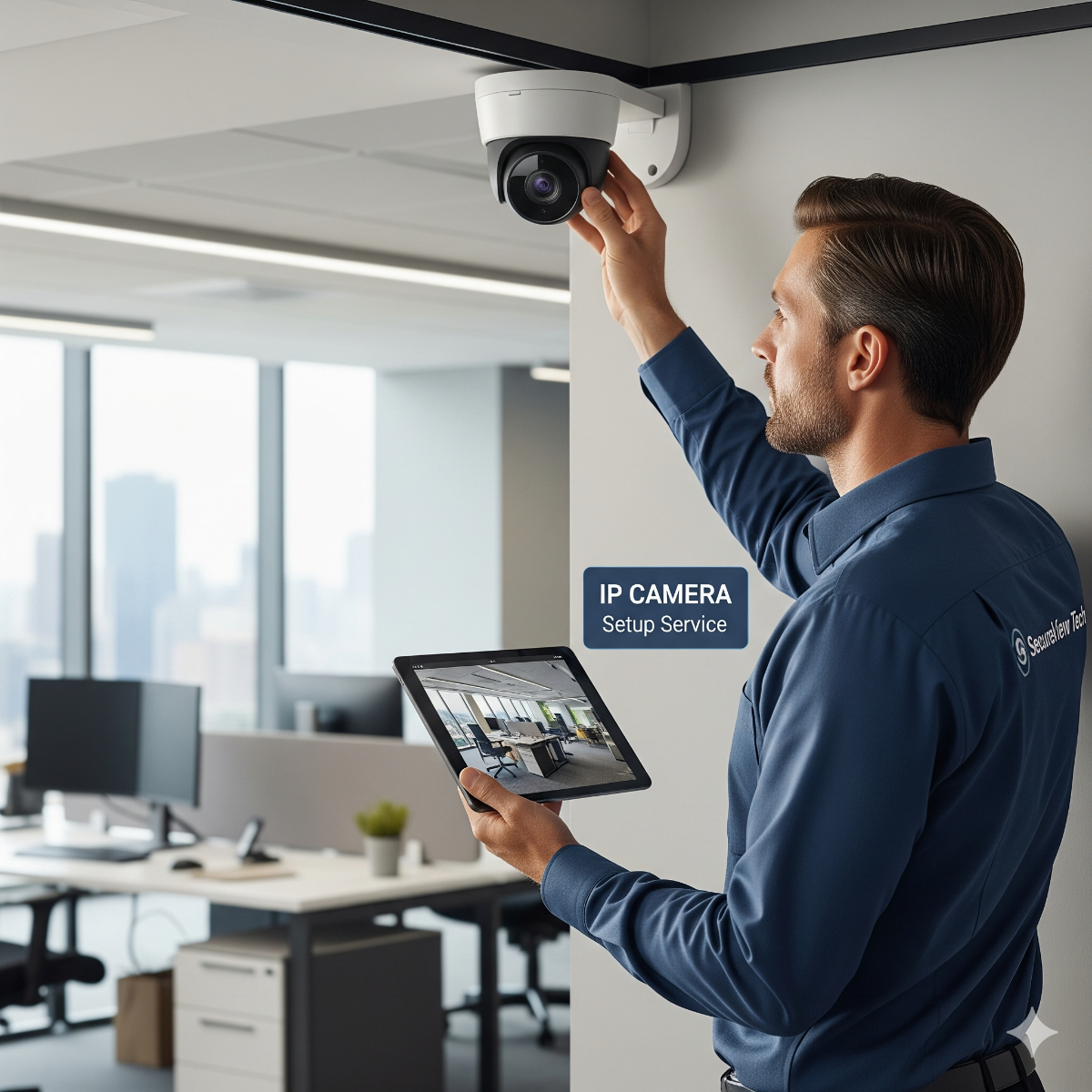
IP Camera Setup Service – Los Angeles
Professional IP camera setup for homes and businesses in Los Angeles and surrounding areas. Includes installation, wiring, and configuration for remote monitoring.
IP Camera Setup Service in Los Angeles
We provide expert IP camera installation and configuration for residential and commercial properties in Los Angeles. Our team ensures your cameras are properly mounted, wired, and integrated with your network for reliable remote access.
Why Choose Our IP Camera Setup?
- Professional installation of IP cameras
- Network configuration for remote monitoring
- Integration with mobile apps and software
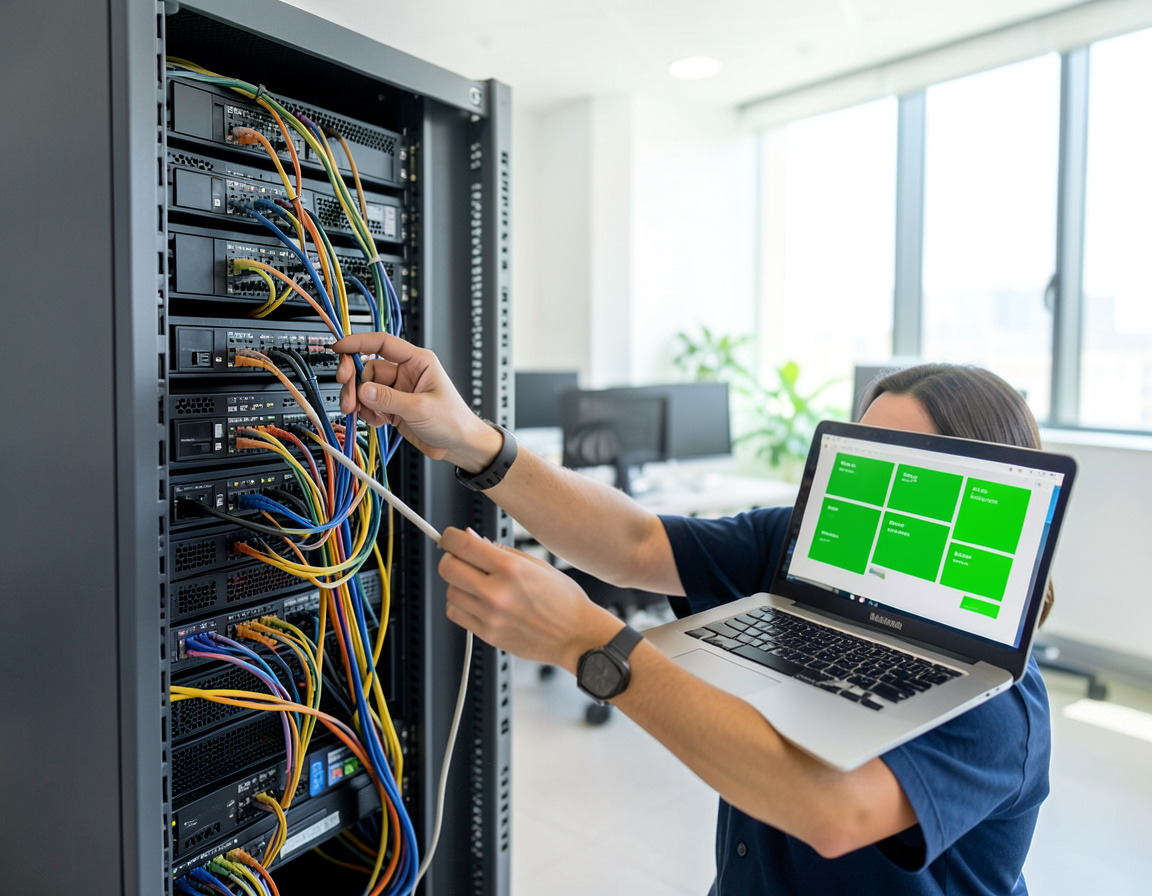
- Neat cabling and professional setup
- Technical support and troubleshooting
Our IP Camera Setup Includes:
- On-site assessment and planning
- Camera mounting and wiring
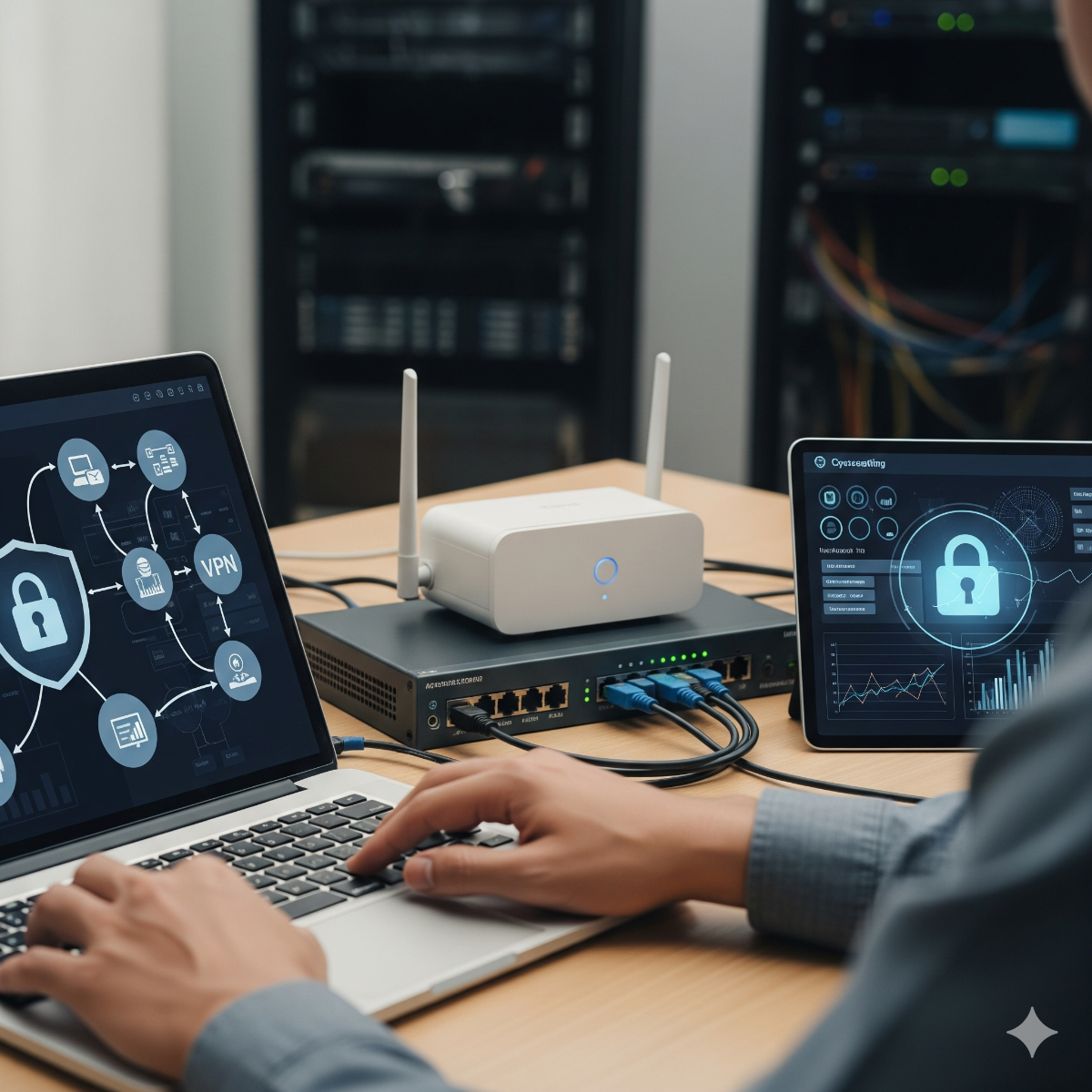
- Network and NVR/DVR configuration
- Testing and quality check
- User guidance and training
Taking over a camera system someone else installed
Cameras left by a previous tenant, an installer who is no longer around or a kit bought online often record, but nobody is sure what, where or for how long. IP camera setup on an existing system starts with getting control of it back:
- Access. The recorder's admin account is recovered through the manufacturer's reset procedure, then everyone who needs the system gets a named account of their own.
- Inventory. A list of every camera with its model, firmware version and channel, and a clear name such as "Back door" instead of "IPC-07".
- Stable addresses. Fixed IP addresses or DHCP reservations, so cameras do not vanish after the router is replaced or restarted.
- Power budget. Enough PoE capacity for all cameras at night, when infrared lighting raises their power draw.
- Retention test. Playback from the oldest recording on the drive, which shows how many days the system really keeps.
Remote monitoring cameras: alerts that reach the right person
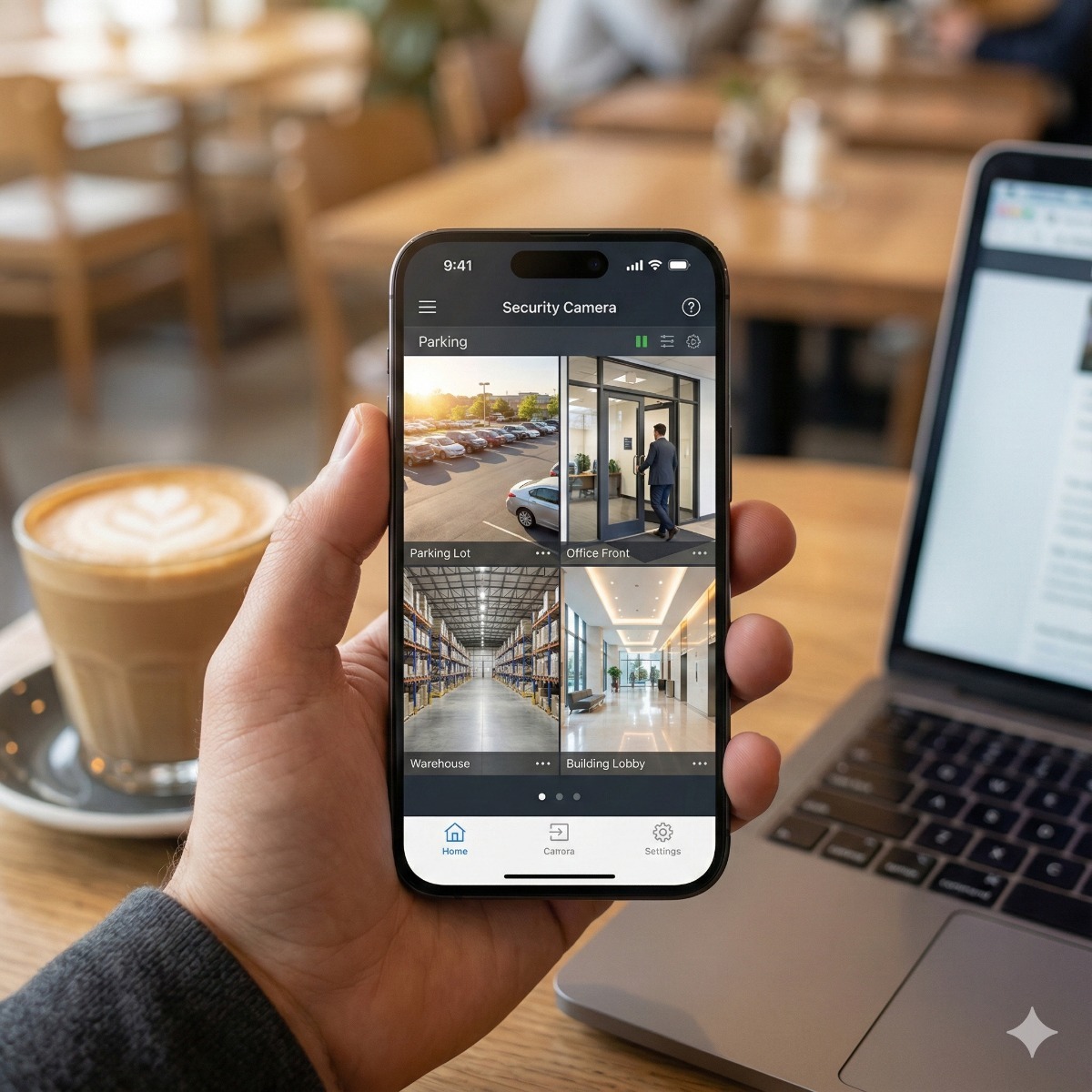
Remote monitoring cameras are only useful if alerts go to someone who will act on them. We set schedules so detection alerts arrive after closing time but not during business hours, send loading-dock events to the warehouse lead rather than the owner, and give staff view-only access to the cameras they need. The recorder can also report its own faults, such as a disk error or a camera going offline, so a failure is noticed before the footage is needed.
Frequently asked questions about IP camera setup Los Angeles
I do not have the recorder's password. Can you still set it up?
Usually, yes. Most manufacturers offer a password reset through their app or support team once you show proof of ownership, such as an invoice or the serial number label. A factory reset is the last resort, because it wipes all settings and, on some models, the stored footage.
Do IP cameras work with an old DVR?
A DVR is built for analog cameras on coaxial cable, and most models cannot record IP cameras. Some hybrid recorders accept a few IP channels. If you are replacing cameras anyway, moving to an NVR is usually the cleaner long-term choice.
What is the difference between an NVR and cloud recording?
An NVR stores footage on hard drives at your property, so recording continues when the internet is down. Cloud recording keeps copies off-site but depends on your upload bandwidth and a subscription.
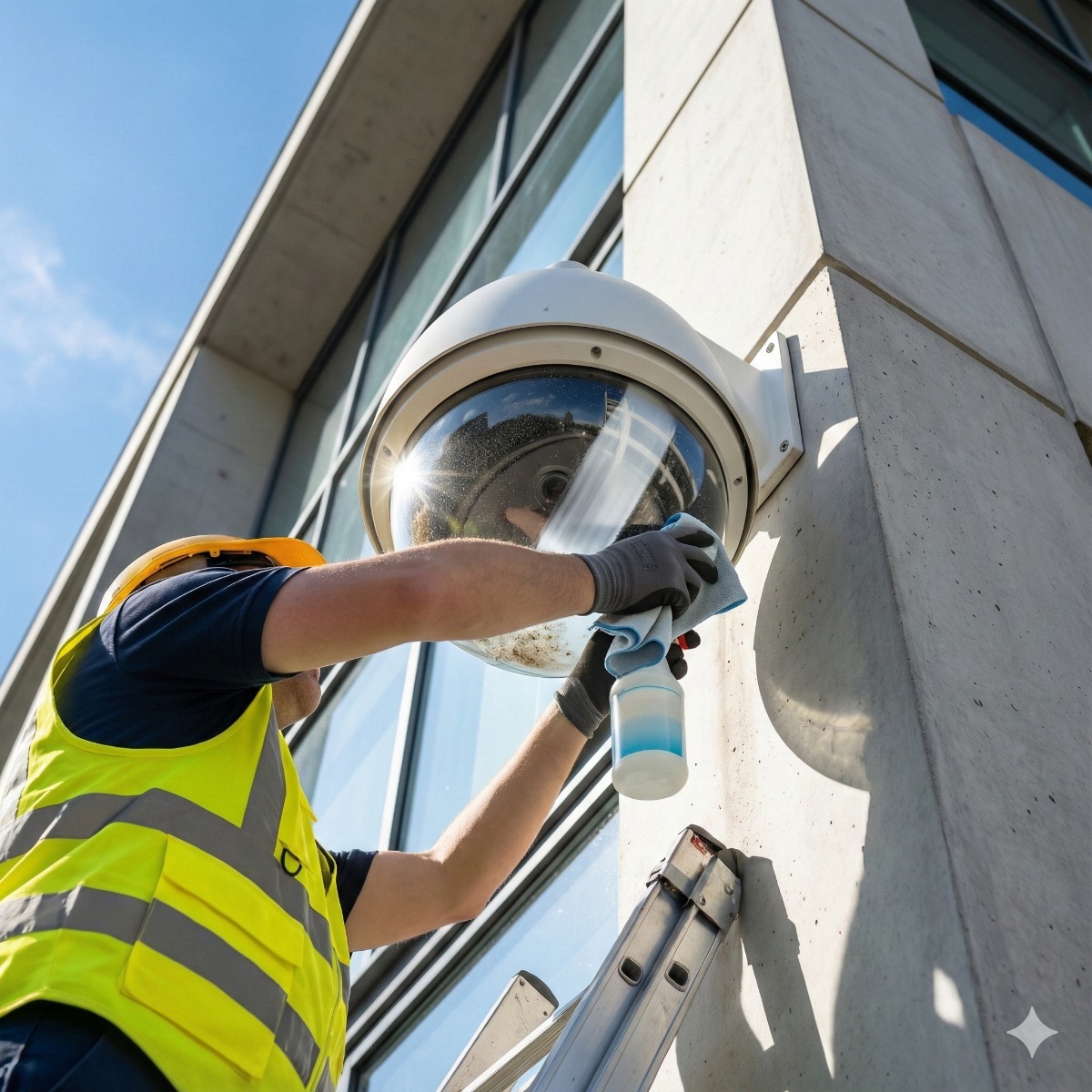
Related services: viewing your cameras on a phone, repair of cameras that stopped recording and complete security camera installation.
IP camera system setup that stays reliable
Our IP video configuration services cover the settings that decide whether a system is still recording a year from now. When setting up IP camera system accounts, each person gets a named login with only the rights they need. IP camera configuration then fixes each camera's address, name, time and stream settings, and the recorder is set to report its own faults, such as a disk error or a camera going offline.
A quick IP cam setup from a kit often skips these steps and works until the router is replaced or the disk fills up. We check the PoE power budget, test playback from the oldest recording and hand over a list of every camera with its model, firmware version and channel.
| Manufacturer | Computer Service Breeze |
|---|


Related Posts
-
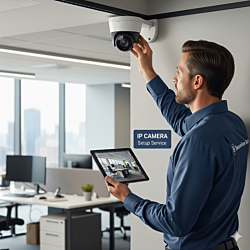


 An old DVR and coax in the walls do not have to mean a full rip-out. This guide compares HD-over-coax, Ethernet over coax and rewiring, explains when to replace the DVR with an NVR and lists the...
 -
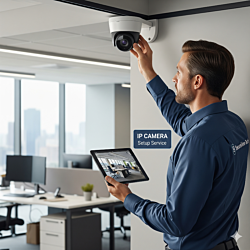 In a smart building the camera question is about integration, not just picture quality. This guide compares IP and conventional CCTV for access control, video management software, analytics such as...
 -
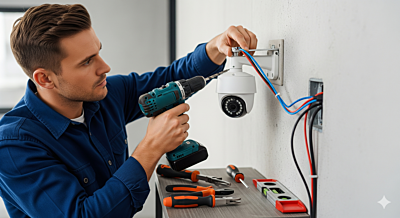 CCTV and IP Camera Setup: A Complete Beginner's Guide Installing CCTV or IP cameras can seem complicated, but with the right guidance, anyone can set up a reliable security system at home or in the...
 -
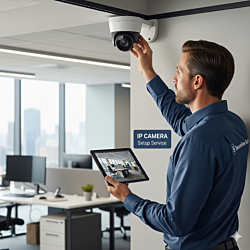 Cloud-managed cameras, an on-premise VMS or a standalone NVR: how each platform handles security, integration and lock-in in a modern smart building.
 -
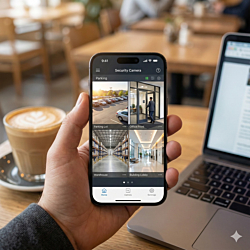 Remote access to security cameras can run through the manufacturer's cloud, a VPN or ports opened on the router, and the three expose very different things to the internet. This guide compares them,...
 -
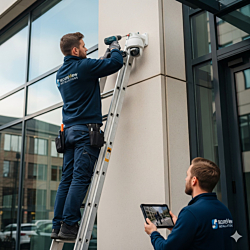 "It depends" is the honest answer to what a camera system costs, but what it depends on can be listed. This guide explains the factors behind a business security camera installation quote and how to...
 -
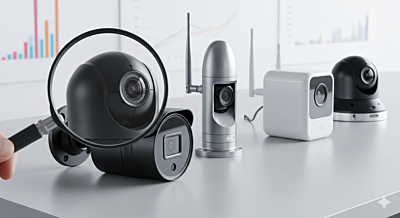 Top Security Products: Reviews and Comparisons Choosing the right security products can be overwhelming. This guide highlights key CCTV and IP cameras, smart locks, and alarms, along with...
 -
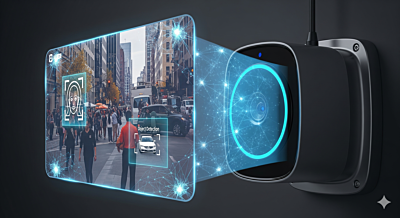 Modern Surveillance Technology: Trends and Innovations The surveillance industry is evolving fast. Learn about AI-powered cameras, facial recognition, smart sensors, and the latest trends improving...
 -
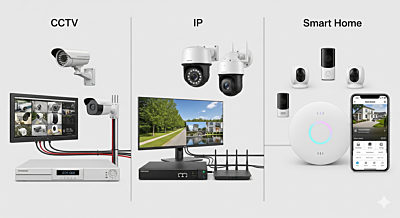 Comparing Security Systems: CCTV, IP, and Smart Home Choosing the right security system can be tricky. This guide compares CCTV, IP, and smart home solutions to help you make an informed...