
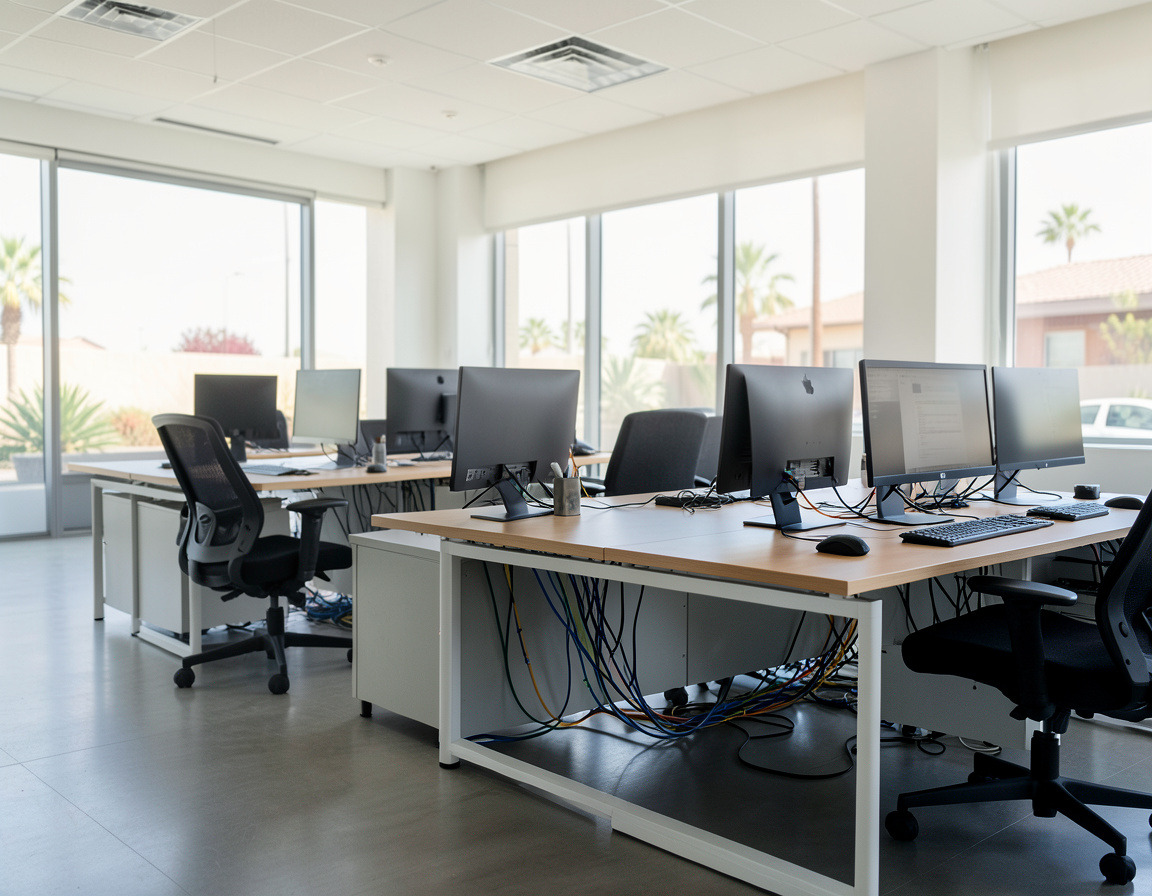


Office IT Relocation Services in Long Beach & Los Angeles
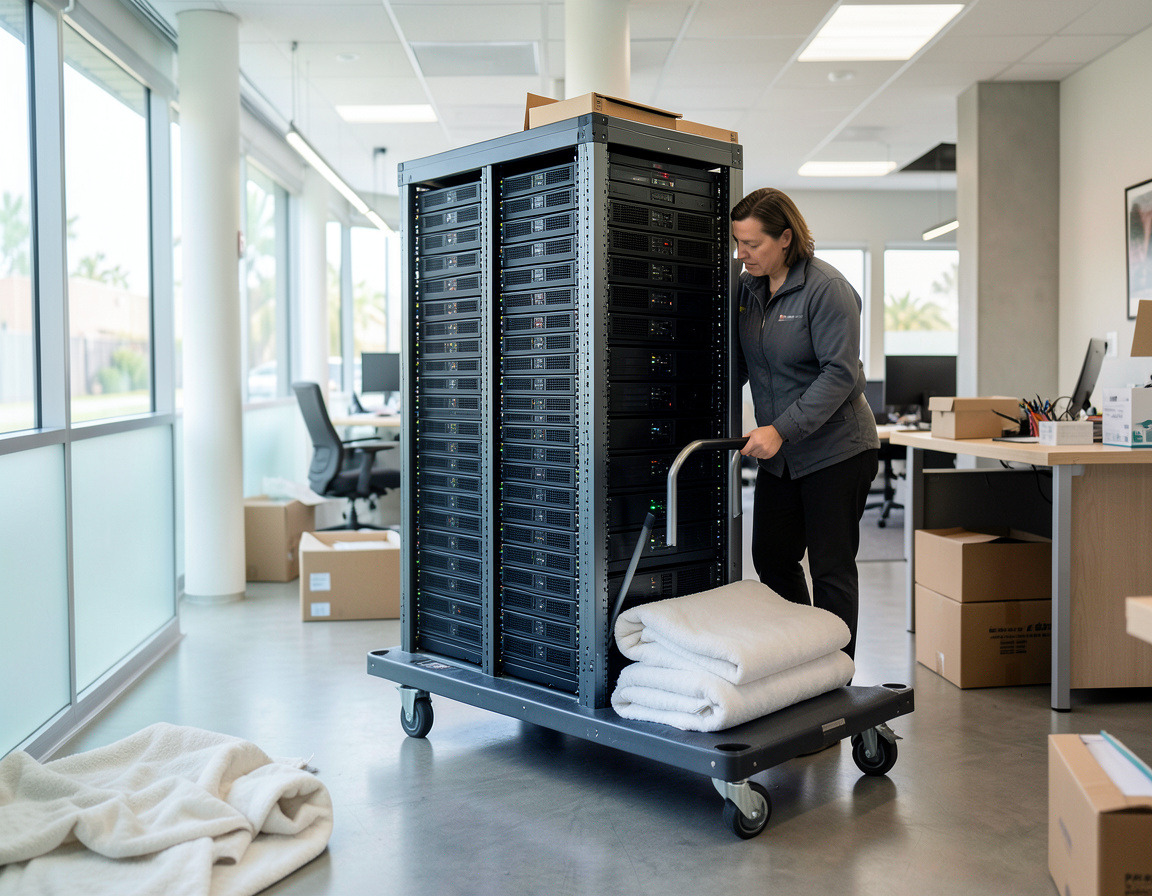
Movers move desks. We move the technology: computers, servers, network equipment and phones are disconnected in the old office and reconnected, started up and tested in the new one.
- Site survey of the new space and an IT move plan
- Internet, phone numbers and VoIP phones moved in step with the office
- Servers backed up and shut down properly before the move
- Every workstation, printer and phone tested after the move
Movers are good at moving desks. What they do not do is make sure that on the first morning every computer logs in, the printers print, the phones ring at the right desks and the server comes back up with its data intact. We plan and carry out the technology side of office moves for small businesses in Long Beach, San Pedro and across Los Angeles: workstations, servers, network equipment and phones, disconnected in the old space, then reconnected, started up and tested in the new one.
What's included
- Survey of the new space — power, network drops, where the internet line enters the building, and a ventilated spot for the network rack or server.
- Internet and phones — ordering the new internet service early, moving or porting phone numbers, re-registering VoIP phones and updating each line's 911 address.
- Backup before anything is unplugged — servers and important PCs backed up, with the backup checked.
- Labels and inventory — every computer, monitor, dock and cable labeled with its destination desk.
- Disconnect, pack and move servers, network gear and workstations, kept separate from general furniture.
- Reconnect and start up — network first, then servers, then each workstation, printer and phone, tested desk by desk.
How it works
- Walk both locations. We look at the old setup and the new space, ideally before the floor plan is final.
- Plan and schedule. A move plan with the equipment list, cabling needs, the internet order date and a cutover time, usually outside business hours.
- Prepare the new site. Where the building allows early access, cabling, the rack and Wi-Fi are installed and tested before any computers arrive.
- Move day. Final backups, an orderly shutdown, labeled packing and transport.
- Bring-up. We sign in on each workstation and check printers, shared drives, business applications and phones.
- After the move. We fix what the first working day turns up and update your network documentation with the new layout.
When to start
The IT side of a move needs the longest lead time, not the shortest. A new internet circuit and a phone number transfer each depend on outside providers and can take weeks, and network cabling has to go in before furniture blocks the walls. Bring us in as soon as you have the new address, even if the move date is months away.
Who it's for
Small and mid-sized offices moving across town or across the county, medical and dental practices with imaging workstations and a practice-management server, retail and restaurant groups opening a second location, and companies merging two offices into one. Moves within the same building, such as to another floor or suite, follow the same plan.
Service area
We handle moves within and between Long Beach, Signal Hill, Lakewood, San Pedro, Carson, Torrance and El Segundo, and into office buildings in Downtown LA. Moves that start or end outside Los Angeles County can be discussed case by case.
Why a local team for an office move
A move depends on details you only learn on site: which freight elevator has to be reserved, where the building's telecom room is, whether the previous tenant's cabling is usable. Being based in Long Beach means we can walk the new space more than once before move day and come back to it easily when something needs attention afterwards.
Frequently asked questions
How long does an office IT relocation take?
The physical move for a small office often fits into one evening or a weekend, but the preparation takes longer. The internet order, phone number transfers and cabling set the schedule, so planning should start as soon as the new address is known.
How do you move office phone lines to a new location?
With hosted VoIP, the desk phones move with the rest of the equipment and the provider updates the service address and each line's registered 911 location. With traditional lines, the carrier has to move or port the numbers to the new address, which must be ordered ahead. We coordinate with your phone provider either way.
Will our data be safe during the move?
Servers and important PCs are backed up, and the backup is checked, before anything is unplugged. Servers are shut down cleanly and moved as separate, tracked items, and nothing is wiped or reconfigured just because of the move.
Can the new office network be ready before we move in?
Yes, where the building gives access. Having the firewall, switches and Wi-Fi running before move day means the day itself is about connecting computers, not troubleshooting the internet connection.
Should we replace old equipment as part of the move?
Often it is the right moment. Computers near the end of their life can be retired instead of being moved and set up twice, and the equipment that stays behind can be recycled or wiped and sold.
Send the move date and both addresses through the Request a quote form. For equipment that should not make the trip, see business computer replacement and office electronics cleanout. For the network in the new space, see small business network setup.
| Manufacturer | Computer Service Breeze |
|---|