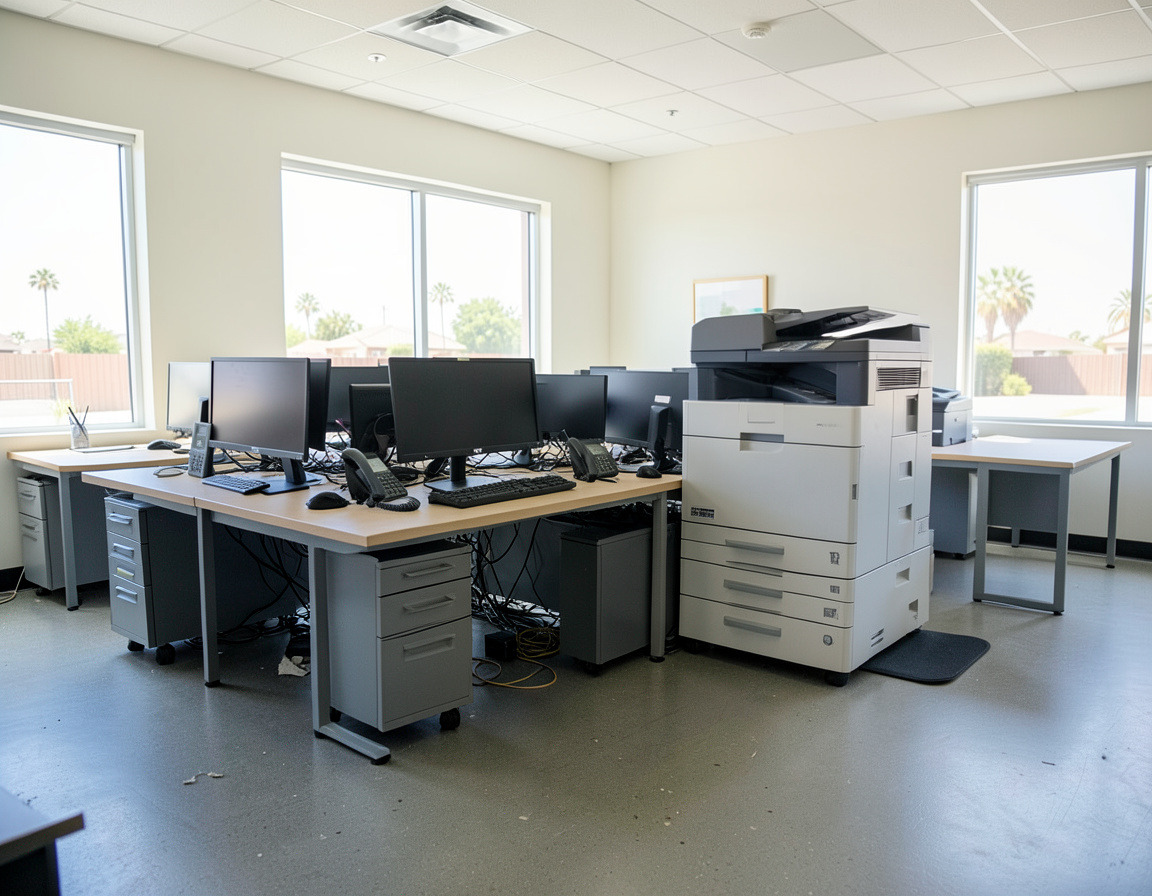



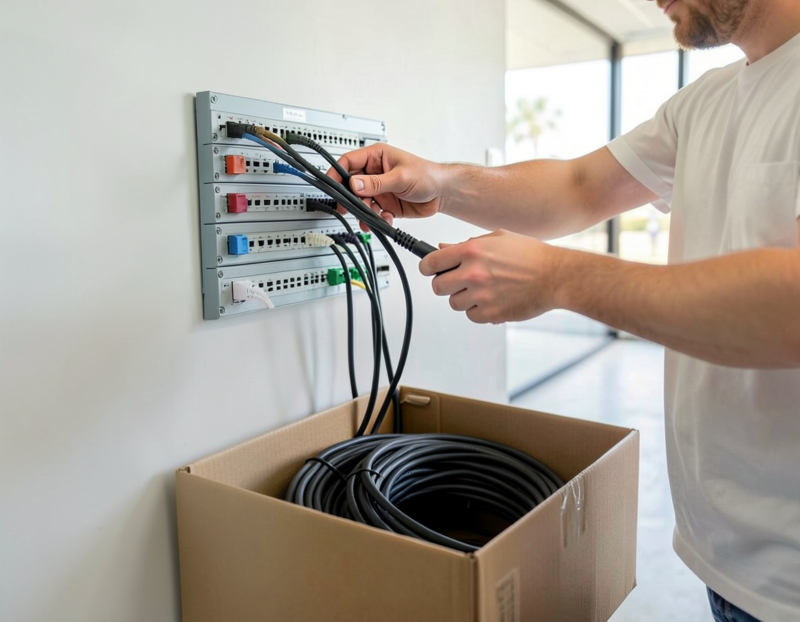

Our office IT move checklist lists everything that has to happen when an office moves. This article puts that work on a calendar, week by week, whether it is an IT office move in Long Beach or an office IT relocation in Los Angeles, and looks closer at the two parts that most often derail a move: the server room and the phone system, including number porting and the 911 address on every line. The weeks assume about three months of notice; with less, squeeze the middle weeks rather than skipping the first ones.
Why the IT side sets the pace
A moving company can usually be booked a few weeks ahead. The internet circuit, the number port and the cabling cannot, because other companies control those dates. A computer moving company, or a general mover, will carry boxes and even servers, but someone still has to document how everything was connected, shut it down in the right order, bring it up at the new address and test each desk and phone. That work, not the truck, decides whether the first Monday feels normal.
A week-by-week office IT move timeline
12 weeks or more before the move
- Decide who does what: mover, cabling contractor, IT, internet provider and phone provider, with one person coordinating all of them.
- Place the internet order for the new address and ask where the provider's line comes into the building.
- Ask your phone provider how the numbers will move, and decide whether you are staying with it or switching.
- List the equipment that will not make the trip, so it can be retired instead of moved.
8 to 10 weeks before
- Plan the network: rack or cabinet location with power and ventilation, cable runs, Wi-Fi access points and printers.
- If numbers are moving to a new provider, get a copy of your customer service record from the current carrier. The account number, PIN, service address and authorized name on the port request have to match it, and ports are rejected when they do not.
- Check the server room plan against the new space: circuit capacity for the UPS, cooling, and a clear route in from the loading dock.
6 weeks before
- Schedule cabling so it is finished before the furniture arrives, and order any extra switches or access points.
- Agree on a labeling scheme so every device, cable and power supply has a destination.
4 weeks before
- Get the new internet line installed and tested, and set up the firewall there if the building allows it.
- Submit the port request with a target date, and keep the old service running.
- Collect every setting that trusts your current public IP address, from bank portals to remote access.
2 weeks before
- Back up, prove the backup restores, export device configurations and photograph the wiring.
- Confirm freight elevator and loading dock bookings at both buildings, and tell staff exactly when to log off.
Move week
- Shut down after the last working day and bring the new site up network first, desks last.
- Make inbound and outbound calls on every line, and check the 911 address shown for each number in the provider's portal rather than placing test calls to 911.
The first week after
- Have help available on the first morning for the problems only real use reveals.
- Keep the old internet and phone accounts open until the new ones have worked for several days.
- Clear whatever stayed behind at the old address, and update your network documentation.
Server room relocation without surprises
Moving a rack is less about lifting than about knowing exactly how it will come back up.
- Document it while it runs. Record which cable goes to which port, the RAID status of each server, and which services have to start first.
- Keep the drive order. If drives come out for transport, label each one with its server and bay number. Reinserted in a different order, an array may not come back.
- Check power and cooling at the new site. A UPS may need a particular circuit or plug type, and a closet that was fine for storage may not cope with the heat.
- Move the rack empty. Servers and storage travel separately in padded cases or with the IT team; the rack goes empty and is anchored again at the new site.
- Verify before the office opens. Confirm the arrays are healthy, backups run and monitoring alerts reach a person.
Moving an office phone system: equipment and lines
Hosted VoIP
The handsets travel with the computers and register again from the new network. The part that needs attention is the emergency address. Under the FCC's rules implementing RAY BAUM'S Act, 911 calls from these systems are expected to carry a dispatchable location: the validated street address plus details such as the suite or floor. After a move, update the address for every number in the provider's portal, and check softphones and staff who work from home, whose location may be handled differently.
An on-premises phone system
If the phone system is a box in your rack, it moves like any server, but the lines that feed it do not. SIP trunks, digital circuits or analog lines have to be moved or set up again by the carrier at the new address, each with its own 911 information. Analog lines for fax machines and alarm panels are easy to forget, and elevator phones belong to the building, not to you.
Porting numbers
FCC rules require simple ports to be completed within one business day, but a business port with many lines is usually handled as a project, with longer timelines that the carriers work out between them. That is why the request goes in weeks ahead. Keep the old service active until every number has moved.
Kari's Law
Kari's Law requires multi-line telephone systems sold, leased or installed after February 16, 2020 to let anyone dial 911 directly, without a prefix, and to alert a central point such as a front desk or security office when a 911 call is made. After a move, make sure that alert reaches someone at the new address.
Frequently asked questions
When should we submit the request to port our office numbers?
Several weeks before the move, once the new service is ready to receive the numbers. Multi-line business ports take longer than the one-business-day rule for simple ports, and a rejected request starts the clock again.
Do we need to update our 911 address after an office move?
Yes. Every line should report the new street address and suite or floor. Check it for each number, including softphones, in the provider's portal before the first working day at the new office.
Can a regular moving company move our computers and servers?
It can transport them, and many movers handle office equipment carefully. What a mover does not usually do is document connections, shut systems down in the right order and bring servers, network and phones back up. Plan that work separately and decide who will be there for it.
What is the best time to move an office's IT?
Usually right after the last working day of the week, so there is a weekend to bring systems up and test them. Avoid the end of a month or quarter if finance depends on the server, and avoid long holiday weekends when provider support may be thin.
Moving within Long Beach or across LA County? The technology side of a move is laid out on our office IT relocation page, the new space on small business network setup, and equipment that should stay behind on office electronics cleanout. Request a quote with both addresses and your target date, and we can discuss which parts of this timeline we can take on.