

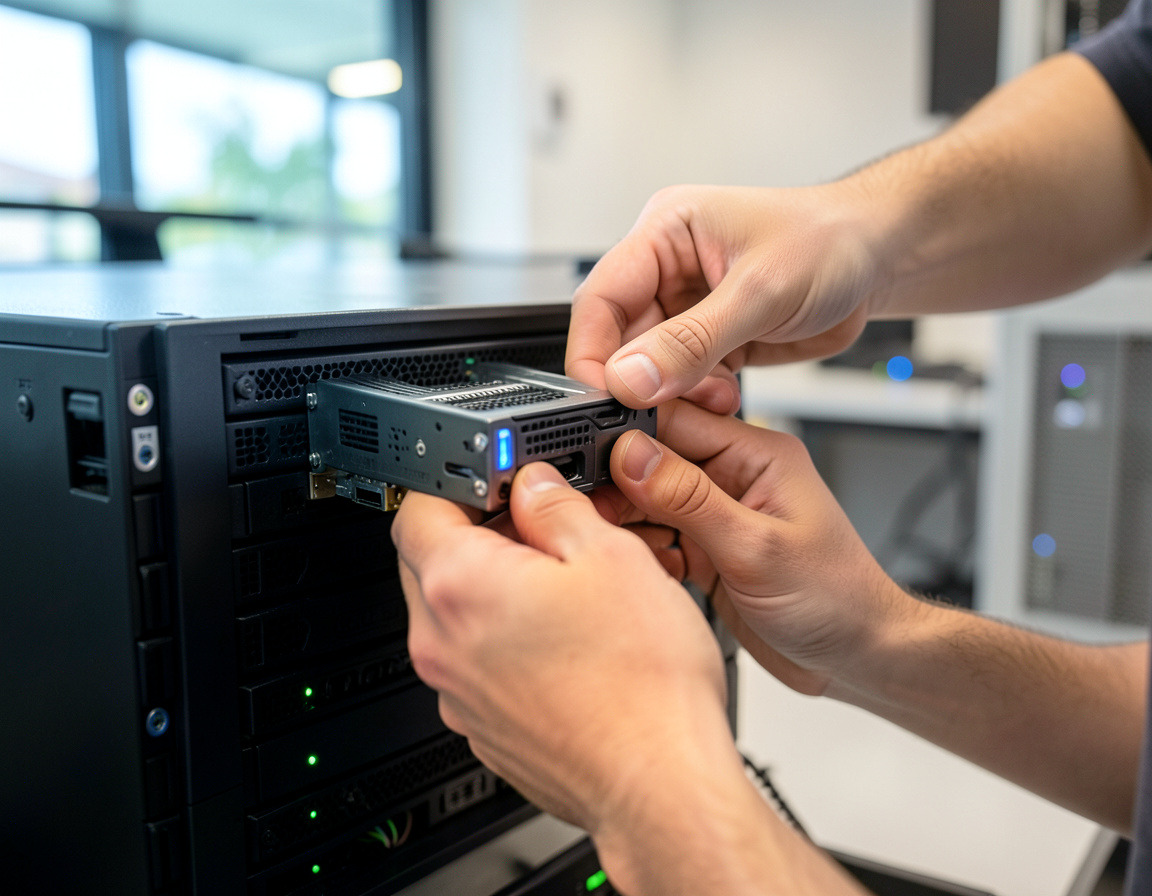


Server Decommissioning & Server Room Removal in Los Angeles
We retire servers, storage and small server rooms for businesses in Los Angeles and Long Beach, from checking what a server still does to taking the rack out of the building.
- Dependency check and a verified final backup before shutdown
- Domain controllers, Exchange and other roles retired in the right order
- Drives wiped or destroyed, with serial numbers recorded
- Servers, racks, UPS units and batteries removed and recycled or resold
Servers rarely get switched off cleanly. The file server was replaced by SharePoint two years ago, the old accounting server still runs because nobody is sure what depends on it, and the closet is full of equipment that still draws power and still holds data. We decommission servers, storage and small server rooms for businesses in Los Angeles and Long Beach, from finding out what a server still does, to wiping its disks, to carrying the rack out of the building.
What's included
- Dependency check — roles, scheduled jobs, shares, databases, DNS and DHCP settings, licenses and anything that still points at the server.
- Final backup and archive — kept as long as your retention rules require and checked with a test restore.
- Clean retirement of roles — domain controllers demoted properly, on-premises Exchange retired in the order Microsoft documents, and the server removed from monitoring, backup jobs and the directory.
- Storage sanitization — drives from servers, RAID arrays and NAS or SAN units wiped and verified, or removed for shredding, with serial numbers logged.
- Physical removal — servers, switches, patch panels, UPS units and their batteries, and the rack itself.
- Close-out — support contracts, licenses and hosting services listed for cancellation and your documentation updated.
How it works
- Identify. Inventory every device and what it does, and check logs and network connections for dependencies nobody remembers.
- Migrate or retire workloads. Move what is still needed to a new server, a virtual machine or the cloud, or confirm in writing that it is no longer needed.
- Archive. Take the final backup and verify it.
- Power down and wait. The server is shut down but left in place for an agreed period, so a forgotten dependency shows up while the fix is still easy.
- Sanitize and remove. Drives are wiped or pulled for destruction, then the hardware is de-racked, packed and taken out.
- Close out. DNS, monitoring, contracts and the asset register are updated, and you receive the drive list and disposal records.
Who it's for
Businesses finishing a move to Microsoft 365 or cloud hosting, companies consolidating after a merger or an office move, practices replacing an on-premises records server, and anyone whose lease is ending on a space with a server closet. Our focus is server closets, small server rooms and a few racks rather than large colocation halls.
Service area
We work on server rooms in Long Beach, Signal Hill, Carson, Wilmington and the rest of the Harbor area, in Torrance and El Segundo, and in Culver City and Downtown LA. For sites elsewhere in Los Angeles County, ask when you request a quote.
Why a local team for decommissioning
Server room work is physical and happens in stages: heavy equipment, loading docks, stairwells and building rules about when equipment may leave. A local team can do the planning visit, the shutdown and the removal as separate trips instead of squeezing everything into one visit, and the drives do not have to travel far before they are dealt with.
Frequently asked questions
What does server decommissioning mean?
Retiring a server in a controlled way: confirming nothing still depends on it, keeping the data you need, removing it from the network and the directory, erasing or destroying its storage and disposing of the hardware properly, with a record of each step.
What should a server decommissioning checklist include?
At minimum: an inventory of roles and dependencies, a verified final backup, a shutdown and waiting period, removal from DNS, Active Directory, monitoring and backup jobs, drive sanitization with serial numbers, license and contract cancellation, and a record of what was disposed of and how.
Can we just unplug an old domain controller?
Better not. A domain controller should be demoted after its roles have been moved to another controller. Simply switching it off leaves stale records behind that cause sign-in and replication errors later.
What happens to the data on the server drives?
Before anything leaves, each drive is either sanitized with a method that suits its type and verified, or removed for physical destruction. RAID and storage arrays are handled drive by drive, and every serial number goes on the disposal record.
Are old servers worth anything?
Sometimes. Recent servers, memory, SSDs and network switches can have resale value that offsets part of the cost of the project, while older equipment is usually recycled. We look at the equipment list before quoting.
Describe the servers and the space through the Request a quote form. Related services: hard drive shredding and data destruction and IT asset disposition and equipment buyback. If the workloads still need a new home, see server virtualization and migration.
| Manufacturer | Computer Service Breeze |
|---|