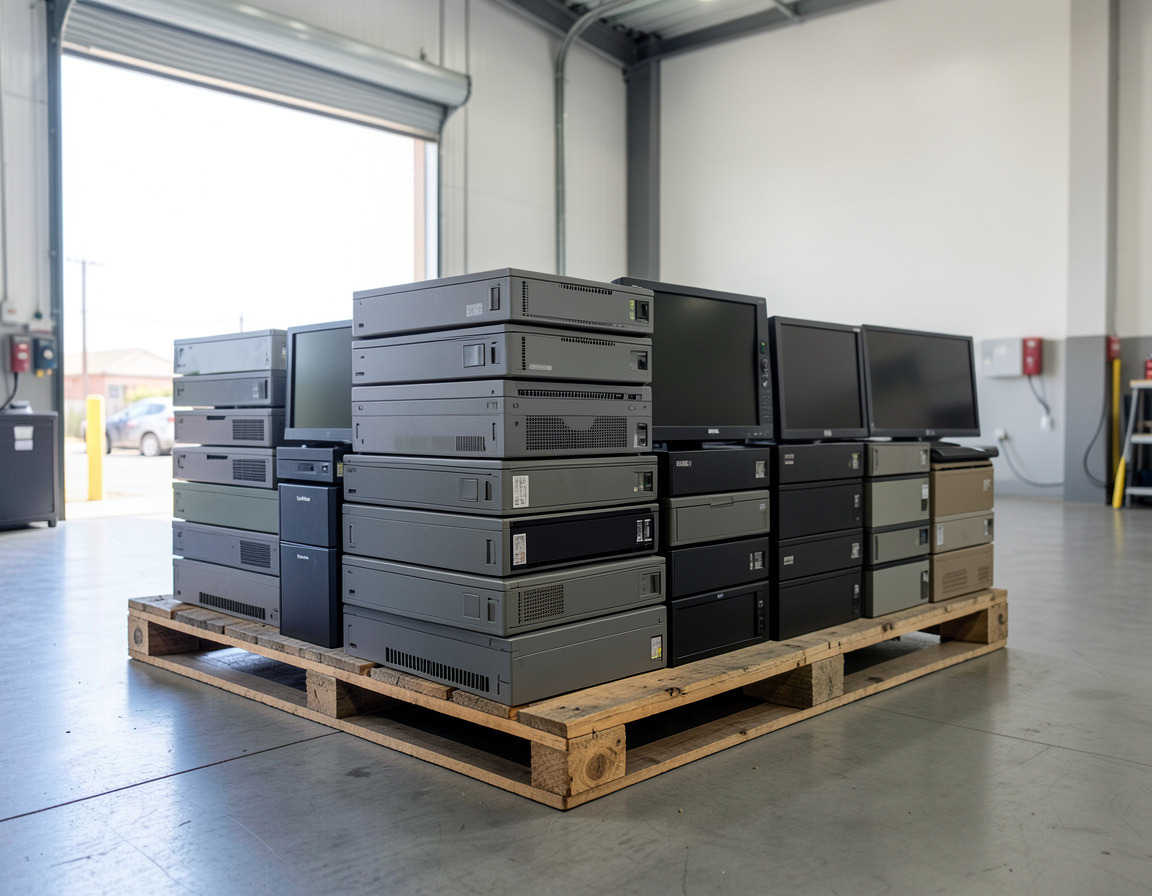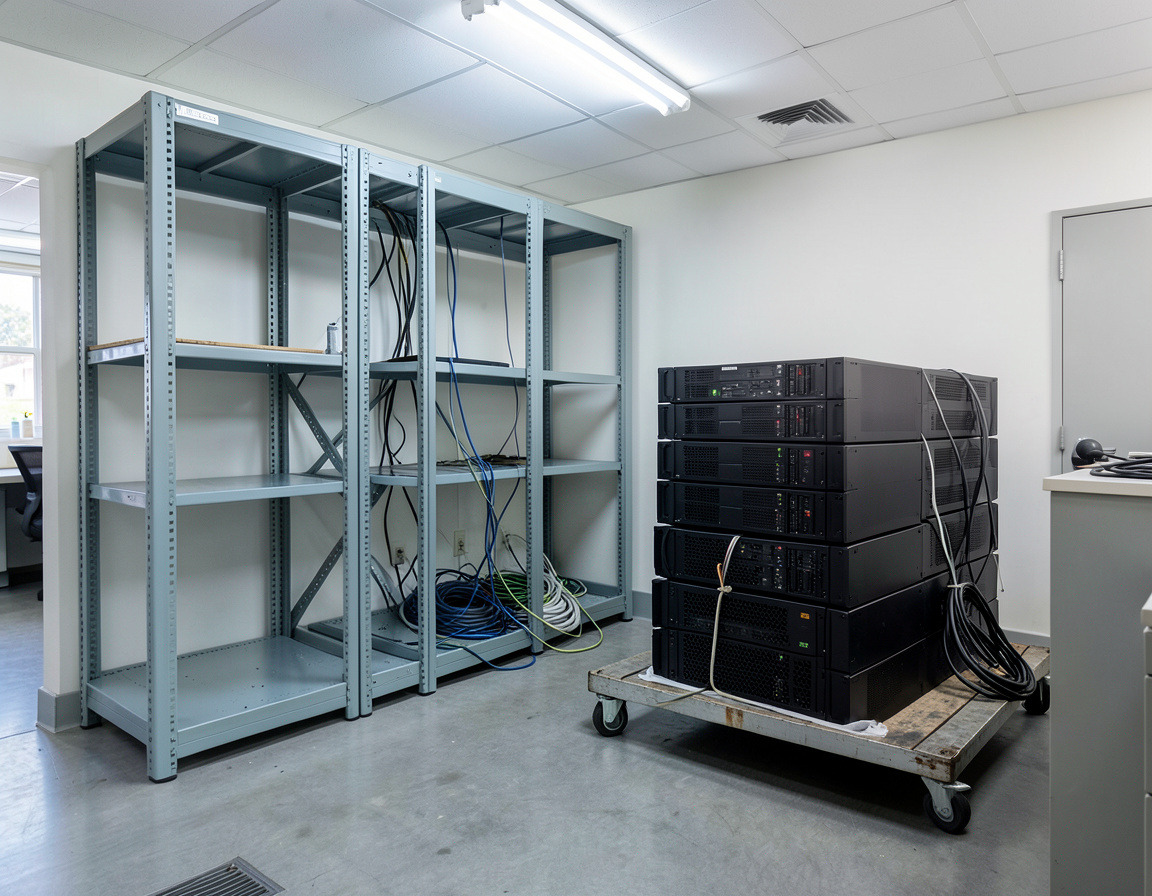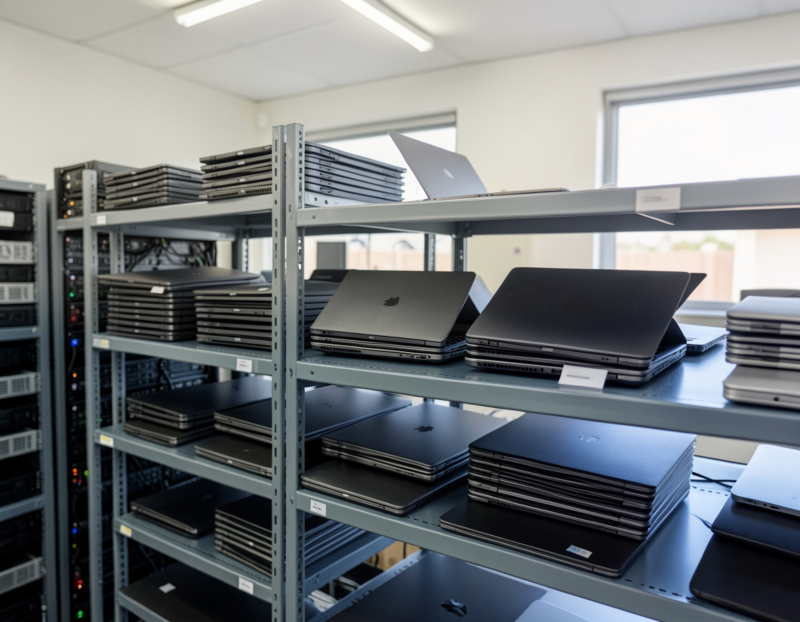
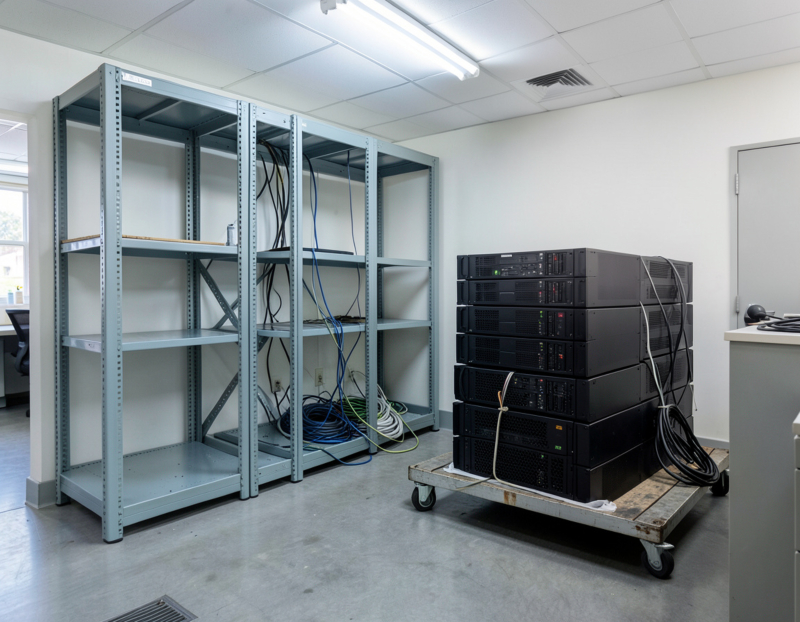
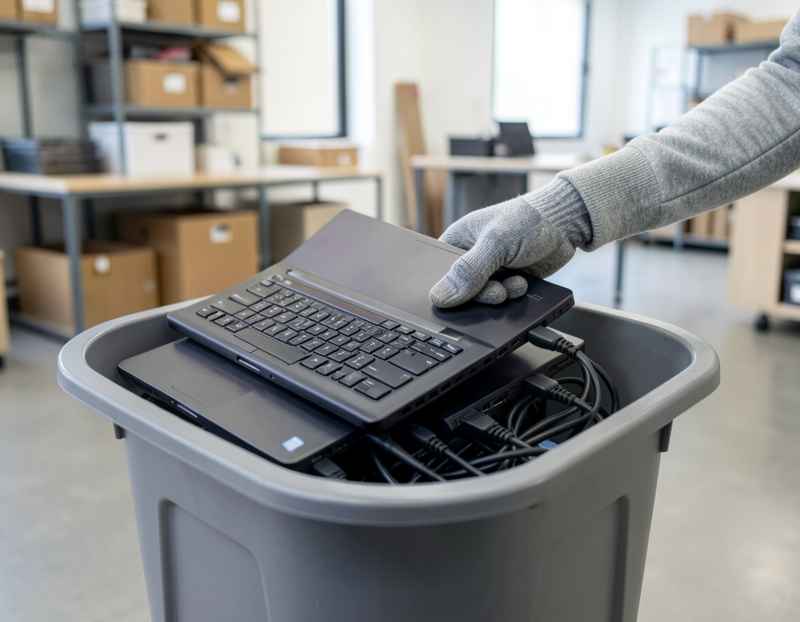
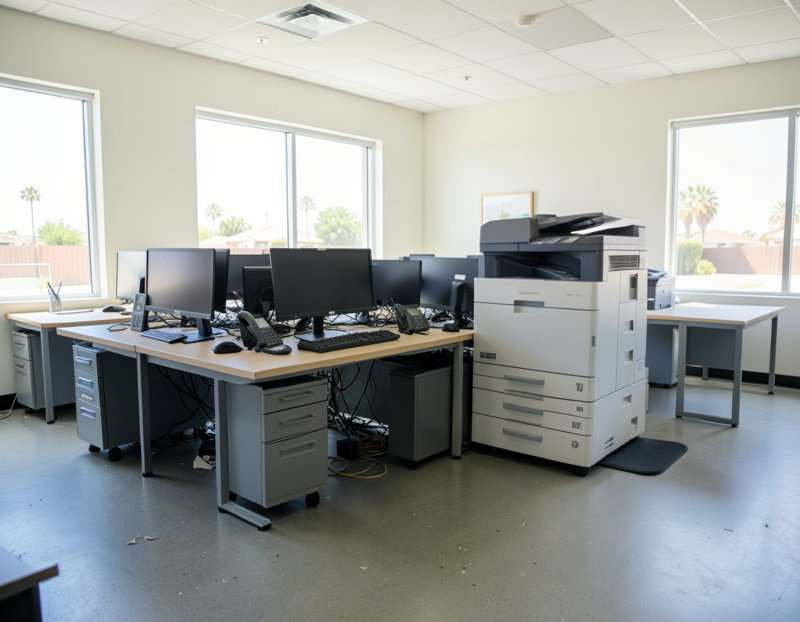

Retiring one server is mostly a software job: move its roles, archive its data, switch it off. We covered the warning signs and the fix, migrate or retire decision in signs your small business server needs attention. Emptying a whole server closet or small server room is bigger. It also means heavy batteries, bolted racks, a cooling unit and years of licenses, contracts and domain records. Here is an order of work that suits a small office.
Step 1: Photograph, label and list the whole room
Photograph the front and back of every rack before anything is touched, then list every device: servers, storage, switches, the firewall, the UPS, and the things people forget, such as the phone system, the camera recorder, the alarm communicator and a USB license dongle plugged into the back of a server. Mark who owns each item: the internet provider's equipment and any building systems in the room are not yours to remove.
Step 2: Give every service a new home
The room can only be emptied once nothing depends on it. Work through the services one at a time:
- Sign-in and directory. If the domain controllers are going and the company is moving to cloud identity, every computer has to join the new directory before the old domain disappears. If another controller stays, transfer the roles to it and demote the old one properly.
- DNS and DHCP. These often move to the firewall or a remaining server. Carry over static entries and printer reservations.
- File shares. Move them to SharePoint, OneDrive or a new NAS, then update mapped drives and the scan-to-folder settings on copiers.
- Email. If mailboxes moved to Microsoft 365 through an Exchange hybrid setup, do not simply uninstall the last Exchange server. Microsoft's guidance explains that with directory synchronization in place, removing on-premises Exchange can leave you unable to manage cloud mailboxes, and it describes the supported ways to retire it.
- Business applications and databases. Move them to the vendor's hosted version or to a virtual machine, and ask the vendor to move the license.
- The small jobs: print queues, the SMTP relay scanners use to send email, backup jobs, VPN access, UPS shutdown software and scheduled scripts.
Step 3: Take final backups you can still open years from now
An archive is only useful if it can be read after the hardware is gone. Export data in portable formats where you can: plain files, database exports and mailbox exports, not only the backup software's own format. Keep the installer and license key of any application needed to read old records. Test a restore on different hardware, keep two copies with one of them offline, and store the encryption keys and passwords separately from the archive. Keep it for as long as your tax, employment and industry rules require.
Step 4: Collect the license, contract and domain records
- Software licenses: keys, volume licensing records, client access licenses, and any license tied to a server's hardware ID or a dongle.
- Contracts: hardware warranties and support agreements, UPS and cooling maintenance, and off-site backup or colocation services, each with a cancellation date after the room is empty.
- Internet service: circuits and any static IP addresses the office will no longer need.
- Public DNS: records that point at the office's IP address, such as mail (MX), VPN and remote access names, SPF entries, and the reverse DNS set by the provider. Clean them up once the services have moved.
- The domain registrar account: who owns it, when it renews, and which email address receives its notices. If that address is a mailbox on the server you are retiring, change it first.
- Certificates issued to server names, and monitoring alerts for devices that will soon not exist.
Step 5: Sanitize every storage device, including the hidden ones
When nothing still needs the servers, deal with the storage:
- RAID arrays. A wipe run from the operating system reaches the array's volume, not the hot spare or a disk that dropped out of the array months ago. Treat every physical disk separately.
- Boot media such as internal SD cards, USB sticks and small boot modules.
- Self-encrypting drives, which can be cryptographically erased through the drive or the controller.
- Network storage, backup disks and tapes.
- Settings held in management controllers. A server's remote management card (iDRAC, iLO or a generic IPMI controller), the UPS network card, the firewall and the switches all store network settings and admin accounts. Reset them to factory defaults.
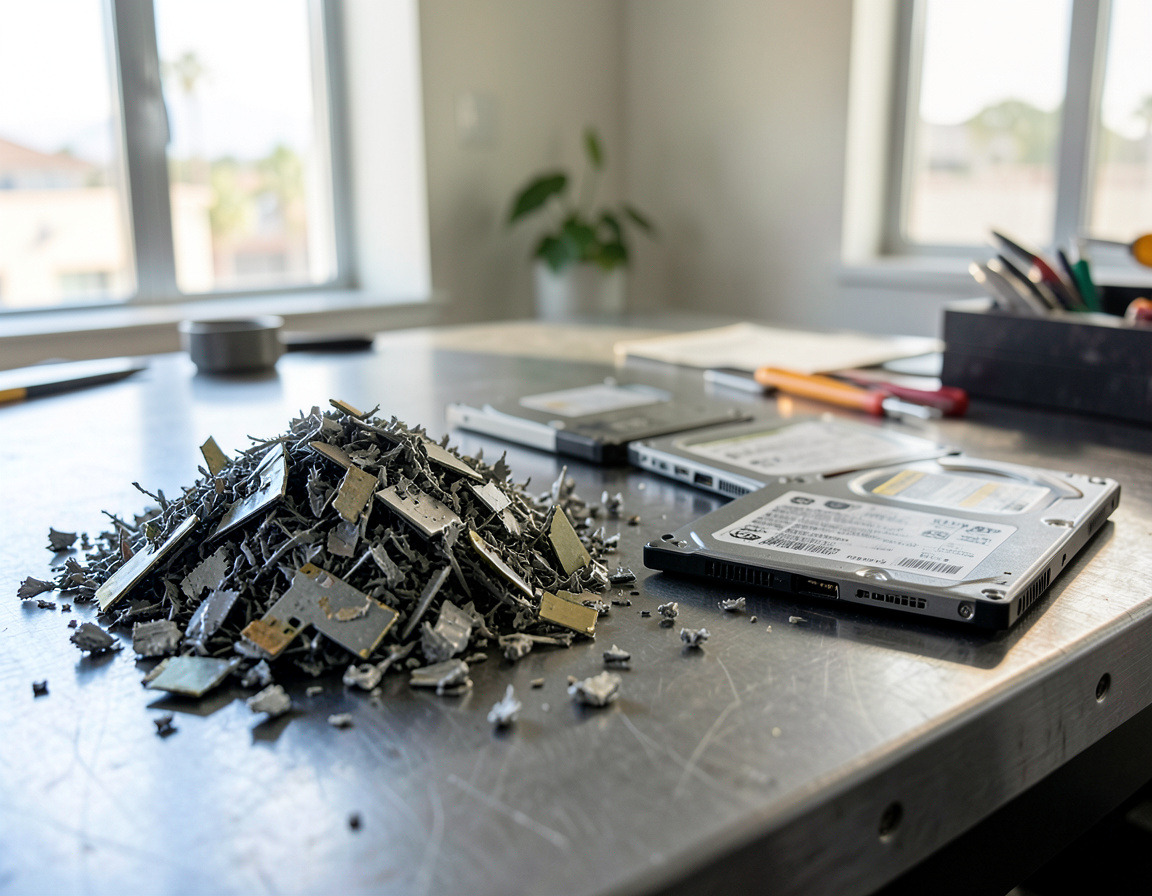
Drives that have failed or cannot be verified go to physical destruction. Record every serial number with its method and date.
Step 6: Remove the physical infrastructure safely
- UPS batteries first. Shut the UPS down using the manufacturer's procedure, disconnect the batteries and keep them upright. The Los Angeles County CUPA's fact sheet on spent lead-acid batteries, which covers vehicle-size batteries including those used in emergency power supplies, says it is illegal to dispose of them on or in any land, including landfills. It also says damaged batteries must be kept in closed, non-reactive containers, and that shipping more than ten batteries at a time requires a hazardous waste manifest or a bill of lading, kept for three years. Smaller sealed UPS batteries cannot go in the trash either.
- Racks. Take the equipment out before moving a rack, working from the top down so the rack does not become top-heavy. Unbolt floor anchors and seismic bracing, and check the building's rules for the freight elevator and loading dock.
- Cooling. A dedicated air conditioner is not an IT item. Under EPA's Section 608 safe disposal requirements, refrigerant has to be recovered from systems dismantled on site before disposal, and for small appliances such as window or portable units the final person in the disposal chain must make sure it has been recovered. Call an HVAC contractor.
- Electrical and fire systems. Dedicated circuits, emergency power-off buttons and fire suppression are jobs for an electrician, a fire protection contractor and the landlord.
- Cabling and patch panels: remove or leave them as the lease requires.
Step 7: Resell, recycle and close the file
Recent servers, switches, memory and solid-state drives may have resale value once they are wiped; older equipment goes to an authorized e-waste handler. Then close the file: the updated asset register, the drive list with methods, the recycling and battery shipping paperwork, the cancelled contracts and a network diagram that no longer shows the room.
Frequently asked questions
How do you dispose of UPS batteries?
Never in the trash or a dumpster. Keep them upright with the terminals protected, put damaged ones in closed containers, and hand them to a battery recycler or an authorized handler with the shipping paperwork the rules require.
What do you do with an old server rack?
Empty it first, then unbolt it. A steel rack in good condition can be resold, and otherwise it is recycled as scrap metal. The equipment that was inside it is e-waste and follows its own route.
How long does it take to decommission a server room?
The physical removal is usually the short part. The time goes into moving services, waiting to be sure nothing still depends on the old servers, and closing out licenses and contracts, so plan around the migrations rather than the move-out day.
Retiring a server closet or small server room in Long Beach, Carson, Torrance or other parts of Los Angeles County? Our server decommissioning page describes how we approach these projects, the drives themselves are covered by hard drive shredding and data destruction, and computer recycling and e-waste pickup covers the equipment that is left. Describe what is in the room and we can suggest an order of work.