

In a smart building, cameras are no longer a stand-alone system watched on a monitor in a back office. Doors, elevators, lighting, alarms and visitor management all produce events, and facility managers want the video to follow them. When the debate is IP cameras vs traditional CCTV, the short answer for smart building security is that IP cameras win, but only when they are designed as part of the building network rather than bolted onto it. This guide leaves resolution and price to our general security systems comparison and focuses on integration: access control, video management software, analytics and network segmentation.
IP cameras vs traditional CCTV: what changes in a smart building
A detailed comparison between IP and conventional CCTV cameras looks different once other building systems need to exchange information with the video. "Traditional" here means analog or HD-over-coax cameras wired to a DVR.
| Factor | IP cameras | Traditional CCTV (analog or HD-over-coax) |
|---|---|---|
| Doors and alarms | Events and video exchanged over the network with access control and alarm panels, usually through the video platform | Mostly limited to wired alarm inputs and relay outputs on the DVR |
| Analytics | Person, vehicle and line crossing detection on the camera or server, sent as events and metadata | Basic motion detection; some newer DVRs add analytics for their own cameras |
| Open standards | ONVIF profiles for video, events, storage and access control | Cameras and recorder paired by signal format, with no common event standard |
| Cabling and power | One network cable per camera with PoE, up to 100 m (328 ft) per run | Coax plus separate power, or power over coax on some systems; longer runs possible |
| Cyber exposure | Every camera is a network device that needs passwords, firmware updates and segmentation | Cameras are off the network, but a DVR connected for remote viewing is exposed |
| Growth across floors or sites | Cameras added wherever the network reaches, with central management | Each DVR has fixed channels and its own cabling |
Traditional CCTV systems are not insecure by nature: a closed analog system with no internet connection is hard to attack remotely. But a smart building needs connected video, and a DVR opened to the internet is often weaker than a segmented IP system. Choosing CCTV for smart buildings is mostly a network design decision.
Access control integration: linking doors and video
Access control integration is where IP cameras earn their place in a smart building. Typical links between the two systems:
- A forced-door or door-held-open alarm brings up the nearest camera for whoever is monitoring.
- Badge events are bookmarked in the recording, so an investigator can jump from a card read straight to the matching video.
- Visitors at an intercom are verified on video before the door is released.
Integration usually happens in the video platform, through a vendor plug-in or a standard interface. Each ONVIF profile covers a different job: Profiles S and T for video streaming, Profile G for storage on the device, Profile M for analytics metadata and events, and Profiles A, C and D for access control configuration, door control and peripherals such as readers (see the ONVIF profiles page). Conformance is a starting point; confirm that both vendors list the exact integration you need, because advanced features often work fully only within one brand.
Video management software and a server based CCTV system
A network video recorder (NVR) is an appliance with cameras, recording and playback in one box. Video management software (VMS) runs on a server, handles many cameras and sites, and is usually where access control and building-management integrations live. For larger camera counts, several buildings or any integration work, a server based CCTV system is worth the extra planning:
- Size the storage. One camera recording continuously at 4 Mbps writes about 43 GB per day (4 Mbps × 86,400 seconds ÷ 8). Multiply by cameras and retention days, then adjust for event-based recording.
- Protect the recordings. RAID with surveillance- or enterprise-class drives, remembering that RAID is not a backup: export evidence to a separate location.
- Plan for failure. A failover server, or edge recording on the cameras' memory cards, if the recording server goes down.
- Harden the server. A supported operating system, scheduled updates, no internet-facing management and one time source (NTP) for server and cameras, so video timestamps match door events.
- License and document. Many VMS products license per camera, with integrations as separate modules; record camera names, addresses, firmware, users and retention in one place.
Line crossing detection and alerts people trust
Line crossing detection triggers when a person or vehicle crosses a virtual line, optionally in one direction only, such as someone entering a loading bay after hours. It usually produces fewer false alarms than plain motion detection when the line is drawn where people cross it cleanly, the rule is filtered by object type and schedule, and the camera sees the area at a steep enough angle with enough light at night.
On UniFi systems, a common request is a UniFi Protect line crossing notification. In current UniFi Protect releases the line is drawn in the detection settings of a camera model that supports it, and the alert is built in Alarm Manager, with line crossing as the trigger, cameras and schedule as conditions and a push notification or another action as the result. Menus and supported models change between releases, so check Ubiquiti's current documentation and test whether direction settings are honored before relying on one-way alerts.
Network segmentation for cameras and building systems
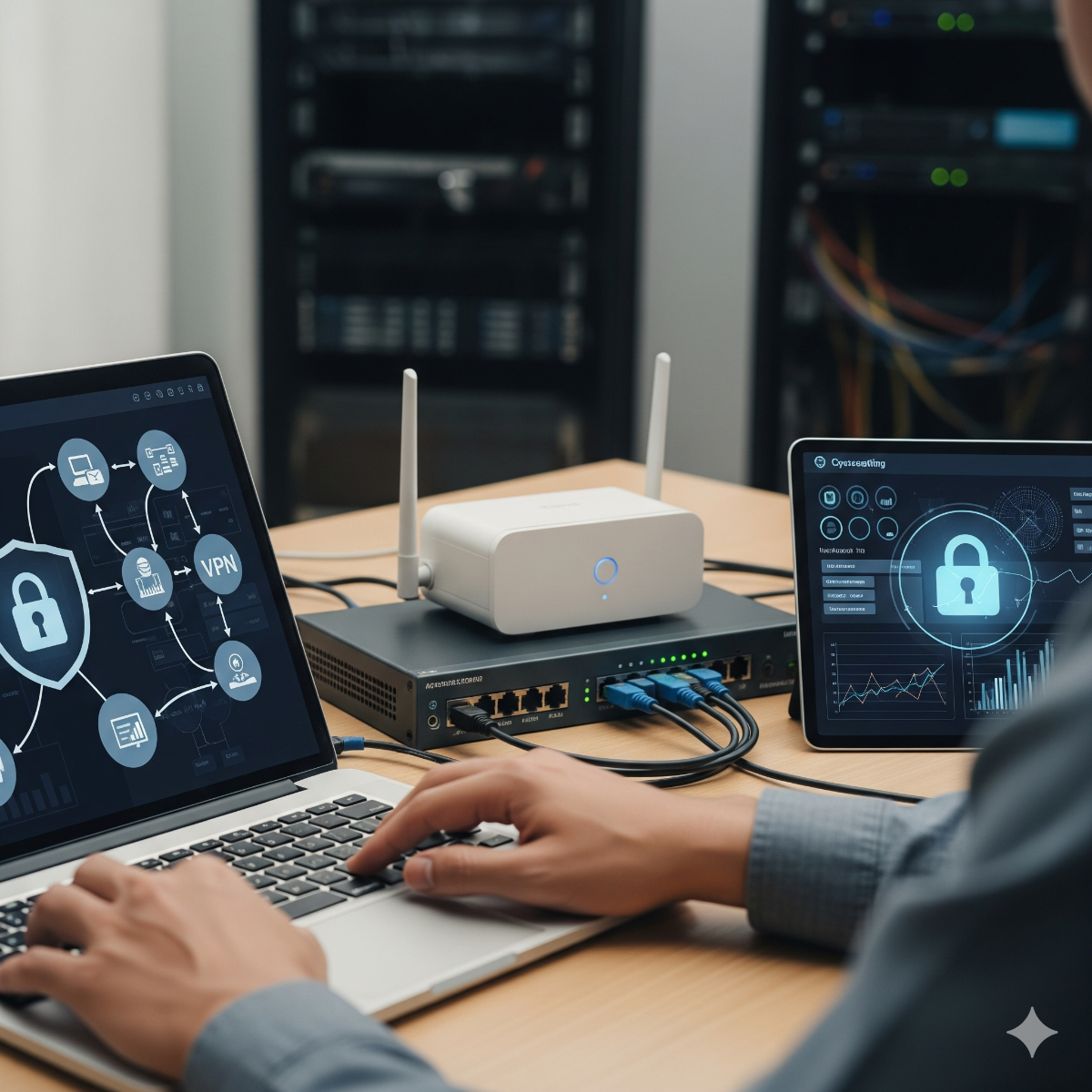
An IP camera system setup in a smart building should assume any device may one day be compromised, and limit what it can reach:
- A camera VLAN. Cameras talk only to the recording server and a time source; no camera needs to browse the internet.
- Separate segments for building systems. Access control, HVAC and lighting controllers and the guest network each get their own segment, with firewall rules allowing only the connections an integration needs.
- No direct exposure. Remote viewing goes through a VPN or the vendor's encrypted service, never through forwarded ports.
- Stable addresses and power. Fixed addresses or DHCP reservations for every camera, and PoE switches, the recording server and the firewall on a UPS sized for night-time infrared load. These checks are part of IP camera and NVR setup.
- Procurement rules. Organizations with federal contracts should check NDAA Section 889, which restricts certain video surveillance equipment.
Frequently asked questions: ip cameras vs traditional cctv
Is traditional CCTV more secure because it is not on the network?
A fully closed analog system has less exposure to remote attacks, but once a DVR is connected for remote viewing it needs the same care as any network device. A segmented, updated IP system is the better long-term choice for a smart building.
Do I need video management software, or is an NVR enough?
For a single building with a modest number of cameras and no integrations, an NVR is simpler to run. Multiple sites, access control or alarm integrations and many operators point to a VMS.
Why do line crossing alerts fire on the wrong things?
Usually because of the line position, a missing object filter, headlights or shadows at night, or a shallow camera angle. Change one setting at a time and review a week of events.
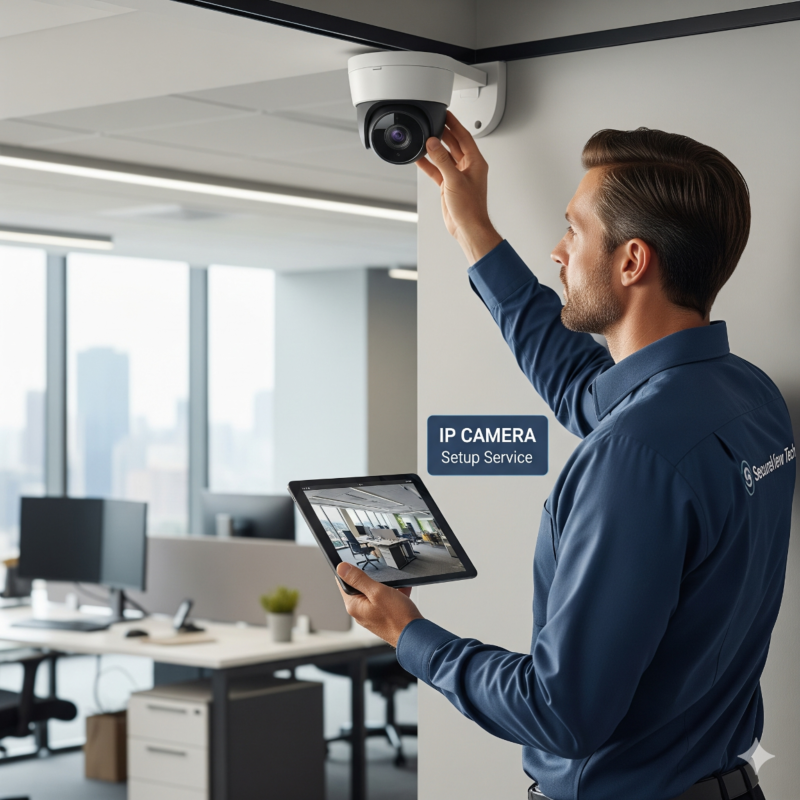
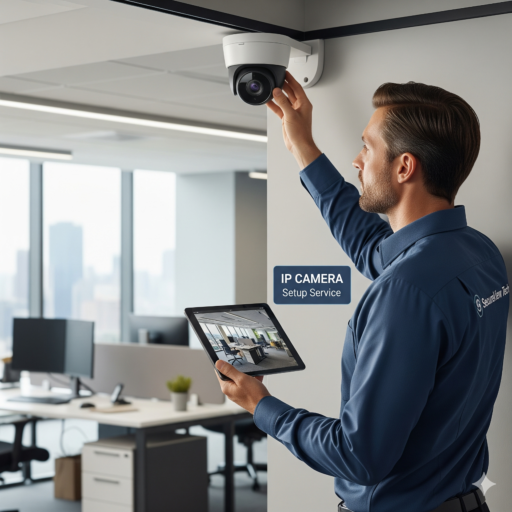
If the cameras are already installed and the building is growing around them, our IP camera setup service covers network and NVR configuration, stable camera addresses, the PoE power budget, retention tests and alerts that reach the right person, including systems someone else installed. Cameras can also get their own segment as part of a business network setup. Contact us with the number of cameras, the recorder you use and the building systems you want them to work with.