
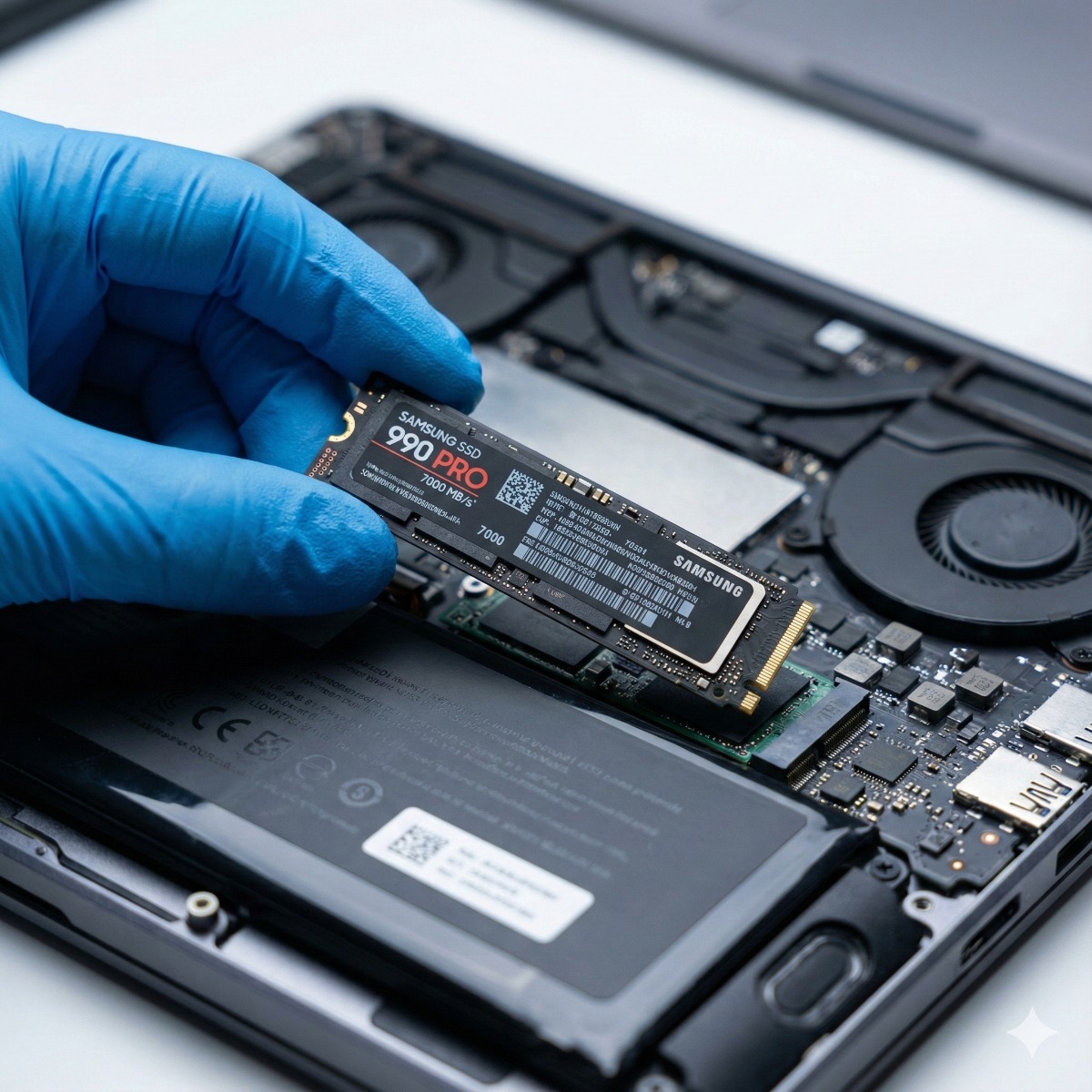
Hardware Performance Upgrades SSD & RAM
10x Faster.
Without Buying New.
Your computer isn't broken; it's just bottled up. By replacing old mechanical hard drives with modern SSDs and doubling your RAM, we can make a 5-year-old laptop perform like a brand new flagship device.
The SSD Advantage
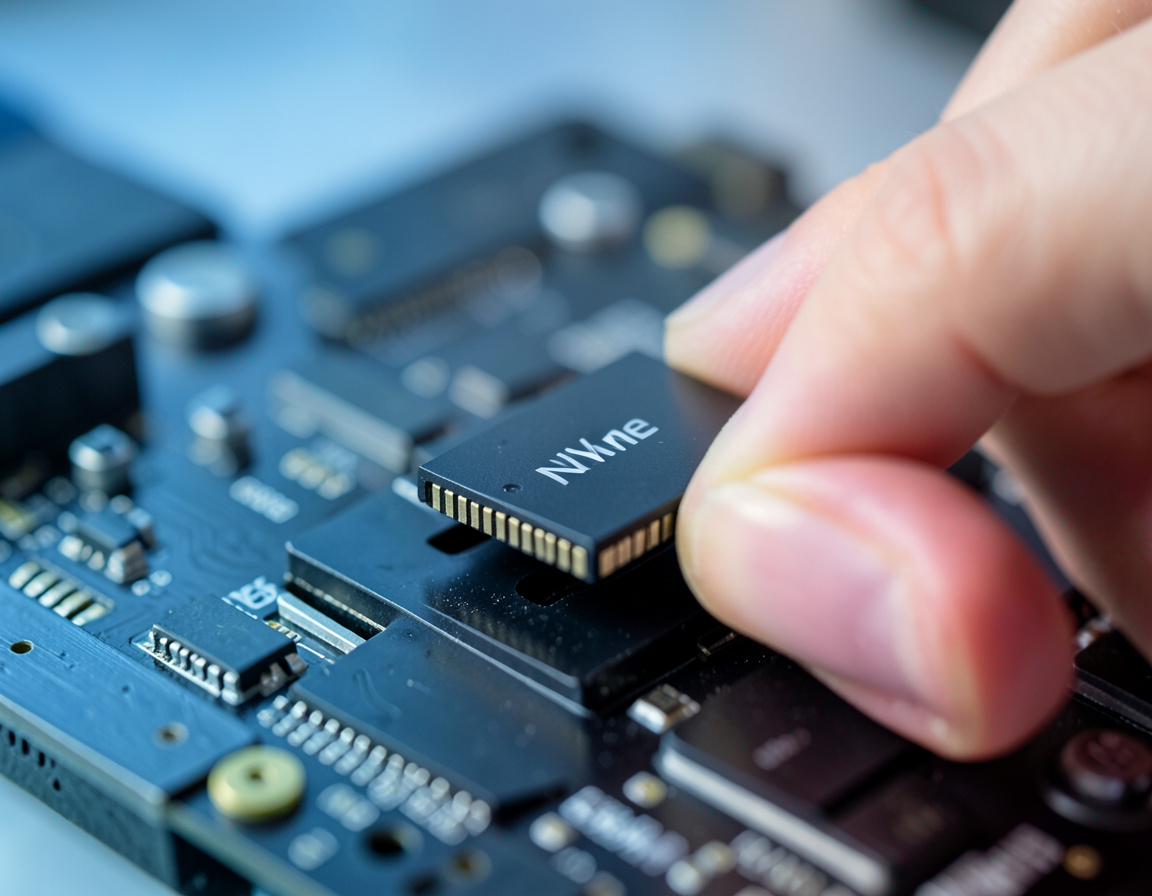
Old HDD drives spin at 5400 RPM. New NVMe Solid State Drives have no moving parts and read data up to 30x faster. Boot times drop from minutes to seconds, and apps open instantly.
RAM Multitasking
RAM is your computer's "short-term memory." If your browser freezes when you open 10 tabs, you need more RAM. We upgrade you from 8GB to 16GB or 32GB for effortless multitasking.
Zero Data Loss
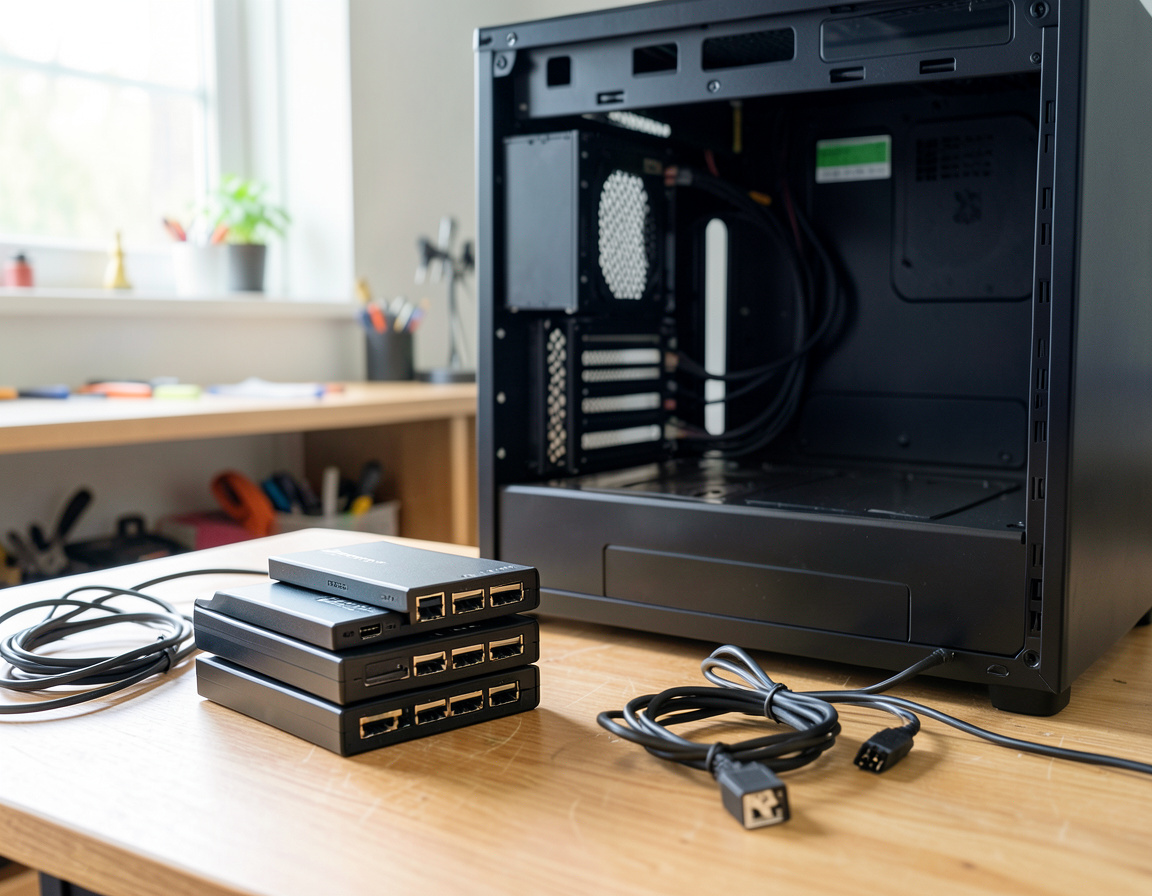
Fear of losing files stops most upgrades. We use enterprise-grade cloning hardware to create a 1:1 bit-perfect copy of your old drive. Your wallpaper, files, and passwords stay exactly where they are.
The Upgrade Process.
Seamless transition to speed.
Compatibility Check
We scan your motherboard to find the maximum supported RAM speed (DDR4/DDR5) and the fastest supported drive interface (SATA vs NVMe M.2).
Data Cloning
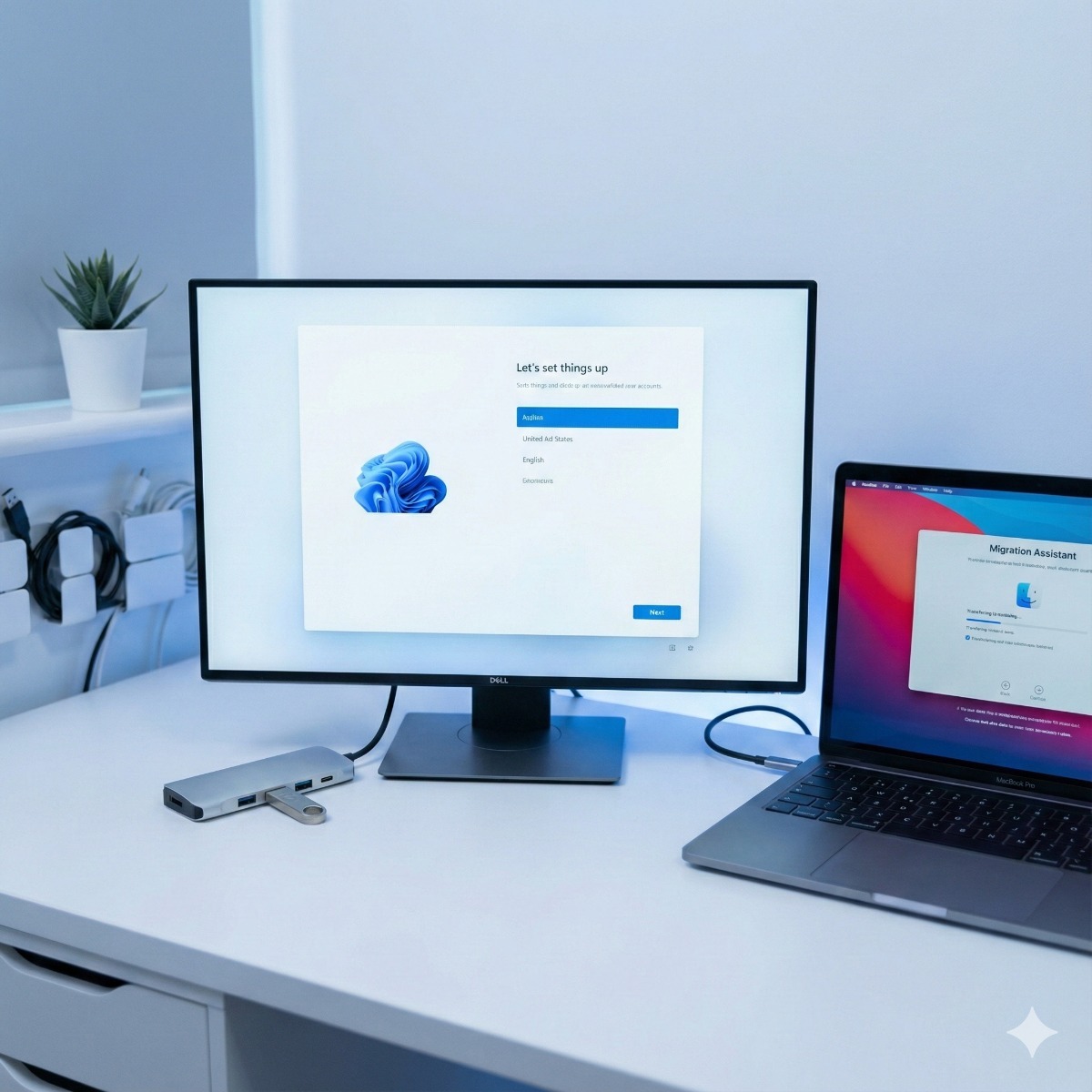
We connect your old drive to our cloner. We mirror your entire operating system to the new, larger, faster SSD. No Windows re-installation needed.
Installation
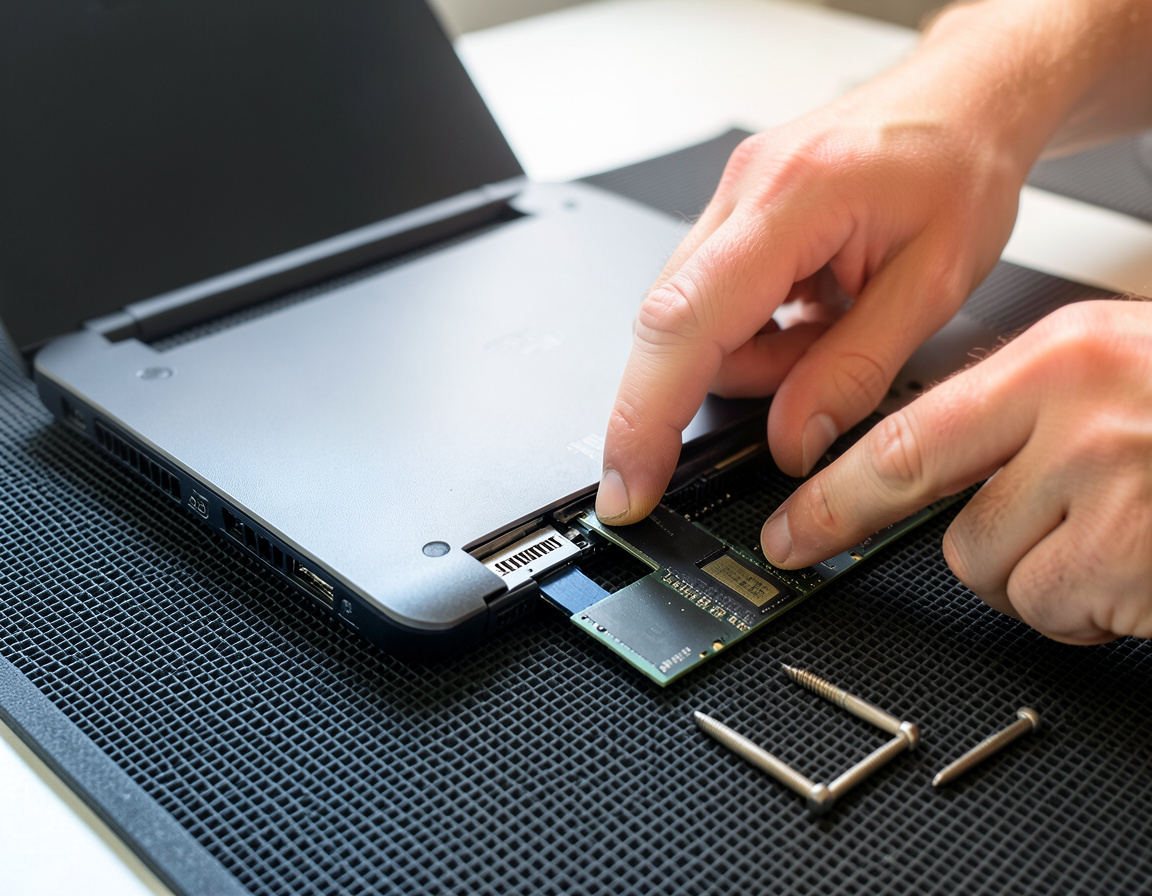
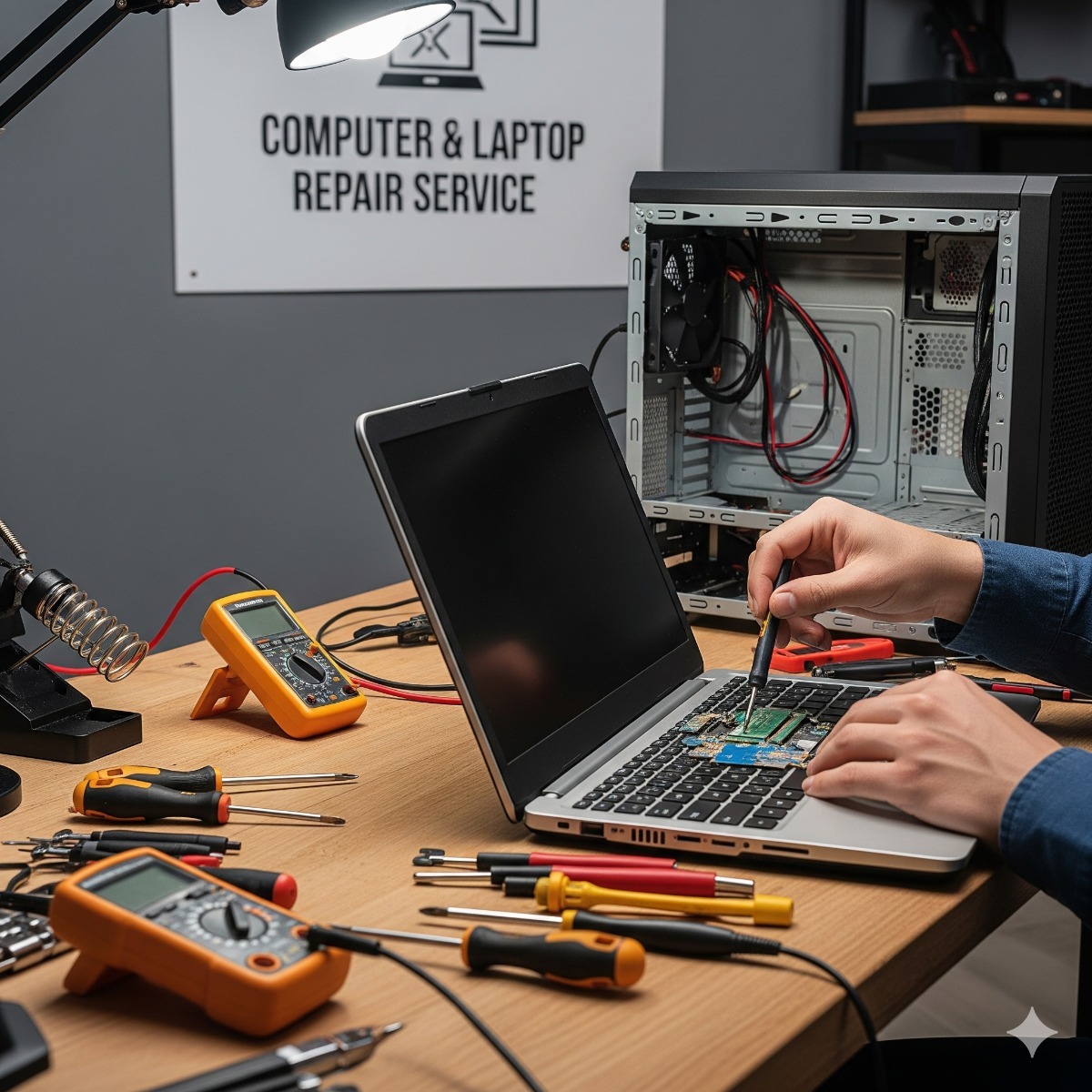
We open the device, clean out accumulated dust (improving thermals), and install the new components using anti-static procedures.
Performance Verification
We run a benchmark test to confirm read/write speeds have improved and verify that all 100% of your user data is accessible.
Hardware We Install.
Only top-tier components.
Typical Gains.
Real-world performance metrics.
Common Questions
Will I lose my programs?
No. Our cloning process copies everything exactly as it is. When you turn on the computer with the new drive, your icons, passwords, and open documents will be right there.
Is it worth upgrading an old laptop?
If your laptop is under 6 years old, yes. An SSD upgrade costs a fraction of a new laptop and often provides a similar "snappy" feel for general office work.
Slow computer fix: finding the real bottleneck first
A PC speed boost service only works if it targets the actual cause. Before recommending parts we check how the computer behaves: whether the disk is constantly at full load, how much memory is in use with your normal apps open, whether the processor overheats and throttles, and whether startup programs or malware are to blame. Sometimes cleaning the cooling system and removing unneeded software is enough; more often an old mechanical drive is holding everything back.
HDD to SSD clone and NVMe drive install
Cloning copies the whole drive, including Windows, programs and files, onto the new SSD. The new drive must be large enough for the data already stored, and a failing old drive may need its data rescued before it can be cloned. If the drive is encrypted with BitLocker, have the recovery key ready. For an NVMe drive install the computer needs an M.2 slot that supports NVMe; some older laptops accept only SATA M.2 or 2.5-inch drives, which we check before ordering.
Laptop RAM installation and memory expansion
Many thin laptops have memory soldered to the motherboard, which cannot be expanded; others have one empty slot, or two slots that work best with a matched pair. Desktops usually leave more room for memory expansion, but new modules must match the generation (DDR4 or DDR5) and speeds the motherboard supports.
Frequently asked questions about ssd upgrade service
How long does an SSD upgrade take?
Mostly it depends on how much data is on the old drive, since cloning copies all of it. A typical laptop with a moderate amount of data is a job of a few hours, including testing.
What is the difference between a SATA SSD and an NVMe SSD?
Both are far faster than a hard drive for everyday work. NVMe drives use a faster interface and help most with large file transfers, while a SATA SSD is the right choice for computers without NVMe support.
What happens to my old hard drive?
It stays yours. We can return it for use as an extra backup, fit it in an external enclosure, or wipe it and send it for recycling if you no longer need it.
Related services: business PC refresh when an upgrade is not enough, computer recycling and e-waste pickup and Windows 11 and macOS clean installs.
Which hardware upgrades make the biggest difference
Not every slow computer needs the same fix. Our computer hardware upgrade services start with a compatibility check: the maximum memory the motherboard supports, DDR4 or DDR5, and whether the drive slot takes NVMe or only SATA. For most machines with an old mechanical drive, an SSD is the hardware upgrade that changes daily work the most; more RAM helps when the computer slows down with many browser tabs or large files open.
Hardware upgrade services only make sense when the rest of the computer is in good shape. If it cannot run a supported operating system or the motherboard is failing, we tell you so and suggest a replacement instead. Hardware upgrades on laptops also depend on the design: many thin models have soldered memory that cannot be expanded.
| Manufacturer | Computer Service Breeze |
|---|


Related Posts
-


 How to tell whether a slow office PC needs an SSD or more RAM, which machines are worth upgrading, how to keep data safe during the swap, and when buying new is smarter.
 -
 Windows 10 stopped receiving security updates on October 14, 2025, unless a PC is enrolled in paid Extended Security Updates, and the first ESU year for organizations ends in October 2026. Here is...
 -
 Cameras on a boat face salt, vibration, battery power and a changing internet link. This guide covers power and housings, NVR placement, the onboard network, remote viewing over cellular and...
 -
 Replacing computers only when they break makes costs and downtime unpredictable. This guide explains how to set a realistic replacement cycle, when a machine should be replaced early, and how...