

Seamless Hosting & Database Migration
Trapped on slow, shared hosting? We move your entire digital infrastructure—files, databases, and emails—to high-performance servers with absolute precision and zero downtime.
Move Without
Fear.
Cheap hosting kills performance. But moving is scary. We perform "White Glove" migrations, transferring your entire digital ecosystem—files, databases, and emails—to high-performance servers without your site going offline for a second.
The "Live Sync" Method
We don't just "copy/paste." We set up your new server, copy the data, and then perform a final "Live Sync" of the database right before flipping the DNS switch. This ensures no orders or emails are lost during the move.
Complex SQL Transfers
Moving a 5GB database is risky. For a WordPress migration we use command-line SSH tools (WP-CLI and rsync) to transfer massive datasets securely, avoiding the timeouts and corruption common with standard plugins.
Email Migration
The biggest fear. Our email migration service moves your IMAP mailboxes so you don't lose years of history. We ensure your SPF and DKIM records are correctly set up on the new server so your emails don't go to Spam.
The Transition Plan.
Calculated, safe, and invisible.
Staging Setup
We clone your website to the new high-speed server using a temporary URL. This allows you to test the speed and functionality *before* we make any public changes.
Data Sync
While you test, your old site is still live. We run a background synchronization to catch any new blog posts, orders, or user registrations that happened during testing.
DNS Switch
We update your Domain Name Server (DNS) records to point to the new server. Because the content is identical on both ends, users experience zero downtime.
Legacy Cleanup
Once we verify the traffic is hitting the new server and SSL is active, we help you cancel your old hosting contract, saving you money.
Platforms We Move.
Expertise across the board.



Migration Specs.
What we handle.
Common Questions
Will my email stop working?
No. We lower the "TTL" (Time to Live) on your DNS records before the move. This ensures the switch happens almost instantly, preventing bounced emails.
Can I move from GoDaddy to AWS?
Absolutely. Moving from shared hosting (like GoDaddy) to a Virtual Private Server (VPS) like AWS or DigitalOcean is the best way to speed up your site.
Is it really the hosting that is slow?
Before we move anything, we measure. If the server takes a long time to answer even for a simple page, the hosting is a likely culprit. If it answers quickly but pages still load slowly, heavy themes, oversized images or too many plugins are to blame, and a new server alone will not fix slow hosting symptoms. That check decides whether you need a website migration service, an optimization or both.
cPanel migration and other starting points
- cPanel to cPanel. A full account backup or the server's transfer tool carries sites, databases, mailboxes and DNS zones in one step, which we then verify account by account.
- Shared hosting to a cloud server. Moving from a shared plan to a cloud VPS on AWS or a similar provider happens piece by piece: web server and PHP configured first, then files, databases, scheduled tasks and email handled separately.
- Other panels. Plesk, DirectAdmin and ISPConfig sites move the same way, with PHP versions and extensions matched before the copy.
How we move a MySQL database safely
To move a MySQL database we take a consistent dump while the site keeps running, import it on the new server and compare row counts in the key tables. Character sets deserve attention: an old latin1 database imported as utf8mb4 without care is the usual cause of garbled accents and symbols. A jump between MySQL and MariaDB, or to a newer major version, is rehearsed on a copy first, because some queries and settings behave differently.
How close to zero downtime a hosting transfer can get
For brochure sites and blogs, a zero downtime hosting transfer is realistic. The DNS time-to-live is lowered in advance, the new server is tested on a temporary address, and after the final sync visitors move over as DNS updates spread. Stores and membership sites are different, because orders and sign-ups keep arriving. For them we plan a brief pause in new orders during the final sync, at the quietest time of your week, so nothing is written to the old server after the copy.
Please have ready the logins for the current hosting, for the new server if you already have one, and for wherever your DNS is managed.
Related services: moving company email to Microsoft 365 or Google Workspace, MySQL and MariaDB tuning on the new server and hosting control panel setup.
Questions to ask before a site migration
When comparing site migration services Los Angeles businesses can choose from, ask each provider the same questions. Will they measure first, to confirm the hosting is really what is slow? How are IMAP mailboxes moved, and are SPF and DKIM records set up on the new server? When does the final database sync happen, and does a store need a brief pause in new orders? Our plan answers these before anything moves: staging on a temporary URL, a lowered DNS TTL, a final live sync, and help cancelling the old hosting once traffic and SSL are verified on the new server.
| Manufacturer | Computer Service Breeze |
|---|







Related Posts
-



 Moving a site to a new server is mostly careful copying and patient waiting; what hurts are the things around it, such as email, IP allowlists and forgotten scheduled tasks. Here is the order we...
 -
 Shared hosting, a VPS with a control panel or managed hosting? A practical comparison for Los Angeles business websites and stores, plus how to switch safely.
 -
 When a website moves to a new server or hosting company, the certificate is often remembered last. This guide explains when to reissue and when to transfer, how to validate before DNS switches, and...
 -
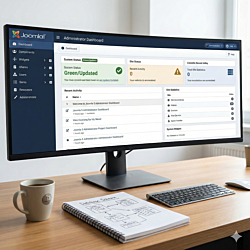 Joomla 4 stopped receiving security fixes in October 2025, and Joomla 6 is now the current major version. This guide explains the upgrade path through Joomla 5.4, what to check first and how to test...
 -
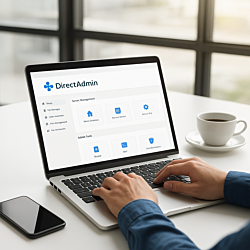 Agencies that host client websites can use DirectAdmin's admin, reseller and user levels to keep every client separate and within limits. This guide covers packages, IPs, nameservers, PHP versions,...
 -
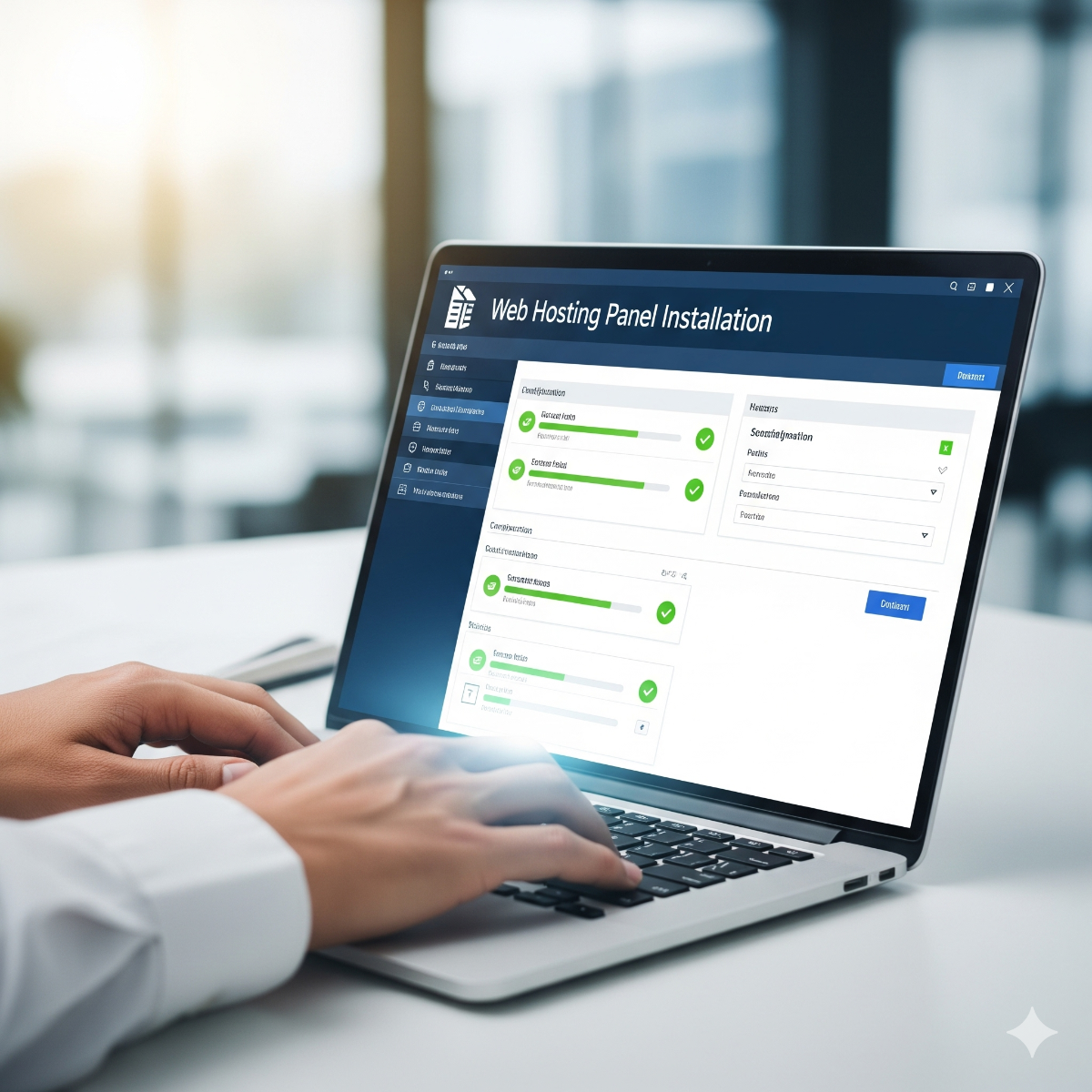
 A hosting control panel installs in minutes, but a wrong hostname, a missing reverse DNS record or a blocked mail port can follow the server for years. This checklist covers what to decide and...
 -
 Introduction to Web Hosting Web hosting is the foundation of any website. Choosing the right hosting solution and managing it effectively ensures your website runs smoothly and securely.