Installing a hosting panel takes minutes. The decisions made before the installer runs stay with the server for years: which operating system it sits on, what the machine is called, who answers DNS for its domains and whether its mail will ever reach an inbox. Get one of them wrong and the fix is often a reinstall, because most panels take over the whole server and are hard to rearrange once sites and mailboxes are live. This checklist covers VPS control panel setup from the planning side, so the server you order is ready for the panel you choose.
Why VPS control panel setup starts before the installer
A panel is not an application that sits quietly on top of the operating system. It installs and manages the web server, PHP, the database server, the mail stack and often DNS, and it expects to own their configuration files. That is why vendors ask for a clean system, and why cPanel & WHM, for example, cannot be removed cleanly without reinstalling the server. Choosing a hosting panel solution is therefore the second step, not the first. The first is making sure the VPS, its network settings and its accounts are in order. If you are still comparing products, our overview of hosting control panels and how they differ is a good starting point.
Pick a supported operating system and a clean OS install
Each panel publishes its own list of supported distributions and versions, and the list changes as releases reach end of life. cPanel & WHM currently lists AlmaLinux, CloudLinux, Rocky Linux and Ubuntu in its system requirements, while other panels also support Debian. Before ordering the VPS:
- Match the panel's supported operating system exactly, including the major version. A distribution the panel supports only experimentally is a poor base for client sites.
- Prefer a long-term release with several years of security updates left, so the server is not due for a major upgrade within months.
- Ask the provider for a minimal image. A clean OS install without a preinstalled web server, mail server or the provider's own panel avoids conflicts during installation.
- Check the virtualization type. Not every panel supports every container-based VPS product, so confirm the provider's technology appears on the panel's list.
Give the server a proper name and reverse DNS
Panels, mail servers and certificates all rely on the server's own name. It should be a fully qualified hostname such as server1.example.com: a subdomain of a domain you control, not the bare domain of a website that will be hosted on the server.
- Create an A record, and an AAAA record if the server has IPv6, so the hostname resolves to the server's address.
- Ask the provider to set the reverse DNS record, also called a PTR record, for the server's IP address to the same hostname. Only the owner of the IP address can set it, which usually means the hosting provider's dashboard or support team.
- Do the same for IPv6 if mail will leave the server over IPv6, or restrict outgoing mail to IPv4.
Receiving mail servers check that the hostname and the reverse DNS record point at each other. Google's email sender guidelines, for example, ask every sender for valid forward and reverse DNS, and a mismatch is a quick route to the spam folder.
Check the mail path before promising mailboxes
Many cloud platforms restrict outbound port 25, the port mail servers use to deliver to each other. Amazon EC2 restricts it by default until you ask for the restriction to be removed, and Google Compute Engine blocks it entirely. Some VPS providers open it on request. Find out before the server is ordered, not after the first client asks why their invoices never arrived.
Also decide whether mail belongs on this server at all. Hosting websites and email on one VPS is convenient, but a hosted mailbox service keeps mail running while the web server is busy, being upgraded or blocklisted because of one compromised site. Many businesses keep websites on the panel and mailboxes elsewhere; the panel then only needs the DNS records that point mail to that service.
Decide who answers DNS for your domains
Panels can run their own DNS server and create records automatically for every new site. That is handy, but it makes the server authoritative DNS for your domains, which brings its own requirements: at least two nameservers, ideally on separate networks, and glue records at the registrar if the nameservers are named under your own domain. If a single VPS goes down, name resolution for every domain on it goes down too, including mail.
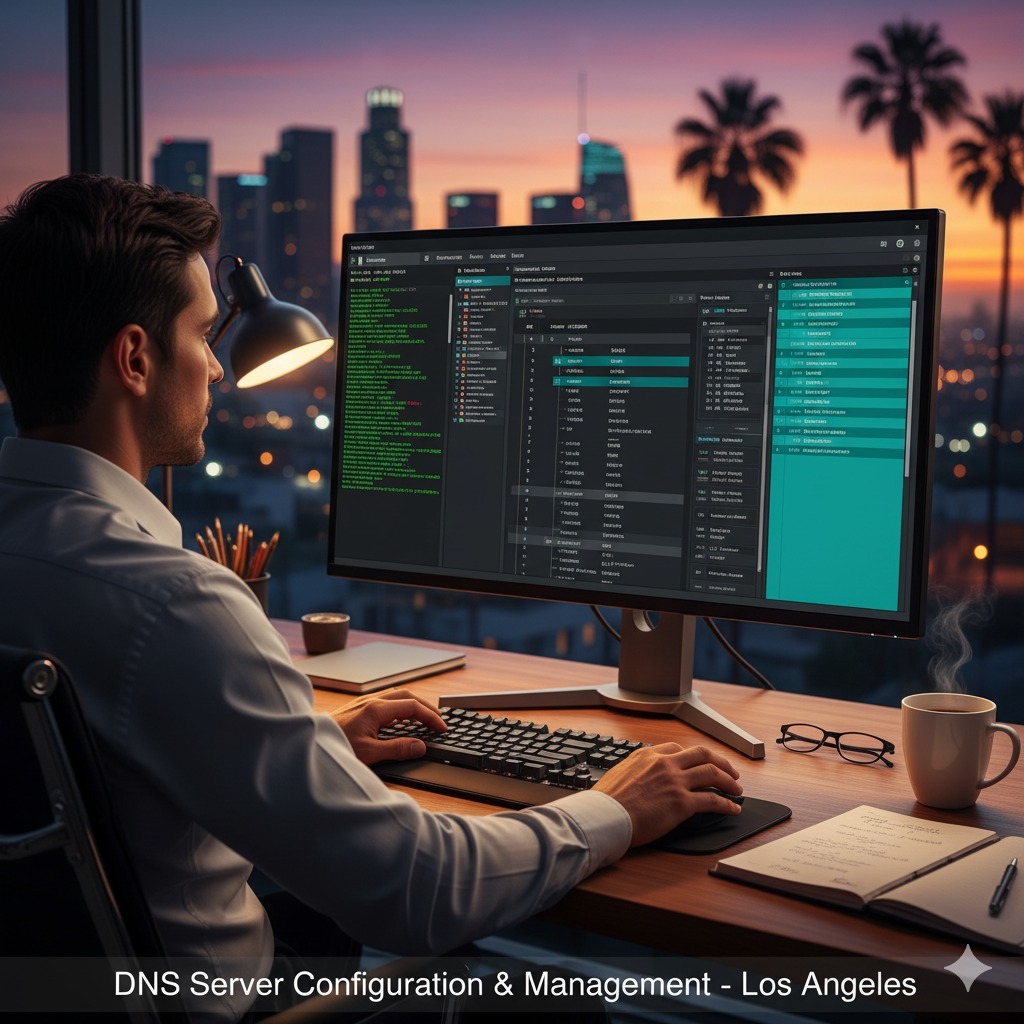
The alternative is to keep DNS at the registrar or a dedicated DNS provider and let the panel host only websites and mail. Either choice works; mixing the two without a plan does not. Our DNS server configuration service covers both setups.
Plan disks, quotas, backups and the panel license
- Disk space. Sites, databases, mail and local backup copies grow at different rates, and mail and backups are usually what fills a disk first.
- Disk quotas. If each customer or site should have a storage limit, the filesystem must be mounted with quota support. That is far easier to arrange before installation than on a server full of data.
- Memory. Check the panel's minimum and add headroom for mail filtering; virus scanning of incoming mail is one of the heaviest parts of a typical stack.
- Backup target. Separate storage, off the server, with room for several versions.
- Panel license. Commercial panels are licensed per server, by IP address or by a license key bound to the machine, and tiers usually depend on the number of accounts or domains. You can buy the license yourself; confirm the tier before ordering.
- Access. Root access to the VPS, the provider's emergency console, registrar or DNS access, and a way to set reverse DNS.
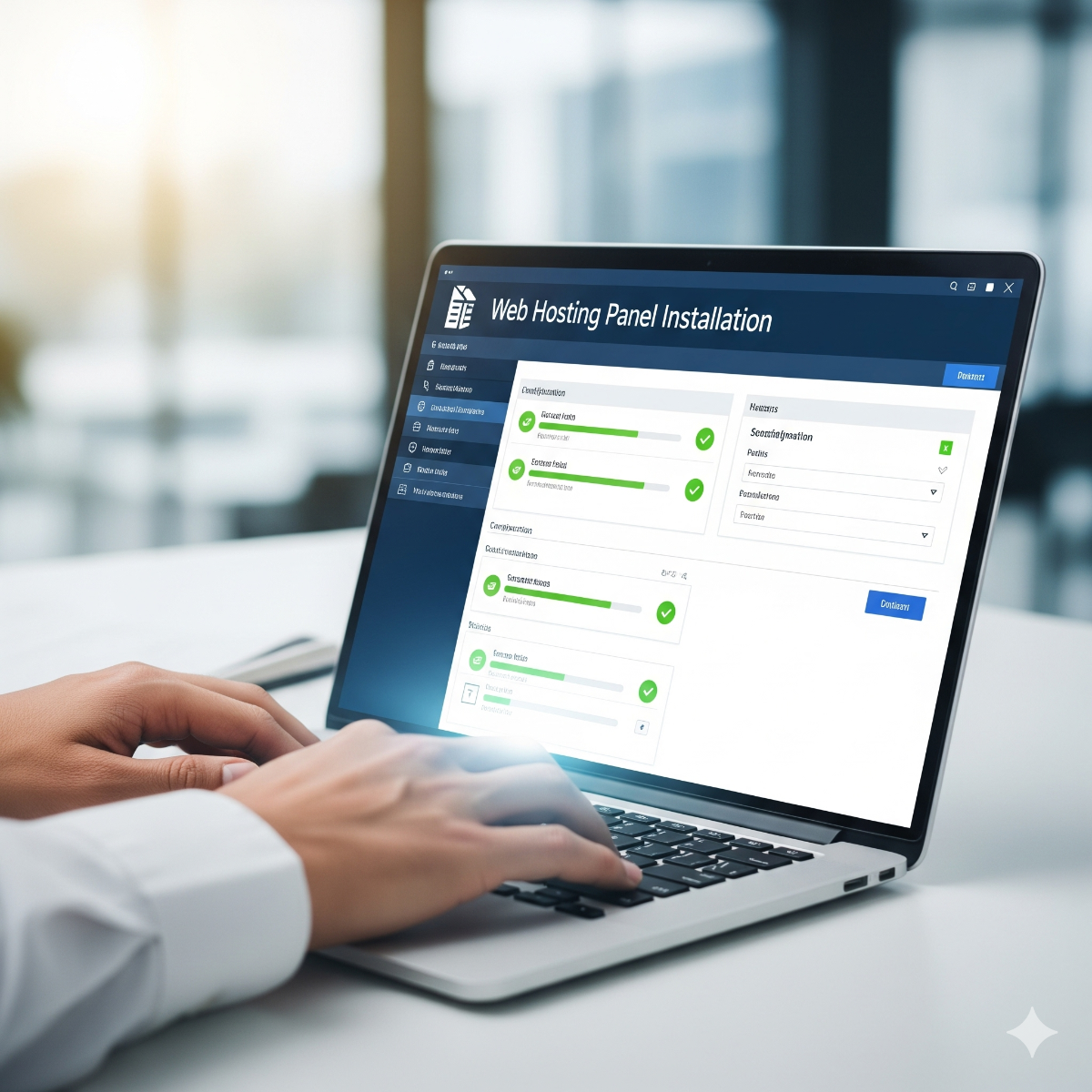
With these in place, the server setup and configuration work that follows is predictable: the installer runs on a clean system, hardening and mail DNS can be done in one pass, and sites can be migrated one at a time with a test before each switch. That is how we approach web hosting panel installation, whether the panel is cPanel, Plesk, DirectAdmin or ISPConfig.
Frequently asked questions: vps control panel setup
Can I change the server hostname after the panel is installed?
Usually yes, but through the panel's own procedure rather than the operating system alone, because the panel stores the hostname in its configuration, certificates and mail settings. The reverse DNS record then has to change to match. Choosing the right name before installation avoids the whole exercise.
Do I need my own nameservers to run a hosting panel?
No. Custom nameservers look tidy for agencies, but DNS can stay with your registrar or a DNS provider while the panel hosts websites and mail. What matters is that one place is clearly responsible for each domain's records.
Why does mail from my new VPS go to spam?
The usual causes are a missing or mismatched reverse DNS record, an IP address with a poor history from a previous user, missing SPF, DKIM or DMARC records, or a hostname that does not resolve.
Planning a new server for client sites or your own domains? Our hosting control panel installation service covers the preparation above as well as installation, hardening, mail DNS and a documented handover, for clients in Long Beach, elsewhere in California or further away. Contact us with the number of sites and mailboxes you host, where the server will run and which panel you are considering.