


Microsoft ended support for Windows 10 on October 14, 2025. Almost a year later, plenty of small offices in Los Angeles County still have Windows 10 machines in daily use: the reception PC, the computer that runs the old accounting program, the laptops bought in one batch years ago. They still start and still work. What they no longer get, unless someone pays for it, is security fixes. For organizations that bought Extended Security Updates, the first year of that coverage runs out in October 2026. Here is how to decide, machine by machine, what to do now.
What "end of support" means for a business
- The PCs keep working. Nothing switches off.
- No more security updates, quality fixes or technical support from Microsoft for Windows 10, unless the device is enrolled in Extended Security Updates (ESU).
- Microsoft 365 apps keep receiving security updates on Windows 10 until October 10, 2028, but Microsoft's own guidance is that those devices should move to Windows 11, and its support for problems that only occur on Windows 10 is limited.
- The risk grows every month. Each newly discovered Windows vulnerability stays open on unpatched machines. If you handle card payments, patient records or client files, an unpatched operating system is hard to square with the security obligations that come with that data.
Step 1: Check which PCs can run Windows 11
Microsoft's minimum requirements for Windows 11 are:
- A 1 GHz or faster processor with two or more cores that appears on Microsoft's list of supported CPUs
- 4 GB of memory and 64 GB of storage
- UEFI firmware with Secure Boot capability
- TPM (Trusted Platform Module) version 2.0
- DirectX 12 compatible graphics and an HD display larger than 9 inches
The quickest check on a single PC is Microsoft's PC Health Check app, or Settings, then Update & Security, then Windows Update, which shows whether the machine is eligible. To look deeper, run tpm.msc to see the TPM version and msinfo32 to see the Secure Boot state. A common surprise is a business PC whose TPM is present but switched off in the firmware settings, often labeled Intel PTT or AMD fTPM; turning it on can make the PC eligible. As a rough guide, PCs with Intel 8th-generation Core or AMD Ryzen 2000-series processors and newer are usually on the supported list, and older ones usually are not. Check the exact model on Microsoft's processor lists before you decide.
Step 2: Put every PC in one of three groups
Upgrade: eligible machines in good condition
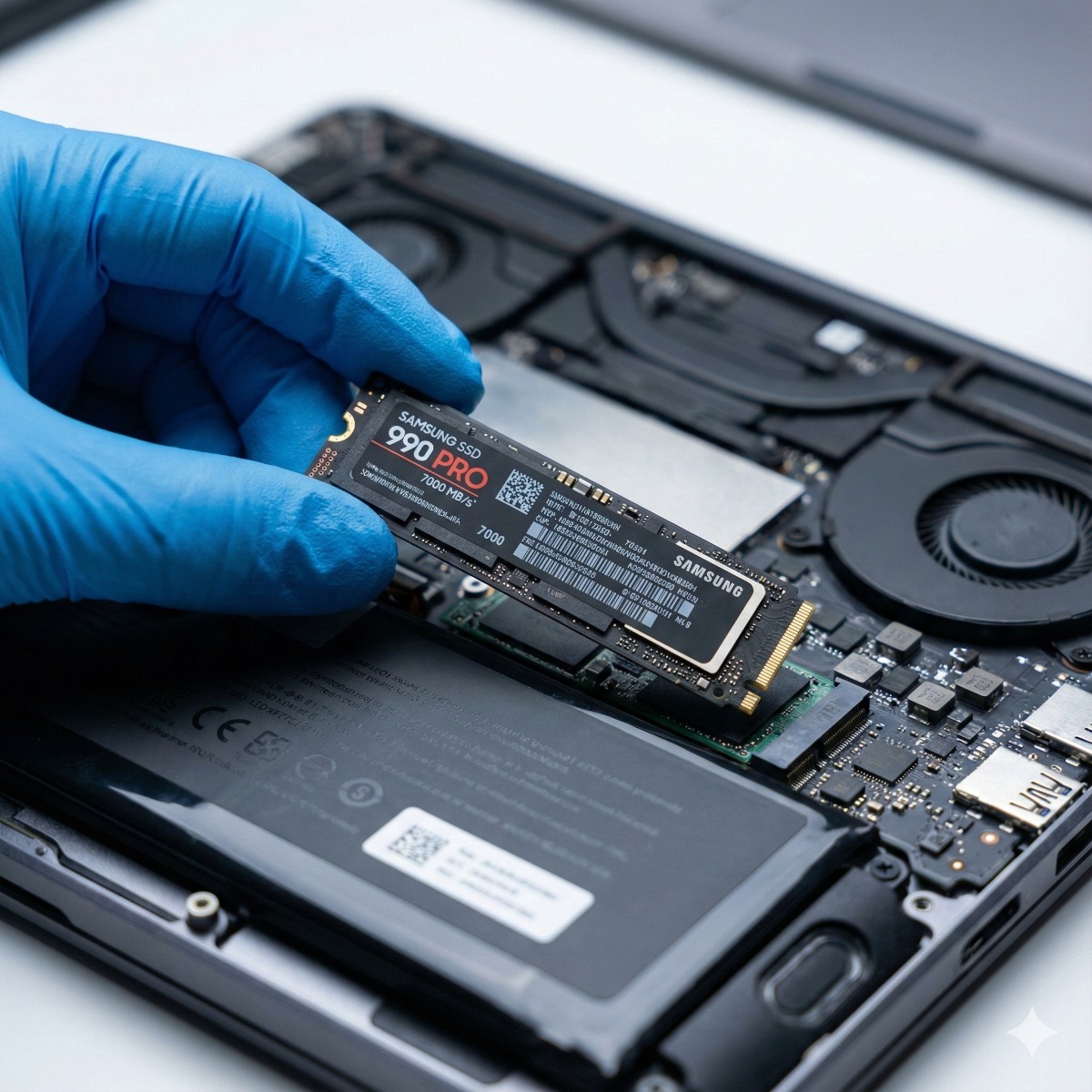
If a PC meets the requirements and still performs well, upgrade it. An in-place upgrade keeps files and apps. A clean installation takes longer but clears out years of clutter, and it is a good moment to swap a slow hard drive for an SSD. Before upgrading the whole office, test your business software and printers on one machine, and confirm with each software vendor that your version is supported on Windows 11.
Buy time: Extended Security Updates
ESU keeps critical and important security updates coming to enrolled Windows 10 PCs. Organizations buy it through Microsoft volume licensing, per device and one year at a time, for up to three years after end of support, into October 2028. Microsoft's per-device price doubles each year, and because ESU is cumulative, a business that joins in the second year also pays for the first. ESU adds no new features and no general technical support, and the PC must run Windows 10 version 22H2.
Microsoft also runs a separate consumer ESU program for home users; check Microsoft’s Windows 10 ESU page for its current end date. It excludes devices joined to an Active Directory domain or Microsoft Entra ID, or enrolled in mobile device management, which rules out most managed business PCs. Windows 10 virtual machines in Windows 365 and Azure Virtual Desktop receive ESU at no additional cost.
ESU makes sense for a machine you plan to replace within the year, or one that runs software not yet supported on Windows 11. It is a bridge, not a plan.
Replace: when the hardware is the real problem
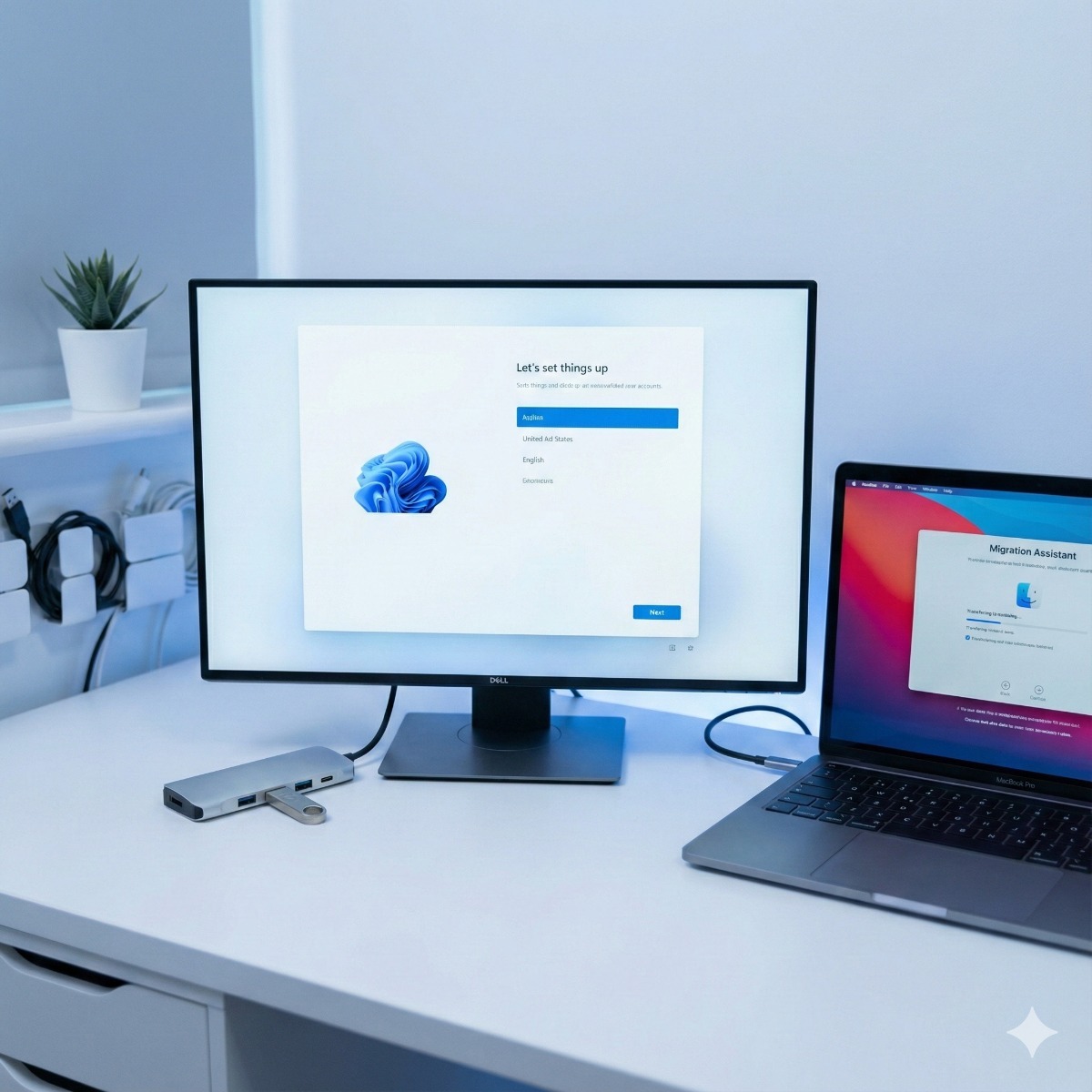
PCs with unsupported processors, spinning hard drives, cracked hinges or worn-out batteries are usually better replaced than patched. Workarounds that force Windows 11 onto unsupported hardware exist, but Microsoft does not support that setup or commit to updating it, which defeats the purpose on a business machine. When you replace, choose business-grade models with Windows 11 Pro, which supports BitLocker and joining an Active Directory domain or Microsoft Entra ID, and set up every new machine the same way.
A simple plan for an office of 5 to 25 PCs
- List every computer in a spreadsheet: user, model, age, processor, TPM status, drive type, Windows version and the one application it must run.
- Mark each one Upgrade, ESU or Replace, using the rules above.
- Upgrade the eligible machines first. It removes risk quickly, and the cost is mostly labor.
- Replace in waves if the budget will not stretch to everything at once, starting with the oldest and most exposed machines: reception, finance, and anything used for email and online banking.
- Cover the stragglers with ESU and put a replacement date on each one.
- Retire old PCs properly: move the data, wipe or destroy the drive, then resell or recycle the hardware. In California, computers and monitors may not go in the trash.
Frequently asked questions
Can I keep using Windows 10 after end of support?
Yes, it keeps working, but without ESU it receives no security updates. For a PC used for email, banking or customer data, that risk grows every month. Treat ESU as a bridge to upgrading or replacing the machine.
Is Windows 10 ESU available for small businesses?
Yes. Organizations of any size can buy it through Microsoft volume licensing, starting at a single license, per device and per year, for up to three years. PCs that are domain-joined, Entra-joined or enrolled in device management cannot use the consumer version of ESU.
How do I check if my computer can run Windows 11?
Run Microsoft's PC Health Check app or look under Windows Update in Settings. If the PC fails only on TPM or Secure Boot, check the firmware settings, because both are often present but turned off.
What if our software only runs on Windows 10?
Ask the vendor about a version that supports Windows 11 first; many have an upgrade path. If there is none, keep that PC on ESU, limit what else it is used for, and plan to replace the software, not only the computer.
If your office in Long Beach, San Pedro or elsewhere in Los Angeles County still runs Windows 10, our business PC refresh service covers the assessment, the replacements and moving each person's data, and our Windows installation and configuration service handles upgrades and clean installs on machines worth keeping. An eligible desktop that feels slow may only need an SSD and memory upgrade. Send us a list of your computers and we will help you sort them.