

Remote IT Help Desk & Technical Support
Expert IT Help.
In Seconds.
Don't wait days for a technician to visit. We connect securely to your computer remotely to fix email issues, printer errors, software glitches, and slow performance instantly.
Instant Connection
Using enterprise-grade tools like TeamViewer and AnyDesk, we can view your screen and control your mouse (with your permission) to solve problems as if we were sitting right next to you.
Bank-Level Security
Your privacy is paramount. Our connections use 256-bit AES encryption. You approve the connection, you watch every move we make, and you can terminate the session instantly at any time.
Remote Fixes
Most computer problems are software-related. Whether it's Outlook not opening, a printer driver conflict, or a stubborn virus, remote computer repair can fix it without you unplugging a single cable.
How It Works.
From broken to fixed in 3 steps.
Contact Us
Call our support line or open a ticket. We will guide you to our secure support portal to download a small connection app.
Authorize Access
You provide a unique, one-time session ID. This grants our technician temporary access to see your screen and control the mouse.
We Fix It
Sit back and watch the cursor move as we diagnose and repair the issue. We chat with you live throughout the process.
Verify & Disconnect
We ask you to confirm the problem is solved. Once you are happy, we disconnect. The software removes itself, ensuring we cannot reconnect without permission.
What We Can Fix Remotely.
Software, Settings, and Security.
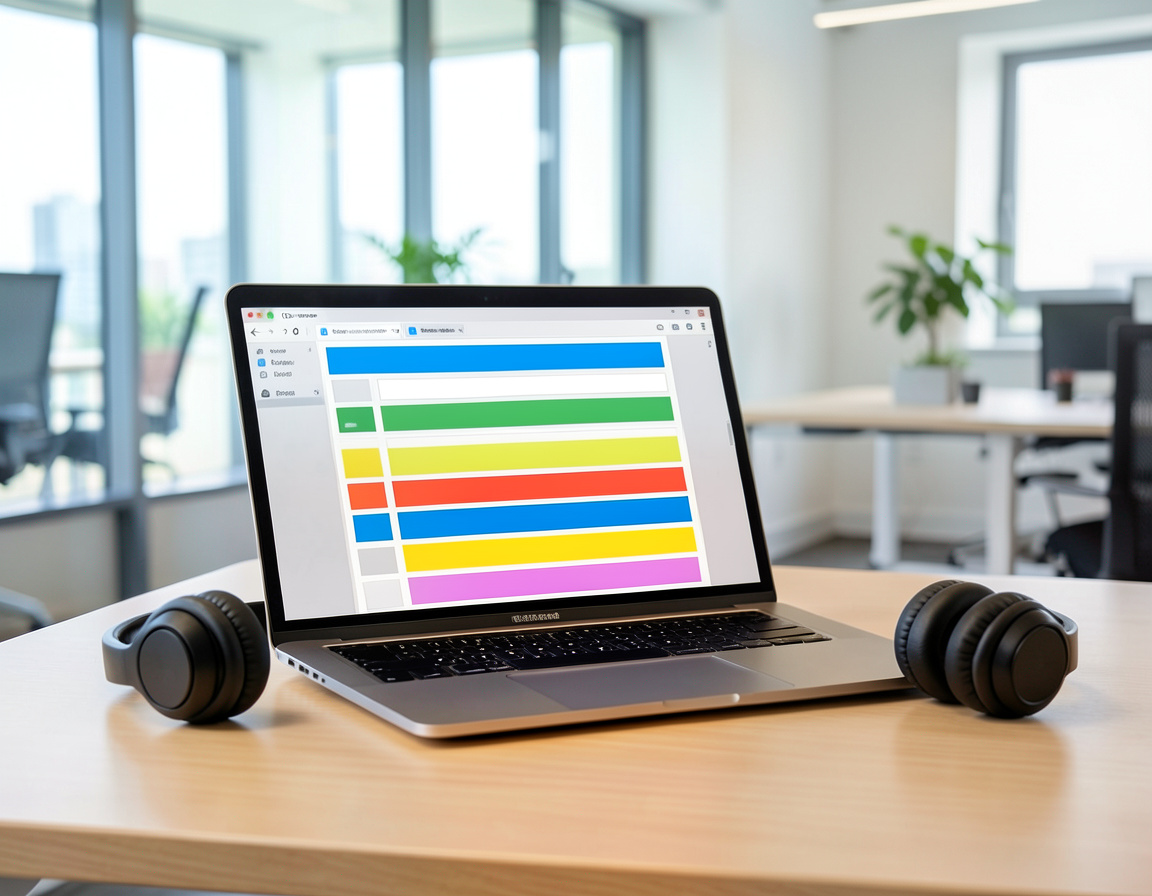
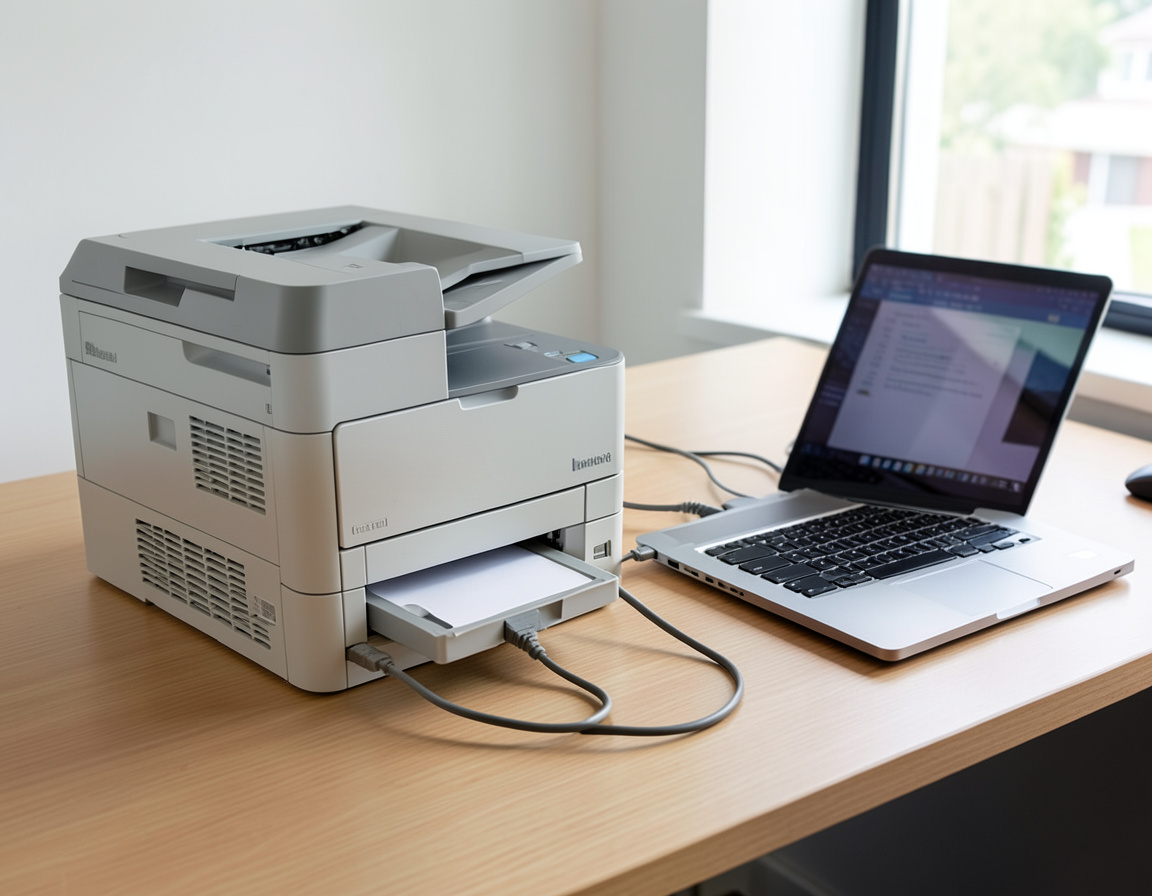

Support Specs.
Compatibility and Availability.
Common Questions
What if my internet is down?
Remote IT support requires an active internet connection. If your internet is down, we cannot connect remotely and will need to schedule an onsite visit.
Can you access my files later?
No. Our connection software uses a one-time session password. Once the session ends, the password expires. We cannot reconnect unless you initiate a new session.
Common remote desktop support requests
Most day-to-day computer problems can be solved in a remote desktop support session, as long as the computer starts and can reach the internet.
- Outlook problems. To fix Outlook remotely we repair or rebuild the mail profile, clear a corrupted offline cache, stop repeated password prompts after a security change and restore missing shared calendars or mailboxes.
- Printers and scanners. Driver conflicts, stuck print queues, and scan-to-email or scan-to-folder settings.
- Software errors. Updates that fail, programs that crash on start, and sign-in or activation problems.
- Slow computers. Startup programs, full disks and background tasks, plus a clear answer when the real fix is new hardware.
Can you remove a virus remotely?
Often, yes. Remote virus removal works when the computer is stable enough to stay online: malicious programs, browser hijacks, unwanted extensions and rogue scheduled tasks are cleaned out and security updates installed. If the infection blocks the connection, disables the remote tool or shows signs of ransomware, the safer path is to take the machine offline and repair it hands-on. After any cleanup, change important passwords from a different, clean device.
IT help desk services for small offices
For businesses, online tech support works best with a little structure. Each request is logged with the user, the device and the fix, so a problem that returns is recognized quickly and patterns, such as the same printer failing every week, become visible. We keep a simple record of each computer and its software, agree who in your company may approve changes, and never ask for passwords by email or chat.
Getting ready for a session
- Sit at the computer, signed in, with a working internet connection
- Have the admin password ready in case software needs to be installed
- Take a screenshot or photo of the error message
- Save and close the documents you are working on
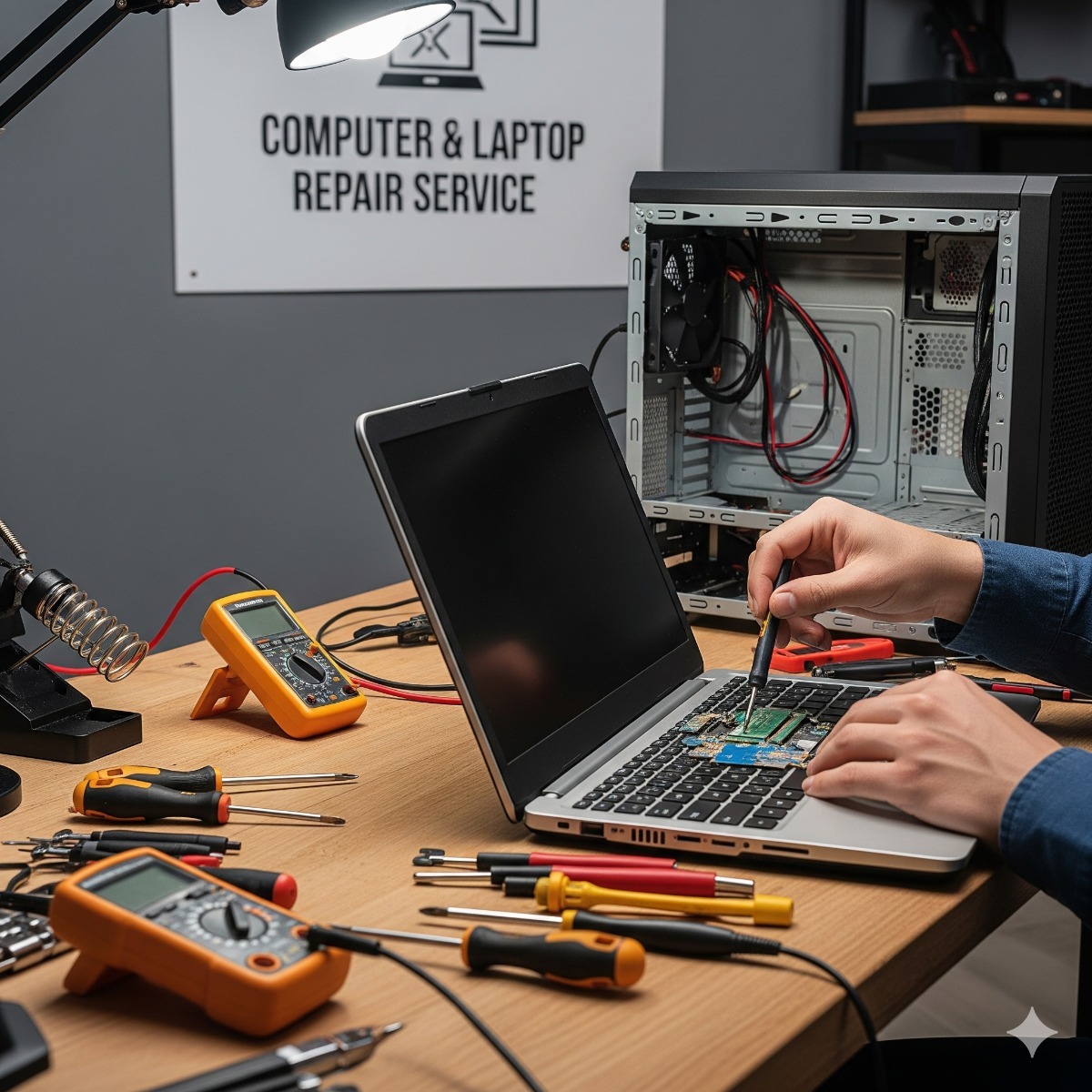
Related services: managed IT with help desk included, computer and laptop repair when remote help is not enough and moving email to Microsoft 365 or Google Workspace.
Residential IT support over a remote session
Remote computer support and services are not limited to office networks. The same approach works for residential IT support: a home computer where Outlook will not open, a printer that stopped scanning, pop-ups after a download or a laptop that has become slow. You approve the connection, watch every step and can end the session at any time, and the one-time session password means we cannot reconnect later unless you start a new session.
If the internet is down or the problem needs hands on the hardware, remote support cannot help, and an onsite visit is scheduled instead. Before a session, have the admin password ready, take a photo of the error message and save any open documents.
| Manufacturer | Computer Service Breeze |
|---|

Related Posts
-
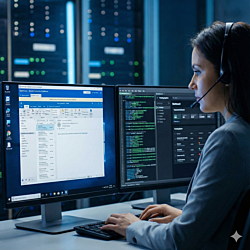


 Remote support is safe when you start the session, know who is on the other end and can end it at any time. This guide shows what a legitimate session looks like, the signs of a tech support scam and...
 -
 Paying per repair, paying a monthly fee or sharing the work with an in-house person: each IT support model fits a different kind of business. This guide compares break-fix, managed and co-managed IT...