
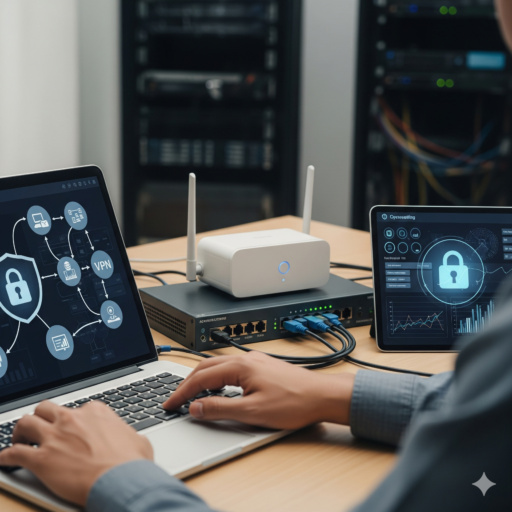
When a small business owner searches for cybersecurity services near me, it is usually because something happened: a phishing email that almost worked, a staff member's account that sent spam, or a customer who asked about data protection. The market is full of complex products and frightening sales pitches. Most small offices, though, are best protected by a clear, well-maintained baseline. This guide explains what that baseline covers and what a sensible provider looks at first.
What a baseline is, and what it is not
A security baseline is the minimum set of controls every device, account and network in your business should have. It is not a compliance program or an insurance policy. It is a practical list that closes the gaps attackers most commonly use against small businesses: stolen passwords, unpatched software, open networks and missing backups. Getting these right does more for small business cybersecurity than any single expensive tool.
1. Accounts and multi-factor authentication
Email and cloud accounts are the front door of a modern office. Multi-factor authentication stops most attacks that rely on stolen or reused passwords.
- Turn on multi-factor authentication for email, cloud storage, banking, accounting, domain registrar and hosting accounts.
- Prefer an authenticator app or security key over text messages where possible.
- Remove accounts for former employees on their last day, and review shared accounts.
- Give admin rights only to people who need them, and use separate admin accounts for daily work.
- Use a business password manager so staff are not reusing personal passwords.
2. Patch management
Unpatched software is one of the most common ways attackers get in. Good patch management means operating systems, browsers, office apps and firmware on routers, firewalls, printers and cameras are updated on a predictable schedule. A provider should also identify devices that no longer receive updates, such as computers stuck on an unsupported Windows version, and plan their replacement.
3. Endpoint protection
Every laptop and desktop needs current endpoint protection that is centrally visible, so someone notices when it is disabled or reports a threat. Add full-disk encryption on laptops, automatic screen locking and a way to locate or wipe a lost device. For phones that access company email, basic mobile device management keeps business data separate and removable.
4. Firewall and Wi-Fi segmentation
Many small offices still run on the router the internet provider installed, with a single Wi-Fi network shared by staff, guests, cameras and smart TVs. A proper business firewall with current firmware is the start. Then separate traffic:
- A staff network for company computers.
- A guest network that reaches the internet but nothing inside the office.
- A separate segment for cameras, printers and other devices that rarely get security updates.
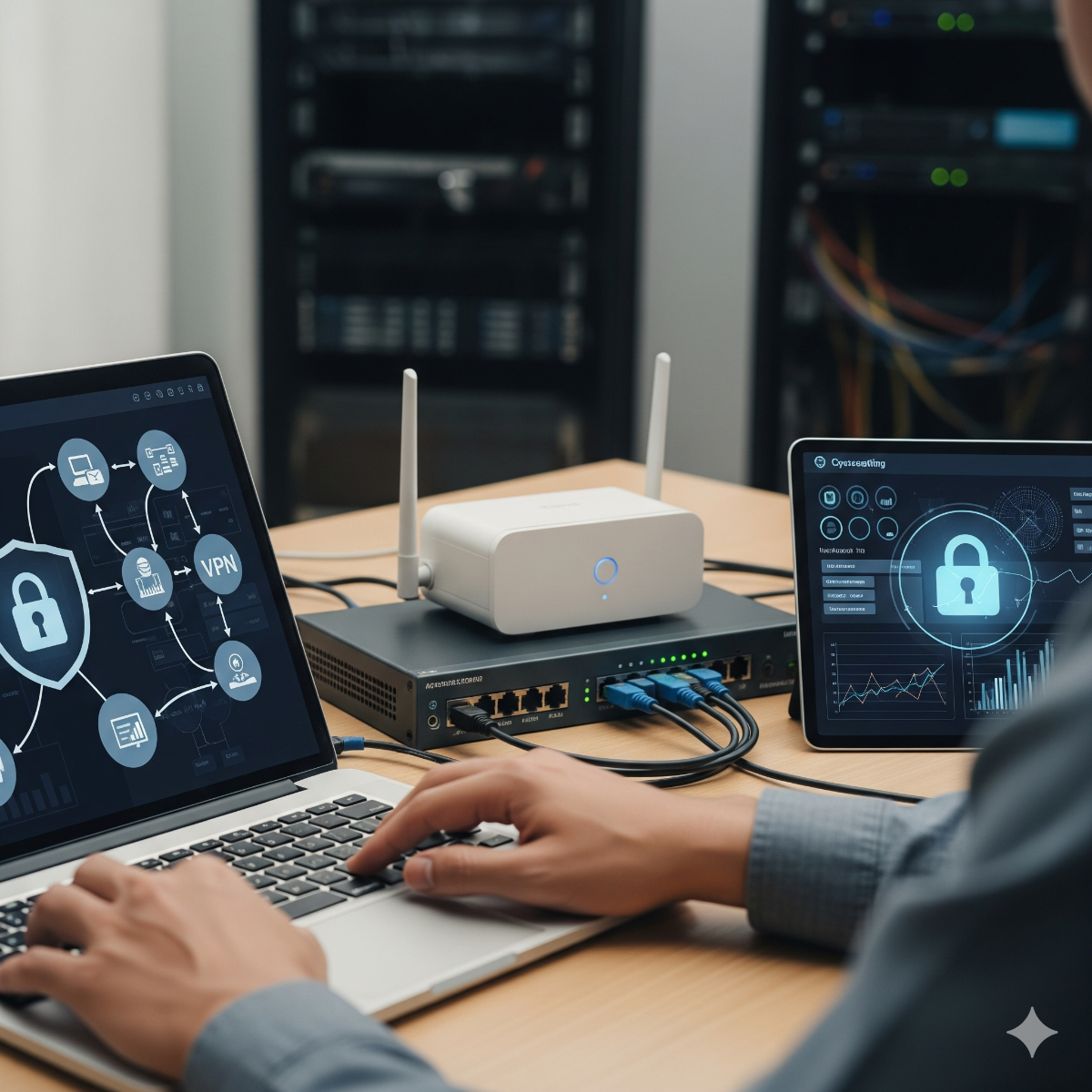
Wi-Fi segmentation limits the damage if one device is compromised. Remote staff should connect through a VPN rather than having office services exposed directly to the internet.
5. Tested backups
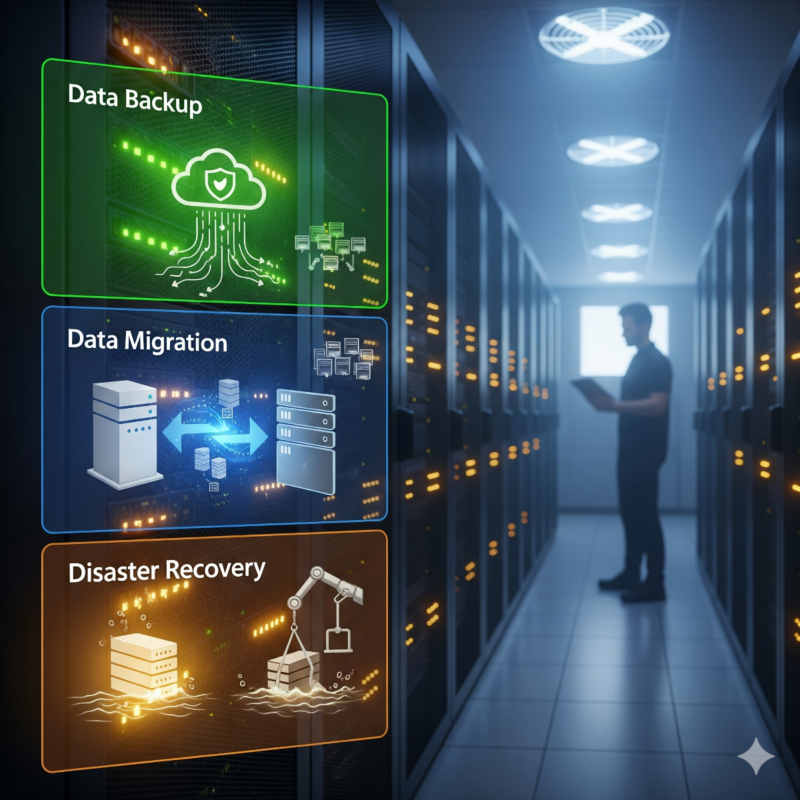
Backups are the difference between an inconvenient ransomware incident and a business-ending one. The key word is tested backups: a backup nobody has ever restored is only a hope.
- Keep at least one copy offsite or in the cloud, and one that cannot be modified or deleted from the office network.
- Include cloud data such as email and shared files, not just local servers.
- Restore a sample of files regularly, and occasionally a whole system, to confirm the process works and to know how long it takes.
6. Phishing awareness
Technology cannot stop every convincing email. Short, regular phishing awareness sessions teach staff to recognize fake invoices, urgent payment requests and login pages that imitate familiar services. Just as important is a simple rule: any request to change bank details or send money is confirmed by phone using a known number, never by replying to the email.
What a local provider should assess first
A good first visit is an assessment, not a sales presentation. For offices in Long Beach, Los Angeles and the South Bay, we usually start with:
- Which accounts lack multi-factor authentication, and who has admin rights.
- Devices with missing updates or unsupported operating systems.
- The firewall, router and Wi-Fi configuration, including default passwords and remote access settings.
- Whether backups exist, where they are stored and when a restore was last tested.
- Any services exposed to the internet that do not need to be.
The result should be a prioritized list: quick fixes that can be done immediately, and larger items such as hardware replacement that can be planned and budgeted. Our network setup, VPN and security service covers firewall, Wi-Fi segmentation and secure remote access for small offices in Long Beach and LA County.
Keeping the baseline in place
A baseline decays without attention. New staff join, devices are added, and settings change after updates. Review the checklist every quarter, and after any significant change such as an office move or a new cloud service. Written notes about who manages what make the review much faster.
Security Baseline FAQ
Is antivirus enough for a small office?
No. Endpoint protection is one layer. Without multi-factor authentication, updates, network segmentation and tested backups, a single stolen password or unpatched device can still cause serious damage.
How often should we test backups?
Restore a few files at least monthly and do a fuller restore test periodically, such as once or twice a year, so you know both that the data is there and how long recovery takes.
Do small businesses really get targeted?
Most attacks are automated and opportunistic. They look for weak passwords and unpatched systems regardless of company size, which is why a basic baseline matters so much.