

This is the last part of our series on WeavyAudio, the royalty-free background music platform for venues that our team at Breeze Professional IT Services designed, built, hosts and maintains. Parts 1 to 3 covered the catalog, the artist and track pages, and the tools a venue uses every day. Part 4 covers the business side and one related product.
First come the pages that turn visitors into customers: the subscription page with Stripe payments, a free music license cost calculator, the partner venues page and the blog. Then we move to Weavy Studio at studio.weavyaudio.com, a separate web app that turns lyrics into a finished song using the open YuE2 model, with full documentation and a REST API. Together these features show a complete product rather than just a player: clear pricing, legal clarity, useful content for search engines and a creative tool for making new music.
Simple Pricing: One Flat Fee per Location
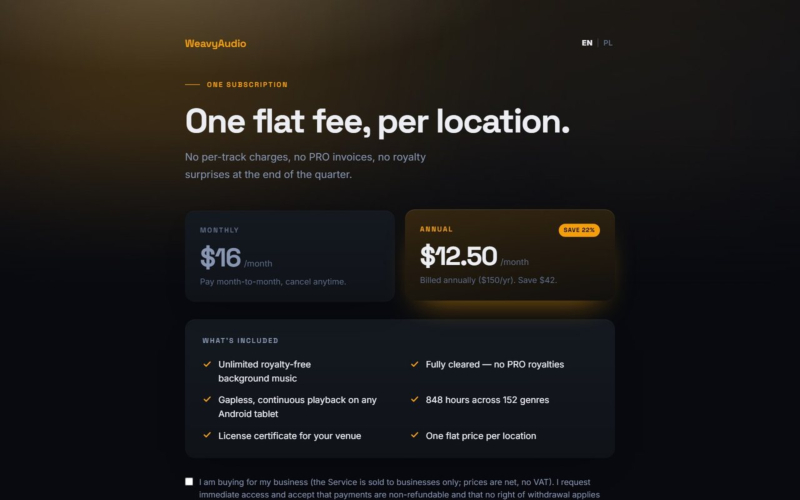
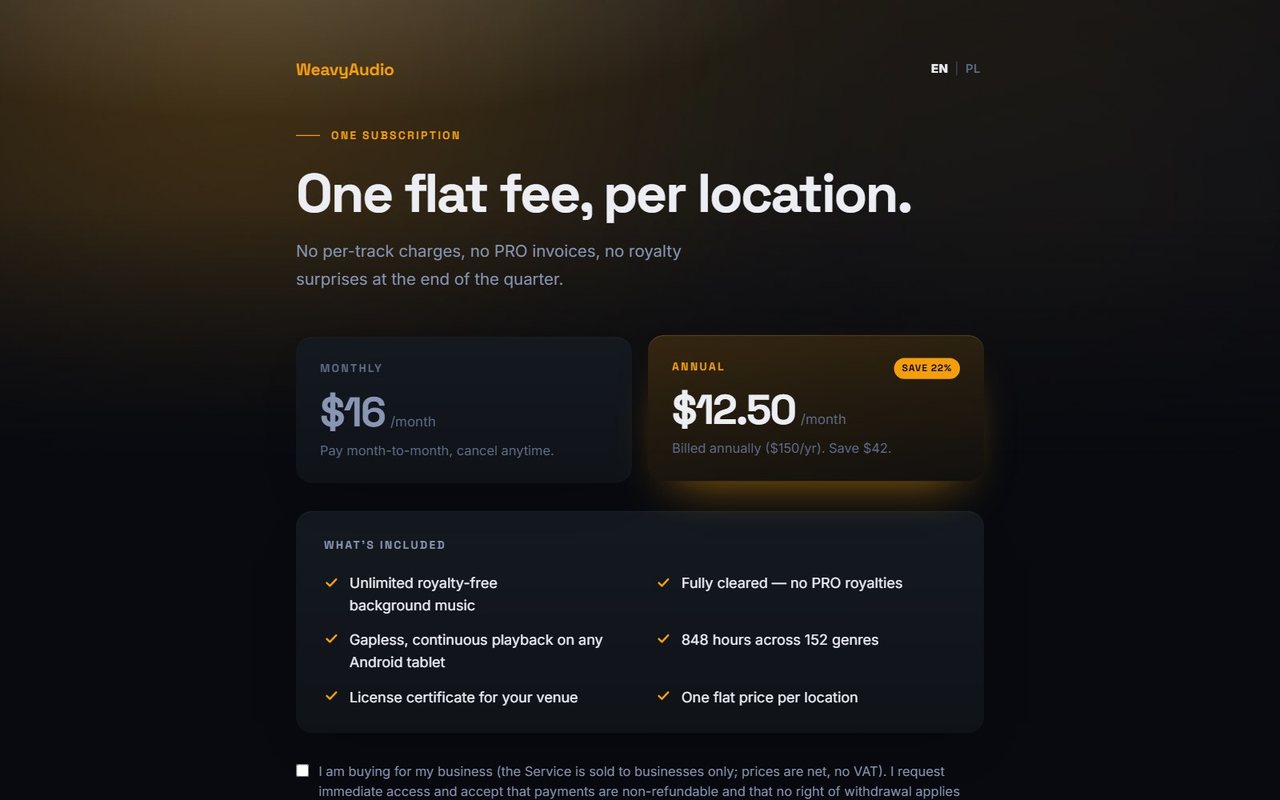
The subscription page keeps pricing to one idea: one flat fee, per location, with no per-track charges, no PRO invoices and no royalty surprises at the end of the quarter. There are two plans. Monthly is $16 per month, paid month to month and cancellable anytime. Annual works out to $12.50 per month, billed $150 per year, which the page shows as a 22% saving, or $42.
The What's included box lists unlimited royalty-free background music, full clearance with no PRO royalties, gapless continuous playback on any Android tablet, 848 hours across 152 genres, a license certificate for your venue and one flat price per location. Each active subscription gets the certificate as a downloadable PDF.
Payments go through Stripe. The page also makes the terms explicit: the service is sold to businesses only, prices are net in USD with no VAT, and the buyer confirms this with a checkbox before subscribing.
A Free Music License Cost Calculator
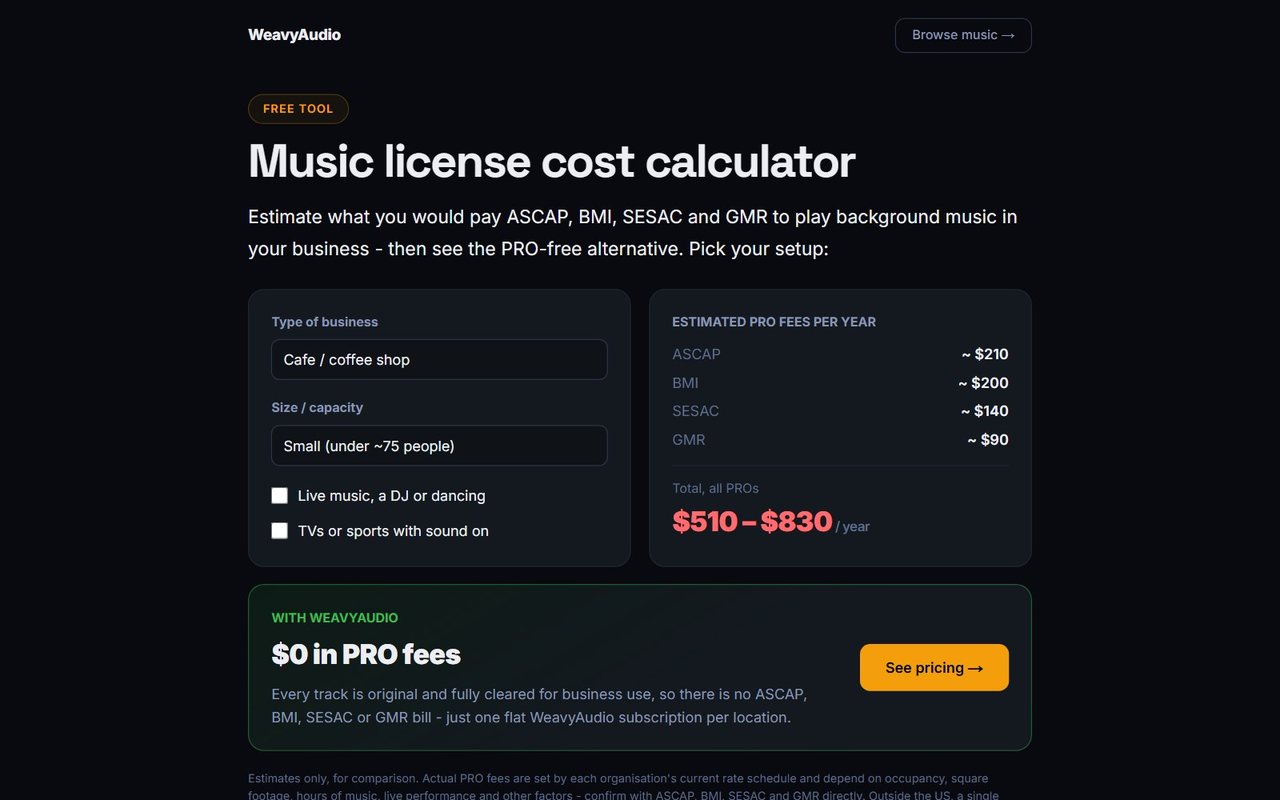
The music license cost calculator is a free tool that estimates what a business would pay ASCAP, BMI, SESAC and GMR to play background music, then shows the PRO-free alternative. You pick the type of business (café, restaurant, bar, gym, retail store, hotel, salon or spa), the size or capacity, and whether there is live music, a DJ or dancing, or TVs and sports with the sound on.
For a small café or coffee shop, the screenshot shows estimated yearly PRO fees of about $210 for ASCAP, $200 for BMI, $140 for SESAC and $90 for GMR, a total range of $510 to $830 per year. Below it, a green box shows $0 in PRO fees with WeavyAudio and a See pricing button.
The page is careful to say these are estimates only, for comparison, and that actual fees depend on each organization's rate schedule. Under the tool, a longer article answers common licensing questions, which gives the page lasting value in search.
A Partner Venues Page Venues Control Themselves
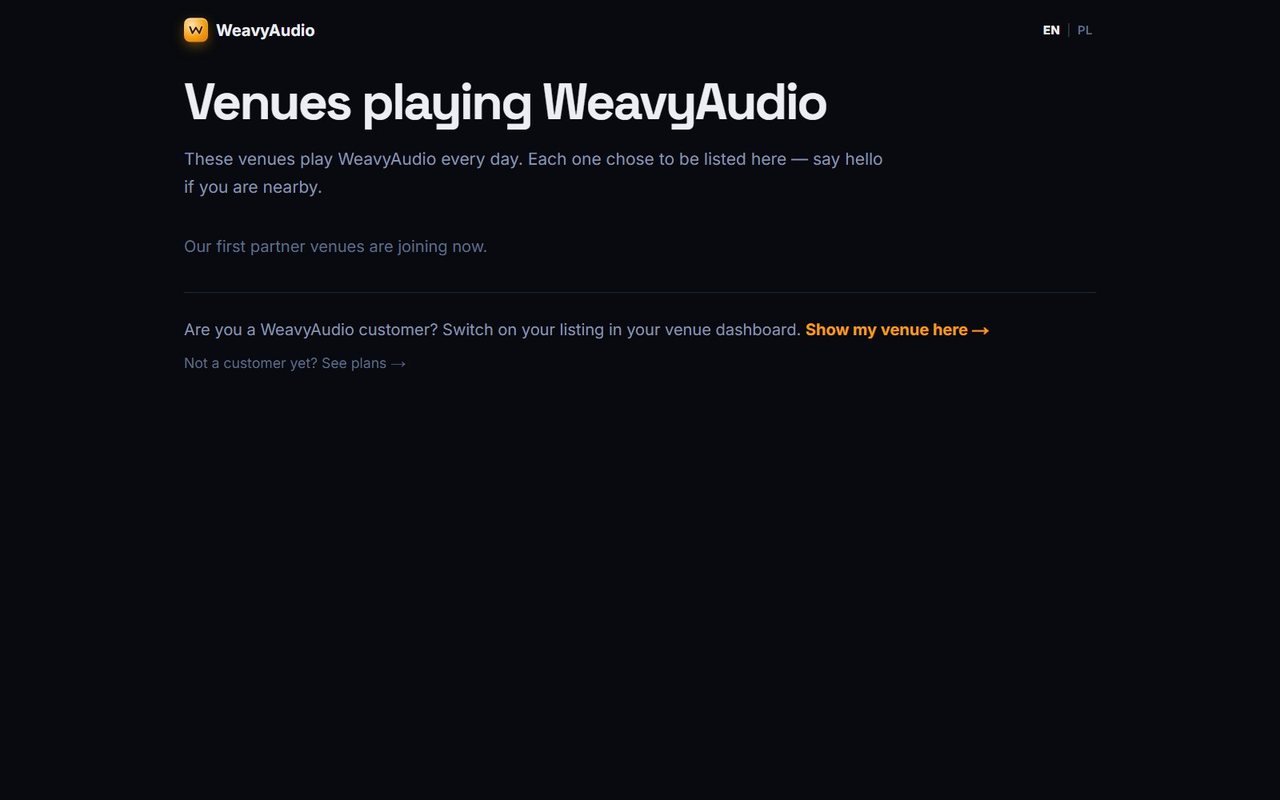
The partners page, "Venues playing WeavyAudio", is where subscribing venues can appear publicly. It explains that each listed venue chose to be there and invites visitors to say hello if they are nearby.
At the time of the screenshot, the page states that the first partner venues are joining now. Customers can switch on their own listing from their venue dashboard through a "Show my venue here" link, and visitors who are not customers yet get a "See plans" link.
The listing is opt-in by design. A business decides for itself whether to be shown, and it controls that from the same dashboard it already uses, with no emails back and forth. For venues, a listing is a small piece of free local visibility. For WeavyAudio, it is a page that grows on its own as more businesses switch their listing on, without anyone editing it by hand.
The Signal: A Blog for Venue Owners
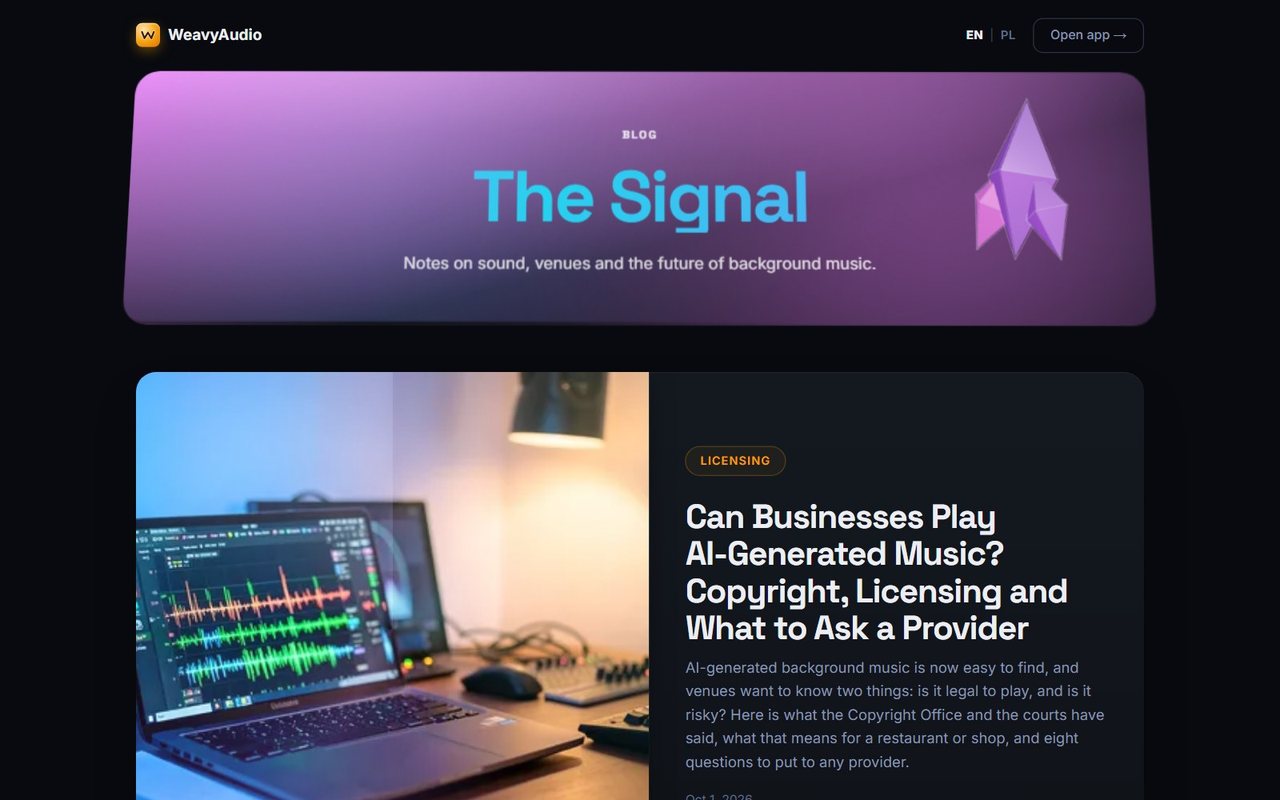
The WeavyAudio blog, The Signal, publishes "notes on sound, venues and the future of background music." Posts are tagged by type, such as Licensing, Playbook and Guide, and each one has a cover image, a headline, a short summary and a date.
The most recent posts at the time of the screenshot include a licensing article on whether businesses can play AI-generated music, a playbook on keeping explicit lyrics out of family-friendly venues, a guide to music for pop-up shops and market stalls, a guide to weekend brunch music for restaurants, and a playbook on keeping a consistent sound across multiple locations.
The blog answers real questions owners ask before they choose a music service, from licensing to day-to-day playlist decisions. Like the rest of the site, it has English and Polish versions, so the same practical advice reaches venue owners in both markets.
Weavy Studio: From Lyrics to a Finished Song
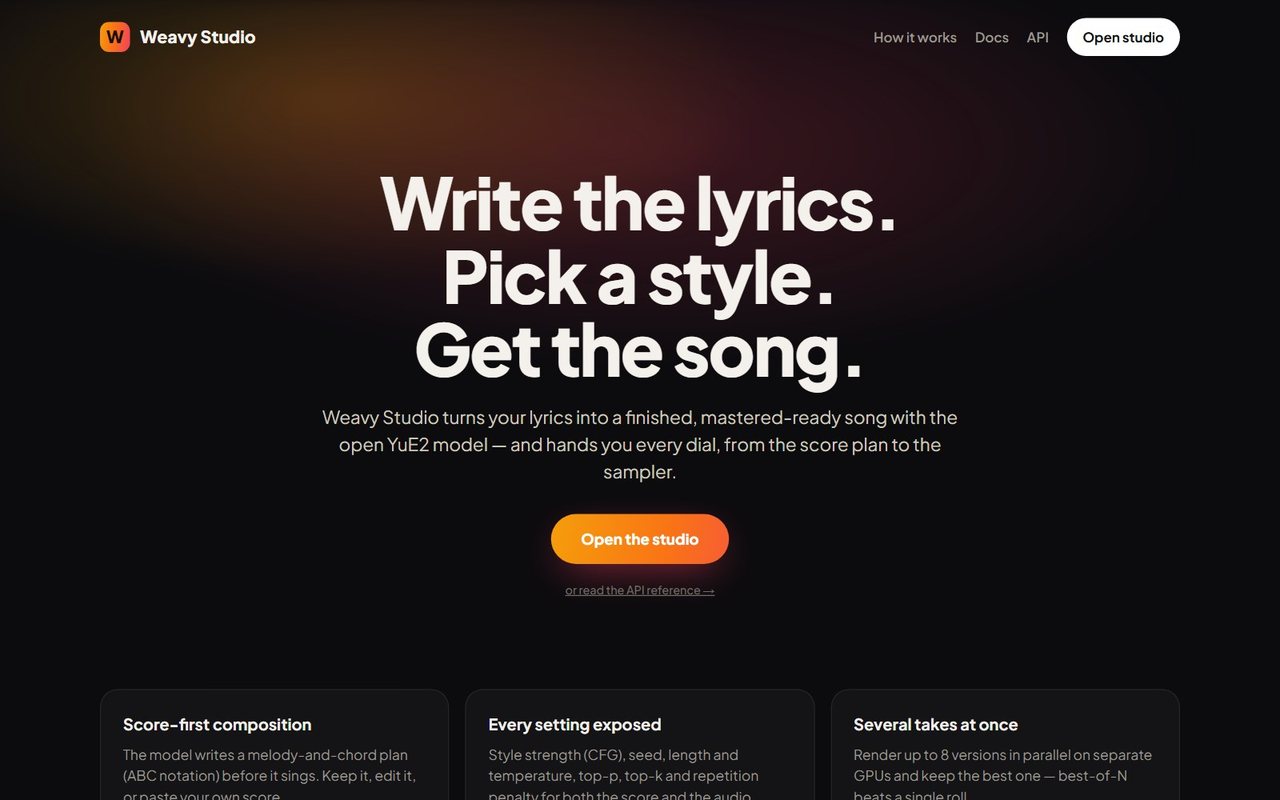
Weavy Studio is a separate web app at studio.weavyaudio.com, part of WeavyAudio. Its home page states the workflow in three short lines: write the lyrics, pick a style, get the song. According to the page, the studio turns lyrics into a finished, mastered-ready song with the open YuE2 model and hands you every dial, from the score plan to the sampler.
A single Open the studio button leads into the app, with a smaller link to the API reference for developers. The header adds How it works, Docs and API links, and the first feature cards start just below the fold.
Where the main WeavyAudio site is about playing music in a venue, the studio is about making it. Running it as its own app on its own subdomain keeps the venue player simple while giving music creators a dedicated tool with far more controls. The footer credits the website to Breeze Professional IT Services.
Studio Features: Score-First, Every Setting, Several Takes
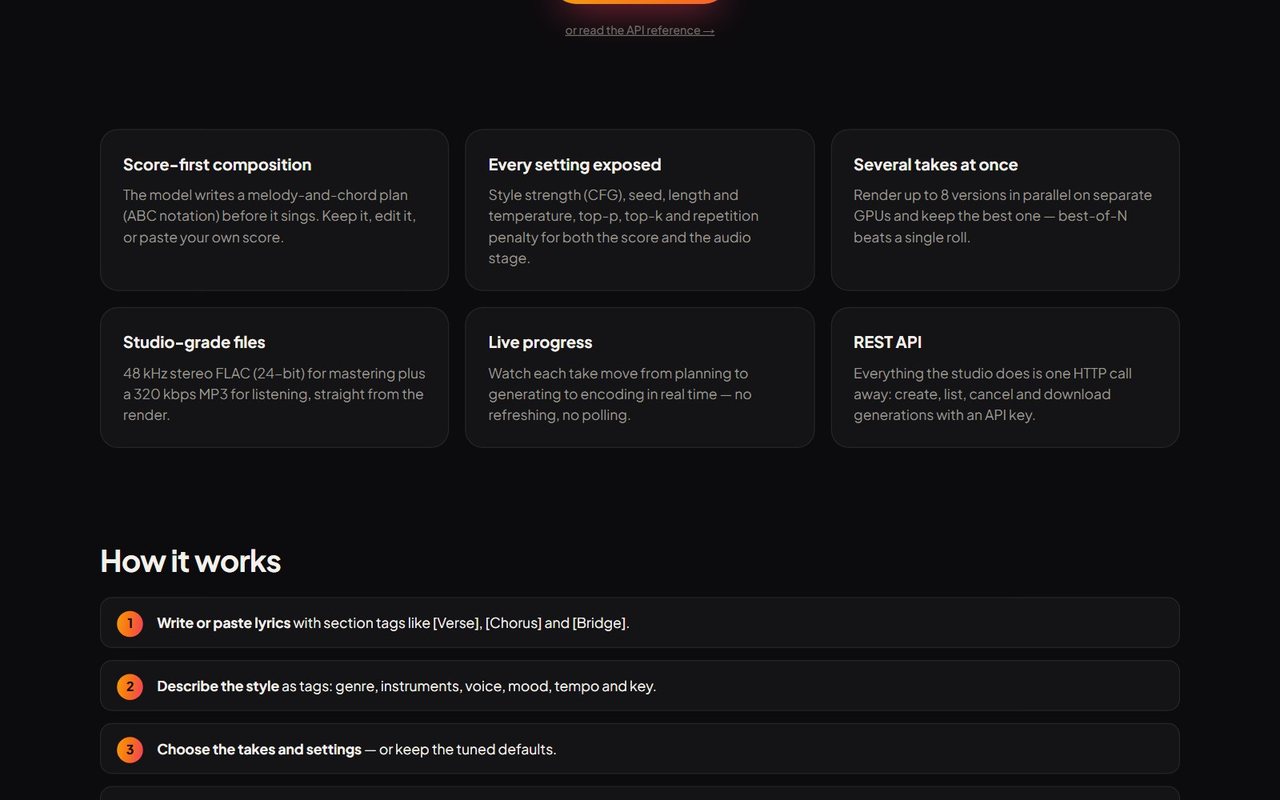
Six feature cards summarize what Weavy Studio does. Score-first composition: the model writes a melody-and-chord plan in ABC notation before it sings, and you can keep it, edit it or paste your own score. Every setting exposed: style strength (CFG), seed, length, plus temperature, top-p, top-k and repetition penalty for both the score and the audio stage.
Several takes at once: up to 8 versions render in parallel on separate GPUs, so you can keep the best one. Studio-grade files: 48 kHz stereo FLAC at 24-bit for mastering, plus a 320 kbps MP3 for listening. Live progress: each take moves from planning to generating to encoding in real time, with no refreshing. REST API: everything the studio does is one HTTP call away.
For a technical buyer, this list shows the kind of engineering involved: queuing GPU jobs, pushing live status to the browser and delivering large, high-resolution audio files.
How Weavy Studio Works in Four Steps
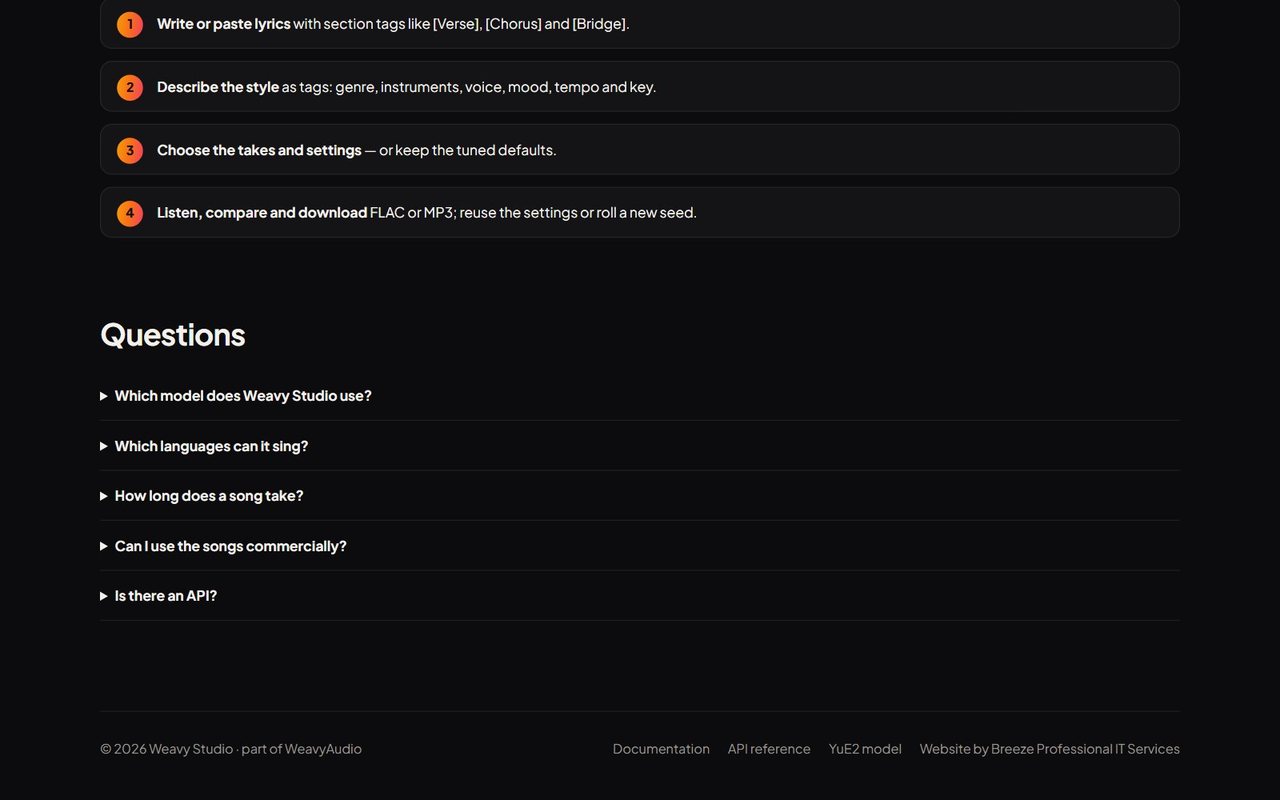
The How it works section breaks a song down into four steps. First, write or paste lyrics with section tags like [Verse], [Chorus] and [Bridge]. Second, describe the style as tags: genre, instruments, voice, mood, tempo and key. Third, choose the takes and settings, or keep the tuned defaults. Fourth, listen, compare and download FLAC or MP3, then reuse the settings or roll a new seed.
Below the steps, a Questions section lists the topics new users ask about: which model Weavy Studio uses, which languages it can sing, how long a song takes, whether the songs can be used commercially, and whether there is an API. Each question expands when clicked.
The goal of this page is to make a technical process feel approachable. Someone who has never heard of ABC notation or sampling temperature can still follow four plain steps and get a result, while advanced users can open every setting later.
Documentation for Every Part of the Studio
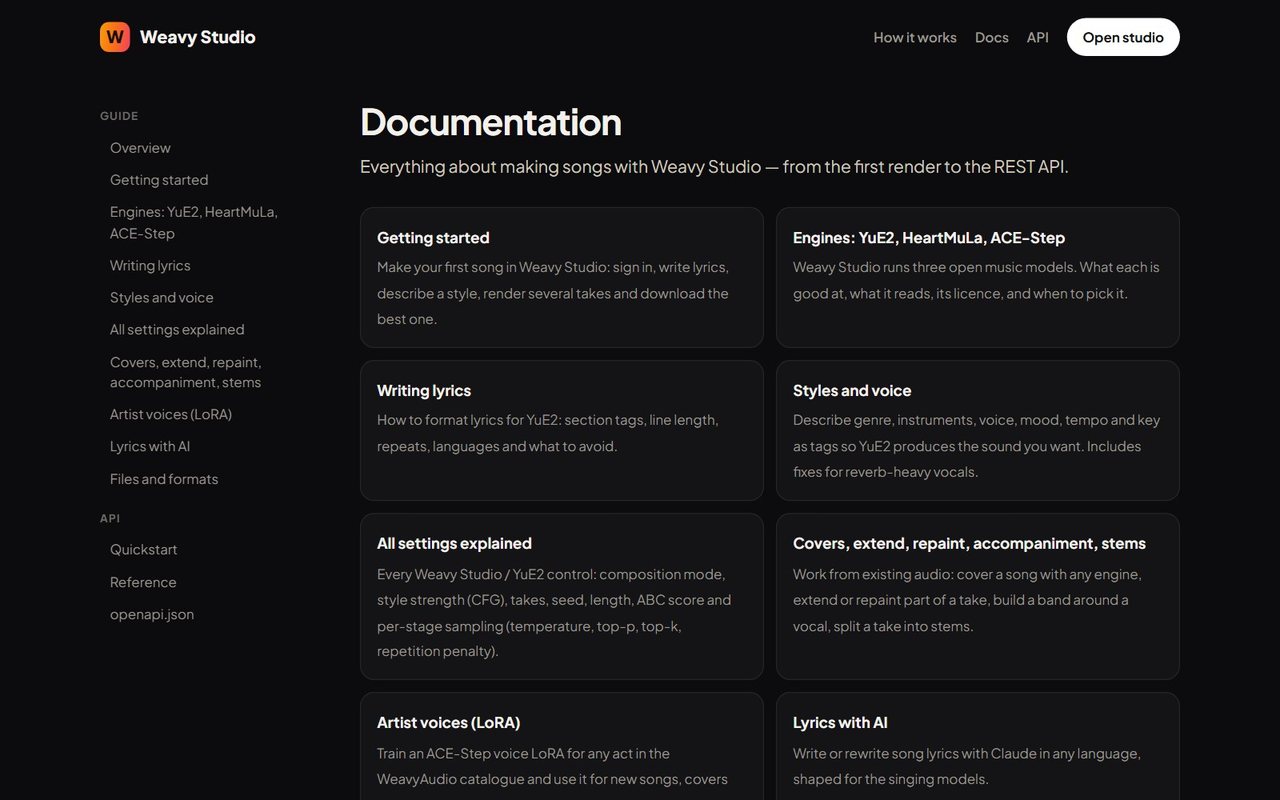
The documentation covers everything from the first render to the REST API. A sidebar splits it into Guide and API sections, and the main area shows a card for each topic.
Guide topics include Getting started; Engines, which explains that Weavy Studio runs three open music models (YuE2, HeartMuLa and ACE-Step) and when to pick each; Writing lyrics; Styles and voice, including fixes for reverb-heavy vocals; All settings explained; Covers, extend, repaint, accompaniment and stems, for working from existing audio; Artist voices (LoRA), for training an ACE-Step voice for any act in the WeavyAudio catalogue; Lyrics with AI, which uses Claude to write or rewrite lyrics in any language; and Files and formats. The API part has a quickstart, a full reference and the openapi.json file.
Good documentation is part of the product. It cuts down on support questions and lets a developer start working with the studio on their own.
A REST API With an OpenAPI 3.1 Reference
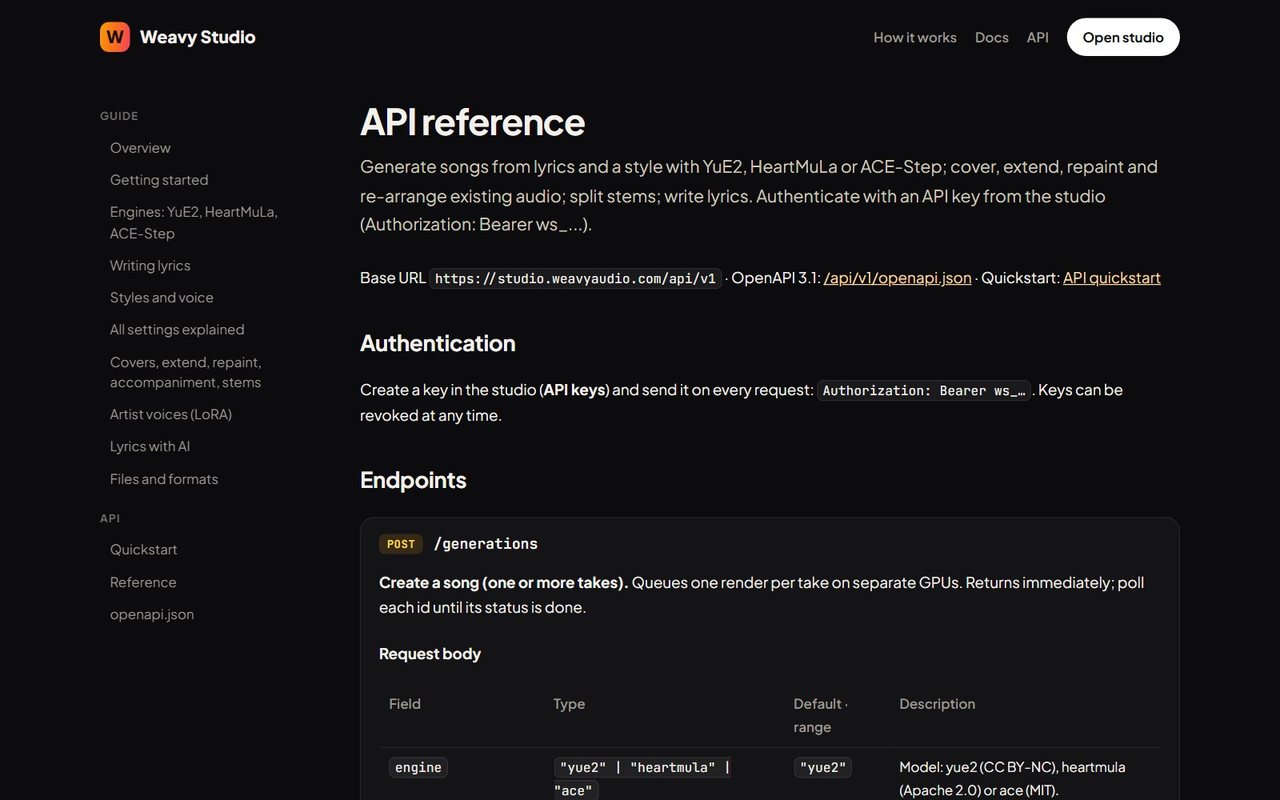
The API reference describes how to generate songs from lyrics and a style with YuE2, HeartMuLa or ACE-Step, work with existing audio, split stems and write lyrics over HTTP. The base URL is studio.weavyaudio.com/api/v1, and the reference is generated from an OpenAPI 3.1 document.
Authentication uses an API key created in the studio and sent as a Bearer token on every request; keys can be revoked at any time. The main endpoint, POST /generations, creates a song with one or more takes, queues one render per take on separate GPUs and returns immediately, so the client polls each id until it is done. The request body table lists fields such as engine, title, style, lyrics, takes and seed, and shows each engine's licence: CC BY-NC for YuE2, Apache 2.0 for HeartMuLa and MIT for ACE-Step.
Other endpoints list, fetch and delete generations, with documented error responses including an hourly limit.
That completes our four-part tour of WeavyAudio, from catalog and discovery through artists, albums and tracks and venue tools to licensing, pricing and Weavy Studio. Part 3, on music tools for venues, comes right before this one.
If you need a custom web platform, a music-streaming-style portal, a subscription site with online payments or a well-built business website, Breeze Professional IT Services can design, build, host and maintain it. Contact us to talk about your project.
This project was designed, built and is hosted by our team. See the overview in Our Newest Project: WeavyAudio, the WeavyAudio project page and our other projects, or contact us about your own platform.
WeavyAudio feature series
- Part 1: WeavyAudio Case Study, Part 1: Catalog and Music Discovery
- Part 2: WeavyAudio Case Study, Part 2: Artists, Albums and Tracks
- Part 3: WeavyAudio Case Study, Part 3: Music Tools for Venues
- Part 4: WeavyAudio Case Study, Part 4: Licensing, Pricing and Weavy Studio (you are here)


