
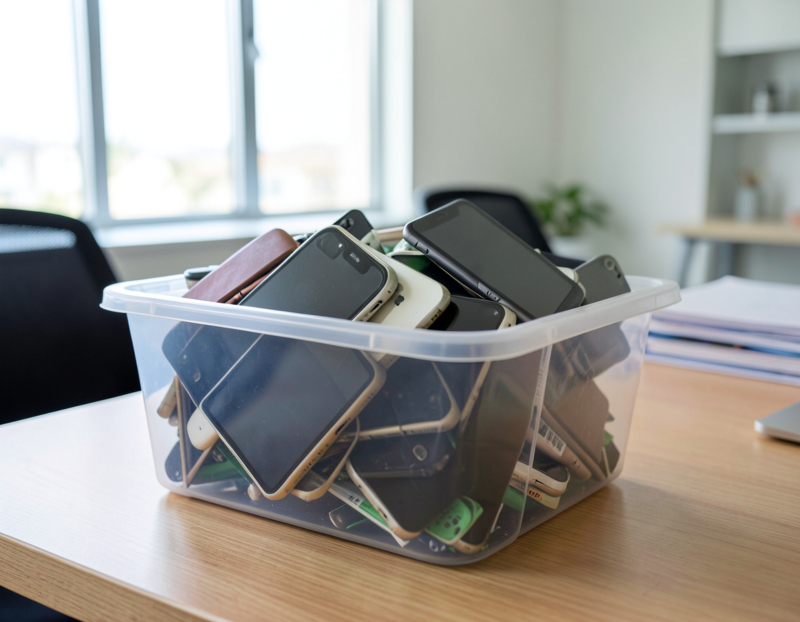

Short answer: yes, every time, including the cracked phone at the back of the drawer. A company phone holds email, text messages, client photos, authenticator apps and saved passwords, and it is usually still attached to company accounts. The wipe itself takes a few minutes; what protects you is doing the handful of steps around it in the right order. This is the practical version for a business. Our in-depth guide to retiring company phones and tablets with MDM, Activation Lock and wipes covers the administrator side in detail.
Do I need to wipe my phone before recycling it?
Always. Recyclers, refurbishers and buyers switch devices on, and a phone that still opens to its home screen is an open filing cabinet. For a business there is a legal angle as well: California Civil Code section 1798.81 expects businesses to take reasonable steps to make customer records with personal information unreadable when they are discarded, and a phone full of client messages and contacts is exactly that kind of record.
Is a factory reset enough?
On current iPhones, iPads and Android phones the storage is encrypted, so a full erase leaves the old data unreadable. What a reset does not do matters just as much:
- It does not release the phone from your device management, from Apple Business Manager or from Google's zero-touch enrollment.
- It does not remove Activation Lock or Factory Reset Protection if an account is still signed in, which leaves the phone locked for its next owner.
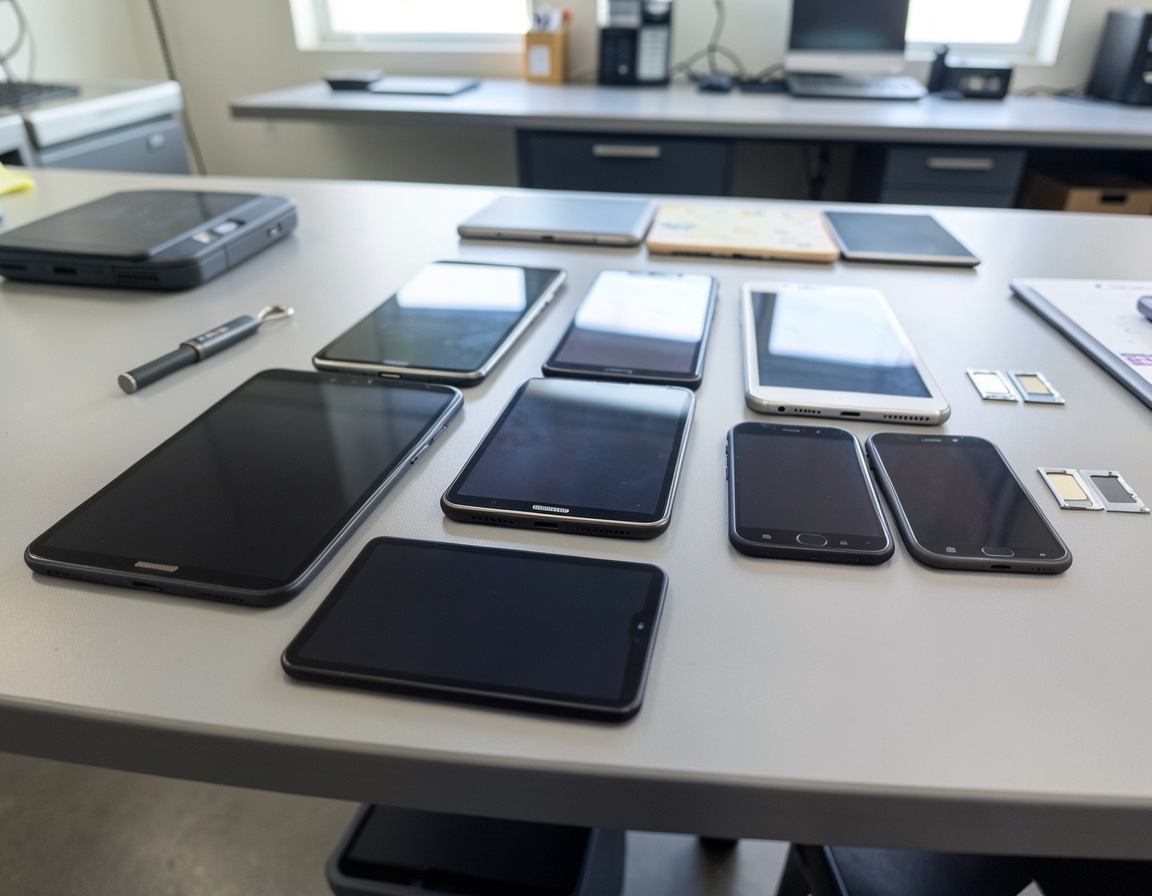
- It does not erase a microSD card or take out the SIM.
- It does nothing to the phone line, which lives on your carrier account.
So the reset is the last step, not the only one.
A short checklist for company phones
- Record it. IMEI or serial number, last user and date.
- Save what the business needs. Move sign-in codes and authenticator apps to another device, and make sure work photos and notes have reached a shared folder.
- Release it from management. Your administrator wipes or retires the device in the MDM and releases company-owned phones from Apple Business Manager or zero-touch.
- Sign out of every account. On an iPhone, signing out of the Apple Account also turns off Find My. On Android, remove the Google account; on Samsung phones, remove the Samsung account as well.
- Remove the SIM card and any microSD card, then deal with the eSIM. Apple's erase screen gives you the option of removing the eSIM at the same time. On Android, remove the eSIM profile in the SIM settings unless your carrier advises otherwise.
- Erase it. On an iPhone: Settings, General, Transfer or Reset iPhone, Erase All Content and Settings. On Android the reset sits in Settings, though the path varies by manufacturer; on Samsung phones it is General management, Reset, Factory data reset.
- Check the result. The phone should start at the first setup screen without asking for anyone's account, and it should have disappeared from your management console and from the Apple Account device list.
What about iPads and tablets?
The same steps apply. Company iPads often serve as shared devices at a front desk, a check-in kiosk or a point-of-sale counter, and they may have been enrolled by a vendor rather than by your own IT team. Find out who holds the Apple Business Manager and MDM access before you start, because without it the tablet stays locked to your organization. Cellular tablets carry a SIM or eSIM too. For iPad recycling for business, Apple runs trade-in programs, including one for business customers, and recycles Apple devices that do not qualify for credit. Rugged Android tablets and handheld scanners sometimes need the manufacturer's own tool for a complete reset.
What if the phone will not turn on?
Then it cannot be wiped. Its storage is still encrypted, but nobody can confirm an erase, so keep it with your other data-bearing items and send it for physical destruction. If the battery is swollen, do not charge it or press on it, and store it on its own, away from anything that burns.
Can I sell an old business phone instead of recycling it?
Often, if the model is recent and in good condition. Before you sell an old business phone, check that any device installment balance on the business account is settled, ask the carrier to unlock it if it is carrier-locked, and complete every step above. A phone that is unlocked, signed out of every account and erased is far easier to sell than one that is not. Carrier and manufacturer trade-ins, resellers and IT asset disposition are all possible routes. If an employee wants to keep a phone, handle it as a sale or gift of company property and follow the same steps.
Where can a business recycle phones in Long Beach?
For a handful of handsets, retailers are one option: California's Cell Phone Recycling Act requires stores that sell cell phones to take back a phone they sold, or a used phone when a customer buys a new one, at no cost to that customer. The City of Long Beach's e-waste advice is aimed at households, and Los Angeles County's collection centers turn away business e-waste at their regular collections, so neither is a route for a company. For phone recycling in Long Beach at business scale, a drawer of devices is better handled by an e-waste recycler or an IT provider that keeps a record for every device. Remember that lithium-ion batteries may not go in the trash in California.
What records should we keep?
A simple log for company phone disposal: IMEI or serial, last user, the steps completed, the date, who did them and where the device went. It takes a minute per phone, and it becomes the core of a mobile device disposal policy that answers the question a client, auditor or insurer may ask later.
Frequently asked questions
Does a factory reset erase the SD card?
No. A microSD card is separate storage and keeps its contents after the phone is reset. Take it out, then erase it for reuse or destroy it.
Should I remove the battery before recycling a phone?
No. Modern phone batteries are sealed in, and prying one out can puncture the cell and start a fire. Leave the battery where it is, and if a device is damaged or swollen, keep it apart from the others when you hand it over.
Do I need to cancel the phone line before recycling the phone?
Not necessarily. The number sits on your carrier account and the handset is just hardware, so decide separately whether to cancel it, keep it on another device or port it to a new provider. Cancel only after anything that sends codes to that number has been moved.
Clearing out a drawer of company phones, iPads or scanners around Long Beach or the Harbor area? The process is described on our business phone and tablet recycling page; devices that may be worth selling fit under IT asset disposition, while memory cards and phones that cannot be wiped belong with secure data destruction. Request a quote with a device count by type and the name of your management platform, and we can discuss the release steps with your administrator.